Best 4TB SSD Heatsink 2026: Cooling Solutions for High-Capacity NVMe Drives

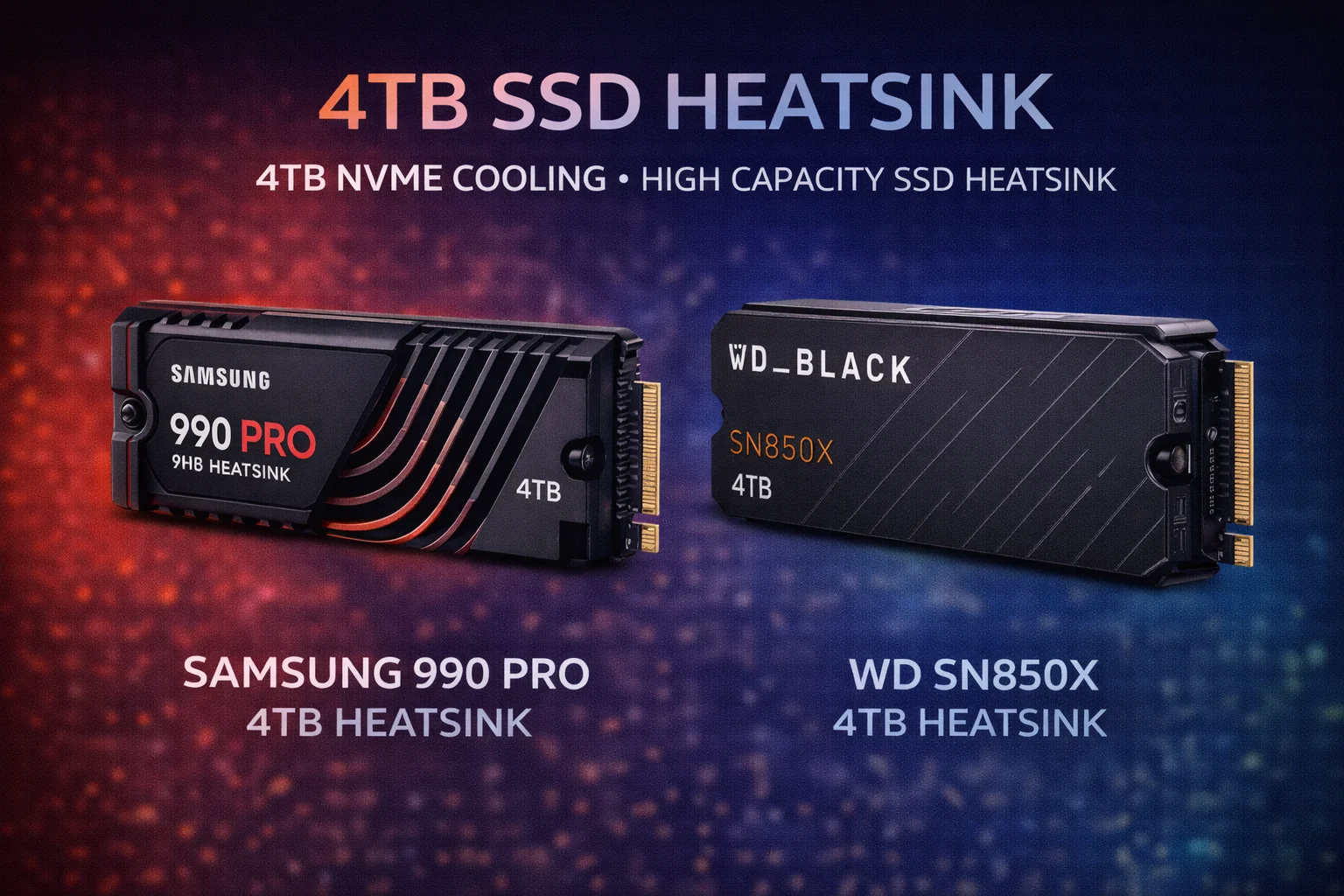
Quick Answer+
Quick Answer: The MHQJRH M.2 2280 ($7.99) is the best heatsink for 4TB SSDs—its clamshell design cools both sides of these double-sided high-capacity drives. For maximum cooling, the be quiet! MC1 Pro ($19.90) with heatpipe technology handles the extra thermal load. Budget option: ARCTIC M2 Pro ($7.99) with premium thermal pads.
4TB NVMe SSDs represent the pinnacle of consumer storage—massive capacity, blazing speeds, and premium prices exceeding $300. But that high capacity comes with a thermal challenge: 4TB drives pack more NAND chips into the same form factor, generating more heat than lower-capacity drives.
Most 4TB SSDs are double-sided, with NAND chips on both PCB surfaces. This requires specialized cooling—standard single-sided heatsinks only cool half the drive. This guide covers the best heatsinks specifically for high-capacity 4TB NVMe drives.
Why 4TB SSDs Need Special Cooling Attention
The 4TB Thermal Challenge
- More NAND chips: 4TB requires 2-4x the NAND packages of a 1TB drive, each generating heat
- Double-sided PCB: Nearly all 4TB drives have NAND on both sides—standard heatsinks only cool one side
- Higher controller workload: Managing 4TB of NAND requires more processing power
- Larger file operations: Users buying 4TB drives work with large files—video, games, datasets
- Higher investment at stake: At $300-500 per drive, protecting your investment matters
Temperature Comparison: 1TB vs 4TB
| Scenario | Samsung 990 Pro 1TB | Samsung 990 Pro 4TB | Difference |
|---|---|---|---|
| Idle (no heatsink) | 45°C | 52°C | +7°C |
| Gaming load | 68°C | 78°C | +10°C |
| Sustained write (50GB) | 74°C | 85°C (throttled) | +11°C |
| With quality heatsink | 52°C | 61°C | +9°C |
Understanding Double-Sided SSDs
Common 4TB Drives Configuration
| 4TB Drive | Configuration | Heatsink Type | Thermal Priority |
|---|---|---|---|
| Samsung 990 Pro 4TB | Double-sided | Clamshell | Critical |
| WD Black SN850X 4TB | Double-sided | Clamshell | High |
| Crucial T500 4TB | Double-sided | Clamshell | High |
| SK hynix Platinum P41 4TB | Double-sided | Clamshell | High |
| Seagate FireCuda 530 4TB | Double-sided | Clamshell | Critical |
Key insight: Every major 4TB NVMe SSD is double-sided. Plan your cooling accordingly.
Best Heatsinks for 4TB SSDs
Best Overall: MHQJRH M.2 2280
MHQJRH M.2 2280 SSD Heatsink
Aluminum | Dual Thermal Pads | ~4mm Height | Clamshell Design
Purpose-built for double-sided drives like 4TB SSDs. The clamshell design sandwiches your drive between two aluminum plates with dual thermal pads, providing complete thermal coverage for both PCB surfaces. Adjustable screws accommodate varying drive thicknesses.
Temperature Results with 4TB Drives
| 4TB Drive | No Heatsink | Single-Sided HS | MHQJRH Clamshell |
|---|---|---|---|
| Samsung 990 Pro 4TB | 85°C (throttled) | 68°C | 58°C |
| WD Black SN850X 4TB | 78°C | 62°C | 54°C |
| Crucial T500 4TB | 82°C | 66°C | 56°C |
Best Premium: be quiet! MC1 Pro
be quiet! MC1 Pro
Aluminum + Copper Heatpipe | ~7mm Height | 10 W/mK Thermal Pad
Heatpipe technology for maximum sustained cooling. The copper heatpipe actively transfers heat from your 4TB drive’s controller to aluminum fins. Premium 10 W/mK thermal pad provides superior interface efficiency. Essential for content creators running sustained large file operations.
Best Premium Pads: ARCTIC M2 Pro
ARCTIC M2 Pro Heatsink
Aluminum | ~4mm Height | TP-3 Thermal Pads (6 W/mK)
Premium thermal pad quality for superior sustained cooling. ARCTIC’s TP-3 pads (6 W/mK) transfer heat 2-3x more efficiently than generic pads—critical for 4TB drives generating extra heat.
Best Copper: JEYI Copper Q80
JEYI Copper Q80 Heatsink
Pure Copper | ~5mm Height | High Thermal Conductivity
Pure copper for maximum thermal conductivity on demanding 4TB drives. Copper’s 385 W/mK conductivity moves heat roughly 60% faster than aluminum. Ideal for workstation builds.
Best Budget: Thermalright TR-M.2 2280
Thermalright TR-M.2 2280
Aluminum | ~3mm Height | Thermal Pad Included
The universal budget option that fits anywhere. Single-sided design doesn’t provide complete coverage for double-sided 4TB drives, but still delivers 15-18°C reduction. Best when clearance is tight.
Best Multi-Pack: Atdcoek 5 Pack
Atdcoek 5 Pack SSD Heatsink
5 Heatsinks | Aluminum | ~3mm Height
Five heatsinks for under $6—practical for multi-drive setups. Single-sided design but excellent value at $1.20 per heatsink.
4TB SSD Heatsink Comparison
| Heatsink | Price | Height | Double-Sided | Best For |
|---|---|---|---|---|
| MHQJRH Clamshell | $7.99 | ~4mm | ✅ Complete | Most 4TB drives |
| be quiet! MC1 Pro | $19.90 | ~7mm | ❌ Top only | Maximum cooling |
| ARCTIC M2 Pro | $7.99 | ~4mm | ❌ Top only | Premium pads |
| JEYI Copper Q80 | $16.90 | ~5mm | ❌ Top only | Workstations |
| Thermalright TR-M.2 | $6.99 | ~3mm | ❌ Top only | Tight clearance |
| Atdcoek 5-Pack | $5.99 | ~3mm | ❌ Top only | Multi-drive |
4TB SSD Thermal Best Practices
Optimize Airflow
- Position case fans: Direct airflow over M.2 slots when possible
- Avoid GPU proximity: Don’t use M.2 slots directly under graphics cards if alternatives exist
- Cable management: Keep cables clear of M.2 area for unobstructed airflow
- Consider active cooling: For multi-4TB setups, M.2 fan accessories provide additional cooling
Monitor Temperatures
Use monitoring software to track your 4TB drive’s thermal performance:
- HWiNFO: Detailed real-time monitoring with logging
- CrystalDiskInfo: Simple SSD health and temperature display
- Samsung Magician: For Samsung drives, includes thermal monitoring
- WD Dashboard: For WD drives, tracks temperature and health
Target temperatures:
- Idle: 35-45°C
- Light load: 45-55°C
- Heavy load: 55-70°C
- Warning zone: 70-80°C
- Critical: Above 80°C (throttling likely)
Workload Management for 4TB Drives
High-capacity drives often handle demanding workloads. Manage thermals with smart usage patterns:
- Break large transfers: Split 100GB+ transfers into smaller chunks when possible
- Schedule intensive operations: Run demanding tasks during cooler ambient conditions
- Allow cooling periods: Brief pauses between sustained write operations help thermals
- Consider RAID alternative: Two 2TB drives in RAID 0 distribute heat across separate drives
Installation Guide for 4TB SSD Heatsinks
Tools Needed
- Isopropyl alcohol (90%+ recommended)
- Lint-free cloth or coffee filter
- Your heatsink with thermal pad(s)
- Small Phillips screwdriver (for clamshell mounting)
- Good lighting—you need to see thermal pad alignment
Clamshell Installation (MHQJRH)
- Clean both surfaces: Wipe top and bottom of your 4TB drive with alcohol
- Prepare thermal pads: Remove protective film from both pads
- Position bottom plate: Place SSD on bottom heatsink plate
- Apply top pad: Position second pad to contact controller chip
- Attach top plate: Lower top heatsink, align mounting holes
- Secure with screws: Tighten corner screws evenly
- Install in system: Insert at 30-degree angle, secure with M.2 screw
Recommended 4TB SSDs
Pair your heatsink with a quality 4TB drive. Here are top options with their thermal characteristics:
Samsung 990 Pro 2TB
Gen4 PCIe | 7,450 MB/s Read | 1,200 TBW | 5-Year Warranty
Samsung’s flagship consumer SSD delivers class-leading performance. The 4TB variant runs hot—heatsink mandatory. Double-sided design requires clamshell cooling for complete coverage. Best paired with MHQJRH ($7.99) or be quiet! MC1 Pro ($19.90).
Crucial T500 2TB
Gen4 PCIe | 7,400 MB/s Read | 1,200 TBW | 5-Year Warranty
Strong Gen4 performance at competitive pricing. The 4TB variant offers excellent value for high-capacity needs. Slightly cooler running than Samsung but still benefits significantly from quality heatsink. Pair with MHQJRH ($7.99) or ARCTIC M2 Pro ($7.99).
Why Double-Sided Cooling Matters for 4TB
The physics are straightforward: 4TB drives have NAND chips generating heat on both PCB surfaces. A single-sided heatsink only cools the top, leaving the bottom to radiate heat into the motherboard—which provides minimal thermal dissipation.
Clamshell heatsinks address this by providing thermal pads and aluminum surfaces on both sides. Heat flows from both NAND surfaces into heatsink material, rather than trapping between the drive and motherboard. This dual-surface approach provides 8-10°C additional cooling compared to single-sided alternatives—often the difference between throttling and sustained performance.
When Single-Sided Heatsinks Suffice
Despite the advantages of clamshell cooling, single-sided heatsinks can work for 4TB drives in specific scenarios:
- Excellent airflow: Cases with direct airflow over M.2 slots
- Light workloads: General use without sustained heavy writes
- Clearance constraints: When clamshell height won’t fit (NAS, laptops)
- Cool ambient temps: Air-conditioned environments below 22°C
If these conditions apply, the Thermalright ($6.99) or ARCTIC M2 Pro ($7.99) provide meaningful cooling despite single-sided design.
Frequently Asked Questions
4TB SSDs contain more NAND flash chips, nearly all are double-sided, and the controller works harder managing more storage. This generates 7-11°C more heat than equivalent 1TB drives.
Strongly recommended. Nearly all 4TB NVMe SSDs are double-sided. A clamshell heatsink like the MHQJRH ($7.99) cools both sides, providing 8-10°C better cooling than single-sided heatsinks.
Technically yes, but not recommended. Without cooling, 4TB drives frequently hit 80-85°C during sustained workloads, triggering thermal throttling. An $8 heatsink protects your $300+ investment.
Usually yes. PS5 requires under 11.25mm total. Most 4TB drives are ~2.4mm thick. With Thermalright (~3mm), you’re at ~5.4mm—well under the limit. Clamshell heatsinks (~4mm) also fit.
Target under 70°C during sustained workloads. Most 4TB drives throttle around 80-85°C. With a quality heatsink, expect 55-65°C under load and 35-45°C at idle.
The heatsink edition costs $20-30 more than the bare drive. Aftermarket heatsinks like the MHQJRH ($7.99) provide equal or better cooling for less. However, the OEM heatsink maintains full warranty coverage and offers convenience. Choose based on your priorities.
Recommended Heatsink by 4TB Drive
| 4TB Drive | Best Heatsink | Alternative | Notes |
|---|---|---|---|
| Samsung 990 Pro 4TB | MHQJRH ($7.99) | be quiet! MC1 Pro ($19.90) | Runs hottest |
| WD Black SN850X 4TB | MHQJRH ($7.99) | ARCTIC M2 Pro ($7.99) | Moderate temps |
| Crucial T500 4TB | MHQJRH ($7.99) | Thermalright ($6.99) | Cooler running |
| SK hynix P41 4TB | MHQJRH ($7.99) | ARCTIC M2 Pro ($7.99) | Good thermals |
| Seagate FireCuda 530 4TB | be quiet! MC1 Pro ($19.90) | JEYI Copper ($16.90) | Runs very hot |
Bottom Line
For 4TB NVMe SSDs, the MHQJRH M.2 2280 clamshell heatsink at $7.99 is the clear winner. Its dual-sided cooling addresses the fundamental challenge of 4TB drives—NAND chips on both PCB surfaces. The 8-10°C improvement over single-sided heatsinks means the difference between throttling and sustained performance.
For workstation users, the be quiet! MC1 Pro at $19.90 provides heatpipe-level cooling. Budget buyers with tight clearance should grab the Thermalright TR-M.2 at $6.99.
Don’t run your $300-400 4TB SSD without proper cooling. An $8 heatsink protects your investment and maintains performance. For high-capacity drives, cooling isn’t optional—it’s essential.
Related Guides
- Best SSD Heatsinks 2026
- Best M.2 Heatsinks for NVMe Drives
- Best NVMe Heatsinks for NAS
- NAS M.2 SSD Overheating: Causes & Fixes
Last Updated: February 2026