Best GPU for i5-12400F: Budget Pairings That Make Sense (2026)

Quick Answer+
Quick Answer: The RX 7700 XT (~$400) is the best GPU for i5-12400F, offering excellent 1440p performance without bottlenecking. For tighter budgets, the Intel Arc B580 (~$290) provides outstanding 1080p value with 12GB VRAM. The i5-12400F handles GPUs up to RTX 4070 tier at 1440p without significant bottlenecks—beyond that, consider a CPU upgrade.
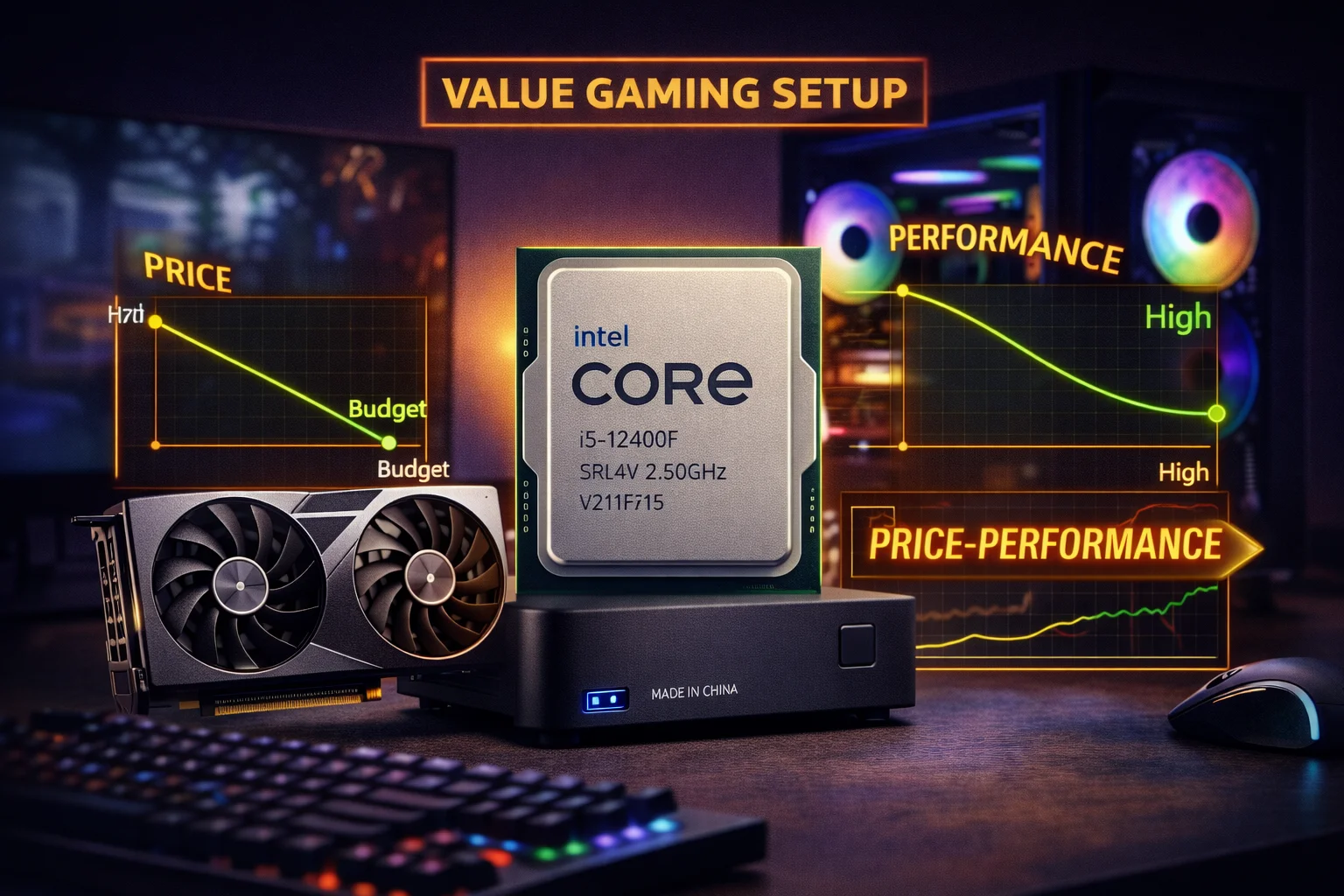
The Intel Core i5-12400F remains one of the most popular budget gaming CPUs even in 2026. At around $130, this 6-core, 12-thread processor delivers remarkable gaming performance for its price. But pairing it with the right GPU is critical—choose something too powerful and you’re wasting money; choose something too weak and you’re limiting your gaming experience unnecessarily.
This guide focuses on practical, budget-conscious GPU pairings for the i5-12400F. We’ll analyze where bottlenecks actually matter and help you build the most cost-effective gaming PC possible.
Quick Tools: Use our Bottleneck Calculator to check your specific CPU/GPU pairing, or try the FPS Calculator to estimate performance in your favorite games.
i5-12400F Gaming Performance Profile
The i5-12400F is based on Intel’s 12th-gen Alder Lake architecture, featuring only performance cores (no efficiency cores). This simpler design actually benefits gaming, as games prefer fast cores over many cores.
i5-12400F Key Specifications
- Cores/Threads: 6 cores, 12 threads (P-cores only)
- Base/Boost Clock: 2.5 GHz / 4.4 GHz
- L3 Cache: 18MB
- TDP: 65W (117W max turbo)
- Platform: LGA 1700 (DDR4 or DDR5)
- Price: ~$130
Gaming Strengths
Exceptional value: At $130, you get gaming performance that was flagship-tier just a few years ago. Dollar-for-dollar, it’s one of the best gaming CPUs available.
DDR4 compatibility: Unlike AMD’s Ryzen 7000, the 12400F works with affordable DDR4 memory, reducing total build cost significantly.
Low power consumption: The 65W TDP means you can use a modest cooler and power supply, further reducing costs.
Widely available motherboards: B660 and H670 boards are mature, affordable, and feature-rich.
Gaming Limitations
Lower clock speeds: The 4.4 GHz boost is modest compared to newer CPUs, creating bottlenecks with high-end GPUs.
No overclocking: Locked multiplier means you can’t squeeze extra performance through overclocking.
6 cores showing age: Some newer games utilize 8+ cores effectively, though most still run fine on 6.
PCIe 4.0 limited: No PCIe 5.0 support, though this rarely matters for gaming currently.
Best GPU for i5-12400F: Quick Recommendations
| Use Case | Best GPU | Price | Bottleneck |
|---|---|---|---|
| Best Overall | RX 7700 XT | $400 | 0-5% |
| 1440p Gaming | RTX 4060 Ti / RX 7700 XT | $400-450 | 0-5% |
| 1080p High Refresh | RTX 5060 Ti 8GB | $410 | 5-10% |
| 1080p Ultra | Arc B580 | $290 | 0% |
| 1080p Budget | RX 7600 | $275 | 0% |
| Entry Gaming | RX 6600 | $190 | 0% |
Note: The i5-12400F’s sweet spot is GPUs in the $200-$450 range. Above that, bottlenecks become meaningful and you should consider a CPU upgrade.
Best Overall: RX 7700 XT
ASRock RX 7700 XT Challenger
12GB GDDR6 | 192-bit | FSR 3 | PCIe 4.0 | 245W TDP
The perfect balance for the i5-12400F. Delivers strong 1440p performance with 12GB VRAM for future-proofing. Minimal CPU bottleneck at 1440p, excellent value proposition.
The RX 7700 XT represents the ideal pairing for the i5-12400F. At $400, it delivers excellent 1440p gaming performance—typically 70-100+ FPS at high settings in demanding titles. The 12GB VRAM ensures you won’t hit memory limitations in modern games, and FSR 3 frame generation is available in supported titles.
At 1440p, the i5-12400F keeps up admirably with the RX 7700 XT. You might see 0-5% CPU limitation in the most demanding scenarios, but this translates to maybe 3-5 FPS difference—imperceptible during actual gameplay. It’s the highest-performance GPU we’d recommend pairing with the 12400F without feeling like you’re leaving significant performance on the table.
RX 7700 XT + i5-12400F Performance
| Game | 1080p Ultra | 1440p High | 1440p Ultra |
|---|---|---|---|
| Cyberpunk 2077 | 85 FPS | 65 FPS | 55 FPS |
| Hogwarts Legacy | 95 FPS | 70 FPS | 55 FPS |
| Call of Duty MW3 | 160 FPS | 125 FPS | 100 FPS |
| Fortnite | 180 FPS | 140 FPS | 110 FPS |
| Spider-Man Remastered | 110 FPS | 85 FPS | 70 FPS |
Best 1080p Value: Intel Arc B580
ASRock Arc B580 Challenger
12GB GDDR6 | 192-bit | XeSS | PCIe 4.0 | 190W TDP
Intel’s value champion with a massive 12GB VRAM at under $300. Excellent 1080p performance, capable 1440p gaming. Driver maturity has improved dramatically in 2025/2026.
The Intel Arc B580 is a revelation for budget builders. At $290, you get 12GB of VRAM—matching cards costing $150+ more. Intel’s drivers have matured significantly since the rocky Arc A-series launch, and the B580 delivers consistent, competitive performance.
For i5-12400F owners targeting 1080p gaming, the Arc B580 is arguably the best choice. It handles 1080p ultra settings in virtually every game at 60+ FPS, often exceeding 100 FPS in esports titles. The massive VRAM buffer means you won’t encounter stuttering from texture streaming issues that plague 8GB cards.
XeSS (Intel’s AI upscaling) provides additional performance in supported games, though the library is smaller than DLSS or FSR. The 190W power draw is reasonable, and a 550W PSU handles this combo easily.
Alternative: Arc A770 16GB
ASRock Arc A770 Phantom Gaming
16GB GDDR6 | 256-bit | XeSS | PCIe 4.0 | 225W TDP
Previous-gen Intel with 16GB VRAM. Great for budget 1440p gaming if you find it on sale. Similar performance to B580 with more memory.
Best Budget: RX 7600
ASUS RX 7600 EVO
8GB GDDR6 | 128-bit | FSR 3 | PCIe 4.0 | 165W TDP
Solid 1080p ultra and entry 1440p performance at an excellent price. 165W power draw means minimal PSU requirements. Zero bottleneck with the i5-12400F.
The RX 7600 delivers impressive 1080p performance for under $275. It handles 1080p ultra settings at 60+ FPS in demanding games and easily exceeds 100 FPS in esports titles. For gamers who primarily play at 1080p, it’s hard to beat this value proposition.
The main limitation is the 8GB VRAM, which can become constrained in some newer titles at higher texture settings. If you plan to keep your GPU for 3+ years or want to game at 1440p eventually, consider the 12GB Arc B580 instead for $15 more.
Entry-Level: RX 6600
ASRock RX 6600 Challenger
8GB GDDR6 | 128-bit | FSR 2 | PCIe 4.0 | 132W TDP
The most affordable path to solid 1080p gaming. Handles most games at high settings 60+ FPS. Incredibly efficient at just 132W.
At under $190, the RX 6600 is the entry point for respectable 1080p gaming. It won’t max out every game, but it delivers 60+ FPS at high settings in the vast majority of titles. The 132W power draw means you can use a basic 450W power supply, further reducing build costs.
This is an excellent choice for budget builds, first-time PC gamers, or those upgrading from integrated graphics. The i5-12400F won’t bottleneck it at all—if anything, this pairing has CPU headroom for a future GPU upgrade.
NVIDIA Options
RTX 5060 Ti 8GB – New Gen Budget
ASUS TUF RTX 5060 Ti 8GB
8GB GDDR7 | 128-bit | DLSS 4 | PCIe 5.0 | 180W TDP
Entry-level Blackwell with DLSS 4 Multi Frame Generation. Excellent 1080p performance with modern AI features. The 8GB VRAM is limiting for 1440p.
The RTX 5060 Ti brings DLSS 4 to the budget segment. Multi Frame Generation can effectively double frame rates in supported titles, making this card punch well above its weight class. However, the 8GB VRAM limits its 1440p potential—consider this primarily a 1080p card.
With the i5-12400F, you might see 5-10% CPU bottleneck at 1080p high-refresh scenarios when DLSS frame generation pushes frame rates extremely high. At standard 60-120 FPS targets, the pairing works well.
RTX 5060 – Entry Blackwell
PNY RTX 5060 Epic-X
8GB GDDR7 | 128-bit | DLSS 4 | PCIe 5.0 | 150W TDP
The most affordable path to DLSS 4 and Blackwell architecture. Solid 1080p performance with AI upscaling. Very efficient at 150W.
RTX 3050 – Minimum NVIDIA
ASUS Dual RTX 3050 6GB
6GB GDDR6 | 96-bit | DLSS 2 | PCIe 4.0 | 70W TDP
Minimum viable for DLSS gaming. Only for extremely tight budgets—the RX 6600 offers much better value at $50 less.
Upper Limit: RTX 4070 / RX 7800 XT
We generally don’t recommend GPUs above the $500 tier with the i5-12400F, but if you’re planning a CPU upgrade soon, here’s what to expect:
ASUS Dual RTX 4070 (Renewed)
12GB GDDR6X | 192-bit | DLSS 3 | PCIe 4.0 | 200W TDP
The practical upper limit for the i5-12400F. Expect 5-15% CPU bottleneck at 1080p, minimal at 1440p. Consider this only if you plan to upgrade your CPU within a year.
The RTX 4070 pairs acceptably with the i5-12400F at 1440p (0-8% bottleneck) but shows more significant limitation at 1080p (10-15%). If you’re buying this tier of GPU, the CPU upgrade should be on your roadmap.
Bottleneck Analysis: i5-12400F Limits
The i5-12400F’s 4.4 GHz boost clock is respectable but can’t match modern gaming CPUs. Understanding where bottlenecks occur helps you make smart purchasing decisions.
Bottleneck by GPU Tier
| GPU | 1080p | 1440p | Recommendation |
|---|---|---|---|
| RTX 5080 / 4080 | 25-40% | 15-25% | Upgrade CPU first |
| RTX 5070 Ti / 4070 Ti | 18-28% | 10-18% | Not recommended |
| RTX 4070 Super | 15-22% | 8-15% | CPU upgrade needed |
| RTX 5070 / 4070 | 10-18% | 5-10% | Acceptable if upgrading soon |
| RX 7800 XT | 12-18% | 5-12% | Acceptable if upgrading soon |
| RX 7700 XT | 5-12% | 0-5% | Good pairing |
| RTX 5060 Ti | 5-10% | 0-5% | Good pairing |
| Arc B580 | 0-5% | 0% | Perfect pairing |
| RX 7600 | 0% | 0% | Perfect pairing |
| RX 6600 | 0% | 0% | Perfect pairing |
The Budget Builder’s Dilemma
Here’s the key insight for budget builders: if you’re considering a GPU above $500 with an i5-12400F, reconsider your priorities.
Option A: i5-12400F ($130) + RTX 4070 Super ($600) = $730 total, 15-22% CPU bottleneck at 1080p
Option B: Ryzen 5 7600X ($200) + RX 7700 XT ($400) = $600 total, 0-5% bottleneck
Option B costs $130 less, has virtually no bottleneck, and delivers similar real-world gaming performance. The “budget” CPU becomes a false economy when you pair it with high-end GPUs.
GPU Comparison: i5-12400F Pairings
| GPU | Price | VRAM | Best For | 12400F Rating |
|---|---|---|---|---|
| RX 7700 XT | $400 | 12GB | 1440p High | ★★★★★ |
| RTX 5060 Ti 8GB | $410 | 8GB | 1080p Ultra + DLSS | ★★★★☆ |
| RTX 5060 | $350 | 8GB | 1080p High + DLSS | ★★★★★ |
| Arc B580 | $290 | 12GB | 1080p Ultra | ★★★★★ |
| Arc A770 | $300 | 16GB | 1080p-1440p | ★★★★★ |
| RX 7600 | $275 | 8GB | 1080p High-Ultra | ★★★★★ |
| RX 6600 | $190 | 8GB | 1080p High | ★★★★★ |
| GTX 1660 Ti | $190 | 6GB | 1080p Medium-High | ★★★★☆ |
Complete Build Recommendations
Best Value 1440p Build (~$800)
- CPU: Intel i5-12400F (~$130)
- GPU: RX 7700 XT (~$400)
- Motherboard: B660 DDR4 (~$100)
- RAM: 16GB DDR4-3200 (~$40)
- Storage: 1TB NVMe (~$60)
- PSU: 650W Bronze (~$55)
- Cooler: Stock Intel cooler (included)
- Case: Budget tower (~$50)
This build delivers excellent 1440p gaming for under $850 total. The DDR4 platform keeps costs low while providing plenty of performance for the GPU tier.
Budget 1080p Build (~$550)
- CPU: Intel i5-12400F (~$130)
- GPU: Intel Arc B580 (~$290)
- Motherboard: B660 DDR4 (~$90)
- RAM: 16GB DDR4-3200 (~$35)
- Storage: 500GB NVMe (~$35)
- PSU: 550W Bronze (~$45)
- Cooler: Stock Intel cooler (included)
- Case: Budget tower (~$40)
Under $600 for a system that handles 1080p ultra gaming with 12GB VRAM for future-proofing. Outstanding value.
Entry Gaming Build (~$450)
- CPU: Intel i5-12400F (~$130)
- GPU: RX 6600 (~$190)
- Motherboard: H610 DDR4 (~$70)
- RAM: 16GB DDR4-3200 (~$35)
- Storage: 500GB NVMe (~$35)
- PSU: 450W Bronze (~$35)
- Cooler: Stock Intel cooler (included)
- Case: Budget tower (~$35)
A complete gaming PC for around $500. Handles 1080p high settings in virtually any game. Perfect for first-time builders or those on strict budgets.
Upgrade Path Considerations
The i5-12400F sits on the LGA 1700 platform, which supports 12th and 13th gen Intel processors. This creates a clear upgrade path:
- Budget upgrade: i5-13400F (~$200) – Adds E-cores, modest gaming improvement
- Mid-range upgrade: i5-13600K (~$280) – Significant gaming boost, requires better cooling
- High-end upgrade: i7-13700K (~$350) – Major improvement, handles any GPU
Alternatively, selling the 12400F + motherboard and moving to AM5 (Ryzen 7600X or 7800X3D) is a viable path that provides DDR5 and PCIe 5.0 support for longer-term use.
Frequently Asked Questions
The RX 7700 XT (~$400) is the best overall GPU for the i5-12400F, offering excellent 1440p performance with minimal bottleneck. For budget builds, the Intel Arc B580 (~$290) provides outstanding 1080p value with 12GB VRAM.
At 1080p, expect 10-18% CPU bottleneck. At 1440p, bottleneck reduces to 5-10%. The i5-12400F can technically handle an RTX 4070, but you’re leaving performance on the table. Consider upgrading the CPU if buying GPUs above $500.
Yes, for budget builds. It handles GPUs up to ~$400 tier without significant bottlenecks. For mid-range and high-end GPUs, newer CPUs like the Ryzen 5 7600X offer better value. The 12400F remains excellent for 1080p gaming and budget 1440p builds.
DDR4 is recommended for budget builds. The i5-12400F doesn’t fully utilize DDR5 bandwidth, and DDR4 is significantly cheaper. A DDR4-3200 kit costs ~$35-40 versus $80+ for DDR5, with minimal gaming difference.
A 550-650W quality power supply is sufficient. The i5-12400F draws ~65-117W and the RX 7700 XT draws ~245W, totaling around 360W system power. A 600W unit provides comfortable headroom.
Both are excellent budget options with similar gaming performance. The 12400F has a slight edge in newer games and offers an upgrade path to 13th gen. The 5600 uses slightly less power. Choose based on platform costs (motherboard + RAM) in your region.
Conclusion
The Intel i5-12400F remains a viable budget gaming CPU in 2026, but it shines brightest when paired with appropriately-priced GPUs. The RX 7700 XT (~$400) represents the ideal pairing—excellent 1440p performance with minimal CPU limitation. Budget-conscious gamers should look at the Intel Arc B580 (~$290) for outstanding 1080p value with future-proof 12GB VRAM.
The key principle: don’t pair a $130 CPU with a $600+ GPU. If you’re considering high-end graphics cards, invest the savings from the 12400F into a better CPU like the Ryzen 5 7600X. The i5-12400F’s sweet spot is the $200-$400 GPU range, where it delivers exceptional value without bottlenecking your graphics performance.
For pure budget gaming, the i5-12400F + RX 6600 combo delivers respectable 1080p performance for under $350 in CPU + GPU costs—remarkable value for entry-level PC gaming.
Related Resources
- PC Bottleneck Calculator
- FPS Calculator
- Best GPU for Ryzen 5 7600X
- Best GPU for Ryzen 7 7800X3D
- Best Budget Gaming CPU 2026
Last Updated: February 2026