Best GPU for i9-14900K 2026: GPU Pairing Guide

Quick Answer+
Quick Answer: The RTX 5080 (~$1,359) is the best GPU for i9-14900K, delivering maximum 4K gaming performance with zero bottleneck. For excellent value, the RTX 4080 Super (~$1,100) offers outstanding 4K gaming. Budget-conscious builders can pair with the RTX 4070 Ti Super (~$800) without wasting CPU potential.
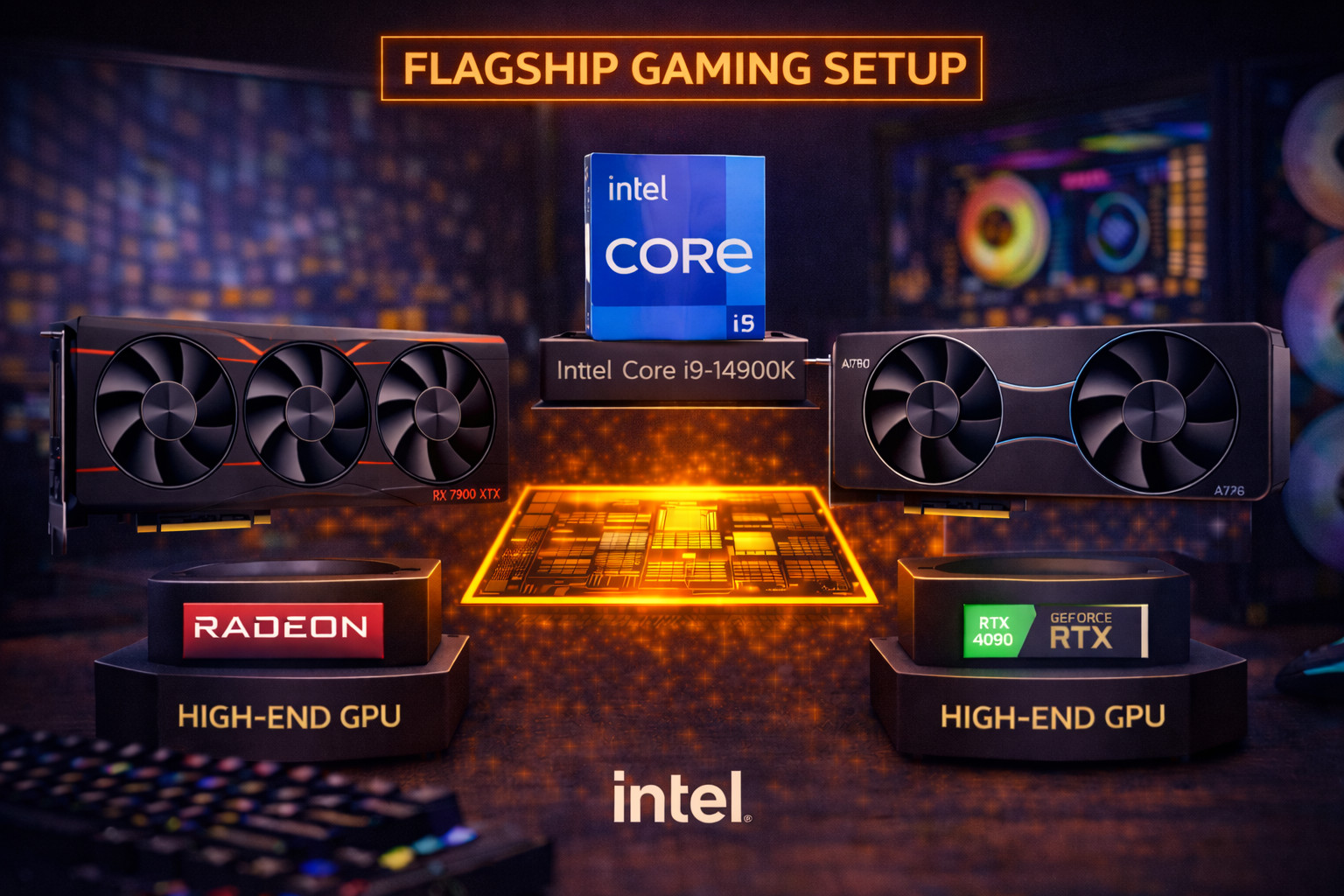
The Intel Core i9-14900K is Intel’s flagship desktop processor—a 24-core powerhouse designed for users who demand maximum performance in both gaming and productivity. With 8 P-cores boosting to 6.0 GHz and 16 E-cores for multi-threaded workloads, it’s built for no-compromise computing.
The question for gamers: is the i9-14900K worth it for GPU pairing? The honest answer is nuanced. For pure gaming, the i9 offers minimal advantage over the i7-14700K or Ryzen X3D processors. Its strength lies in productivity workloads where the extra cores shine. Use our Bottleneck Calculator to verify your specific pairing, or check expected frame rates with our FPS Calculator before purchasing.
This guide analyzes the best GPU options for your i9-14900K, whether you’re building a pure gaming rig or a workstation that also games at the highest settings.
Intel i9-14900K: The Productivity Gaming Hybrid
The i9-14900K represents Intel’s pinnacle of consumer desktop performance. It excels in multi-threaded productivity while providing excellent gaming capability—though not the absolute fastest for gaming alone.
i9-14900K Specifications
- Architecture: Intel Raptor Lake Refresh
- Cores/Threads: 24 cores (8P + 16E), 32 threads
- Base/Boost Clock: 3.2 GHz / 6.0 GHz
- L3 Cache: 36MB
- TDP: 125W (253W PL2)
- Platform: LGA 1700 (DDR4 or DDR5, PCIe 5.0)
- Price: ~$449-469
Gaming Performance Reality Check
Here’s the truth: the i9-14900K is only 2-5% faster than the i7-14700K in gaming. For the $80-100 price premium, this is poor gaming value. The Ryzen 9 9800X3D and 7800X3D actually outperform the i9 in most games thanks to their 3D V-Cache advantage.
Where the i9-14900K shines is in combined workloads—rendering video while gaming, streaming at high quality, running virtual machines, compiling code, or any scenario where the extra cores provide meaningful advantage. If your workflow demands both maximum productivity and excellent gaming, the i9-14900K makes sense.
GPU Pairing Philosophy
If you’re investing ~$450 in a flagship CPU, you should pair it with a flagship GPU. The i9-14900K handles any graphics card without bottlenecking—from the RTX 5090 down to budget cards. The question is which GPU tier makes sense for your investment.
Our recommendation: pair the i9-14900K with GPUs in the $800+ range. Below that tier, you’re likely better served by an i5-14600K or i7-14700K to better balance your build budget.
Best GPU for i9-14900K: Quick Recommendations
| Priority | Best GPU | Price | 1440p Bottleneck |
|---|---|---|---|
| Best Overall | RTX 5080 | $1,359 | 0% |
| Value High-End | RTX 4080 Super | $1,100 | 0% |
| AMD Alternative | RX 7900 XTX | $900 | 0% |
| Sweet Spot | RTX 5070 Ti | $930 | 0% |
| Budget High-End | RTX 4070 Ti Super | $800 | 0% |
| Maximum | RTX 5090 | $4,100 | 0% |
Best Overall: NVIDIA RTX 5080
NVIDIA GeForce RTX 5080 FE
16GB GDDR7 | 256-bit | DLSS 4 | PCIe 5.0 | 300W TDP
The ideal pairing for i9-14900K. Blackwell architecture with DLSS 4 Multi Frame Generation. Maximum 4K gaming performance.
The NVIDIA RTX 5080 is our top recommendation for i9-14900K builds. With Blackwell architecture, 16GB of GDDR7, and DLSS 4 Multi Frame Generation, it delivers exceptional 4K gaming performance that matches the flagship CPU’s capabilities.
This pairing provides zero bottleneck at any resolution. The i9-14900K keeps the RTX 5080 fully fed with frames to render, while the GPU handles the graphical heavy lifting. At 4K, expect 90-120+ FPS in demanding titles, with DLSS 4 pushing well beyond 150 FPS.
For workstation users who also game, the RTX 5080’s CUDA cores accelerate creative applications like DaVinci Resolve, Blender, and Adobe Premiere. Combined with the i9’s multi-core prowess, this pairing creates a powerful productivity gaming hybrid.
At ~$1,800 combined (CPU + GPU), this represents the enthusiast sweet spot—incredible performance without the extreme cost of flagship RTX 5090.
RTX 5080 + i9-14900K Performance
| Game | 4K Ultra | 1440p Ultra | 4K + DLSS 4 |
|---|---|---|---|
| Cyberpunk 2077 | 95 FPS | 145 FPS | 160 FPS |
| Alan Wake 2 | 80 FPS | 125 FPS | 140 FPS |
| Spider-Man 2 | 110 FPS | 175 FPS | 200+ FPS |
| Call of Duty MW3 | 145 FPS | 250+ FPS | 300+ FPS |
| Fortnite (Competitive) | 180 FPS | 400+ FPS | 500+ FPS |
Value High-End: RTX 4080 Super
ASUS TUF RTX 4080 Super OC
16GB GDDR6X | 256-bit | DLSS 3 | PCIe 4.0 | 320W TDP
Excellent 4K gaming at a more accessible price. DLSS 3 Frame Generation delivers smooth high-refresh gameplay.
The RTX 4080 Super at ~$1,100 offers excellent value for i9-14900K builds. It’s approximately 15-20% slower than the RTX 5080 but costs $250+ less—a compelling trade-off for budget-conscious enthusiasts who still want flagship-class performance.
With the i9-14900K, the RTX 4080 Super has zero bottleneck at any resolution. At 4K, expect 70-100 FPS in demanding titles, with DLSS 3 pushing beyond 130 FPS. For 1440p high-refresh gaming, it’s exceptionally capable at 120-180+ FPS.
The 4080 Super makes particular sense for users prioritizing productivity who want excellent—but not absolute maximum—gaming performance. The $250+ savings versus the 5080 can fund other components or peripherals.
RTX 5080 vs RTX 4080 Super with i9-14900K
| Aspect | RTX 4080 Super | RTX 5080 |
|---|---|---|
| Price | $1,100 | $1,359 |
| 4K Performance | ~85% | 100% |
| DLSS | Version 3 | Version 4 |
| VRAM | 16GB GDDR6X | 16GB GDDR7 |
| Ray Tracing | Excellent | Better |
| Power Draw | 320W | 300W |
AMD Alternative: RX 7900 XTX
PowerColor Hellhound RX 7900 XTX
24GB GDDR6 | 384-bit | FSR 3 | PCIe 4.0 | 355W TDP
Massive 24GB VRAM with excellent 4K performance. No SAM benefits with Intel but outstanding value.
The RX 7900 XTX at ~$900 offers compelling value for i9-14900K builds focused on raw GPU power. With 24GB of VRAM and performance between the RTX 4080 Super and RTX 5080, it’s a strong contender—especially for users who prioritize VRAM capacity.
The 24GB VRAM is the standout feature—the most of any gaming GPU. For modded games, high-resolution texture packs, and future-proofing, this massive buffer provides meaningful headroom. Performance sits between the RTX 4080 Super and RTX 5080 in rasterization, though behind in ray tracing.
Important note: no SAM (Smart Access Memory) benefits with Intel CPU + AMD GPU pairing. AMD CPUs gain 3-8% additional performance with AMD GPUs. Without SAM, the 7900 XTX competes purely on its specs—which remain excellent.
Sweet Spot: RTX 5070 Ti
MSI RTX 5070 Ti Ventus 3X OC
16GB GDDR7 | 256-bit | DLSS 4 | PCIe 5.0 | 285W TDP
Blackwell mid-range with DLSS 4. Excellent 1440p performance with capable 4K gaming. Great value for i9-14900K builds.
The RTX 5070 Ti at ~$930 represents the sweet spot for i9-14900K builds focused on 1440p gaming with 4K capability. It brings Blackwell architecture and DLSS 4 at a more accessible price than the RTX 5080.
With the i9-14900K, the RTX 5070 Ti has zero bottleneck at any resolution. At 1440p, expect 90-140 FPS in demanding titles with DLSS pushing well beyond 200 FPS. At 4K, it delivers 55-85 FPS—playable with DLSS Quality mode.
For users who primarily work at 1440p and occasionally venture into 4K, the 5070 Ti offers excellent value with cutting-edge features.
Budget High-End: RTX 4070 Ti Super
MSI Gaming RTX 4070 Ti Super
16GB GDDR6X | 256-bit | DLSS 3 | PCIe 4.0 | 285W TDP
16GB VRAM with excellent 1440p/4K performance. Minimum recommended tier for i9-14900K.
The RTX 4070 Ti Super at ~$800 is the minimum we’d recommend for i9-14900K builds. Below this tier, you’re likely better served by an i7-14700K or i5-14600K to better balance your build budget.
That said, the 4070 Ti Super pairs excellently with the i9-14900K for 1440p and entry-level 4K gaming. With 16GB VRAM and strong DLSS 3 support, it delivers excellent performance while leaving budget for other components.
Maximum Performance: RTX 5090
ASUS TUF RTX 5090 OC
32GB GDDR7 | 512-bit | DLSS 4 | PCIe 5.0 | 575W TDP
Absolute maximum performance—if you can find one at reasonable pricing. 32GB VRAM for no-compromise gaming.
The RTX 5090 represents the absolute pinnacle of gaming GPU performance. With 32GB of GDDR7 and unmatched rendering capabilities, it’s the only choice for users who want no compromises—and can afford the extreme pricing.
The i9-14900K handles the RTX 5090 without any bottleneck at any resolution. At 4K, expect 120-160+ FPS in demanding titles without DLSS, pushing 200+ FPS with DLSS 4 enabled.
At current pricing (~$4,000+), the RTX 5090 is for enthusiasts with unlimited budgets. For most users, the RTX 5080 provides 75-80% of the performance at 35% of the cost.
Bottleneck Analysis: i9-14900K
The i9-14900K handles any GPU without bottlenecking at any resolution. It’s designed for maximum performance across the board.
| GPU | 1080p | 1440p | 4K | Recommendation |
|---|---|---|---|---|
| RTX 5090 | 0% | 0% | 0% | No-compromise maximum |
| RTX 5080 | 0% | 0% | 0% | Best overall pairing |
| RTX 4080 Super | 0% | 0% | 0% | Value high-end |
| RX 7900 XTX | 0% | 0% | 0% | AMD alternative |
| RTX 5070 Ti | 0% | 0% | 0% | 1440p sweet spot |
| RTX 4070 Ti Super | 0% | 0% | 0% | Budget minimum |
| RTX 4070 Super | 0% | 0% | 0% | Consider cheaper CPU |
i9-14900K vs i7-14700K for GPU Pairing
For pure gaming, the i7-14700K matches or nearly matches the i9-14900K—the extra cores and threads don’t significantly improve gaming performance. The i9’s advantage is in productivity workloads where all 24 cores engage.
| Aspect | i7-14700K | i9-14900K |
|---|---|---|
| Price | $367 | $449 |
| Gaming Performance | ~98% | 100% |
| Multi-threaded | ~80% | 100% |
| GPU Bottleneck | 0% with all GPUs | 0% with all GPUs |
| Power Draw | 253W PL2 | 253W PL2 |
For gaming-focused builds, the i7-14700K saves $80+ with nearly identical gaming performance. Choose the i9 only for heavy productivity workloads.
GPU Comparison Table
| GPU | Price | VRAM | Best Resolution | Rating for i9-14900K |
|---|---|---|---|---|
| RTX 5080 | $1,359 | 16GB | 4K | ★★★★★ |
| RTX 4080 Super | $1,100 | 16GB | 4K | ★★★★★ |
| RX 7900 XTX | $900 | 24GB | 4K | ★★★★★ |
| RTX 5070 Ti | $930 | 16GB | 1440p/4K | ★★★★☆ |
| RTX 4070 Ti Super | $800 | 16GB | 1440p/4K | ★★★★☆ |
| RTX 4070 Super | $600 | 12GB | 1440p | ★★★☆☆ |
Complete Build Recommendations
Ultimate Workstation Gaming Build (~$3,500)
- CPU: Intel i9-14900K (~$449)
- GPU: RTX 5080 (~$1,359)
- Motherboard: Z790 DDR5 (~$350)
- RAM: 64GB DDR5-6000 (~$220)
- Storage: 2TB NVMe Gen5 (~$200)
- PSU: 1000W Gold (~$170)
- Cooler: 360mm AIO (~$180)
- Case: Premium full-tower (~$200)
- Total: ~$3,128
Maximum productivity and gaming. 64GB RAM for heavy workloads, premium cooling for sustained performance.
High-End 4K Gaming Build (~$2,800)
- CPU: Intel i9-14900K (~$449)
- GPU: RTX 4080 Super (~$1,100)
- Motherboard: Z790 DDR5 (~$280)
- RAM: 32GB DDR5-6400 (~$150)
- Storage: 2TB NVMe Gen4 (~$140)
- PSU: 850W Gold (~$130)
- Cooler: 280mm AIO (~$140)
- Case: Quality mid-tower (~$150)
- Total: ~$2,539
Excellent 4K gaming with strong productivity capability. Balanced for enthusiast budgets.
Value Enthusiast Build (~$2,400)
- CPU: Intel i9-14900K (~$449)
- GPU: RX 7900 XTX (~$900)
- Motherboard: Z790 DDR5 (~$250)
- RAM: 32GB DDR5-6000 (~$130)
- Storage: 2TB NVMe Gen4 (~$130)
- PSU: 850W Gold (~$120)
- Cooler: 280mm AIO (~$130)
- Case: Quality mid-tower (~$130)
- Total: ~$2,239
24GB VRAM for maximum future-proofing. Excellent value for content creators.
Frequently Asked Questions
The NVIDIA RTX 5080 (~$1,359) is the best GPU for i9-14900K, delivering maximum 4K gaming performance with DLSS 4. For value builds, the RTX 4080 Super (~$1,100) offers excellent performance at lower cost.
No. The i9-14900K handles any GPU—including the RTX 5090—without bottlenecking at any resolution. It’s designed for maximum performance.
For pure gaming, no. The i9 is only 2-5% faster in games while costing $80+ more. Choose i9 for heavy productivity workloads. For gaming, the i7-14700K or Ryzen X3D processors offer better value.
An 850-1000W quality power supply is recommended. The i9-14900K draws up to 253W and the RTX 5080 draws ~300W. An 850W unit works, but 1000W provides more headroom.
The 9800X3D is 5-10% faster in gaming due to 3D V-Cache. The i9-14900K is 40%+ faster in productivity. Choose based on your primary use case—gaming or productivity.
Recommended for optimal performance. DDR5-6400+ provides 8-12% better gaming performance than DDR4. For a flagship CPU, DDR5 is the appropriate pairing.
A 280mm or 360mm AIO is recommended. The i9-14900K runs hot at 253W PL2. Premium air coolers like Noctua NH-D15 also work but run warmer than liquid cooling.
Yes, but unbalanced. The 4070 Super provides 0% bottleneck, but you might save money with an i5-14600K or i7-14700K for the same gaming performance.
Conclusion
The i9-14900K is Intel’s flagship desktop processor, designed for users who need maximum performance in both gaming and productivity. For best overall pairing, the NVIDIA RTX 5080 (~$1,359) delivers maximum 4K gaming with DLSS 4—a fitting match for a flagship CPU.
For excellent value, the RTX 4080 Super (~$1,100) offers outstanding 4K gaming at a lower price. The RX 7900 XTX (~$900) provides 24GB VRAM for maximum future-proofing and content creation.
The key insight: the i9-14900K handles any GPU without bottleneck, but for pure gaming, the i7-14700K or Ryzen X3D processors offer better value. Choose the i9 when productivity workloads demand those extra cores alongside excellent gaming capability.
Related Resources
- PC Bottleneck Calculator
- FPS Calculator
- Best GPU for i7-14700K
- Best GPU for Ryzen 9 9800X3D
- Best CPU for RTX 5080
- Best CPU for RTX 4080 Super
Last Updated: February 2026