Best GPU for Ryzen 7 7800X3D 2026 | No Bottleneck Guide

Quick Answer+
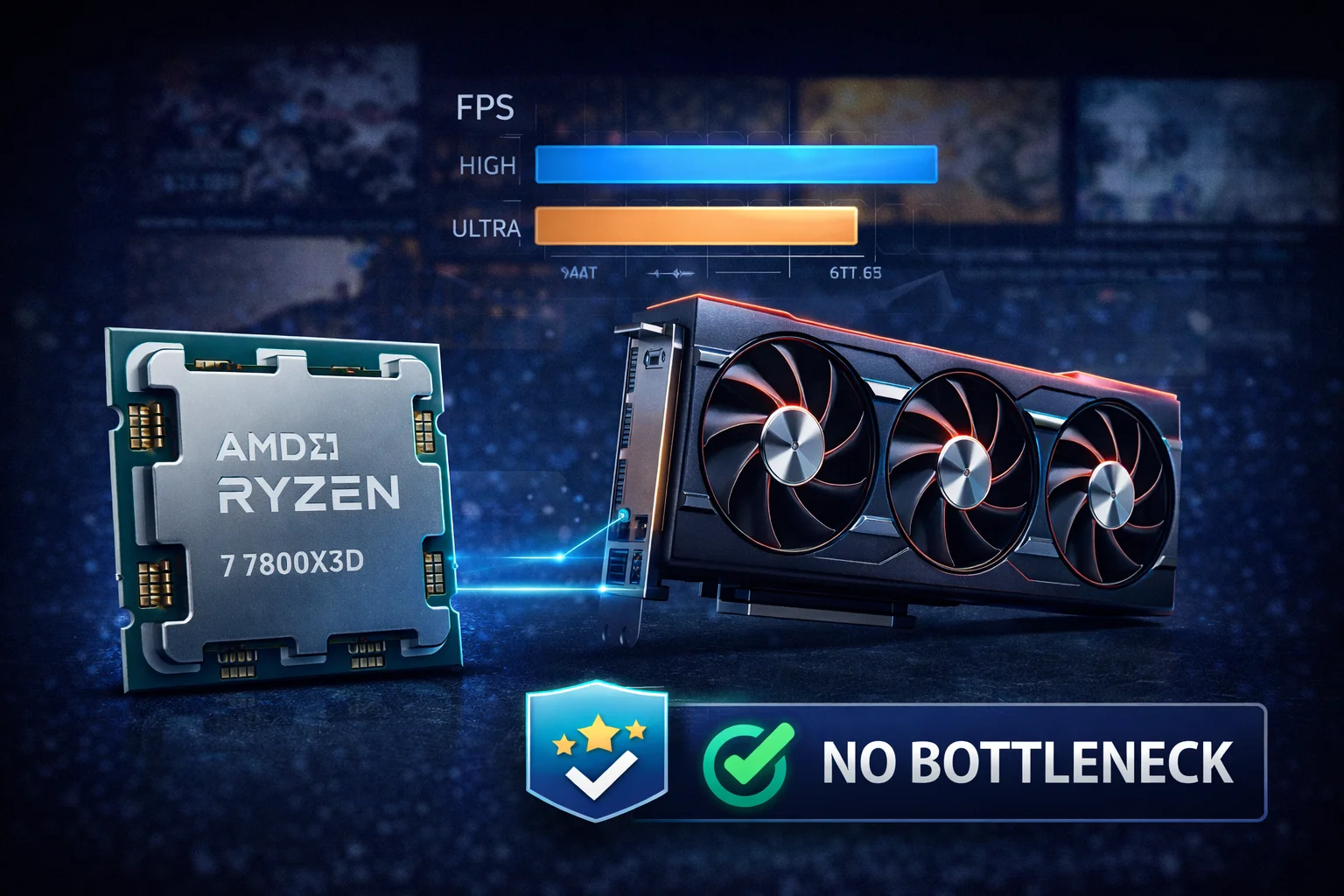
Quick Answer: The RTX 5080 (~$1,360) is the best GPU for Ryzen 7 7800X3D at 1440p and 4K with virtually zero bottleneck. For budget-conscious gamers, the RTX 4070 Super (~$600) offers excellent 1440p performance. The 7800X3D’s massive 96MB L3 cache makes it the fastest gaming CPU available—it won’t bottleneck any GPU on the market at higher resolutions.
The AMD Ryzen 7 7800X3D isn’t just another CPU—it’s currently the fastest gaming processor available, thanks to AMD’s revolutionary 3D V-Cache technology. With 96MB of L3 cache stacked vertically on the chip, the 7800X3D delivers frame rates that even more expensive processors can’t match in gaming workloads.
This creates a unique situation: the 7800X3D is so powerful that it won’t bottleneck virtually any GPU at 1440p or 4K resolutions. Your GPU choice becomes purely about graphics performance and budget, not about finding a “balanced” pairing. This guide breaks down the best GPU options for every budget and resolution.
Why the 7800X3D is Special for Gaming
Traditional CPUs struggle with gaming because games constantly request data from memory. The CPU must wait for this data, creating latency that limits frame rates. AMD’s 3D V-Cache technology solves this by stacking an additional 64MB of L3 cache directly on top of the existing 32MB, creating a massive 96MB cache pool.
This enormous cache means far more game data stays on the CPU itself rather than in slower system RAM. The result is 10-25% higher gaming performance compared to the standard Ryzen 7 7700X, despite having identical core counts and similar clock speeds.
7800X3D Gaming Performance Advantages
- Highest gaming FPS: Beats Intel’s i9-14900K in most games despite fewer cores
- Exceptional 1% lows: Smoother gameplay with fewer frame time spikes
- Lower power consumption: ~120W TDP vs 253W for i9-14900K
- Cool and quiet: Easy to cool with mid-range air coolers
- Future-proof platform: AM5 socket supports DDR5 and PCIe 5.0
Best GPU for Ryzen 7 7800X3D: Quick Recommendations
| Resolution | Best GPU | Price | Bottleneck |
|---|---|---|---|
| 4K Ultra | RTX 5080 | $1,359 | 0% |
| 4K High | RTX 4080 Super | $1,100 | 0% |
| 1440p Ultra | RTX 5070 Ti | $929 | 0% |
| 1440p High | RTX 4070 Super | $600 | 0-3% |
| 1080p Ultra | RTX 5070 | $650 | 0-5% |
| 1080p Budget | RX 7700 XT | $400 | 5-10% |
Bottleneck percentages indicate potential CPU limitation in specific scenarios. At 1440p and above, bottlenecking is negligible with the 7800X3D.
Best Overall: NVIDIA RTX 5080
NVIDIA RTX 5080 Founders Edition
16GB GDDR7 | 256-bit | DLSS 4 | PCIe 5.0 | 300W TDP
The ultimate pairing for the 7800X3D. NVIDIA’s Blackwell architecture delivers exceptional 4K performance with DLSS 4 frame generation. Zero bottleneck at any resolution—your GPU will always be the limiting factor.
The RTX 5080 represents the sweet spot of NVIDIA’s new Blackwell generation. It delivers approximately 90% of the RTX 5090’s gaming performance at less than half the price. For 7800X3D owners, this creates a perfect pairing: the fastest gaming CPU with a flagship-tier GPU that will handle any game at 4K with ray tracing enabled.
DLSS 4 is a game-changer here. NVIDIA’s latest AI upscaling technology includes Multi Frame Generation, which can generate up to three frames for every rendered frame. In supported titles, this can effectively double or triple frame rates while maintaining visual quality. Combined with the 7800X3D’s excellent frame pacing, gameplay is exceptionally smooth.
RTX 5080 + 7800X3D Performance Expectations
| Game | 1440p Ultra | 4K Ultra | 4K + RT |
|---|---|---|---|
| Cyberpunk 2077 | 145+ FPS | 85+ FPS | 70+ FPS (DLSS) |
| Alan Wake 2 | 120+ FPS | 70+ FPS | 60+ FPS (DLSS) |
| Spider-Man 2 | 140+ FPS | 90+ FPS | 75+ FPS (DLSS) |
| Call of Duty MW3 | 200+ FPS | 140+ FPS | 110+ FPS |
| Fortnite | 240+ FPS | 165+ FPS | N/A |
Best High-End Value: RTX 4080 Super
ASUS TUF Gaming RTX 4080 Super
16GB GDDR6X | 256-bit | DLSS 3 | PCIe 4.0 | 320W TDP
Previous-gen flagship performance at a reduced price. The 4080 Super handles 4K gaming excellently and supports DLSS 3 frame generation. An excellent choice if RTX 50-series availability is limited.
With the RTX 50-series launch, the RTX 4080 Super has become an excellent value proposition. It delivers true 4K gaming performance with DLSS 3 frame generation support, and prices have dropped as retailers clear inventory. For 7800X3D owners who want 4K capability without paying flagship prices, it’s hard to beat.
The 4080 Super pairs beautifully with the 7800X3D because both components are efficiency-focused. You get premium gaming performance without the excessive power draw of the RTX 4090 or Intel’s high-core-count processors. A quality 750W power supply handles this combo comfortably.
Best 1440p Performance: RTX 5070 Ti
MSI Gaming RTX 5070 Ti Ventus 3X OC
16GB GDDR7 | 256-bit | DLSS 4 | PCIe 5.0 | 285W TDP
The new 1440p champion. Blackwell efficiency meets 16GB of fast GDDR7 memory. Handles 1440p maxed settings with ease and provides solid 4K performance when needed.
The RTX 5070 Ti hits a sweet spot for 1440p enthusiasts. With 16GB of GDDR7 memory, you won’t encounter VRAM limitations in modern titles—a problem that plagued 8GB and 12GB cards. DLSS 4 support means you get access to NVIDIA’s latest AI features including Multi Frame Generation.
At 1440p, the 7800X3D and RTX 5070 Ti create a perfectly balanced system. The CPU’s cache advantage shines at this resolution where frame rates are high enough to stress the processor, while the GPU handles maxed graphical settings without breaking a sweat.
Best 1440p Value: RTX 4070 Super
ASUS Dual RTX 4070 Super EVO OC
12GB GDDR6X | 192-bit | DLSS 3 | PCIe 4.0 | 220W TDP
Exceptional 1440p performance at a reasonable price. The 4070 Super offers 80%+ of the 4080’s gaming performance for nearly half the cost. DLSS 3 support extends its longevity.
The RTX 4070 Super represents outstanding value for 7800X3D owners focused on 1440p gaming. It delivers smooth performance in virtually every game at high to ultra settings, supports DLSS 3 frame generation, and draws only 220W—making it easy to cool and power.
At this price point, you might wonder if the 7800X3D is “overkill.” It isn’t. The 7800X3D’s superior frame pacing and 1% low performance translates to smoother gameplay even when average frame rates are similar to lesser CPUs. You’re paying for consistency, not just peak performance.
Alternative: ASUS TUF RTX 4070 Super
ASUS TUF Gaming RTX 4070 Super
12GB GDDR6X | 192-bit | DLSS 3 | Military-Grade Components
TUF-series durability with superior cooling. Worth the $50 premium if you prioritize thermals and acoustics.
Best Budget: RTX 5070
GIGABYTE RTX 5070 WINDFORCE OC
12GB GDDR7 | 192-bit | DLSS 4 | PCIe 5.0 | 220W TDP
Entry-level Blackwell with flagship features. DLSS 4 Multi Frame Generation, 12GB GDDR7, and excellent efficiency. Handles 1440p high settings and 1080p ultra with ease.
The RTX 5070 brings Blackwell architecture to a more accessible price point. While “budget” is relative with a ~$650 price tag, it’s the most affordable way to access DLSS 4’s Multi Frame Generation technology. For 7800X3D owners who primarily game at 1080p or 1440p medium-high settings, it’s an excellent match.
The 12GB VRAM is adequate for current games but may become limiting in 2-3 years as texture quality increases. If you plan to keep your GPU for 4+ years, consider the 16GB RTX 5070 Ti instead.
AMD Alternatives
Best AMD High-End: RX 7900 XTX
PowerColor Hellhound RX 7900 XTX
24GB GDDR6 | 384-bit | FSR 3 | PCIe 4.0 | 355W TDP
AMD’s flagship with massive 24GB VRAM. Excellent raw rasterization performance and superior value compared to NVIDIA equivalents. FSR 3 frame generation support.
AMD’s RX 7900 XTX offers compelling value at under $900. With 24GB of VRAM, you’ll never encounter memory limitations—period. Raw rasterization performance competes with the RTX 4080, and FSR 3 provides frame generation in supported titles.
The trade-off is ray tracing performance. While AMD has improved significantly, NVIDIA maintains a meaningful lead in RT workloads. If you primarily play games without ray tracing or don’t prioritize RT effects, the 7900 XTX is an excellent choice. The massive VRAM future-proofs it for years of gaming.
Best AMD Mid-Range: RX 9070 XT
GIGABYTE RX 9070 XT Gaming OC
16GB GDDR6 | 256-bit | FSR 4 | PCIe 5.0 | 280W TDP
AMD’s new RDNA 4 architecture brings improved ray tracing and AI features. Competitive 1440p performance with 16GB VRAM and reasonable power draw.
The RX 9070 XT represents AMD’s new RDNA 4 architecture, bringing significant improvements to ray tracing performance and introducing new AI-powered features. At $720, it competes directly with the RTX 5070 while offering more VRAM.
Best AMD Value: RX 7700 XT
ASRock RX 7700 XT Challenger
12GB GDDR6 | 192-bit | FSR 3 | PCIe 4.0 | 245W TDP
Incredible value at $400. Handles 1440p high settings in most games. 12GB VRAM ensures longevity. The best sub-$500 GPU available.
At $400, the RX 7700 XT is arguably the best value GPU on the market. It delivers solid 1440p performance with 12GB of VRAM—more than the RTX 4060 Ti and most competitors at this price. For 7800X3D owners on a tighter budget, it’s an excellent choice that won’t hold back your gaming experience significantly.
Yes, the 7800X3D will be “overkill” for this GPU at 1440p and above—you’ll see some CPU headroom. But this isn’t wasted: it means exceptionally smooth 1% lows and a guaranteed GPU upgrade path without needing a new processor.
Understanding Bottlenecks with the 7800X3D
When Does the 7800X3D Bottleneck?
The short answer: almost never at 1440p or 4K. The 7800X3D’s massive cache effectively eliminates CPU bottlenecks in gaming workloads. Even with the RTX 4090 or RTX 5090, the GPU will be the limiting factor at higher resolutions.
You might see slight CPU limitation in these specific scenarios:
- 1080p competitive gaming: At 240+ FPS targets, some CPU overhead appears
- Poorly optimized titles: Games with single-threaded bottlenecks
- Extremely CPU-bound games: City builders, simulation titles
- Streaming while gaming: If using CPU encoding instead of NVENC
Even in these scenarios, the “bottleneck” typically means getting 280 FPS instead of 300 FPS—hardly a practical concern.
Bottleneck by Resolution
| GPU | 1080p | 1440p | 4K |
|---|---|---|---|
| RTX 5090 | 5-10% | 0-3% | 0% |
| RTX 5080 | 3-5% | 0% | 0% |
| RTX 5070 Ti | 0-3% | 0% | 0% |
| RTX 4080 Super | 0-5% | 0% | 0% |
| RTX 4070 Super | 0% | 0% | 0% |
| RX 7900 XTX | 3-8% | 0% | 0% |
| RX 7700 XT | 0% | 0% | 0% |
Percentages represent potential CPU limitation in best-case scenarios for the GPU. Actual bottlenecks vary by game.
GPU Comparison: 7800X3D Pairings
| GPU | Price | VRAM | Best Resolution | Value Rating |
|---|---|---|---|---|
| RTX 5090 | $4,120 | 32GB | 4K Ultra + RT | ★★☆☆☆ |
| RTX 5080 | $1,359 | 16GB | 4K High-Ultra | ★★★★☆ |
| RTX 4080 Super | $1,100 | 16GB | 4K High | ★★★★☆ |
| RTX 5070 Ti | $929 | 16GB | 1440p Ultra | ★★★★☆ |
| RX 7900 XTX | $900 | 24GB | 4K (no RT) | ★★★★★ |
| RTX 5070 | $650 | 12GB | 1440p High | ★★★★☆ |
| RTX 4070 Super | $600 | 12GB | 1440p High | ★★★★★ |
| RX 7700 XT | $400 | 12GB | 1440p Medium-High | ★★★★★ |
Complete Build Recommendations
4K Enthusiast Build (~$2,500)
- CPU: AMD Ryzen 7 7800X3D (~$450)
- GPU: RTX 5080 FE (~$1,359)
- Motherboard: B650 DDR5 (~$180)
- RAM: 32GB DDR5-6000 (~$120)
- Storage: 2TB NVMe Gen4 (~$150)
- PSU: 850W Gold (~$130)
- Cooler: Tower air cooler (~$50)
- Case: Mid-tower (~$100)
1440p Sweet Spot Build (~$1,800)
- CPU: AMD Ryzen 7 7800X3D (~$450)
- GPU: RTX 4070 Super (~$600)
- Motherboard: B650 DDR5 (~$160)
- RAM: 32GB DDR5-6000 (~$120)
- Storage: 1TB NVMe Gen4 (~$80)
- PSU: 750W Gold (~$100)
- Cooler: Tower air cooler (~$40)
- Case: Mid-tower (~$80)
Frequently Asked Questions
The RTX 5080 (~$1,359) is the best overall GPU for the 7800X3D, offering excellent 4K performance with zero bottleneck. For 1440p gaming, the RTX 4070 Super (~$600) provides outstanding value. The 7800X3D won’t bottleneck any current GPU at 1440p or higher resolutions.
At 4K resolution, no. At 1440p, minimal bottleneck (0-3%). At 1080p with competitive 240Hz+ targets, you may see 5-10% CPU limitation in some titles. The 7800X3D is the fastest gaming CPU available, so any bottleneck is smaller than with other processors.
Not really. While you won’t fully utilize the 7800X3D’s potential with a $400 GPU, you benefit from superior frame pacing and 1% lows. Plus, it future-proofs your system for GPU upgrades without needing a new CPU.
Both work excellently. NVIDIA offers superior ray tracing and DLSS 4 AI features. AMD provides better raw performance per dollar and more VRAM. Choose NVIDIA for RT-heavy games and content creation, AMD for pure rasterization value.
A quality 850W power supply is recommended. The 7800X3D is very efficient (~120W), and the RTX 5080 draws around 300W. An 850W unit provides comfortable headroom. For the RTX 4070 Super pairing, 650-750W is sufficient.
Yes, the AM5 platform exclusively supports DDR5. DDR5-6000 CL30 offers the best price-to-performance ratio. The 7800X3D benefits from fast memory, but the massive L3 cache reduces memory speed sensitivity compared to non-X3D processors.
Conclusion
The Ryzen 7 7800X3D is the ultimate gaming CPU, and pairing it with the right GPU unlocks its full potential. For most gamers, the RTX 4070 Super (~$600) offers the best balance of price and 1440p performance. Enthusiasts pushing 4K should consider the RTX 5080 (~$1,359) for its combination of raw performance and DLSS 4 capabilities.
The beauty of the 7800X3D is its versatility—you can pair it with anything from an RX 7700 XT to an RTX 5090 without worrying about significant CPU bottlenecks. Choose your GPU based on resolution, budget, and desired features rather than “balance.” Your CPU won’t hold you back.
Related Resources
- PC Bottleneck Calculator
- FPS Calculator
- Best GPU for Ryzen 5 7600X
- Best GPU for i5-12400F
- Best CPU for Gaming 2026
Last Updated: February 2026