Best Hard Drives for PC: Complete HDD vs SSD Guide

Choosing the right storage for your PC can feel overwhelming. HDDs, SATA SSDs, NVMe drives, Gen 4, Gen 5—the options and jargon pile up fast.
Here’s the simple truth: the “best” drive depends entirely on what you’re doing. A gamer needs different storage than someone building a home server. A budget builder has different priorities than a video editor.
This guide cuts through the confusion with specific recommendations for every use case, explaining when to choose an HDD, when an SSD makes sense, and which specific drives deliver the best value in 2026.
Quick Recommendations
In a hurry? Here are our top picks by category:
| Category | Our Pick | Price | Why It Wins |
|---|---|---|---|
| Best Overall SSD | Samsung 990 Pro | $130 (1TB) | Best balance of speed, reliability, features |
| Best Value SSD | WD Black SN7100 | $90 (1TB) | Excellent performance at lower price |
| Best Budget SSD | Crucial BX500 | $55 (1TB) | Reliable SATA option for tight budgets |
| Best Gaming SSD | WD Black SN850X | $120 (2TB) | Fast loads, great for large game libraries |
| Best HDD Overall | Seagate BarraCuda | $55 (2TB) | Reliable, affordable bulk storage |
| Best HDD for NAS | Seagate IronWolf | $180 (8TB) | Built for 24/7 operation |
| Best External SSD | Samsung T7 | $100 (1TB) | Fast, portable, durable |
Now let’s dive into the details.
HDD vs SSD: Understanding the Difference
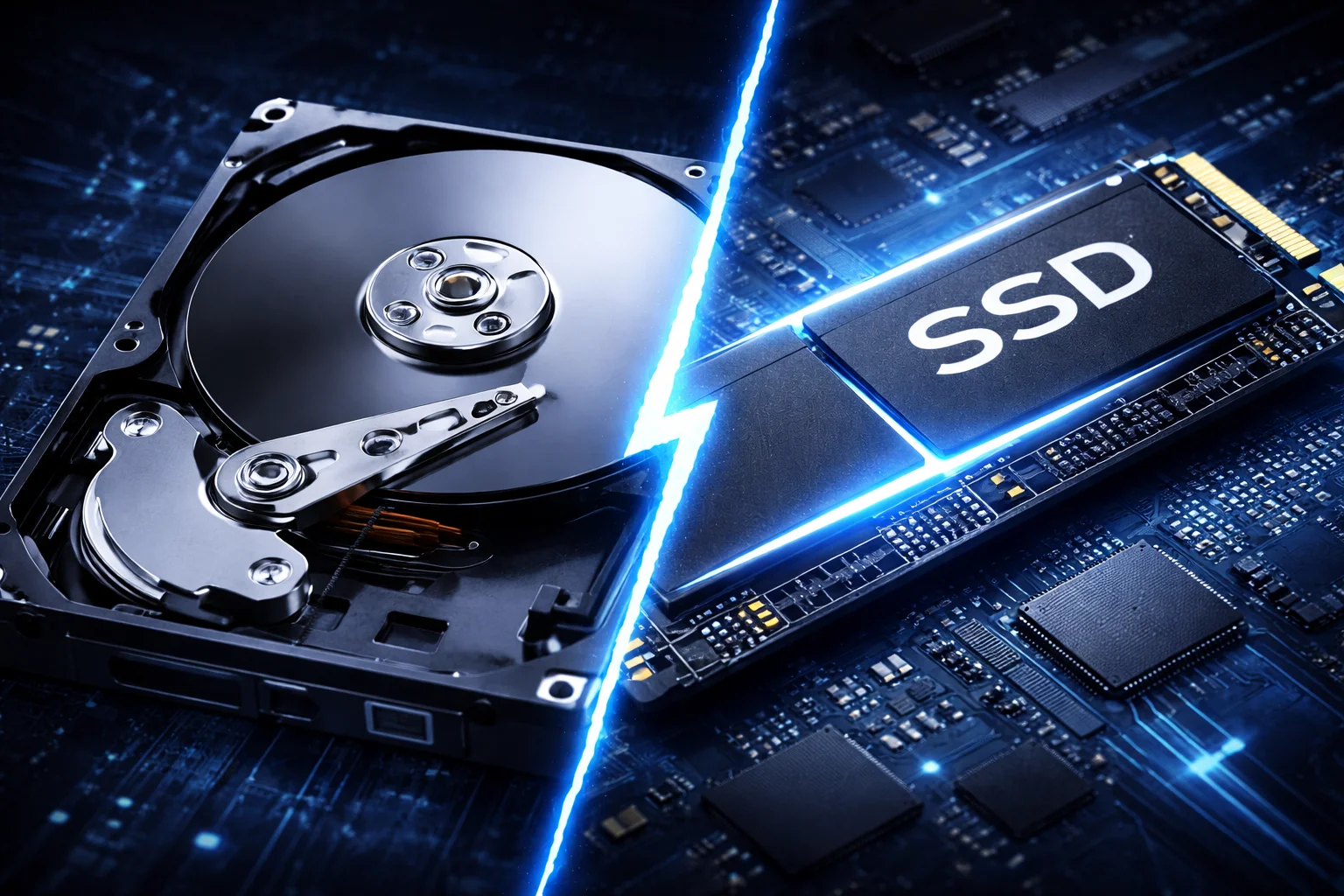
Before picking specific drives, you need to understand the fundamental difference between HDDs and SSDs.
Hard Disk Drives (HDD)
HDDs store data on spinning magnetic platters, read by a mechanical arm. This technology has been refined over decades and remains the most cost-effective way to store large amounts of data.
Strengths:
- Much cheaper per terabyte ($15–25/TB)
- Available in massive capacities (up to 24TB+)
- Proven long-term reliability for archival storage
Weaknesses:
- Significantly slower than SSDs
- Mechanical parts can fail from shock or wear
- Audible noise and vibration
- Higher power consumption
Best for: Bulk storage, backups, media libraries, NAS systems, archive drives
Solid State Drives (SSD)
SSDs use flash memory chips with no moving parts. Data is stored electronically, allowing dramatically faster access times.
Strengths:
- Vastly faster read/write speeds
- Near-instant access (no seek time)
- Silent operation
- Shock-resistant (no moving parts)
- Lower power consumption
Weaknesses:
- More expensive per terabyte ($50–100/TB)
- Maximum capacities still lower than HDDs
- Can wear out with excessive writes (though modern drives handle this well)
Best for: Operating system, applications, games, active work files, laptops
Most PC builders benefit from using both: a fast SSD for the operating system and frequently-used programs, plus a large HDD for bulk storage and archives. This gives you speed where it matters while keeping costs reasonable for mass storage.
Types of SSDs
Not all SSDs are equal. Here’s the hierarchy:
| Type | Interface | Max Speed | Best For |
|---|---|---|---|
| NVMe Gen 5 | PCIe 5.0 | ~15,000 MB/s | Extreme workloads, future-proofing |
| NVMe Gen 4 | PCIe 4.0 | ~7,500 MB/s | Gaming, content creation, everyday use |
| NVMe Gen 3 | PCIe 3.0 | ~3,500 MB/s | Budget builds, older systems |
| SATA SSD | SATA III | ~550 MB/s | Upgrades, systems without M.2 slots |
For most users in 2026, PCIe Gen 4 NVMe SSDs offer the best balance of performance and value. Gen 5 drives are faster but significantly more expensive, with diminishing returns for typical workloads.
Learn more about the differences in our detailed NVMe vs SATA guide and SSD vs HDD comparison.
Best SSDs for PC
Best Overall: Samsung 990 Pro
Samsung 990 Pro 2TB
7,450 MB/s Read | 6,900 MB/s Write | PCIe 4.0
The gold standard for PCIe 4.0 SSDs. Outstanding speed, reliability, and Samsung’s excellent Magician software for drive management.
The Samsung 990 Pro continues to dominate the SSD market for good reason. It delivers class-leading sequential speeds (7,450 MB/s read, 6,900 MB/s write), excellent random I/O performance, and Samsung’s proven reliability.
Why we recommend it:
- Consistent performance even under heavy loads
- Efficient power consumption and thermals
- Samsung Magician software for monitoring and optimization
- Available with or without heatsink
- 5-year warranty with generous TBW ratings
Available capacities: 1TB, 2TB, 4TB
The 990 Pro excels at everything from gaming to professional workloads. If you want the best Gen 4 SSD without compromise, this is it.
Best Value: WD Black SN7100
WD Black SN7100 2TB
7,250 MB/s Read | 6,900 MB/s Write | PCIe 4.0
Nearly matches premium drives at a significantly lower price. Western Digital’s sweet spot for price-conscious buyers.
The WD Black SN7100 (successor to the SN850X) delivers performance that rivals Samsung’s best while costing $30–50 less at each capacity tier. It uses a DRAM-less design that leverages your system memory, keeping costs down without sacrificing real-world speed.
Why we recommend it:
- Excellent performance-to-price ratio
- Efficient power consumption (great for laptops)
- WD Dashboard software included
- 5-year warranty
Available capacities: 1TB, 2TB, 4TB
For gamers and general users who want flagship-level performance without the flagship price, the SN7100 is the smart choice.
Best Budget SSD: Crucial BX500
Crucial BX500 1TB
540 MB/s Read | 500 MB/s Write | SATA III
Reliable SATA SSD for systems without M.2 slots or extreme budget builds. Much faster than any HDD.
If your motherboard lacks M.2 slots or you’re upgrading an older system, the Crucial BX500 provides solid SSD performance at rock-bottom prices. While it can’t match NVMe speeds, it’s still dramatically faster than any HDD.
Why we recommend it:
- Extremely affordable
- Reliable Micron NAND flash
- Perfect for older systems and laptops
- Simple installation in any SATA port
Available capacities: 240GB, 480GB, 1TB, 2TB, 4TB
For pure value on a SATA SSD, the BX500 delivers. The Samsung 870 EVO offers better performance if you can spend a bit more.
Best Gaming SSD: WD Black SN850X
WD Black SN850X 2TB
7,300 MB/s Read | 6,600 MB/s Write | PCIe 4.0
Optimized for gaming with Game Mode 2.0. Available up to 8TB for massive game libraries.
The WD Black SN850X was designed with gamers in mind. Its Game Mode 2.0 optimizes performance for gaming workloads, and it’s available in capacities up to 8TB—enough to store even the most ambitious Steam library.
Why gamers love it:
- Fast load times across all games
- Game Mode 2.0 for optimized gaming performance
- Available up to 8TB capacity
- Heatsink options available
- RGB version for builds with windows
Available capacities: 1TB, 2TB, 4TB, 8TB
For detailed gaming SSD recommendations, see our Best PS5 SSDs guide—the same drives work perfectly in gaming PCs.
Best High-Performance: WD Black SN8100
For users who need absolute maximum speed and have a PCIe 5.0 compatible motherboard, the WD Black SN8100 represents the current pinnacle of consumer SSD performance.
Specs:
- Sequential read: 14,900 MB/s
- Sequential write: 14,000 MB/s
- Interface: PCIe 5.0 x4
- Capacities: 1TB, 2TB, 4TB (8TB coming)
Best for: Content creators, professionals with demanding workflows, enthusiasts who want the fastest storage available.
Consider instead the Samsung 990 Pro if you don’t have PCIe 5.0 support or want to save money—real-world differences for most users are minimal.
Best Hard Drives (HDD) for PC
While SSDs dominate for performance, HDDs remain essential for cost-effective bulk storage.
Best Overall HDD: Seagate BarraCuda
Seagate BarraCuda 4TB
5,400 RPM | 256MB Cache | SATA III
The go-to choice for affordable desktop storage. Reliable performance for everyday use and bulk storage.
The Seagate BarraCuda line has been a desktop staple for years, offering reliable storage at competitive prices. These drives work well for secondary storage, media libraries, and general file storage.
Why we recommend it:
- Excellent price per terabyte
- Proven reliability
- Quiet operation
- 2-year warranty
Available capacities: 1TB, 2TB, 4TB, 8TB
Note: BarraCuda drives use SMR (Shingled Magnetic Recording) technology at some capacities, which can slow down during sustained writes. For better write performance, consider the BarraCuda Pro or Seagate Exos line.
Best Performance HDD: WD Black
WD Black 8TB
7,200 RPM | 256MB Cache | SATA III
Western Digital’s highest-performance desktop HDD. Ideal as a secondary drive for users who need HDD capacity with better speed.
The WD Black series represents Western Digital’s performance-oriented desktop drives. With 7,200 RPM spindle speeds and larger caches, they deliver the best HDD performance available.
Why we recommend it:
- Fastest desktop HDD performance
- CMR (not SMR) for consistent write speeds
- 5-year warranty (longer than most desktop drives)
- 256MB cache for improved responsiveness
Available capacities: 1TB, 2TB, 4TB, 6TB, 8TB, 10TB
Best for: Users who need HDD capacity but want the best possible HDD performance—game storage, large media files, secondary drives.
Best Budget HDD: WD Blue
The WD Blue line offers solid reliability at the lowest prices. These are basic storage workhorses without premium features, but they get the job done.
Specs:
- 5,400 or 7,200 RPM options
- Up to 8TB capacity
- 2-year warranty
Best for: Budget builds, basic storage needs, backup drives.
Best NAS HDD: Seagate IronWolf
Seagate IronWolf 8TB
7,200 RPM | 256MB Cache | CMR | 24/7 Rated
Purpose-built for NAS systems with 24/7 operation, vibration resistance, and IronWolf Health Management.
For NAS drives, you need storage designed for continuous operation. The Seagate IronWolf line is built specifically for this purpose, with features that desktop drives lack.
Why it’s better for NAS:
- Rated for 24/7 operation
- Rotational vibration sensors for multi-drive enclosures
- AgileArray firmware optimized for RAID
- IronWolf Health Management for monitoring
- 3-year warranty (5-year on Pro models)
Available capacities: 1TB through 24TB
Alternative:WD Red Plus offers similar NAS-optimized features if you prefer Western Digital.
For more NAS recommendations, see our complete NAS drives guide and the IronWolf vs WD Red comparison.
Best High-Capacity HDD: Seagate Exos
Seagate Exos X20 20TB
7,200 RPM | 256MB Cache | CMR | Enterprise
Enterprise-grade reliability in massive capacities. The best choice for serious data hoarders and prosumers.
When you need maximum capacity with maximum reliability, the Seagate Exos line delivers. These are enterprise drives with consumer-accessible pricing, offering capacities up to 24TB+ with 5-year warranties.
Why choose Exos:
- Highest available capacities
- Enterprise-grade reliability (2.5M hour MTBF)
- CMR recording for consistent performance
- 5-year warranty
- Best price per TB at high capacities
Available capacities: 10TB through 24TB+
Alternative:WD Ultrastar offers comparable enterprise features.
How to Choose the Right Drive
For Gaming PCs
Primary drive (OS + main games): 2TB NVMe SSD minimum
- Samsung 990 Pro or WD Black SN850X
- Fast load times for actively-played games
Secondary drive (game library): 4TB+ HDD or additional SSD
- WD Black or Seagate BarraCuda for HDD
- Additional NVMe for fast-access library
Steam, Epic, and other launchers let you move games between drives easily. Keep your current favorites on the SSD and archive others to HDD storage—you can move them back in minutes when ready to play.
For Content Creation
Primary drive: 2TB+ fast NVMe SSD
- Samsung 990 Pro or WD Black SN8100
- For active projects and scratch disk
Project archive: Large HDD or NAS
- Seagate Exos or IronWolf
- 8TB+ for video archives
Backup: Separate drive(s) or cloud
- Follow the 3-2-1 backup rule
For General/Office Use
Single-drive setup: 512GB–1TB NVMe SSD
- WD Black SN7100 or Samsung 990 Pro
- 1TB handles most users’ needs
Budget option: 500GB SATA SSD + 2TB HDD
- Crucial BX500 + WD Blue
- Speed where it matters, capacity for files
For Home Servers/NAS
Focus on capacity and reliability over speed:
- Seagate IronWolf or WD Red Plus
- Start with 8TB drives for good price/TB
- Plan for RAID redundancy
See our Seagate vs WD comparison for brand differences.
Frequently Asked Questions
Yes, dramatically. A typical NVMe SSD is 10–50 times faster than an HDD for sequential transfers, and hundreds of times faster for random access (which affects how “snappy” your system feels). Boot times, application launches, and game loads all improve massively.
SSD, without question. Modern games benefit significantly from SSD speeds, and some newer titles with DirectStorage support require SSDs for optimal performance. Use HDDs only for storing games you’re not actively playing.
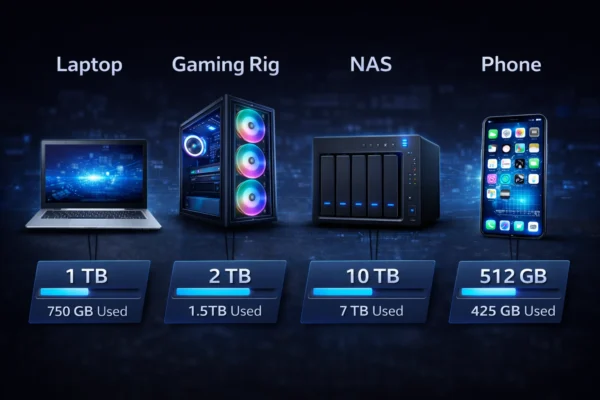
See our detailed guide on how much storage you need. Quick answer: 1TB minimum for most users, 2TB+ for gamers and creators.
For most users, no. Gen 5 SSDs cost significantly more while providing minimal real-world benefits for gaming and everyday use. Gen 4 drives like the Samsung 990 Pro offer the best value. Gen 5 makes sense for professional workloads with massive file transfers.
CMR (Conventional Magnetic Recording) offers consistent write performance. SMR (Shingled Magnetic Recording) is cheaper but slows down significantly during sustained writes or in RAID configurations. For NAS or frequent large writes, always choose CMR drives. Learn more in our CMR vs SMR guide.
Both can last many years with normal use. SSDs have write endurance limits (measured in TBW—terabytes written) but modern drives handle far more writes than typical users will ever perform. HDDs can fail from mechanical wear, especially in high-vibration environments. For critical data, always maintain backups regardless of drive type.
Most motherboards from the last 5+ years include M.2 slots for NVMe drives. Check your motherboard specifications for M.2 slot availability and supported PCIe generations. Older systems without M.2 can still use SATA SSDs.
The Bottom Line
Here’s the practical takeaway for most PC builders in 2026:
For your primary drive: Get a 1TB–2TB NVMe SSD. The Samsung 990 Pro is the best overall choice; the WD Black SN7100 offers similar performance for less.
For bulk storage: Add a 4TB–8TB HDD. The Seagate BarraCuda offers the best value; WD Black provides better performance.
For NAS/servers: Use purpose-built drives like Seagate IronWolf or WD Red Plus.
The days of choosing between fast or spacious storage are over. With current prices, you can have both—fast SSD storage for active use and affordable HDD capacity for everything else.
Compare current drive prices →
Related:SSD vs HDD Comparison | NVMe vs SATA Guide | How Much Storage Do I Need? | Best PS5 SSDs
Last Updated: February 2026