
Quick Answer+
Quick Answer: The Synology DS923+ (~$550) is the best NAS for most surveillance setups (8-25 cameras). It supports up to 40 IP cameras, offers 10GbE for 4K streams, and expandable storage. For home use (4-8 cameras), the DS224+ (~$300) provides excellent value. Use WD Purple or Seagate SkyHawk surveillance drives. Surveillance Station includes 2 free camera licenses.
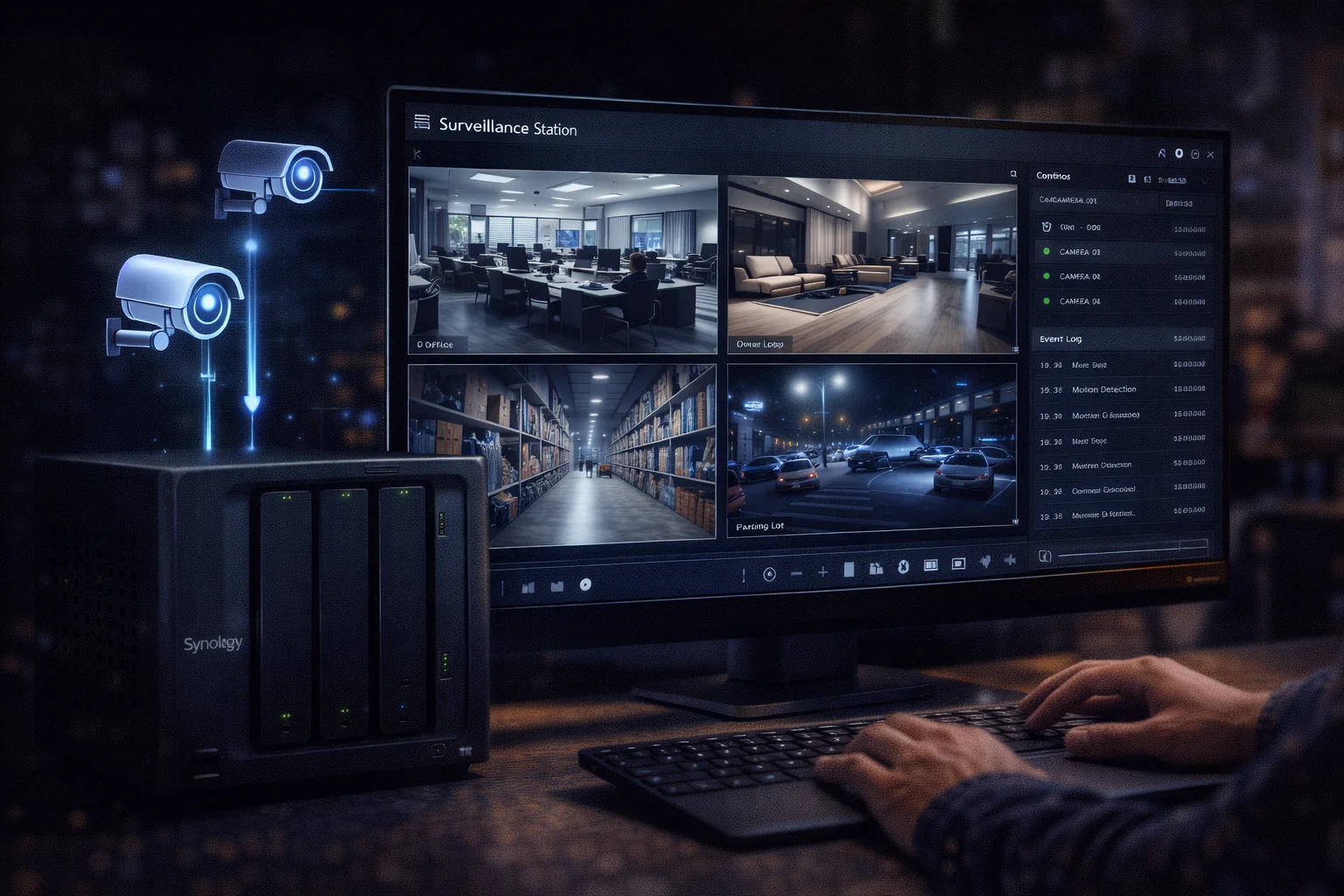
Synology NAS with Surveillance Station transforms your network storage into a powerful NVR. Unlike standalone NVRs or cloud cameras, a Synology system offers expandable storage, no monthly fees, and multi-purpose use for files, backup, and media.
Best Synology NAS for Surveillance: Quick Comparison
| Model | Price | Max Cameras | Best For | 10GbE |
|---|---|---|---|---|
| DS224+ | ~$300 | 25 | Home (2-8 cameras) | ❌ |
| DS423+ | ~$470 | 30 | Small business (4-12) | ❌ |
| DS923+ | ~$550 | 40 | Medium (8-25 cameras) | ✅ Option |
| DS1522+ | ~$700 | 40 | Large (15-40 cameras) | ✅ Option |
Best Overall: Synology DS923+
| Product | Capacity | Price | $ / TB | Price Drop | Brand | Interface |
|---|
Synology DS923+
AMD Ryzen R1600 | 4GB RAM | 4 Bays | 40 Cameras Max | 10GbE Option | Expandable to 9 Drives
The ideal surveillance NAS for medium deployments. Supports up to 40 IP cameras. Optional 10GbE handles multiple 4K streams. Expandable to 162TB for extended retention.
Why DS923+ is Best for Surveillance
- 40 camera support: Handles medium to large deployments
- 10GbE option: Essential for 4K camera streams (~$110)
- Expandable storage: 4 bays + DX517 = up to 162TB
- Dual NIC: Separate surveillance and general traffic
Best for Home: Synology DS224+
Synology DS225+
Intel Celeron | 2GB RAM | 2 Bays | 25 Cameras Max | Hardware Transcoding
Perfect for home surveillance with 2-8 cameras. Intel CPU provides hardware transcoding for smooth mobile viewing. Also handles Plex, photos, and backups.
Surveillance Station & Licensing
Surveillance Station supports 8,500+ compatible cameras with features like motion detection, mobile viewing (DS cam app), and timeline search.
Camera License Costs
| Licenses | Cost | Total Cameras |
|---|---|---|
| Included | Free | 2 |
| +1 license | ~$50 | 3 |
| +4 license pack | ~$200 | 6 |
| +8 license pack | ~$400 | 10 |
Licenses are one-time purchases, not subscriptions. They transfer if you upgrade NAS.
Best Drives for Surveillance
Use surveillance-optimized drives (WD Purple or Seagate SkyHawk) designed for 24/7 continuous writing.
| Product | Capacity | Price | $ / TB | Price Drop | Brand | Interface |
|---|
WD Purple 8TB (WD85PURZ)
8TB | 5640 RPM | CMR | AllFrame AI | 180TB/year Workload
Purpose-built for surveillance with AllFrame technology that reduces frame drops. Optimized firmware handles multiple simultaneous camera streams.
Seagate SkyHawk AI 8TB (ST8000VEZ01)
8TB | 7200 RPM | CMR | ImagePerfect AI | 550TB/year Workload
Seagate’s AI-optimized surveillance drive with ImagePerfect firmware for zero dropped frames. Higher workload rating supports AI-enabled cameras and analytics.
Storage Calculator
| Resolution | Frame Rate | Codec | GB/Day per Camera |
|---|---|---|---|
| 1080p | 15 fps | H.264 | ~15 GB |
| 1080p | 15 fps | H.265 | ~8 GB |
| 4K | 15 fps | H.265 | ~25 GB |
Example Configurations
| Setup | Storage Needed | Recommended | Cost |
|---|---|---|---|
| 4 cameras × 30 days | ~1.8TB | DS224+ + 2× 4TB | ~$500 |
| 8 cameras × 30 days | ~3.6TB | DS224+ + 2× 8TB | ~$590 |
| 16 cameras × 30 days | ~7.2TB | DS923+ + 4× 8TB | ~$1,130 |
Frequently Asked Questions
The DS923+ (~$550) is best for most surveillance deployments with 8-25 cameras. It supports 40 cameras maximum, offers 10GbE for 4K streams, and provides expandable storage. For home use with 2-8 cameras, the DS224+ (~$300) is more cost-effective.
It depends on the model: DS224+ supports 25 cameras, DS423+ supports 30, DS923+ and DS1522+ support 40, DS1823xs+ supports 75. Actual capacity depends on resolution, frame rate, and available storage.
Use surveillance-optimized drives: WD Purple or Seagate SkyHawk. These are designed for 24/7 continuous writing with firmware that prevents frame drops. They’re also cheaper than NAS drives (~$140 vs $160 for 8TB).
Surveillance Station is free and includes 2 camera licenses. Additional licenses cost ~$50 each or ~$200 for a 4-pack. These are one-time purchases, not subscriptions.
Rough estimate: 15GB per camera per day at 1080p/15fps (H.264). For 8 cameras with 30-day retention: ~3.6TB. Use H.265 cameras to cut storage by 50%.
Yes. Synology NAS can run Surveillance Station alongside file storage, Plex, Docker, and other applications. Just ensure you have enough storage and processing power.
Conclusion
The Synology DS923+ is the best NAS for most surveillance deployments. For home use, the DS224+ provides excellent value. Always use surveillance-optimized drives (WD Purple or Seagate SkyHawk) for 24/7 recording reliability.
Related Resources
- Synology Surveillance Station Guide
- WD Purple Synology Compatibility
- Seagate SkyHawk Synology Guide
- Best Synology NAS 2026
Last Updated: February 2026