
Can RTX 4060 Run 1440p? Complete Performance Analysis (2026)

Quick Answer+
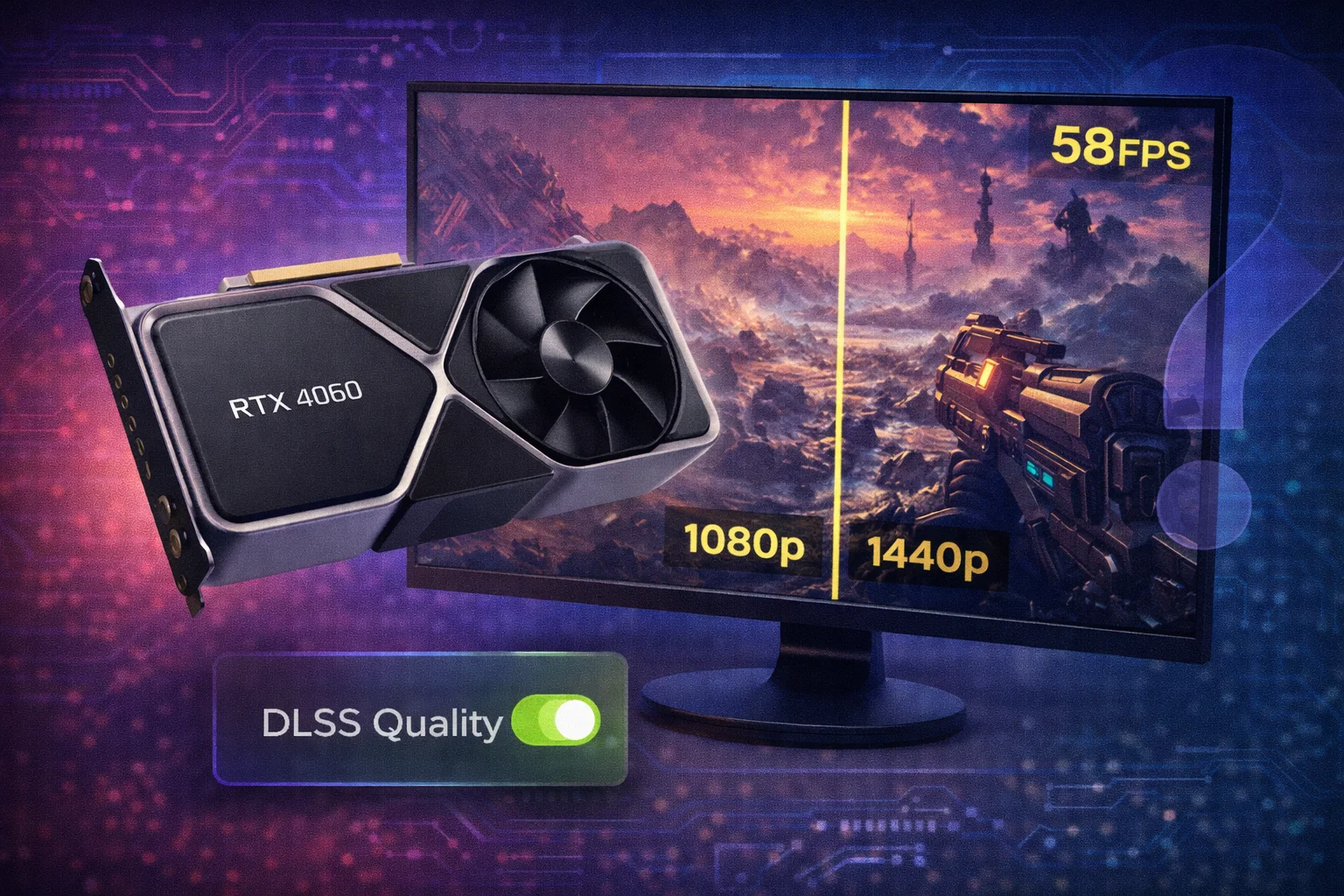
Quick Answer: Yes, the RTX 4060 ($299) can run 1440p games, but it’s designed for 1080p. Expect 45-70 FPS in demanding titles at 1440p High settings, or 70-100+ FPS with DLSS Quality enabled. For consistent 60+ FPS at 1440p Ultra, consider the RTX 4060 Ti ($499) or RTX 4070 ($529) instead.
The RTX 4060 is NVIDIA’s entry-level Ada Lovelace GPU, positioned for 1080p gaming excellence. But with 1440p monitors becoming increasingly affordable, many buyers wonder if this budget card can handle the jump to higher resolution. The short answer is yes—with the right expectations and settings adjustments.
This guide breaks down exactly what performance you can expect from the RTX 4060 at 1440p, which games it handles well, where it struggles, and when it makes sense to upgrade. Use our FPS Calculator to estimate performance in specific titles, or check our Bottleneck Calculator to ensure your CPU isn’t limiting your GPU.
RTX 4060 1440p Performance: The Reality
The RTX 4060’s 1440p performance varies dramatically depending on the game, settings, and whether you’re using DLSS. Here’s what the benchmarks actually show:
Native 1440p Performance (No Upscaling)
| Game | Settings | Avg FPS | 1% Low | Playable? |
|---|---|---|---|---|
| Cyberpunk 2077 | Ultra (No RT) | 38-45 | 28-32 | Barely |
| Hogwarts Legacy | Ultra | 42-50 | 35-40 | Playable |
| Spider-Man 2 | Very High | 55-65 | 45-50 | Yes |
| Forza Horizon 5 | Ultra | 70-80 | 60-65 | Yes |
| Call of Duty MW3 | High | 75-90 | 60-70 | Yes |
| Valorant | High | 200+ | 150+ | Excellent |
| CS2 | High | 150-180 | 120-140 | Excellent |
| Alan Wake 2 | High | 35-42 | 25-30 | No |
| Black Myth: Wukong | High | 40-48 | 30-35 | Barely |
| Starfield | High | 35-45 | 25-32 | Barely |
Key Insight: At native 1440p, the RTX 4060 struggles in demanding AAA titles but handles optimized games and esports titles with ease. The real solution? DLSS.
1440p Performance With DLSS Quality
DLSS (Deep Learning Super Sampling) renders games at a lower internal resolution and uses AI to upscale to 1440p. DLSS Quality mode renders at approximately 960p internally—delivering 40-70% more FPS with minimal visual quality loss.
| Game | Native FPS | DLSS Quality FPS | Improvement |
|---|---|---|---|
| Cyberpunk 2077 | 40 | 65-75 | +63% |
| Hogwarts Legacy | 45 | 70-80 | +67% |
| Spider-Man 2 | 60 | 85-95 | +50% |
| Alan Wake 2 | 38 | 60-70 | +68% |
| Black Myth: Wukong | 44 | 70-80 | +68% |
| Starfield | 40 | 62-72 | +65% |
With DLSS Quality, the RTX 4060 becomes a viable 1440p card for most games, delivering 60-80 FPS in demanding titles. DLSS Balanced or Performance modes push FPS even higher when needed.
The 8GB VRAM Problem at 1440p
The RTX 4060’s 8GB VRAM is its most significant limitation at 1440p. Higher resolutions require more VRAM for textures, and several modern games now exceed 8GB at 1440p Ultra settings:
| Game | 1440p Ultra VRAM Usage | 8GB Sufficient? |
|---|---|---|
| The Last of Us Part I | 9-10GB | No – texture pop-in |
| Hogwarts Legacy | 8.5-9.5GB | Marginal |
| Resident Evil 4 Remake | 8-9GB | Marginal |
| Star Wars Jedi: Survivor | 10-12GB | No – stuttering |
| Forza Horizon 5 | 7-8GB | Yes |
| Cyberpunk 2077 | 7.5-8.5GB | Marginal |
| Spider-Man 2 | 8-9GB | Marginal |
| Alan Wake 2 | 10-12GB | No – requires Medium textures |
Workaround: Drop texture quality from Ultra to High in VRAM-heavy games. The visual difference is minimal, but performance improves significantly and stuttering disappears.
Optimal Settings for RTX 4060 at 1440p
To get the best 1440p experience on the RTX 4060, use these optimized settings:
| Setting Category | Recommended | Why |
|---|---|---|
| Resolution | 2560×1440 | Target resolution |
| DLSS Mode | Quality | Best balance of FPS and visuals |
| Frame Generation | On (if available) | +40-60% perceived smoothness |
| Texture Quality | High (not Ultra) | Prevents VRAM overflow |
| Shadows | Medium-High | Heavy GPU load, minimal visual impact |
| Volumetric Effects | Medium | Performance killer, subtle difference |
| Ray Tracing | Off or Low | RTX 4060 too weak for RT at 1440p |
| Ambient Occlusion | SSAO or HBAO+ | Skip RTAO/GTAO |
| Motion Blur | Off | Personal preference, saves performance |
| V-Sync | Off (use NVIDIA Reflex) | Lower input latency |
For detailed GPU optimization, see our NVIDIA Control Panel Best Settings guide.
When the RTX 4060 Makes Sense for 1440p
The RTX 4060 is a good 1440p choice if you:
- Play mostly esports titles (Valorant, CS2, Fortnite, Apex Legends)
- Don’t mind using DLSS in demanding games
- Target 60 FPS rather than 144 FPS
- Have a strict budget under $350
- Play older or well-optimized titles
- Plan to upgrade within 2 years
Consider alternatives if you:
- Want native 60+ FPS without upscaling
- Play VRAM-heavy titles at max textures
- Need ray tracing at playable frame rates
- Target 100+ FPS for high-refresh monitors
- Want the GPU to last 3-4+ years
RTX 4060 vs Alternatives for 1440p
If you’re specifically targeting 1440p gaming, here’s how the RTX 4060 compares to nearby options:
| GPU | Price | VRAM | 1440p Avg FPS* | Best For |
|---|---|---|---|---|
| RTX 4060 | $299 | 8GB | 45-55 | Budget 1440p with DLSS |
| Intel Arc B580 | $289 | 12GB | 50-60 | VRAM at budget price |
| RX 7600 XT | $329 | 16GB | 48-58 | Maximum VRAM under $350 |
| RTX 4060 Ti 16GB | $499 | 16GB | 60-75 | 1440p with VRAM headroom |
| RTX 4070 | $529 | 12GB | 75-90 | True 1440p gaming |
| RX 7800 XT | $499 | 16GB | 70-85 | 1440p value king |
*Average FPS in demanding AAA games at High/Ultra settings, native resolution
Better Alternatives for Dedicated 1440p Gaming
If your primary goal is 1440p gaming without compromises, these GPUs offer better value:
Best Value: Intel Arc B580 ($289)
Intel Arc B580 12GB
12GB GDDR6 | 2740 MHz | 192-bit | XeSS
The Arc B580 matches or beats the RTX 4060 at 1440p while offering 50% more VRAM. Ideal for budget 1440p builds where VRAM longevity matters.
True 1440p Card: RX 7800 XT ($499)
XFX Speedster RX 7800 XT 16GB
16GB GDDR6 | 2430 MHz | 256-bit | FSR 3
The RX 7800 XT delivers 70-85 FPS at 1440p native with 16GB VRAM for maximum settings. The true 1440p mid-range king.
Premium 1440p: RTX 4070 Super ($599)
ASUS Dual RTX 4070 Super 12GB
12GB GDDR6X | DLSS 3 | Ray Tracing | Reflex
For 1440p gaming with ray tracing and 90+ FPS targets, the RTX 4070 Super offers the best combination of performance and features.
RTX 4060 Ray Tracing at 1440p
Ray tracing on the RTX 4060 at 1440p is challenging. The card has only 17 RT cores—half of the RTX 4070’s count—and ray tracing is extremely demanding at higher resolutions.
| Game | RT Setting | Native FPS | With DLSS Quality |
|---|---|---|---|
| Cyberpunk 2077 | RT Medium | 22-28 | 40-50 |
| Cyberpunk 2077 | RT Overdrive | 12-15 | 25-30 |
| Spider-Man 2 | RT On | 35-42 | 55-65 |
| Alan Wake 2 | RT Medium | 20-25 | 35-45 |
| Hogwarts Legacy | RT Ultra | 25-32 | 45-55 |
Verdict: RT is possible at 1440p with DLSS Balanced/Performance mode, but the visual quality trade-off often isn’t worth it. For serious ray tracing at 1440p, consider the RTX 4070 or higher.
Frequently Asked Questions
Yes, but with caveats. Esports games easily hit 60+ FPS. Demanding AAA titles need DLSS Quality mode or reduced settings to maintain 60 FPS consistently. Native 1440p Ultra in games like Cyberpunk 2077 averages 40-45 FPS.
For most games with High texture settings, yes. However, several 2024-2026 titles exceed 8GB at 1440p Ultra textures, causing stuttering or texture pop-in. Games like Alan Wake 2, The Last of Us Part I, and Star Wars Jedi: Survivor require Medium textures on 8GB cards.
The RTX 4060 Ti is 15-20% faster and the 16GB version solves VRAM limitations. For dedicated 1440p gaming, the Ti is worth the $200 premium. For 1080p primary with occasional 1440p, the standard 4060 suffices with DLSS.
Not ideal. The RTX 4060 averages 45-70 FPS at 1440p in demanding games—far below 144 FPS. It works for esports (200+ FPS in Valorant) but consider the RTX 4070 ($529) or RX 7800 XT ($499) for consistent 100+ FPS at 1440p.
For pure 1440p gaming, yes. The Arc B580 ($289) offers similar performance with 12GB VRAM vs 8GB, better handling VRAM-heavy titles. The RTX 4060 wins in ray tracing, DLSS quality, and driver maturity. Both are excellent budget 1440p options.
Enable DLSS Quality mode, set textures to High (not Ultra), shadows to Medium-High, disable or minimize ray tracing, and use NVIDIA Reflex for lower latency. This configuration delivers 60-80 FPS in most demanding titles.
No CPU bottleneck occurs at 1440p—the resolution is GPU-limited. The RTX 4060 pairs well with any modern CPU (Ryzen 5 5600 and above, or Intel 12th gen+). The GPU itself is the limiting factor at 1440p, not CPU pairing.
3440×1440 ultrawide is approximately 35% more pixels than standard 1440p. The RTX 4060 struggles here—expect 30-50 FPS in demanding games even with DLSS. For ultrawide 1440p, consider the RTX 4070 or RX 7800 XT minimum.
Conclusion
The RTX 4060 can run 1440p games—just not as its primary strength. With DLSS Quality enabled, most demanding titles become playable at 60+ FPS. However, the 8GB VRAM increasingly shows limitations at 1440p in modern games, requiring texture quality compromises.
For budget 1440p gaming, the Intel Arc B580 ($289) offers better VRAM value. For proper 1440p performance, the RX 7800 XT ($499) or RTX 4070 ($529) deliver 60-90 FPS natively without upscaling dependency. The RTX 4060 remains excellent for 1080p gaming with occasional 1440p capability—just set realistic expectations.
Use our FPS Calculator to estimate exact performance in your favorite games, and check our Bottleneck Calculator before building.
Related Resources
- FPS Calculator
- Bottleneck Calculator
- Best GPU for 1440p 144Hz
- NVIDIA Control Panel Best Settings
- RTX 4060 vs RTX 4060 Ti
- Intel Arc B580 Review
Last Updated: February 2026


