Quick Answer+
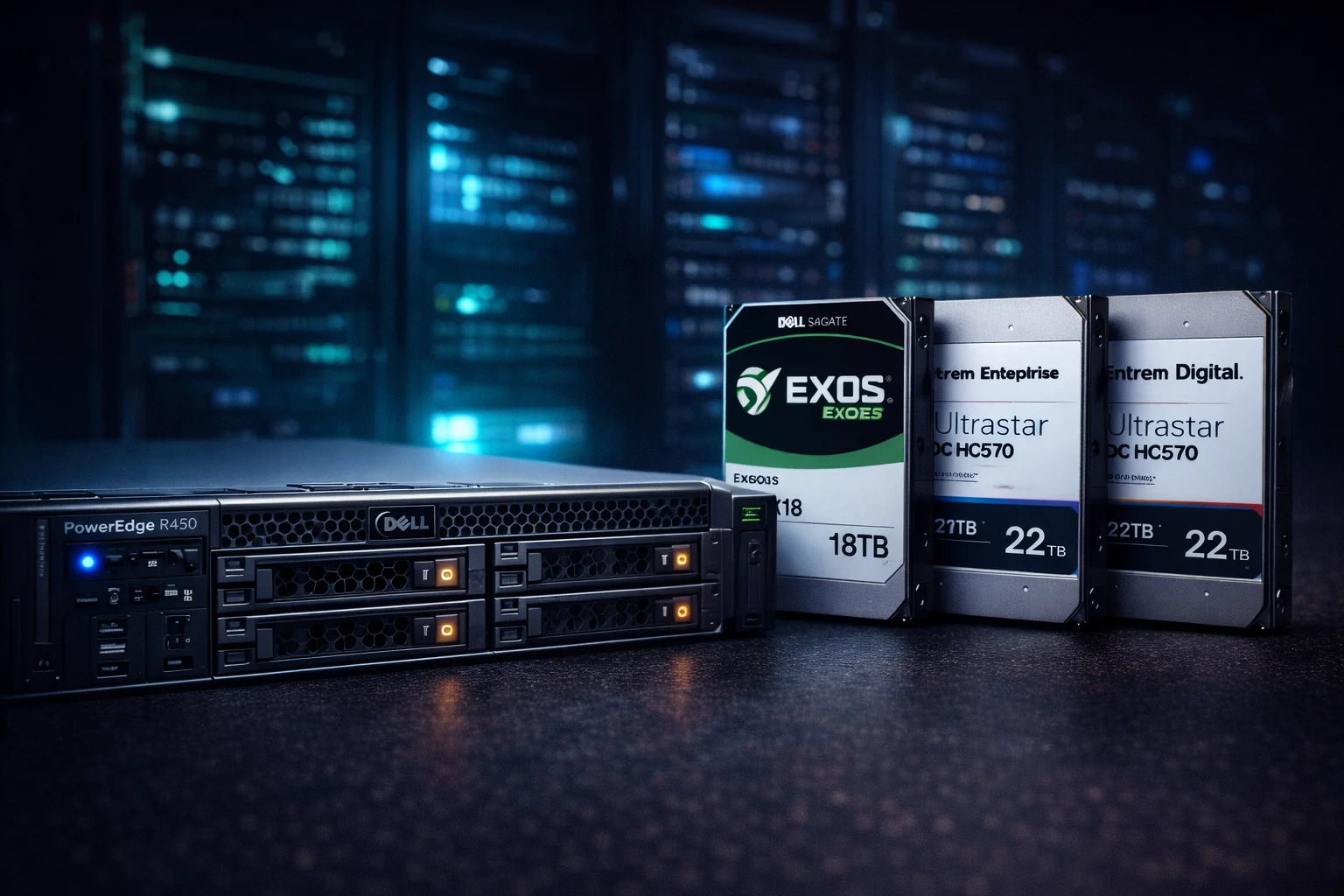
Dell PowerEdge R450 Storage Summary: The R450 supports up to 4x 3.5″ hot-swap drives or 8x 2.5″ drives using the PERC H755 RAID controller. For maximum capacity, use Seagate Exos X18 18TB or WD Ultrastar DC HC550 SAS/SATA drives. For boot drives, the Dell 1.92TB SATA Mixed-Use SSD delivers excellent reliability. The R450 requires Dell-certified drives for full iDRAC monitoring - third-party drives work but may show warnings. Total raw capacity reaches 72TB with 4x 18TB drives or 192TB with the 24x 2.5″ SSD configuration.
The Dell PowerEdge R450 is a single-socket 1U rack server designed for edge computing, small business applications, and space-constrained data centers. While compact, its storage flexibility makes it a capable workhorse for virtualization, file serving, and database workloads.
This guide covers everything you need to know about R450 storage: drive bay configurations, compatible drives, RAID controller options, and specific product recommendations based on real-world pricing and availability.
Dell PowerEdge R450 Storage Specifications
Before selecting drives, understanding the R450's storage architecture is essential. The server offers multiple chassis configurations that determine your drive options.
Drive Bay Configurations
| Configuration | Drive Bays | Form Factor | Max Raw Capacity | Best For |
|---|---|---|---|---|
| 4x 3.5″ Cabled | 4 | LFF | 72TB (4x 18TB) | Budget builds |
| 4x 3.5″ Hot-Swap | 4 | LFF | 72TB (4x 18TB) | NAS, file servers |
| 8x 2.5″ Hot-Swap | 8 | SFF | 61TB (8x 7.68TB SSD) | Virtualization |
| 10x 2.5″ Hot-Swap | 10 | SFF | 76TB (10x 7.68TB SSD) | High IOPS workloads |
Key insight: The 4x 3.5″ configuration offers the best capacity per dollar for bulk storage, while 2.5″ configurations excel at IOPS-intensive workloads like databases and virtualization.
Supported Drive Interfaces
The R450 supports multiple drive interfaces through its backplane and RAID controller:
| Interface | Max Speed | Drive Types | Notes |
|---|---|---|---|
| SAS 12Gb/s | 12 Gbps | HDD, SSD | Enterprise standard, full iDRAC support |
| SATA 6Gb/s | 6 Gbps | HDD, SSD | Lower cost, works via SAS backplane |
| NVMe PCIe 4.0 | ~7,000 MB/s | SSD only | Requires NVMe-ready backplane |
For most deployments, SAS drives offer the best balance of performance, reliability, and enterprise features like dual-port connectivity for failover.
RAID Controller Options
The R450's storage capabilities depend heavily on which RAID controller you select:
| Controller | RAID Levels | Max Drives | Cache | Best For |
|---|---|---|---|---|
| PERC H355 | 0, 1, 10 | 8 | None | Basic configurations |
| PERC H755 | 0, 1, 5, 6, 10, 50, 60 | 32 | 8GB | Production workloads |
| PERC H755N | 0, 1, 5, 6, 10, 50, 60 | 32 | 8GB | NVMe + SAS mixed |
| HBA355i | Pass-through | 16 | None | Software RAID, ZFS |
Recommendation: For most use cases, the PERC H755 with 8GB cache provides the best performance. The write-back cache dramatically improves write performance, especially for database workloads.
Best Hard Drives for Dell PowerEdge R450
Enterprise HDDs remain the most cost-effective option for bulk storage in the R450. Here are the top recommendations based on capacity, reliability, and current pricing.
Best Overall: Seagate Exos X18 18TB
The Seagate Exos X18 is our top pick for R450 bulk storage. At 18TB per drive, four drives in RAID 5 deliver 54TB of usable space - enough for most small business file servers.
Why we recommend it:
- 2.5 million hours MTBF - enterprise-grade reliability
- Helium-sealed for lower power consumption and heat
- PowerChoice technology for idle power management
- Compatible with Dell's iDRAC monitoring (may show non-Dell warning)
- 5-year warranty standard
Best SAS Option: WD Ultrastar DC HC550 18TB
For environments requiring SAS interface - particularly those with existing SAS infrastructure or needing dual-port failover - the WD Ultrastar DC HC550 is the premium choice.
SAS advantages over SATA:
- Dual-port connectivity for active-active failover
- Full-duplex operation (simultaneous read/write)
- Better error handling and recovery
- Longer cable lengths supported
Budget Option: Dell-Certified Renewed Drives
For organizations requiring full Dell support and iDRAC integration without warnings, Dell-branded drives are essential. While capacity is lower, you gain complete hardware/software integration.
Enterprise HDD Comparison Table
| Drive | Capacity | Interface | Price | $/TB | Warranty |
|---|---|---|---|---|---|
| Seagate Exos X18 | 18TB | SATA | $350 | $19.44 | 5 Years |
| WD Ultrastar HC550 | 18TB | SAS | $350 | $19.44 | 5 Years |
| Seagate Exos X16 | 16TB | SATA | $290 | $18.13 | 5 Years |
| Seagate Exos X14 | 14TB | SAS | $259 | $18.50 | 5 Years |
| Dell M40TH 8TB | 8TB | SAS | $154 | $19.25 | Dell Warranty |
| HGST Ultrastar He10 | 10TB | SAS | $170 | $17.00 | 5 Years |
Best SSDs for Dell PowerEdge R450
For boot drives, caching, or high-IOPS workloads, enterprise SSDs dramatically outperform HDDs. The R450 supports both SATA and SAS SSDs, with NVMe available on certain configurations.
Best Boot Drive: Dell 1.92TB SATA Mixed-Use
For boot drives and general-purpose virtualization, Dell-certified SSDs eliminate compatibility concerns. The 1.92TB capacity provides ample space for OS, applications, and VM storage.
High-Capacity Option: Samsung PM893 3.84TB
The Samsung PM893 delivers exceptional endurance for enterprise workloads. While pricier per TB than HDDs, the IOPS improvement is dramatic for database and VM workloads.
Budget Enterprise SSD: Intel D3-S4610 1.92TB
The Intel D3-S4610 offers excellent value for mixed-use workloads. Its 3 DWPD (Drive Writes Per Day) endurance handles database writes without concern, and built-in power loss protection prevents data corruption.
Enterprise SSD Comparison
| Drive | Capacity | Interface | Endurance | Price | $/TB |
|---|---|---|---|---|---|
| Dell Mixed-Use | 1.92TB | SATA | 3 DWPD | $260 | $135 |
| Intel D3-S4610 | 1.92TB | SATA | 3 DWPD | $375 | $195 |
| Samsung PM883 | 1.92TB | SATA | 1.3 DWPD | $485 | $253 |
| Samsung PM893 | 3.84TB | SATA | 1 DWPD | $959 | $250 |
| Micron 5300 PRO | 3.84TB | SATA | 1.5 DWPD | $746 | $194 |
RAID Configuration Recommendations
Choosing the right RAID level depends on your priorities: capacity, performance, or redundancy. Here are our recommendations for common R450 deployments.
4-Drive Configurations (3.5″ LFF)
| RAID Level | Usable Capacity | Fault Tolerance | Performance | Best For |
|---|---|---|---|---|
| RAID 5 | 54TB (4x 18TB) | 1 drive | Good reads | File servers, backups |
| RAID 6 | 36TB (4x 18TB) | 2 drives | Moderate | Critical data |
| RAID 10 | 36TB (4x 18TB) | 1 per mirror | Excellent | Databases, VMs |
| RAID 0 | 72TB (4x 18TB) | None | Maximum | Scratch/temp only |
For most R450 deployments: Use RAID 5 with 4x drives for file serving and backup, or RAID 10 for databases and virtualization where write performance matters. Avoid RAID 5 with drives larger than 8TB due to rebuild time concerns - RAID 6 or RAID 10 is safer for large drives.
8-Drive Configurations (2.5″ SFF)
| RAID Level | Usable Capacity (8x 1.92TB) | Fault Tolerance | Best For |
|---|---|---|---|
| RAID 5 | 13.44TB | 1 drive | Read-heavy VMs |
| RAID 6 | 11.52TB | 2 drives | Production databases |
| RAID 10 | 7.68TB | 1 per mirror | High-write workloads |
| RAID 50 | 11.52TB | 1 per span | Balanced performance |
Drive Compatibility and Dell Certification
Understanding Dell's drive certification is crucial for support and monitoring. Here's what you need to know:
Dell-Certified vs Third-Party Drives
| Aspect | Dell-Certified | Third-Party Enterprise |
|---|---|---|
| iDRAC Monitoring | Full support | Basic (may show warnings) |
| Firmware Updates | Via Dell Update | Manual/vendor tools |
| Dell Support | Full warranty coverage | Limited (hardware only) |
| SMART Data | Complete | Usually complete |
| Price Premium | 20-40% higher | Baseline |
| Reliability | Identical (same drives) | Identical |
The reality: Dell-certified drives are typically the same Seagate Exos, WD Ultrastar, or Samsung drives with Dell firmware and part numbers. Third-party drives work perfectly but may trigger "non-Dell drive detected" warnings in iDRAC. These warnings don't affect functionality.
Silencing Non-Dell Drive Warnings
If you use third-party drives, iDRAC will display warnings. You can acknowledge these without affecting drive operation:
- iDRAC alerts can be filtered to exclude non-certified warnings
- PERC controller functions identically regardless of drive certification
- SMART monitoring and predictive failure still works
- RAID rebuilds and hot-spare functionality unaffected
Storage Upgrade Paths
Planning for future growth? Here are common upgrade scenarios for the R450:
Capacity Expansion
- Add drives to existing array: PERC H755 supports online capacity expansion (OCE) - add drives and expand RAID without downtime
- Replace with larger drives: Swap drives one at a time, let RAID rebuild, repeat - gradually increase capacity
- External expansion: Add Dell MD1400 or MD1420 external enclosures for additional drive bays
Performance Upgrades
- HDD to SSD migration: Replace HDDs with SSDs for 100x IOPS improvement
- Add NVMe boot drive: Use BOSS-N1 module for fast NVMe boot (separate from main storage)
- Upgrade RAID controller: Move from H355 to H755 for better cache and RAID options
Real-World Configuration Examples
Configuration 1: Small Business File Server
| Component | Selection | Price |
|---|---|---|
| Boot Drive | Dell 1.92TB SATA SSD | $260 |
| Data Drives (4x) | Seagate Exos X18 18TB | $1,400 |
| RAID Level | RAID 5 | - |
| Usable Capacity | 54TB + 1.92TB boot | - |
| Total Storage Cost | - | $1,660 |
Configuration 2: Virtualization Host
| Component | Selection | Price |
|---|---|---|
| Boot/VM Drives (4x) | Samsung PM893 3.84TB | $3,836 |
| RAID Level | RAID 10 | - |
| Usable Capacity | 7.68TB (high IOPS) | - |
| Total Storage Cost | - | $3,836 |
Configuration 3: Budget Maximum Capacity
| Component | Selection | Price |
|---|---|---|
| Data Drives (4x) | HGST Ultrastar He10 10TB (Renewed) | $680 |
| RAID Level | RAID 5 | - |
| Usable Capacity | 30TB | - |
| Total Storage Cost | - | $680 |
Frequently Asked Questions
What is the maximum storage capacity of the Dell PowerEdge R450?
The R450 supports up to 72TB raw capacity with 4x 18TB 3.5″ drives, or approximately 76TB with 10x 7.68TB 2.5″ SSDs. Using the 24x 2.5″ configuration with external expansion, you can reach even higher capacities. Usable capacity depends on your RAID level - RAID 5 with 4x 18TB drives provides about 54TB usable.
Can I use non-Dell drives in a PowerEdge R450?
Yes, third-party enterprise drives like Seagate Exos and WD Ultrastar work perfectly in the R450. They may trigger "non-Dell drive detected" warnings in iDRAC, but functionality is identical. The PERC controller supports any standard SAS or SATA drive. For full Dell support coverage, use Dell-certified drives.
What RAID level should I use in my R450?
For file servers and backups, RAID 5 offers good capacity efficiency. For databases and VMs, RAID 10 provides better write performance. For critical data with large drives (12TB+), consider RAID 6 for dual-drive fault tolerance - rebuild times on large drives can exceed 24 hours, leaving you vulnerable during RAID 5 rebuilds.
Should I use SAS or SATA drives in my R450?
SAS drives offer dual-port connectivity, better error handling, and higher reliability for mission-critical applications. SATA drives cost less and work fine for most workloads. Both connect through the same SAS backplane. For a file server, SATA is sufficient. For production databases or virtualization, SAS is preferred.
What's the best boot drive for a PowerEdge R450?
For dedicated boot drives, use the BOSS-N1 module with M.2 NVMe SSDs - this keeps boot storage separate from your data array. Alternatively, a Dell 1.92TB SATA Mixed-Use SSD in the main drive bays works well for combined OS and VM storage. Avoid using HDDs for boot drives due to slow performance.
How do I expand storage on a PowerEdge R450?
The R450 offers several expansion options: 1) Add drives to empty bays and expand the existing RAID array online. 2) Replace drives with larger capacity one at a time. 3) Connect a Dell MD1400/MD1420 external enclosure for additional drive bays. The PERC H755 supports online capacity expansion without downtime.
Can I mix HDDs and SSDs in the same R450?
Yes, but they should be in separate RAID arrays. The PERC controller supports multiple virtual disks - create one array with SSDs for high-performance workloads and another with HDDs for bulk storage. Don't mix HDDs and SSDs in the same RAID array, as performance will be limited by the slowest drive.
What's the difference between PERC H355 and H755?
The PERC H355 is a basic controller supporting only RAID 0, 1, and 10 with no cache. The PERC H755 adds RAID 5, 6, 50, and 60 support plus 8GB of write-back cache for dramatically better write performance. For production workloads, the H755 is strongly recommended - the cache alone can improve write performance by 10x or more.
Storage Performance Expectations
Understanding realistic performance helps set expectations for your R450 deployment:
| Configuration | Sequential Read | Sequential Write | Random IOPS |
|---|---|---|---|
| 4x HDD RAID 5 | ~600 MB/s | ~400 MB/s | ~800 IOPS |
| 4x HDD RAID 10 | ~800 MB/s | ~400 MB/s | ~1,200 IOPS |
| 4x SATA SSD RAID 5 | ~2,000 MB/s | ~1,500 MB/s | ~200,000 IOPS |
| 4x SATA SSD RAID 10 | ~2,200 MB/s | ~1,800 MB/s | ~300,000 IOPS |
| 4x NVMe RAID 0 | ~12,000 MB/s | ~10,000 MB/s | ~1,000,000 IOPS |
Note: Real-world performance varies based on workload, queue depth, and PERC controller cache state. Write performance with PERC H755 cache enabled can be 5-10x higher than these figures for burst writes that fit in cache.
Related Guides
- SAS Drives Guide - Understanding enterprise SAS storage
- Best NAS Drives - Top picks for network storage
- Seagate Exos Guide - Complete Exos lineup overview
- Western Digital Drives - WD enterprise options
- Best Drives for Data Hoarding - Maximum capacity solutions
- Surveillance Drives - 24/7 continuous write drives
- CMR vs SMR - Recording technology explained
- 12TB Drives - Mid-capacity enterprise options
- 16TB Drives - High-capacity storage picks
- 20TB Drives - Maximum capacity HDDs
Last Updated: February 2026