
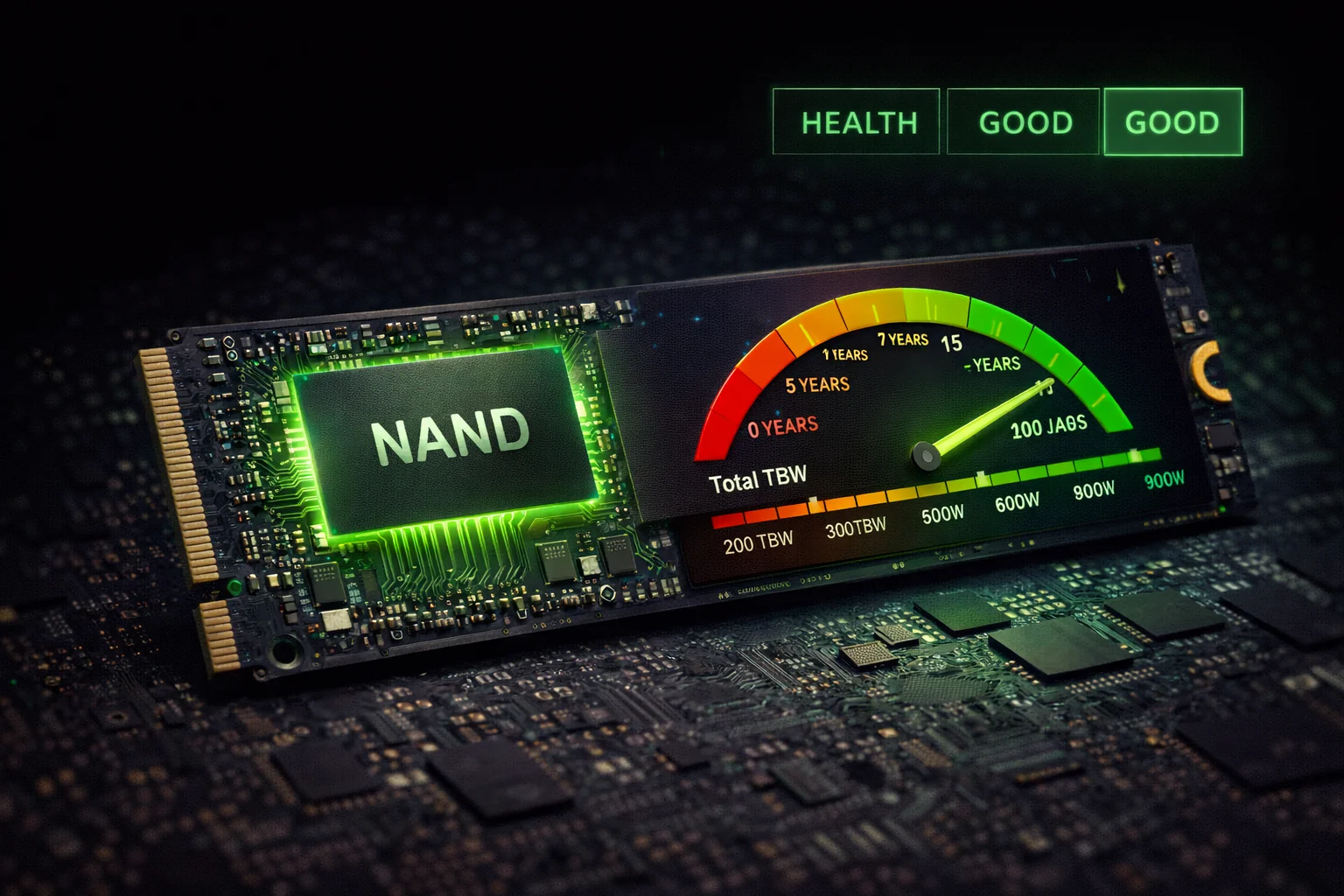
Quick Answer+
SSD Lifespan Summary: Modern consumer SSDs typically last 5-10 years or 300-600 TBW (terabytes written) for 1TB drives — far exceeding most users’ needs. Enterprise SSDs last even longer with 1-3 DWPD (drive writes per day) ratings. Real-world data from Backblaze shows SSD failure rates of just 0.98% annually — significantly lower than HDDs. The biggest lifespan factors are write endurance (TBW), operating temperature, and avoiding full capacity. Most users will upgrade for performance reasons long before their SSD wears out.
One of the most common questions when buying an SSD is “how long will it last?” Unlike HDDs with moving parts that wear mechanically, SSDs use flash memory cells that degrade with each write cycle. But don’t let that worry you — modern SSDs are engineered to last far longer than most people need.
This guide explains SSD lifespan in practical terms, decodes the confusing endurance specifications, and provides actionable tips to maximize your drive’s longevity.
Understanding SSD Lifespan Metrics
SSD manufacturers use several metrics to express drive longevity. Understanding these helps you compare drives and set realistic expectations.
TBW (Terabytes Written)
TBW represents the total amount of data you can write to an SSD before cells begin failing. It’s the most common consumer endurance rating.
| Drive Capacity | Typical TBW (Consumer) | Typical TBW (Pro/Enterprise) |
|---|---|---|
| 250GB | 150 TBW | 300+ TBW |
| 500GB | 300 TBW | 600+ TBW |
| 1TB | 600 TBW | 1,200+ TBW |
| 2TB | 1,200 TBW | 2,400+ TBW |
| 4TB | 2,400 TBW | 4,800+ TBW |
What this means practically: A 1TB SSD rated for 600 TBW can handle writing 600 terabytes of data. If you write 50GB per day (heavy usage), that’s 32+ years of use. Most users write 10-20GB daily, extending lifespan even further.
DWPD (Drive Writes Per Day)
Enterprise SSDs use DWPD, which indicates how many times you can write the drive’s full capacity daily over the warranty period.
| DWPD Rating | Use Case | 1TB Drive Daily Writes |
|---|---|---|
| 0.3 DWPD | Read-intensive | 300GB/day |
| 1 DWPD | Mixed workloads | 1TB/day |
| 3 DWPD | Write-intensive | 3TB/day |
| 10+ DWPD | Extreme write (caching) | 10TB+/day |
Converting DWPD to TBW: TBW = Capacity × DWPD × 365 × Warranty Years. A 1TB drive with 1 DWPD and 5-year warranty = 1,825 TBW.
MTBF (Mean Time Between Failures)
MTBF represents statistical reliability across a large population of drives, not individual drive lifespan. A 2 million hour MTBF doesn’t mean your drive will last 228 years — it means in a population of drives, failures are rare.
| Drive Type | Typical MTBF | Annual Failure Rate |
|---|---|---|
| Consumer SSD | 1.5-2 million hours | ~1% |
| Enterprise SSD | 2-2.5 million hours | ~0.5% |
| Consumer HDD | 300,000-1 million hours | ~2-5% |
| Enterprise HDD | 1-2 million hours | ~1-2% |
Real-World SSD Failure Data
Theory is helpful, but real-world data tells the true story. Backblaze, a cloud backup company, publishes quarterly drive statistics from their data centers.
Backblaze SSD Reliability Data (2024-2025)
| Metric | SSD | HDD |
|---|---|---|
| Annualized Failure Rate | 0.98% | 1.70% |
| Average Age at Failure | 2.5 years | 2.8 years |
| Drives Monitored | 3,000+ | 250,000+ |
| Failure Trend | Flat | Increasing with age |
Key finding: SSDs fail at roughly half the rate of HDDs in data center conditions with constant use. Consumer SSDs under lighter workloads likely perform even better.
SSD Endurance Testing Results
Tech publications have tested SSDs to destruction. The results consistently show drives far exceeding their rated endurance:
| Drive | Rated TBW | Actual TBW at Failure | % Over Rating |
|---|---|---|---|
| Samsung 850 Pro 256GB | 150 TBW | 9,100+ TBW | 6,000%+ |
| Samsung 850 EVO 250GB | 75 TBW | 800+ TBW | 1,000%+ |
| Crucial MX500 500GB | 180 TBW | 700+ TBW | 388% |
| Intel 335 240GB | ~20 TBW | 700+ TBW | 3,500% |
The takeaway: Manufacturers rate endurance conservatively. Real-world longevity typically exceeds specifications by 3-10x or more.
Factors That Affect SSD Lifespan
1. NAND Flash Type
The type of flash memory significantly impacts endurance. Each cell type stores different amounts of data, affecting how many write cycles it can handle.
| NAND Type | Bits/Cell | P/E Cycles | Typical Use |
|---|---|---|---|
| SLC (Single) | 1 | 50,000-100,000 | Enterprise caching |
| MLC (Multi) | 2 | 10,000-35,000 | Enterprise/Pro |
| TLC (Triple) | 3 | 1,000-3,000 | Consumer mainstream |
| QLC (Quad) | 4 | 500-1,000 | Read-heavy, budget |
For detailed comparisons, see our QLC vs TLC guide. While QLC has lower endurance, modern controllers and overprovisioning compensate effectively for consumer workloads.
2. Operating Temperature
Heat accelerates NAND wear. High-performance NVMe drives like the Samsung 990 Pro or Crucial T705 can throttle under sustained loads without proper cooling.
- Optimal: 25-45°C (77-113°F)
- Acceptable: 45-70°C (113-158°F)
- Degraded lifespan: 70°C+ sustained
- Thermal throttling: 80°C+ (most drives)
3. Write Amplification
SSDs can’t overwrite data directly — they must erase entire blocks first. This causes “write amplification” where the drive writes more data internally than you requested. Good controllers minimize this through intelligent garbage collection.
4. Drive Fullness
Running an SSD near full capacity increases write amplification and reduces performance. The drive has fewer free blocks for wear leveling and garbage collection.
Keep at least 10-20% free space on your SSD for optimal performance and longevity. Enterprise drives include built-in overprovisioning (often 7-28% of raw capacity) specifically for this purpose. Consumer drives benefit from user-maintained free space.
5. Power Loss Protection
Unexpected power loss can corrupt data in transit and damage flash cells. Enterprise SSDs include capacitors to complete pending writes during power failure. Consumer drives generally lack this protection.
SSD Lifespan by Brand and Model
Here’s how popular consumer SSDs compare on endurance specifications:
Top Consumer SSDs Endurance Comparison
| Drive (1TB) | TBW Rating | Warranty | NAND Type |
|---|---|---|---|
| Samsung 990 Pro | 600 TBW | 5 Years | TLC |
| Crucial T500 | 600 TBW | 5 Years | TLC |
| WD Black SN850X | 600 TBW | 5 Years | TLC |
| SK Hynix P41 | 750 TBW | 5 Years | TLC |
| Crucial T705 | 600 TBW | 5 Years | TLC |
| Samsung 870 EVO | 600 TBW | 5 Years | TLC |
| Crucial P3 Plus | 440 TBW | 5 Years | QLC |
| Samsung 870 QVO | 360 TBW | 3 Years | QLC |
How to Check Your SSD’s Health and Remaining Life
SSDs track their own wear through SMART (Self-Monitoring, Analysis, and Reporting Technology) data. Here’s how to check it:
Windows: CrystalDiskInfo
Download the free CrystalDiskInfo utility to view:
- Health Status: Good, Caution, or Bad
- Temperature: Current operating temp
- Total Host Writes: Data written over drive lifetime
- Power On Hours: Total operating time
- Wear Leveling Count: Percentage of life remaining (some drives)
Manufacturer Tools
| Brand | Software | Features |
|---|---|---|
| Samsung | Samsung Magician | Health, firmware, secure erase |
| Crucial | Storage Executive | Health, overprovisioning |
| WD/SanDisk | Dashboard | Health, firmware, gaming mode |
| Kingston | SSD Manager | Health, firmware, secure erase |
| Intel | Memory and Storage Tool | Full diagnostics |
Key SMART Attributes to Monitor
| Attribute | What It Means | Warning Sign |
|---|---|---|
| Wear Leveling Count | % of P/E cycles used | Below 10% |
| Reallocated Sector Count | Bad blocks replaced | Any increase |
| Program Fail Count | Failed write operations | Any non-zero |
| Erase Fail Count | Failed erase operations | Any non-zero |
| Uncorrectable Error Count | Data errors | Any non-zero |
How to Maximize SSD Lifespan
1. Enable TRIM
TRIM tells the SSD which blocks are no longer in use, allowing efficient garbage collection. It’s enabled by default on Windows 7+ and macOS 10.10+.
Verify TRIM is enabled (Windows):
fsutil behavior query DisableDeleteNotifyResult of 0 = TRIM enabled. Result of 1 = TRIM disabled.
2. Avoid Unnecessary Writes
- Disable Superfetch/SysMain: Reduces background writes (optional, minor impact)
- Move page file to HDD: Only if you have an HDD and limited SSD space
- Redirect browser cache: For extremely limited SSDs only
- Don’t defragment: Windows automatically optimizes SSDs differently — manual defrag is harmful
Reality check: For modern high-capacity SSDs (500GB+), these optimizations provide minimal benefit. Normal use won’t wear out a quality SSD within its useful life.
3. Maintain Free Space
Keep 10-20% of your SSD free for optimal wear leveling and performance. A completely full SSD experiences higher write amplification and slower speeds.
4. Keep Firmware Updated
Firmware updates often improve wear leveling algorithms, fix bugs that could cause premature wear, and enhance overall reliability. Use manufacturer tools to check for updates.
5. Use Quality Power Supply
Unstable power can damage SSDs. Use a quality PSU in desktops and consider a UPS for systems with valuable data.
SSD Lifespan vs HDD Lifespan
How do SSDs compare to traditional hard drives in terms of longevity?
| Factor | SSD | HDD |
|---|---|---|
| Moving Parts | None | Spinning platters, moving heads |
| Shock Resistance | Excellent | Poor |
| Write Limitation | Finite (TBW) | Theoretically infinite |
| Typical Lifespan | 5-10 years | 3-5 years |
| Annual Failure Rate | ~1% | ~2-5% |
| Failure Warning | Usually gradual | Often sudden |
| Data Recovery | Difficult | Often possible |
For a comprehensive comparison, see our SSD vs HDD guide.
The Mechanical vs Electronic Failure Difference
HDDs fail mechanically — heads crash into platters, motors burn out, bearings wear. These failures are often sudden and catastrophic.
SSDs fail electronically — cells wear out gradually, giving warnings before complete failure. Many SSDs enter read-only mode at end-of-life, allowing data recovery. This predictable degradation is actually an advantage for data protection.
Enterprise vs Consumer SSD Lifespan
Enterprise SSDs are built for heavier workloads with higher endurance specifications:
| Specification | Consumer SSD | Enterprise SSD |
|---|---|---|
| Endurance Rating | 300-600 TBW/TB | 1,000-10,000+ TBW/TB |
| NAND Type | TLC/QLC | MLC/TLC |
| Overprovisioning | 7% | 28%+ |
| Power Loss Protection | Usually no | Yes (capacitors) |
| Warranty | 3-5 years | 5 years |
| Target Workload | Consumer/Prosumer | 24/7 datacenter |
For most consumers, enterprise SSDs are overkill. Consumer drives provide ample lifespan for typical workloads at significantly lower prices.
When to Replace Your SSD
Replace your SSD if you notice:
- SMART warnings: CrystalDiskInfo shows “Caution” or “Bad”
- Read-only mode: Drive becomes read-only (end-of-life protection)
- Frequent errors: Blue screens, file corruption, or disappearing data
- Significant slowdown: Performance drops dramatically
- Wear indicator below 10%: Time to plan replacement
Many SSDs enter a read-only mode when NAND wear reaches critical levels, allowing data recovery before complete failure — a safety feature HDDs lack.
Frequently Asked Questions
Most consumer SSDs last 5-10 years under typical use. The limiting factor is usually the warranty period (5 years for most quality drives) or technological obsolescence rather than actual wear. Enterprise SSDs in data centers routinely operate for 5-7+ years under much heavier workloads than consumer use.
In most scenarios, yes. SSDs have no moving parts to wear mechanically, and real-world data shows lower failure rates (~1% annually vs 1.7% for HDDs). However, SSDs have finite write cycles while HDDs can theoretically be rewritten indefinitely. For typical consumer use, SSDs are more reliable.
The main factors that shorten SSD life are: excessive writes beyond rated TBW, high operating temperatures (sustained 70°C+), running at full capacity (reduces wear leveling efficiency), sudden power loss (can corrupt data and damage cells), and manufacturing defects (rare but possible).
Absolutely. Gaming involves mostly reads, not writes. Even installing, uninstalling, and reinstalling games frequently might use 10-20TB per year. At that rate, a 600 TBW drive would last 30+ years of gaming use. Game saves and updates add minimal writes. TBW is rarely a concern for gaming.
Yes. SSDs are designed for continuous operation. However, if storing an SSD long-term (months without power), data retention can become an issue — NAND cells slowly lose charge over time. For archival storage spanning years, HDDs or tape are more appropriate. For daily use, leaving your SSD powered is fine.
No. Only write and erase operations consume P/E cycles and wear NAND cells. Read operations cause negligible wear. This is why read-heavy workloads (gaming, media playback, OS boot) are ideal for SSDs and why QLC drives work well for read-intensive storage despite lower write endurance.
Watch for these warning signs: SMART health status shows “Caution” or errors, increasing reallocated sectors, drive becomes read-only, frequent crashes or blue screens, corrupted files, or significant performance degradation. Use CrystalDiskInfo or manufacturer software to monitor health regularly.
For most consumers, no. While QLC has lower endurance (500-1000 P/E cycles vs 3000 for TLC), modern controllers and overprovisioning compensate effectively. A 1TB QLC drive with 360 TBW still handles 20GB daily writes for 49+ years. QLC is problematic only for write-intensive workloads like video editing, databases, or caching.
The Bottom Line
Modern SSDs are remarkably durable. For typical consumer use — gaming, general computing, even content creation — your SSD will almost certainly outlast its technological relevance. You’ll upgrade for speed or capacity long before wear becomes an issue.
Focus on buying a quality SSD from a reputable brand with good warranty support rather than obsessing over TBW ratings. Any mainstream drive from Samsung, Crucial, Western Digital, or SK Hynix will serve you well for years.
Related Guides
- QLC vs TLC SSDs — Understanding NAND types and endurance
- SSD vs HDD — Complete comparison guide
- NVMe vs SATA — Interface differences explained
- Best NVMe SSDs 2026 — Top picks for performance
- Best Budget SSDs — Value options for every need
- How to Clone SSD — Migrate without data loss
- Samsung 990 Pro Review — Flagship NVMe analysis
- Crucial T500 Review — Best value Gen4 drive
Last Updated: February 2026