QNAP vs Synology 2026: Which NAS Brand Should You Buy?

Quick Answer+
Quick Answer:Synology wins for ease of use, software polish, security track record, and mobile apps — ideal for beginners and businesses wanting simplicity. QNAP wins for hardware value, raw performance, Plex transcoding, HDMI output, and expandability — ideal for power users and those wanting maximum specs per dollar. Both make excellent NAS devices; your choice depends on priorities. For Plex users, QNAP is the clear winner due to Intel Quick Sync. For set-and-forget simplicity, Synology edges ahead.
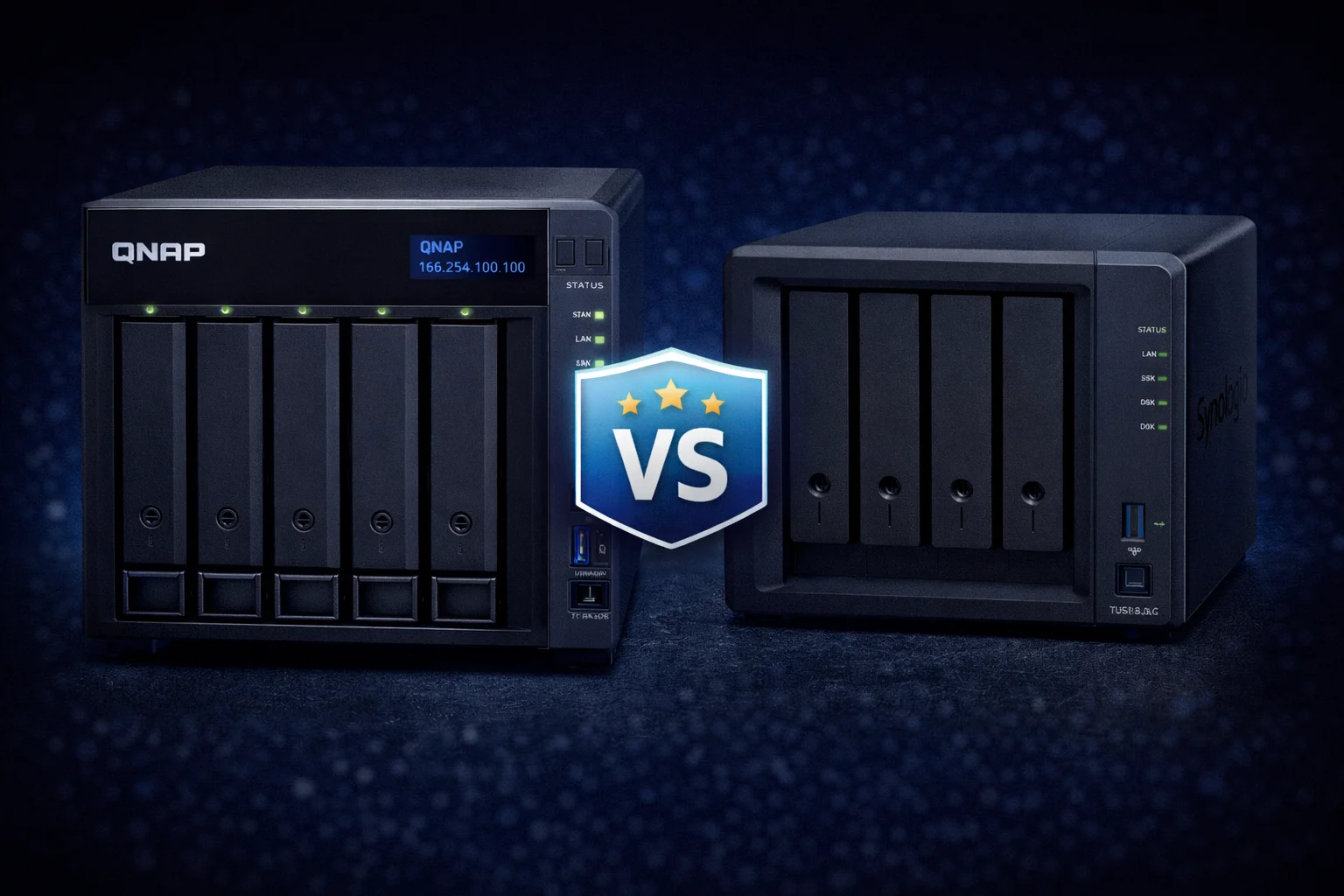
QNAP and Synology dominate the consumer and prosumer NAS market. Both offer excellent products, but they take different approaches: Synology prioritizes software polish and simplicity, while QNAP focuses on hardware value and flexibility. This guide breaks down every difference to help you choose.
Quick Comparison Summary
| Category | Winner | Why |
|---|---|---|
| Hardware Value | QNAP | More RAM, faster networking, lower prices |
| Plex/Transcoding | QNAP | Intel Quick Sync on more models |
| Software Polish | Synology | DSM is cleaner and easier |
| Mobile Apps | Synology | More refined, better UX |
| Security Track Record | Synology | Fewer vulnerabilities historically |
| First-Party Apps | Synology | Photos, Drive, Office are superior |
| Docker/Containers | Tie | Both excellent |
| Expandability | QNAP | More PCIe options, Thunderbolt models |
| HDMI Output | QNAP | Synology removed HDMI from most models |
| Beginner-Friendly | Synology | Simpler setup and interface |
| Price (Same Tier) | QNAP | Typically 15-35% cheaper |
Hardware Comparison
QNAP consistently offers better hardware specifications at similar or lower price points.
4-Bay Flagship Comparison
| Spec | QNAP TS-464 ($636) | Synology DS923+ ($960) |
|---|---|---|
| CPU | Intel N5105 (4-core) | AMD R1600 (2-core) |
| RAM | 8GB (16GB max) | 4GB (32GB max) |
| Network | 2x 2.5GbE | 2x 1GbE |
| M.2 Slots | 2 | 2 |
| PCIe | Gen3 x2 | Gen3 x2 |
| HDMI | Yes (4K@60Hz) | No |
| HW Transcoding | ✅ Yes | ❌ No |
| Price Difference | QNAP is $324 cheaper (34% less) | |
The TS-464 offers a faster CPU, double the RAM, 2.5x faster networking, HDMI output, and hardware transcoding — all for $324 less. This pattern repeats across most comparable models.
2-Bay Comparison
| Spec | QNAP TS-264 ($489) | Synology DS224+ ($340) |
|---|---|---|
| CPU | Intel N5105 | Intel J4125 |
| RAM | 8GB (16GB max) | 2GB (6GB max) |
| Network | 2x 2.5GbE | 2x 1GbE |
| M.2 Slots | 2 | 0 |
| HDMI | Yes (HDMI 2.1) | No |
| HW Transcoding | ✅ Yes | ✅ Yes |
Synology’s DS224+ is $149 cheaper but has significantly less RAM (2GB vs 8GB), no M.2 slots, and only Gigabit networking. The QNAP TS-264’s premium buys substantial hardware upgrades.
Budget Comparison
| Spec | QNAP TS-233 ($199) | Synology DS223 ($240) |
|---|---|---|
| CPU | ARM Cortex-A55 | ARM RTD1619B |
| RAM | 2GB | 2GB |
| Network | 1x 1GbE | 1x 1GbE |
| Price | $199 | $240 |
At the budget level, hardware is similar but QNAP is $41 cheaper. The difference here is primarily software preference.
Software: QTS vs DSM
Synology DSM
DiskStation Manager (DSM) is Synology’s Linux-based operating system. It’s widely praised for its clean, intuitive interface that feels like a modern web app.
Strengths:
- Clean, intuitive interface
- Excellent first-party apps (Photos, Drive, Office)
- Consistent design language
- Easier initial setup
- Better documentation
- Polished mobile apps
Weaknesses:
- Fewer advanced options
- Less customization
- Some features locked behind subscription (Active Backup for Business)
QNAP QTS
QTS is QNAP’s Linux-based operating system with a desktop-style interface. It offers more options but has a steeper learning curve.
Strengths:
- More configuration options
- QuTS hero (ZFS) option on same hardware
- HD Station for HDMI output
- More apps available
- Greater flexibility for power users
Weaknesses:
- Busier, less intuitive interface
- Steeper learning curve
- First-party apps not as polished
- Mobile apps functional but dated
Software Verdict
Choose Synology DSM if: You want simplicity, polish, and excellent first-party apps. Best for beginners and users who prefer things to “just work.”
Choose QNAP QTS if: You want more control, ZFS option, HDMI features, and don’t mind a learning curve. Best for power users and tinkerers.
Plex and Media Server
QNAP wins decisively for Plex.
Hardware Transcoding
QNAP’s Intel-based models (TS-264, TS-464, TS-664, etc.) include Intel Quick Sync for hardware transcoding. This enables 3-4+ simultaneous 4K transcodes with minimal CPU usage.
Synology’s flagship DS923+ uses an AMD Ryzen CPU without integrated graphics — no hardware transcoding possible. The cheaper DS224+ has Intel transcoding, but with only 2GB RAM and no M.2 slots, it’s less capable overall.
| Model | HW Transcoding | 4K Streams | Price |
|---|---|---|---|
| QNAP TS-464 | ✅ Intel Quick Sync | 3-4 | $636 |
| Synology DS923+ | ❌ None (AMD) | 0-1 (software) | $960 |
| QNAP TS-264 | ✅ Intel Quick Sync | 3-4 | $489 |
| Synology DS224+ | ✅ Intel Quick Sync | 2-3 | $340 |
HDMI Output
QNAP includes HDMI output on Intel models for direct TV playback. Run Plex HTPC, Kodi, or other apps directly from the NAS.
Synology removed HDMI from most current models. Only the discontinued DS218play and older models had HDMI.
Plex Verdict: If Plex is important, buy QNAP. The TS-464 provides better transcoding than Synology’s $960 flagship at $324 less.
Photo Management
Synology wins for photos.
Synology Photos is one of the best Google Photos alternatives available. It offers:
- Clean, modern interface
- AI-powered facial recognition and object detection
- Excellent mobile app with auto-upload
- Shared spaces for families
- Timeline and map views
QNAP’s QuMagie offers similar features but with a less polished interface. It works well but doesn’t match Synology Photos’ refinement.
Photo Verdict: If photos are your primary use case, Synology’s app experience is superior.
Security
Synology has a better security track record.
QNAP has faced several high-profile security incidents, including ransomware attacks targeting exposed NAS devices. While QNAP has improved security practices, the history gives Synology an edge for security-conscious users.
Both brands recommend:
- Disabling direct internet exposure
- Using VPN for remote access
- Enabling 2FA
- Keeping firmware updated
- Using strong passwords
With proper configuration, both are secure. But Synology’s cleaner track record provides peace of mind.
Ecosystem and Apps
Synology Ecosystem
- Synology Drive: Excellent Dropbox alternative
- Synology Photos: Best-in-class photo management
- Synology Office: Collaborative document editing
- Active Backup: Comprehensive backup (some features require license)
- Surveillance Station: Excellent, 2 free camera licenses
QNAP Ecosystem
- Qsync: File synchronization (functional, less polished)
- QuMagie: Photo management with AI
- Hybrid Backup Sync: Comprehensive backup
- QVR Pro: Surveillance with 8 free camera licenses
- HD Station: HDMI apps (Plex, Kodi, etc.)
- QuTS hero: ZFS-based OS option
Synology’s first-party apps are more polished. QNAP offers more apps overall and unique features like HD Station and QuTS hero.
Docker and Containers
Both are excellent for Docker.
Synology’s Container Manager and QNAP’s Container Station both provide GUI interfaces for Docker management. Both support Docker Compose, Portainer, and command-line access.
QNAP’s hardware advantage (more RAM, faster CPU at same price) gives it a slight edge for running multiple containers. But both handle typical home lab workloads well.
Price Comparison
| Category | QNAP | Synology | Difference |
|---|---|---|---|
| Budget 2-Bay | TS-233: $199 | DS223: $240 | QNAP 17% less |
| Intel 2-Bay | TS-264: $489 | DS224+: $340 | Synology 30% less* |
| 4-Bay Flagship | TS-464: $636 | DS923+: $960 | QNAP 34% less |
| 6-Bay | TS-664: $738 | DS1621+: $900 | QNAP 18% less |
*DS224+ is cheaper but has significantly less RAM (2GB vs 8GB) and no M.2 slots.
QNAP generally offers better hardware value. Synology commands a premium for its software experience.
Which Should You Buy?
Buy QNAP If:
- Plex/media server is a primary use case
- You want maximum hardware specs per dollar
- You need HDMI output to a TV
- You want 2.5GbE or 10GbE built-in
- You want ZFS (QuTS hero) option
- You’re comfortable with a steeper learning curve
- Budget is a significant factor
Buy Synology If:
- You prioritize ease of use and polish
- Photo management is a primary use case
- You want “set and forget” reliability
- Security track record matters to you
- You prefer polished mobile apps
- You don’t need Plex transcoding on 4+ bay models
- You’re willing to pay more for software experience
Our Recommendations
Best QNAP Models
QNAP TS-464
Intel N5105, 8GB RAM, 2x 2.5GbE, PCIe, HDMI
Best overall value in 4-bay NAS. Better hardware than Synology’s $960 DS923+ at significantly lower cost. Excellent for Plex, Docker, and home storage.
QNAP TS-264
Intel N5105, 8GB RAM, 2x 2.5GbE, M.2, HDMI 2.1
Feature-packed 2-bay with Intel transcoding, 8GB RAM, and 2.5GbE. Premium over DS224+ buys substantial hardware upgrades.
Best Synology Models
Synology DS224+
Intel J4125, 2GB RAM, 2x 1GbE
Best for users who prioritize simplicity over specs. DSM is easier to use than QTS. Good for basic storage, backup, and Synology Photos.
Synology DS923+
AMD R1600, 4GB RAM, 2x 1GbE, PCIe
Premium price for premium software experience. Best for businesses wanting Synology ecosystem. No Plex transcoding due to AMD CPU.
Frequently Asked Questions
QNAP is significantly better for Plex. QNAP’s Intel-based models (TS-264, TS-464, TS-664) include Quick Sync hardware transcoding for 3-4+ simultaneous 4K streams. Synology’s flagship DS923+ uses AMD without transcoding capability.
Yes, Synology’s DSM is generally considered easier to use with a cleaner interface and better documentation. QNAP’s QTS offers more options but has a steeper learning curve. Beginners typically find Synology more approachable.
QNAP focuses on hardware value while Synology commands a premium for software polish. QNAP often uses faster CPUs, more RAM, and better networking at lower prices. Synology’s premium covers their software development and ecosystem.
QNAP has faced more security incidents historically than Synology. However, with proper security practices (disable direct exposure, use VPN, enable 2FA, update firmware), QNAP is secure. Both brands are safe when properly configured.
Yes, both use standard SATA drives. NAS drives like Seagate IronWolf and WD Red Plus work perfectly in either brand. Drive compatibility is identical.
Synology has more polished mobile apps overall. Synology Photos and Synology Drive apps are particularly refined. QNAP’s apps are functional but feel more dated. For mobile-heavy use, Synology has the edge.
Final Verdict
Both QNAP and Synology make excellent NAS devices. Your choice depends on priorities:
QNAP delivers better hardware value and is the clear choice for Plex users. If you want maximum specs per dollar, hardware transcoding, HDMI output, or fast 2.5GbE networking, QNAP wins.
Synology delivers a more polished software experience. If you prioritize ease of use, excellent mobile apps, photo management, and a cleaner security track record, Synology is worth the premium.
Neither choice is wrong — both will serve you well for years.
Related Resources
- Best QNAP NAS 2026
- Best Synology NAS 2026
- QNAP vs Synology for Plex
- TS-464 vs DS923+ Comparison
- Best NAS for Plex 2026
Last Updated: February 2026