
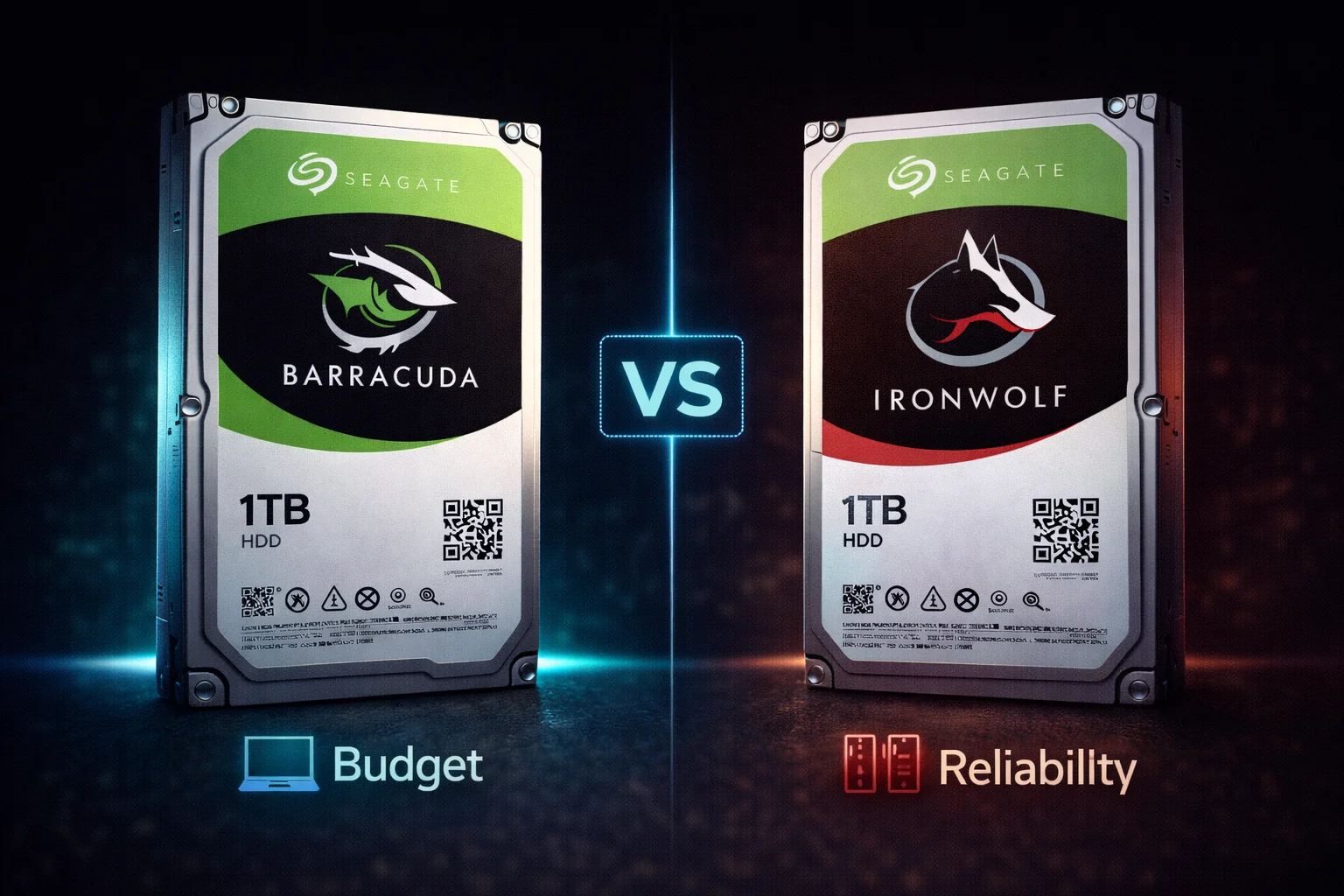
Quick Answer+
Quick Answer: Choose Barracuda for single-drive desktop storage (games, media, backups) — it’s cheaper and works fine for read-heavy workloads. Choose IronWolf for NAS systems and RAID arrays — it uses CMR technology (no SMR write penalties), has NAS-optimized firmware, vibration sensors, and a longer warranty. The price difference is small ($8-30) but the reliability difference for NAS use is significant. Never use Barracuda SMR drives in NAS/RAID — rebuild failures can cause data loss.
This is one of the most common questions in storage: should you buy the cheaper Barracuda or spend more on IronWolf? The answer depends entirely on your use case, and getting it wrong can lead to data loss or wasted money.
This guide explains exactly when each drive makes sense, with detailed comparisons at every capacity point.
Featured Products Compared
Seagate Barracuda 4TB (ST4000DM004)
4TB Capacity | 5400 RPM | 256MB Cache | SATA 6Gb/s | SMR | 2-Year Warranty
The most popular desktop Barracuda. Great for game libraries, media storage, and backups in single-drive configurations. Uses SMR technology — not recommended for NAS or RAID arrays.
Seagate IronWolf 4TB (ST4000VN006)
4TB Capacity | 5400 RPM | 256MB Cache | SATA 6Gb/s | CMR | 3-Year Warranty
Purpose-built for NAS with CMR technology, AgileArray firmware, and rotational vibration sensors. Only $8 more than Barracuda with significantly better reliability for multi-drive systems.
Quick Comparison: Barracuda vs IronWolf
| Feature | Seagate Barracuda | Seagate IronWolf |
|---|---|---|
| Target Use | Desktop PCs, single drives | NAS systems, RAID arrays |
| Recording (2-8TB) | SMR | CMR |
| NAS Optimized | No | Yes (AgileArray) |
| Vibration Sensors | No | Yes (RV sensors) |
| Workload Rating | 55 TB/year | 180 TB/year |
| Warranty | 2 years | 3 years |
| RAID Rebuild | Risky (SMR issues) | Reliable |
| Price (4TB) | $91.99 | $99.99 |
| Price (8TB) | $175.00 | $199.99 |
Seagate Barracuda Prices
Browse current Seagate Barracuda desktop hard drive prices:
Seagate IronWolf Prices
Browse current Seagate IronWolf NAS hard drive prices:
| Product | Capacity | Price | $ / TB | Price Drop | Brand | Interface |
|---|---|---|---|---|---|---|
| Seagate 6TB IronWolf NAS SATA 6Gb/s NCQ 128MB Cache 3.5-Inch Internal Hard Drive (ST6000VN0041) (Renewed) | 6.00 TB | $169.99 | $28.33 | +0% | Seagate | SATA |
| Seagate IronWolf 2TB NAS Internal Hard Drive HDD – 3.5 Inch SATA 6Gb/s 7200 RPM 256MB Cache for RAID Network Attached Storage (ST2000VN004) (Renewed) | 2.00 TB | $129.00 | $64.50 | +0% | Seagate | SATA |
Detailed Price Comparison by Capacity
| Capacity | Barracuda Price | IronWolf Price | Difference | Recommendation |
|---|---|---|---|---|
| 1TB | $45-55 | ~$60 | +$5-15 | Barracuda (both CMR) |
| 2TB | $50-75 | ~$75 | +$0-25 | IronWolf if NAS |
| 4TB | $91.99 | $99.99 | +$8 | IronWolf for NAS |
| 8TB | $175.00 | $199.99 | +$25 | IronWolf for NAS |
| 12TB | N/A | $269.99 | — | IronWolf only |
| 20TB | $399.00 (HAMR) | ~$450 | +$50 | Context-dependent |
Key insight: At 4TB, the price difference is only $8. That’s a trivial amount to pay for CMR technology, NAS optimization, and an extra year of warranty.
The Critical Difference: SMR vs CMR
The most important distinction between Barracuda and IronWolf is their recording technology:
Barracuda SMR (2TB-8TB Models)
- Shingled Magnetic Recording — overlapping data tracks
- Higher density at lower cost
- Problem: Write performance degrades during sustained operations
- RAID disaster: Rebuilds can take 10x longer or fail entirely
IronWolf CMR (All Models)
- Conventional Magnetic Recording — non-overlapping tracks
- Consistent read/write performance
- Reliable RAID rebuilds
- Suitable for 24/7 NAS operation
🚨 Why SMR in NAS is Dangerous
When a drive fails in a RAID array, the system rebuilds by reading all remaining drives and writing to the replacement drive. With SMR:
- The sustained write operation triggers SMR slowdowns
- Rebuild times extend from hours to days
- During this extended window, a second drive failure causes total data loss
- Some RAID controllers may timeout and mark the SMR drive as failed
Real-world reports: Users have experienced 10x longer rebuild times and complete rebuild failures with Barracuda SMR drives in NAS systems.
8TB Comparison: Maximum SMR Capacity
Seagate Barracuda 8TB (ST8000DM004)
8TB Capacity | 5400 RPM | 256MB Cache | SATA 6Gb/s | SMR | 2-Year Warranty
The largest traditional SMR Barracuda. Best for massive desktop media libraries and game storage where you need maximum capacity at minimum cost. Not for NAS or RAID.
Seagate IronWolf 8TB (ST8000VN004)
8TB Capacity | 7200 RPM | 256MB Cache | SATA 6Gb/s | CMR | 3-Year Warranty
High-capacity NAS storage with faster 7200 RPM speed and CMR reliability. AgileArray firmware and RV sensors make it ideal for multi-bay NAS enclosures and RAID arrays.
IronWolf NAS Features Explained
IronWolf includes several NAS-specific technologies that Barracuda lacks:
AgileArray Technology
- Firmware optimized for NAS workloads
- Better handling of multiple simultaneous users
- RAID optimization for consistent performance
- Advanced power management for 24/7 operation
Rotational Vibration (RV) Sensors
- Detects vibration from adjacent drives in multi-bay NAS
- Adjusts head positioning to maintain accuracy
- Critical for 4+ bay NAS enclosures
- Prevents performance degradation and errors
IronWolf Health Management (IHM)
- Advanced S.M.A.R.T. monitoring
- Integration with Synology, QNAP, and other NAS systems
- Early warning of potential issues
- Workload analysis and recommendations
When to Choose Barracuda
✅ Barracuda is the right choice for:
Desktop Secondary Storage
- Single drive in a desktop PC
- No RAID, no multi-drive enclosure
- Paired with SSD boot drive
- Game libraries, media files, documents
External Backup Drive
- USB enclosure for periodic backups
- Not continuous backup software
- Archive/cold storage
Budget-Constrained Builds
- Every dollar counts
- Single-drive configuration only
- Accept SMR limitations
The 1TB Exception
- Barracuda 1TB (ST1000DM010) uses CMR
- Similar technology to IronWolf at this capacity
- Fine for light NAS use at 1TB
When to Choose IronWolf
✅ IronWolf is the right choice for:
Any NAS System
- Synology, QNAP, ASUSTOR, TerraMaster, etc.
- Even single-drive NAS benefits from CMR reliability
- Essential for 2+ drive RAID configurations
RAID Arrays
- RAID 1, 5, 6, 10, or any redundant configuration
- Software RAID (ZFS, mdadm, Storage Spaces)
- Hardware RAID controllers
24/7 Operation
- Media servers running continuously
- Home lab environments
- Small business file servers
Write-Heavy Workloads
- Surveillance recording
- Continuous backup software
- Database storage
- Virtual machine hosts
4TB Comparison: The Critical Decision Point
At 4TB, the decision becomes clearest:
| Feature | Barracuda 4TB | IronWolf 4TB |
|---|---|---|
| Model | ST4000DM004 | ST4000VN006 |
| Price | $91.99 | $99.99 |
| Difference | $8.00 | |
| Recording | SMR | CMR |
| RPM | 5400 | 5400 |
| Cache | 256MB | 256MB |
| Workload | 55 TB/year | 180 TB/year |
| Warranty | 2 years | 3 years |
| NAS Features | None | AgileArray, RV sensors |
Verdict: For $8 more, IronWolf gives you CMR technology, 3x the workload rating, an extra year of warranty, and NAS optimization. Even for desktop use, IronWolf 4TB is arguably the better buy.
What About IronWolf Pro?
For demanding environments, consider IronWolf Pro:
Seagate IronWolf Pro 8TB (ST8000NT001)
8TB Capacity | 7200 RPM | 256MB Cache | SATA 6Gb/s | CMR | 300TB/yr Workload | 5-Year Warranty
Enterprise-grade NAS storage with 300TB/year workload rating, 5-year warranty, and included Rescue Data Recovery Services. Ideal for business NAS and demanding home lab environments.
| Feature | Barracuda | IronWolf | IronWolf Pro |
|---|---|---|---|
| Target Use | Desktop | Home/SMB NAS | Enterprise NAS |
| Workload | 55 TB/year | 180 TB/year | 300 TB/year |
| Warranty | 2 years | 3 years | 5 years |
| Data Recovery | None | None | Included |
| Price (8TB) | $175 | $200 | $220 |
Migration Scenarios
Scenario 1: “I Already Have Barracuda in My NAS”
If your NAS is working fine, don’t panic. Many users run Barracuda in NAS without issues. However:
- Monitor S.M.A.R.T. data closely
- Maintain good backups (you should anyway)
- Plan to replace with IronWolf when drives age out
- Avoid adding more Barracuda drives to the array
Scenario 2: “I’m Building a New NAS”
Use IronWolf from the start. The cost difference over 4 drives is $32-100 — trivial compared to the value of your data and the peace of mind.
Scenario 3: “I Just Need Desktop Storage”
Barracuda is fine. You’re not running RAID, you’re not running 24/7, and SMR won’t affect typical desktop workloads. Save the money.
Frequently Asked Questions
Single-drive NAS without RAID is less risky, but still not ideal. The SMR technology can cause slowdowns during heavy writes, and you lose the NAS-optimized firmware benefits. For single-drive NAS, IronWolf is still recommended — the cost difference is minimal.
Not if you’re using a NAS. The price difference is small ($8-30), and the benefits are significant. IronWolf is designed for home and small business NAS — it’s not enterprise-only. Think of it as appropriate engineering, not overkill.
The Barracuda 20TB HAMR uses CMR technology, so it doesn’t have SMR write penalties. It can technically work in NAS, but it still lacks IronWolf’s NAS-specific features (AgileArray, vibration sensors, IHM). For serious NAS use, IronWolf remains recommended.
SMR allows higher storage density at lower cost. For typical desktop use (read-heavy, single drive), SMR works fine. Seagate offers IronWolf with CMR for users who need consistent write performance. It’s market segmentation, not a defect.
It’s a gamble. Many users report success, but many report failures. The risk increases with array size and usage intensity. If budget is critical, consider buying fewer IronWolf drives rather than more Barracuda drives. Data loss from RAID failure far exceeds the savings.
Technical Deep Dive: Why SMR Fails in RAID
Understanding the technical reasons helps illustrate why this isn’t just marketing:
The RAID Rebuild Process
- Failed drive is removed/replaced
- RAID controller reads all data from surviving drives
- Data is written to new drive to restore redundancy
- Process involves sustained sequential writes
SMR During Rebuild
- Initial writes fill the SMR media cache (fast)
- Cache fills, triggering shingled zone rewrites
- Speed drops from 150+ MB/s to 20-50 MB/s
- 4TB rebuild: CMR = ~8 hours, SMR = 40-80+ hours
- Extended rebuild window increases second-failure risk
TLER/ERC Considerations
Enterprise drives have TLER (Time-Limited Error Recovery) to prevent RAID controller timeouts. Consumer drives like Barracuda may spend too long recovering from read errors, causing the RAID controller to mark them as failed even when still functional.
Cost Analysis: Long-Term Perspective
| Scenario | Barracuda Cost | IronWolf Cost | Risk-Adjusted |
|---|---|---|---|
| 4-bay NAS (4TB each) | $368 | $400 | IronWolf +$32 |
| Data recovery (one failure) | $500-2000 | N/A | Barracuda risk |
| Total cost of ownership | High variance | Predictable | IronWolf wins |
Key insight: The $8-30 per drive premium for IronWolf is insurance against data loss that could cost hundreds or thousands in recovery fees — or be unrecoverable entirely.
NAS Compatibility by Brand
Both Barracuda and IronWolf work physically in NAS systems, but with different results:
Synology Compatibility
- Barracuda: Works but not on compatibility list; no IHM support
- IronWolf: Full compatibility, IHM integration
QNAP Compatibility
- Barracuda: Functions but not recommended
- IronWolf: Fully supported with health monitoring
TrueNAS/FreeNAS
- Barracuda SMR: Known issues with ZFS resilver times
- IronWolf CMR: Works well with ZFS
Making the Right Choice: Decision Flowchart
Question 1: Will this drive be in a NAS or RAID array?
- Yes: Buy IronWolf → Done
- No: Continue to Question 2
Question 2: Is this for a single desktop drive?
- Yes: Barracuda is fine → Done
- No: Continue to Question 3
Question 3: Will it run 24/7 or handle heavy writes?
- Yes: Buy IronWolf → Done
- No: Barracuda is fine → Done
Summary: Barracuda vs IronWolf
| Use Case | Recommendation | Why |
|---|---|---|
| Desktop secondary storage | Barracuda | Cheaper, SMR fine for desktop |
| Single-drive NAS | IronWolf | CMR reliability worth small premium |
| Multi-drive NAS/RAID | IronWolf | Essential for RAID rebuild safety |
| External backup drive | Barracuda | Lower cost for periodic use |
| Media server (Plex) | IronWolf | 24/7 operation, metadata writes |
| Game storage | Barracuda | Read-heavy, cost-sensitive |
Related Guides
Seagate Barracuda:
Seagate IronWolf:
Technology & Comparisons:
Last updated: February 2026. For NAS use, always choose IronWolf over Barracuda.