
Quick Answer+
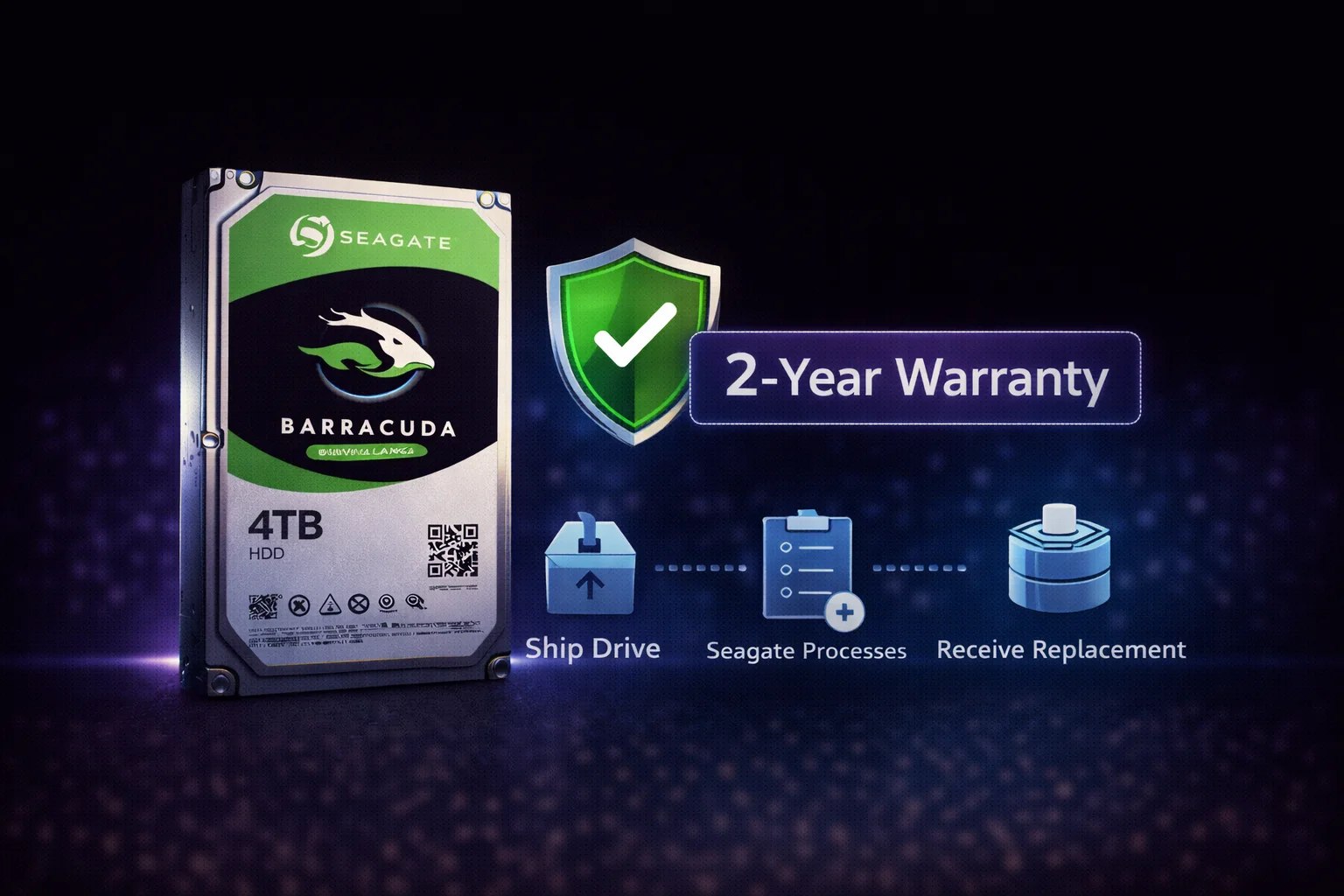
Quick Answer: Seagate Barracuda has a 2-year limited warranty. Check your warranty status at Seagate’s warranty page using your drive’s serial number. To RMA a failed drive: run SeaTools diagnostics, create an RMA online, ship the drive, and receive a replacement in 1-2 weeks. Note:IronWolf offers 3-year warranty, and IronWolf Pro offers 5-year warranty if longer coverage matters to you.
Understanding your warranty coverage can save you money and hassle when a drive fails. This guide covers everything you need to know about Seagate Barracuda warranty and the RMA process.
Barracuda Warranty Overview
| Drive Line | Warranty Length | Data Recovery |
|---|---|---|
| Barracuda | 2 years | Not included |
| Barracuda Pro (discontinued) | 5 years | Included |
| IronWolf | 3 years | Not included |
| IronWolf Pro | 5 years | Included |
| Exos (Enterprise) | 5 years | Not included |
What’s Covered
Covered Under Warranty ✅
- Manufacturing defects
- Component failures during normal use
- Firmware issues
- Drive not detected due to internal failure
- Failed SeaTools diagnostic tests
NOT Covered ❌
- Physical damage (drops, impacts, water)
- Damage from power surges
- Data recovery (you get an empty replacement)
- Cosmetic damage
- Drives with removed or altered labels
- Drives opened by user (broken warranty seal)
- Drives used outside of specifications
How to Check Warranty Status
Step 1: Find Your Serial Number
The serial number is located on the drive label. Format: 8 characters (e.g., W4V12345)
If drive is installed:
- Windows: Open Command Prompt, type:
wmic diskdrive get serialnumber - CrystalDiskInfo: Shows serial number in drive details
- SeaTools: Displays serial in drive information
Step 2: Check Online
- Go to Seagate Warranty & Replacements
- Click “Check Warranty Status”
- Enter serial number
- View warranty expiration date and eligibility
The RMA Process: Step by Step
Before You Start
Important: Back up your data if possible. Seagate returns drives wiped or replaces with refurbished units. You will NOT get your data back.
Step 1: Run SeaTools Diagnostics
Seagate may require diagnostic results:
- Download SeaTools for Windows
- Run “Short Drive Self Test”
- If failed, run “Long Generic Test” for confirmation
- Screenshot or save results (especially if FAIL)
If drive isn’t detected: You can still RMA — mention in the RMA notes that the drive is not detected.
Step 2: Create Seagate Account
- Go to Seagate Support
- Create an account or sign in
- Have your serial number ready
Step 3: Submit RMA Request
- Click “Create a Return”
- Enter drive serial number
- Select reason for return
- Choose RMA type (Standard or Advanced)
- Provide shipping address
- Review and submit
Step 4: Choose RMA Type
| RMA Type | How It Works | Pros | Cons |
|---|---|---|---|
| Standard RMA | Ship drive first, receive replacement after | No credit card hold | Longer without a drive |
| Advanced RMA | Receive replacement first, then ship old drive | Minimal downtime | Credit card hold until old drive received |
Step 5: Ship Your Drive
Packaging tips:
- Use anti-static bag if available
- Wrap in bubble wrap
- Use sturdy box with padding
- Include RMA number on package
Shipping cost: You typically pay to ship the drive to Seagate. Seagate pays return shipping.
Step 6: Receive Replacement
- Typical turnaround: 1-2 weeks after Seagate receives your drive
- Replacement may be refurbished (normal and acceptable)
- Check warranty status of replacement drive
Warranty Comparison: Barracuda vs Other Seagate Drives
Seagate Barracuda 4TB (ST4000DM004)
4TB Capacity | 5400 RPM | 256MB Cache | SATA 6Gb/s | SMR | 2-Year Warranty
Standard 2-year warranty coverage. Good for budget desktop storage where extended warranty isn’t a priority. Run SeaTools if you experience issues.
Seagate IronWolf 4TB (ST4000VN006)
4TB Capacity | 5400 RPM | 256MB Cache | SATA 6Gb/s | CMR | 3-Year Warranty
Extra year of warranty plus CMR technology. Only $8 more than Barracuda with better reliability features for NAS and heavier workloads.
Seagate IronWolf Pro 8TB (ST8000NT001)
8TB Capacity | 7200 RPM | 256MB Cache | SATA 6Gb/s | CMR | 5-Year Warranty
Maximum 5-year warranty PLUS included Rescue Data Recovery Services. Best choice when your data and long-term coverage are priorities.
Tips for Successful Warranty Claims
Do:
- ✅ Keep your proof of purchase (receipt)
- ✅ Run SeaTools before contacting support
- ✅ Back up data before shipping (if possible)
- ✅ Package drive carefully for shipping
- ✅ Track your shipment
- ✅ Note the serial number before sending
Don’t:
- ❌ Open the drive enclosure (voids warranty)
- ❌ Remove or damage the drive label
- ❌ Expect data recovery (not included)
- ❌ Wait until after warranty expires
- ❌ Ship without proper packaging
Extending Your Protection
Option 1: Buy IronWolf Instead
For only $8-30 more per drive, IronWolf provides:
- 3-year warranty (vs 2 years)
- CMR technology (vs SMR)
- Higher workload rating (180TB/yr vs 55TB/yr)
- NAS-specific features
Option 2: Retailer Extended Warranty
Some retailers offer extended protection plans:
- Amazon: Various third-party plans
- Best Buy: Geek Squad Protection
- Micro Center: In-store replacement plans
Option 3: Credit Card Extended Warranty
Many credit cards double manufacturer warranty (check your card benefits).
Common Warranty Questions
Does Warranty Transfer to New Owner?
Yes. Seagate warranties are tied to the drive, not the original purchaser. The warranty follows the serial number.
What If I Lost My Receipt?
Seagate uses manufacturing date for warranty calculation if no receipt. The warranty period starts from the manufacturing date shown in their system.
Can I Get Data Recovery Under Warranty?
No. Standard Barracuda warranty does NOT include data recovery. You receive an empty replacement. For data recovery services, you need:
- IronWolf Pro (includes Rescue Data Recovery)
- Third-party data recovery service ($300-$1500+)
International Warranty Coverage?
Yes. Seagate honors warranties internationally, but you may need to ship to a regional service center. Check local Seagate support for details.
Frequently Asked Questions
Seagate Barracuda has a 2-year limited warranty. This covers manufacturing defects and component failures during normal use. IronWolf offers 3 years, and IronWolf Pro offers 5 years if you need longer coverage.
Go to Seagate’s warranty page, click “Check Warranty Status,” and enter your drive’s serial number. The serial number is on the drive label or can be found using SeaTools or CrystalDiskInfo.
Not always. Seagate can determine warranty status from the serial number based on manufacturing date. However, having proof of purchase helps if there’s a dispute, and some retailers require it for their own return policies.
No. Standard Barracuda warranty does NOT include data recovery. You’ll receive an empty replacement drive. For data recovery, you need IronWolf Pro (includes Rescue service) or a third-party recovery service ($300-$1500+).
Typically 1-2 weeks after Seagate receives your drive. For faster turnaround, choose Advanced RMA — you receive the replacement first (requires credit card hold) and ship your failed drive after.
You typically pay to ship the drive to Seagate. Seagate pays shipping back to you for the replacement. For Advanced RMA, Seagate ships the replacement to you first at their cost.
Related Guides
- Seagate Barracuda Overview
- Barracuda Clicking? Normal vs Failing
- Barracuda Not Detected Fix
- Seagate IronWolf (3-Year Warranty)
- IronWolf Pro (5-Year + Data Recovery)
Troubleshooting Before RMA
Sometimes issues can be resolved without returning the drive:
Drive Not Detected
- Try different SATA cable
- Try different SATA port on motherboard
- Test in another computer
- Check power connections
- If still not detected, likely needs RMA
Slow Performance
- Often normal for SMR drives during sustained writes
- Check if drive is over 80% full
- Run SeaTools — if passes, it’s likely SMR behavior not failure
- See our Barracuda Slow Performance Guide
Bad Sectors
- Small number of reallocated sectors can be normal
- If increasing rapidly, RMA before complete failure
- Always maintain backups regardless
Last updated: February 2026. Barracuda warranty: 2 years.