
Quick Answer+
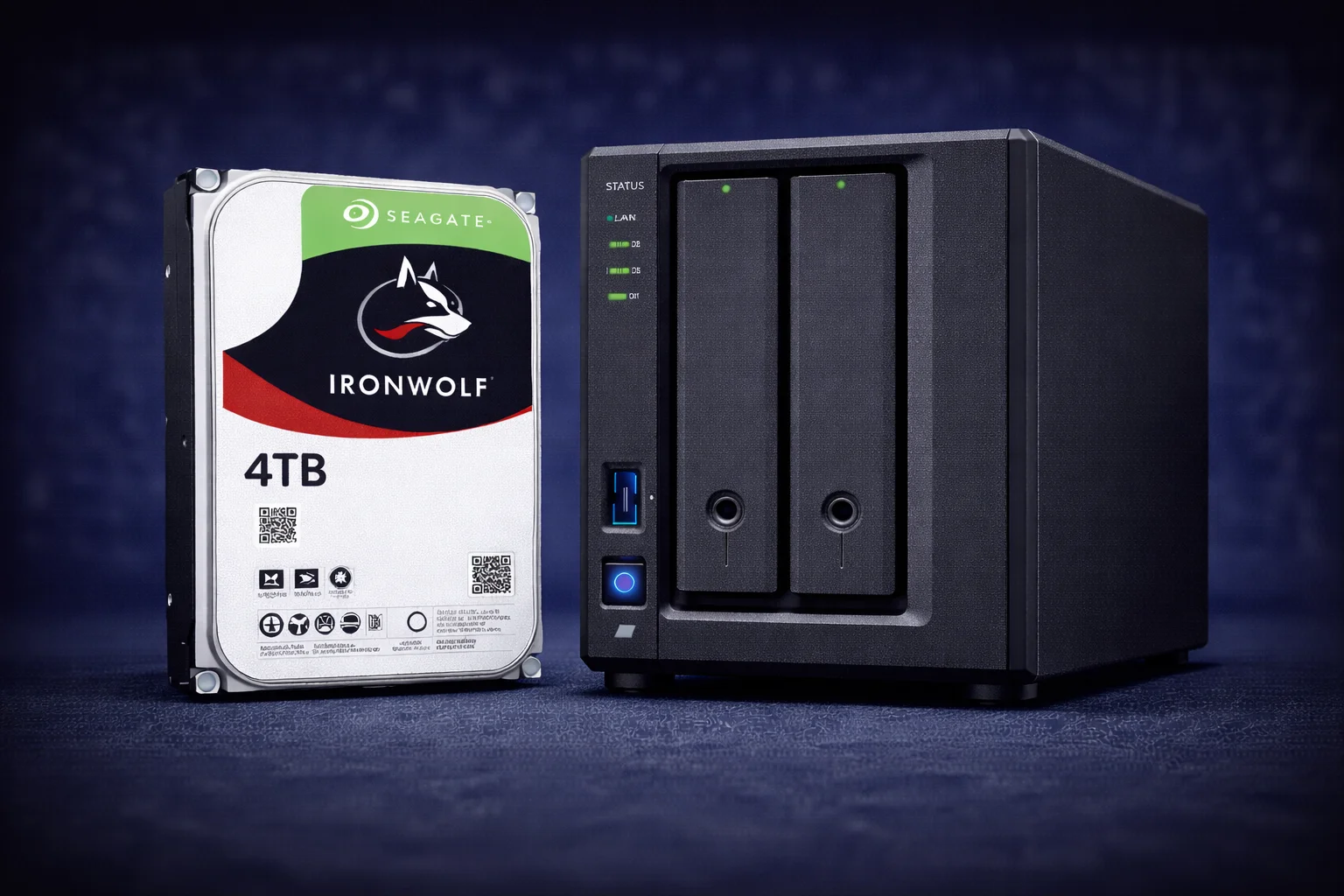
Quick Answer: The Seagate IronWolf 4TB is the entry-level capacity in Seagate’s NAS drive lineup, ideal for first-time NAS builders and light storage needs. Standard IronWolf 4TB (~$95, ~$23.75/TB) offers excellent reliability for basic home NAS use. IronWolf Pro 4TB (~$135, ~$33.75/TB) adds a 5-year warranty but has poor $/TB value—skip it unless you specifically need the extended warranty. For most users, we recommend stepping up to 8TB for significantly better value per terabyte. The 4TB is best suited for 2-bay starter NAS, light file sharing, or as a budget entry point.
The 4TB capacity is where Seagate’s IronWolf NAS drive family begins. While not the best value in terms of $/TB, the IronWolf 4TB serves an important role for budget-conscious buyers, first-time NAS users, and those with modest storage requirements. This comprehensive guide covers everything you need to know about the IronWolf 4TB—including when it makes sense and when you should consider larger capacities instead.
We’ll compare the standard IronWolf 4TB against the IronWolf Pro 4TB, examine pricing, explore ideal use cases, and help you determine if 4TB is truly the right choice or if stepping up to 8TB or 12TB offers better long-term value.
IronWolf 4TB Complete Specifications
| Specification | IronWolf 4TB | IronWolf Pro 4TB |
|---|---|---|
| Model Number | ST4000VN006 | ST4000NT001 |
| Capacity | 4TB (4,000 GB) | 4TB (4,000 GB) |
| Interface | SATA 6Gb/s | SATA 6Gb/s |
| Form Factor | 3.5-inch | 3.5-inch |
| RPM | 5,400 | 7,200 |
| Cache | 64MB | 256MB |
| Sustained Transfer Rate | 180 MB/s | 214 MB/s |
| Workload Rating | 180 TB/year | 300 TB/year |
| MTBF | 1,000,000 hours | 1,200,000 hours |
| Warranty | 3 years | 5 years |
| Rescue Service | Optional add-on | Included (3 years) |
| Max Bays Supported | 1-8 bays | 1-24 bays |
| Recording Technology | CMR | CMR |
| Rotational Vibration Sensors | Yes | Yes (enhanced) |
| IronWolf Health Management | Yes | Yes |
| Power Consumption (Idle) | 3.4W | 4.5W |
| Power Consumption (Operating) | 5.3W | 6.8W |
| Noise (Idle) | 18 dB | 20 dB |
| Noise (Seek) | 24 dB | 28 dB |
| Operating Temperature | 0-70°C | 5-60°C |
| Price | ~$95 | ~$135 |
| Price per TB | ~$23.75/TB | ~$33.75/TB |
Key specification notes:
- RPM difference: Standard 4TB runs at 5,400 RPM (quieter, lower power) while Pro runs at 7,200 RPM (faster)
- Cache difference: Standard has 64MB cache vs Pro’s 256MB—impacts burst performance
- Both use CMR: Critical for NAS reliability—no SMR concerns
- Power efficient: 4TB draws less power than larger capacities
Current IronWolf 4TB Pricing
Live pricing for all IronWolf 4TB variants:
| Product | Capacity | Price | $ / TB | Price Drop | Brand | Interface |
|---|
IronWolf 4TB vs IronWolf Pro 4TB: Which to Buy?
At the 4TB capacity, the decision between standard and Pro is straightforward for most buyers:
Standard IronWolf 4TB — Recommended for Most Users
The standard IronWolf 4TB is the right choice if:
- Budget is primary concern: ~$95 is an affordable entry point
- Home NAS use: Light file sharing, basic backups, document storage
- 1-4 bay systems: Well within the 8-bay maximum rating
- Low workload: Personal/family use rarely exceeds 50TB/year
- Quieter operation preferred: 5,400 RPM is noticeably quieter
- 3-year warranty sufficient: Covers the critical early failure period
Seagate IronWolf 4TB
4TB | 5400 RPM | 64MB Cache | CMR | 180TB/yr | 3-Year Warranty
Entry-level NAS drive with proven IronWolf reliability. Ideal for first-time NAS builders and light storage needs. CMR technology ensures reliable performance. Consider 8TB for better long-term value if budget allows.
IronWolf Pro 4TB — Rarely Recommended
The IronWolf Pro 4TB is difficult to recommend because:
- Poor $/TB value: ~$33.75/TB is the worst in the entire IronWolf lineup
- 42% premium over standard: $40 extra for 4TB is steep
- Better alternatives: For ~$135, you could get a standard IronWolf 8TB (~$160) with better $/TB
- Overkill features: 300TB/year workload and 24-bay support wasted at 4TB
Only consider Pro 4TB if: You specifically need the 5-year warranty for business compliance, or you’re adding a 4TB drive to an existing Pro array for consistency.
Seagate IronWolf Pro 4TB
4TB | 7200 RPM | 256MB Cache | CMR | 300TB/yr | 5-Year Warranty | Rescue
Pro features at 4TB capacity. Poor value—the 42% premium over standard isn’t justified at this capacity. For the same money, consider standard IronWolf 8TB instead for much better $/TB.
For complete tier comparison: IronWolf vs IronWolf Pro Detailed Guide
Should You Buy 4TB or Step Up to 8TB?
This is the critical question for 4TB shoppers. Let’s compare:
| Factor | IronWolf 4TB | IronWolf 8TB | Winner |
|---|---|---|---|
| Price | ~$95 | ~$160 | 4TB (cheaper) |
| $/TB | ~$23.75 | ~$20.00 | 8TB (16% better) |
| 2-drive total cost | ~$190 | ~$320 | 4TB (-$130) |
| 2-drive raw capacity | 8TB | 16TB | 8TB (+100%) |
| 2-drive usable (RAID 1) | ~3.6TB | ~7.3TB | 8TB (+100%) |
| Future upgrade headroom | Limited | Good | 8TB |
| Resale value | Poor | Moderate | 8TB |
Our recommendation: If your budget can stretch to 8TB drives, they offer significantly better long-term value. The 16% better $/TB compounds when you buy multiple drives, and you’ll have more headroom before needing to upgrade.
When 4TB makes sense:
- Strict budget under $200 for a 2-drive setup
- You truly only need ~3-4TB usable storage
- Testing/learning NAS before investing more
- Adding small capacity to existing array
4TB Capacity: What Can You Actually Store?
Understanding what 4TB holds helps determine if it meets your needs:
Single 4TB Drive Storage Estimates
- 4K Movies: ~80 films (50GB average)
- 1080p Movies: ~400 films (10GB average)
- 720p/SD Movies: ~1,000 films (4GB average)
- RAW Photos (25MB): ~160,000 images
- JPEG Photos (5MB): ~800,000 images
- FLAC Music (50MB): ~80,000 songs
- MP3 Music (5MB): ~800,000 songs
- Documents: Millions of files
- PC Backups (500GB each): ~8 complete backups
RAID Usable Capacity with 4TB Drives
Using our RAID Calculator:
| Configuration | Raw Capacity | RAID Type | Usable Capacity | Fault Tolerance |
|---|---|---|---|---|
| 2x 4TB | 8TB | RAID 1 / SHR | ~3.6TB | 1 drive |
| 2x 4TB | 8TB | RAID 0 (no protection) | ~7.3TB | None |
| 3x 4TB | 12TB | RAID 5 | ~7.3TB | 1 drive |
| 4x 4TB | 16TB | RAID 5 / SHR | ~10.9TB | 1 drive |
| 4x 4TB | 16TB | RAID 6 / SHR-2 | ~7.3TB | 2 drives |
| 4x 4TB | 16TB | RAID 10 | ~7.3TB | 1 per mirror |
Reality check: A typical 2x 4TB RAID 1 setup gives you only ~3.6TB usable—barely enough for a modest media collection. This is why we often recommend stepping up to 8TB drives.
For RAID planning: Synology RAID Guide | SHR Explained | SHR vs RAID 5
Best Use Cases for IronWolf 4TB
✅ Ideal Use Cases
1. First-Time NAS Builder on a Budget
If you’re exploring NAS for the first time and want to minimize initial investment:
- 2x 4TB in Synology DS224+ = ~$190 for drives
- Learn DSM, Synology Drive, backup workflows
- Upgrade to larger drives later as needs grow
2. Document and Light File Storage
For offices or home users primarily storing documents:
- Documents, spreadsheets, PDFs consume minimal space
- 3.6TB usable (RAID 1) = years of document storage
- Fast enough for office file sharing
3. Secondary/Backup NAS
Using 4TB drives for a backup destination:
- Offsite backup target via Hyper Backup
- Backup most critical data from larger primary NAS
- Low-cost disaster recovery solution
4. Surveillance NAS (Small Scale)
For 1-4 camera setups with limited retention:
- 4TB can store ~2-4 weeks of footage from 2-4 cameras
- Consider SkyHawk as purpose-built alternative
- IronWolf works but surveillance drives are optimized for continuous writes
❌ Not Recommended For
1. Plex Media Server
4TB is too limiting for most media libraries:
- Only ~80 4K movies or ~400 1080p movies
- You’ll outgrow it quickly
- Recommendation: Start with 8TB or 12TB minimum
2. Photography/Video Workflow
Creative professionals need more capacity:
- RAW photos and video projects consume space rapidly
- 4TB filled after a few major projects
- Recommendation: 12TB+ for working storage
3. Long-Term Value Seekers
If you’re building a NAS for the long haul:
- 4TB’s poor $/TB means higher cost per usable storage
- You’ll likely want to upgrade within 1-2 years
- Better to invest in larger capacity upfront
Best NAS Systems for 4TB Drives
Budget 2-Bay NAS
Configuration: 2x IronWolf 4TB = 8TB raw, ~3.6TB usable (RAID 1)
Total drive cost: ~$190
- Synology DS224+ (~$340) — Best 2-bay with Intel transcoding
- Synology DS223 (~$230) — Budget ARM-based option
- QNAP TS-233 (~$180) — Entry-level QNAP
Total build cost: $400-550 including drives
Entry 4-Bay NAS
Configuration: 4x IronWolf 4TB = 16TB raw, ~10.9TB usable (RAID 5)
Total drive cost: ~$380
- Synology DS423+ (~$500) — 4-bay with Intel
- QNAP TS-464 (~$550) — Intel N5105, 2.5GbE
Consider instead: 2x 8TB in a 2-bay NAS gives similar usable capacity (~7.3TB) for less money and leaves upgrade path.
IronWolf 4TB vs Competitors
| Drive | Price | $/TB | RPM | Cache | Warranty | Notes |
|---|---|---|---|---|---|---|
| IronWolf 4TB | ~$95 | $23.75 | 5,400 | 64MB | 3 years | IHM, quieter |
| IronWolf Pro 4TB | ~$135 | $33.75 | 7,200 | 256MB | 5 years | Rescue included |
| WD Red Plus 4TB | ~$100 | $25.00 | 5,400 | 256MB | 3 years | Larger cache |
| Toshiba N300 4TB | ~$105 | $26.25 | 7,200 | 128MB | 3 years | Faster RPM |
| Seagate Exos 4TB | ~$80 | $20.00 | 7,200 | 256MB | 5 years | Enterprise, louder |
| Seagate Barracuda 4TB | ~$75 | $18.75 | 5,400 | 256MB | 2 years | Desktop, NOT for NAS |
Key insights:
- Best budget NAS drive: IronWolf 4TB offers good balance of price and features
- Best $/TB at 4TB:Exos 4TB if noise isn’t a concern
- Avoid Barracuda: Desktop drives lack NAS-specific features and reliability
- WD Red Plus: Comparable to IronWolf with larger cache but slightly higher price
Detailed comparisons: IronWolf vs WD Red | IronWolf vs Exos
NAS Compatibility
Synology Compatibility
IronWolf 4TB is on Synology’s official compatibility list with full IronWolf Health Management (IHM) support in DSM. Works with all DiskStation models:
- DS223, DS223j (entry 2-bay)
- DS224+ (recommended 2-bay)
- DS423+, DS923+ (4-bay)
- All larger DiskStation and RackStation models
See: Complete IronWolf Synology Compatibility Guide | All Synology Compatible Drives
QNAP Compatibility
Full compatibility with all QNAP NAS devices. IronWolf Health Management supported in QTS:
- TS-233, TS-253E (2-bay)
- TS-464, TS-473A (4-bay)
- All TS, TVS, and enterprise models
See: Complete IronWolf QNAP Compatibility Guide
Other NAS Brands
Compatible with ASUSTOR, TerraMaster, Drobo, and other NAS platforms. IHM support varies by manufacturer.
IronWolf 4TB vs Higher Capacities: Complete Comparison
| Capacity | Price | $/TB | 2-Drive Usable (RAID 1) | Value Rating |
|---|---|---|---|---|
| 4TB | ~$95 | $23.75 | ~3.6TB | ⭐⭐ Entry |
| 8TB | ~$160 | $20.00 | ~7.3TB | ⭐⭐⭐⭐ Great |
| 12TB | ~$210 | $17.50 | ~10.9TB | ⭐⭐⭐⭐⭐ Best |
| 16TB | ~$290 | $18.13 | ~14.5TB | ⭐⭐⭐⭐ Great |
| 18TB | ~$330 | $18.33 | ~16.4TB | ⭐⭐⭐⭐ Great |
The pattern is clear: $/TB improves dramatically as you move up from 4TB. The 12TB offers the best overall value at ~$17.50/TB—26% better than 4TB’s ~$23.75/TB.
Upgrade Path: Starting with 4TB
If you start with 4TB drives, here’s how to upgrade later:
Synology SHR Upgrade Path
If using Synology Hybrid RAID (SHR):
- Replace one 4TB drive with larger drive (e.g., 8TB)
- Let RAID rebuild (several hours)
- Replace second 4TB drive with matching larger drive
- SHR automatically expands to use new capacity
Pro: Zero downtime, data preserved
Con: Old 4TB drives have poor resale value
Fresh Start Upgrade
Alternative approach:
- Back up data to external drive or cloud
- Replace all drives with larger capacity
- Create fresh RAID array
- Restore data
- Repurpose or sell old drives
Pro: Clean slate, optimal configuration
Con: Requires downtime and backup storage
Frequently Asked Questions
Yes, the IronWolf 4TB is a reliable NAS drive with CMR recording, rotational vibration sensors, and IronWolf Health Management. It’s well-suited for light NAS workloads. However, the $/TB value is not great—consider 8TB or 12TB for better long-term value if budget allows.
For most users, 8TB offers significantly better value. At ~$20/TB vs ~$23.75/TB, you get 16% better $/TB with double the capacity. The 4TB only makes sense for strict budgets under $200 total for drives, or if you truly only need ~3-4TB usable storage.
Rarely. The Pro 4TB costs 42% more than standard (~$135 vs ~$95) with poor $/TB value (~$33.75/TB). For the same $135, you’re better off with a standard IronWolf 8TB at much better value. Only consider Pro 4TB if you specifically need the 5-year warranty for business compliance.
CMR (Conventional Magnetic Recording). All IronWolf drives use CMR technology—Seagate has never used SMR in the IronWolf lineup. This ensures reliable write performance and safe RAID rebuilds, making it suitable for NAS use.
Typically 3-5+ years under normal home NAS use. The drive is rated for 1 million hours MTBF and 180TB/year workload. Actual lifespan depends on operating conditions (temperature, vibration) and actual workload. The 3-year warranty covers the critical early failure period.
You can, but it’s limiting. A 2x 4TB RAID 1 setup gives only ~3.6TB usable—enough for ~70 4K movies or ~350 1080p movies. Most Plex users outgrow this quickly. We recommend starting with 8TB or 12TB drives for Plex servers.
Very comparable drives. IronWolf 4TB is slightly cheaper (~$95 vs ~$100) with smaller cache (64MB vs 256MB). WD Red Plus has larger cache but costs a bit more. Both are CMR with 3-year warranties. Choose based on current pricing and availability.
In RAID 1 (mirrored), you get approximately 3.6TB usable from 2x 4TB drives. The ‘missing’ capacity goes to: (1) drive formatting overhead (~7%), and (2) one drive’s worth for redundancy. This is why larger capacity drives often make more sense.
Conclusion
The Seagate IronWolf 4TB is a reliable entry-level NAS drive that serves its purpose well—but it’s not the best value in the IronWolf lineup. At ~$23.75/TB, you’re paying a premium for the low capacity.
Our recommendations:
- Tight budget (under $200 for drives): IronWolf 4TB is acceptable
- Better value: Step up to IronWolf 8TB for 16% better $/TB
- Best value:IronWolf 12TB at ~$17.50/TB (26% better than 4TB)
- Skip IronWolf Pro 4TB: Poor value at any use case
If you’re just starting with NAS and want to test the waters, 4TB can work. But for most users building a NAS for the long term, investing in larger capacity drives pays off significantly.
Related Resources
- Seagate IronWolf Complete Guide
- Seagate IronWolf Pro Guide
- IronWolf vs IronWolf Pro
- IronWolf 8TB Guide
- IronWolf 12TB Guide
- IronWolf vs WD Red
- IronWolf vs Exos
- Synology Compatible Drives
- Best Synology NAS 2026
- RAID Calculator
Last Updated: February 2026