
Quick Answer+
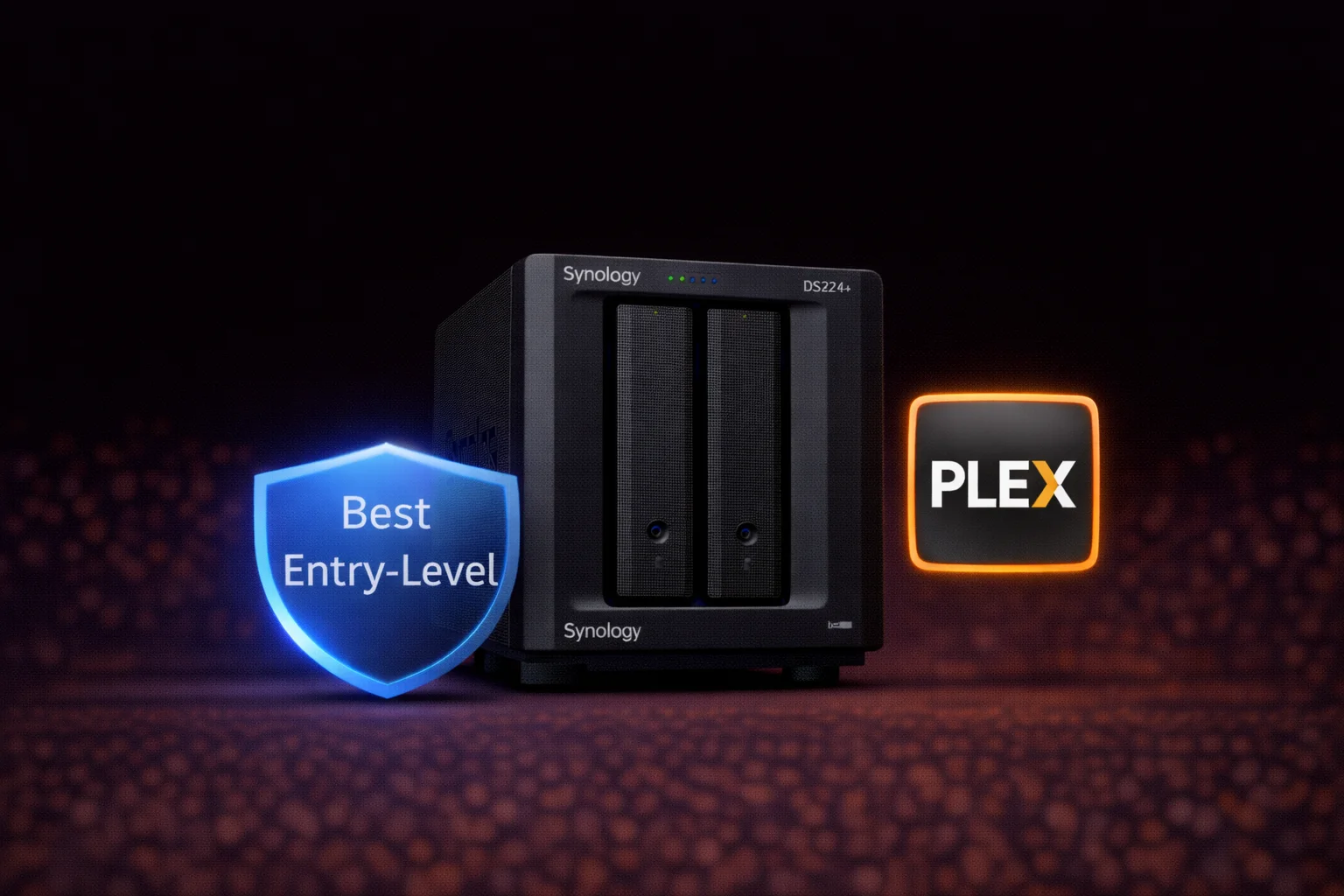
Quick Answer: The Synology DS224+ (~$300) is the best entry-level 2-bay NAS for home users. Its Intel Celeron J4125 with Quick Sync provides excellent Plex transcoding (3-4 streams), Synology Photos facial recognition, and reliable backup. Best for: first-time NAS buyers, home media servers, photo backup, and families needing simple storage. Skip if: You need expansion capability, 10GbE, or NVMe caching (get DS723+ instead).
The Synology DS224+ is Synology’s answer to the question “What’s the best NAS for someone just getting started?” Released in mid-2023 as the successor to the popular DS220+, it brings the same proven Intel platform to a new generation of home users.
This review covers everything: specifications, Plex performance, comparison with the DS723+, and whether this entry-level NAS is right for you.
DS224+ Price & Availability
Synology DS224+ 8TB Bundle (2x 4TB IronWolf)
Intel Celeron J4125 | 2GB DDR4 RAM | Includes 2x 4TB Seagate IronWolf | Pre-configured
Complete bundle with drives included. Seagate IronWolf NAS drives pre-installed — just plug in and configure. Ideal for users who want a turnkey solution without drive shopping.
The DS224+ has an MSRP of approximately $300-320. This makes it the most affordable “Plus” NAS in Synology’s lineup, offering full DSM functionality at an accessible price point.
DS224+ Specifications
| Component | Specification |
|---|---|
| CPU | Intel Celeron J4125 (4-core, 2.0 GHz base / 2.7 GHz burst) |
| GPU | Intel UHD Graphics 600 (Quick Sync) |
| RAM | 2GB DDR4 (expandable to 6GB) |
| Drive Bays | 2x 3.5″/2.5″ SATA HDD/SSD |
| M.2 Slots | ❌ None |
| 1GbE Ports | 2x Gigabit RJ-45 |
| 10GbE Option | ❌ Not supported |
| USB Ports | 3x USB 3.2 Gen 1 |
| eSATA Port | ❌ None (no expansion) |
| PCIe Slot | ❌ None |
| Max Raw Capacity | 36TB (2x 18TB) |
| Max IP Cameras | 25 (Surveillance Station) |
| File System | Btrfs, ext4 |
| RAID Support | SHR, RAID 0, 1, JBOD, Basic |
| Hot Swappable | Yes |
| Power Consumption | 14W (access) / 5W (HDD hibernation) |
| Noise Level | 19.3 dB(A) |
| Dimensions | 165 x 108 x 232.2 mm |
| Weight | 1.3 kg (diskless) |
| Warranty | 3 years |
Why the DS224+ Is the Best Entry-Level Choice
Intel Quick Sync for Excellent Transcoding
The Intel Celeron J4125’s integrated GPU provides Intel Quick Sync Video — the same hardware transcoding found in the DS423+. This means:
- 3-4 simultaneous 1080p transcodes
- 2-3 simultaneous 4K-to-1080p transcodes
- HDR tone mapping support
- HEVC/H.265 hardware decode
For a $300 NAS, this transcoding capability is exceptional. The more expensive DS723+ ($450) actually has worse transcoding because it uses AMD instead of Intel.
Full DSM Feature Set
Despite being entry-level, the DS224+ runs the complete Synology DiskStation Manager (DSM) with all apps and features:
- Synology Drive: Personal cloud sync
- Synology Photos: AI-powered photo management
- Active Backup: Free PC/Mac backup
- Surveillance Station: Up to 25 cameras
- Docker (Container Manager): Run containers
- Virtual Machine Manager: Light VM usage
Compact and Efficient
The DS224+ is remarkably small and power-efficient:
- Weight: 1.3 kg (lightest Plus model)
- Power: 14W during operation, 5W hibernation
- Noise: 19.3 dB(A) — nearly silent
It fits easily on a shelf, under a desk, or in a media cabinet without taking up much space or generating noticeable heat.
DS224+ vs DS723+: The Critical Comparison
Synology offers two premium 2-bay options at very different price points:
| Feature | DS224+ (~$300) | DS723+ (~$450) |
|---|---|---|
| CPU | Intel Celeron J4125 | AMD Ryzen R1600 |
| Plex Transcoding | ✅ Excellent (3-4 streams) | ⚠️ Limited (1-2 streams) |
| RAM | 2GB (max 6GB) | 2GB ECC (max 32GB) |
| 10GbE Option | ❌ No | ✅ Yes |
| NVMe Slots | ❌ None | ✅ 2x M.2 |
| PCIe Slot | ❌ None | ✅ PCIe 3.0 x2 |
| Expansion | ❌ 2 bays only | ✅ Up to 7 drives |
| ECC Memory | ❌ No | ✅ Yes |
| USB Ports | 3 | 1 |
| Max Cameras | 25 | 40 |
| Price | ~$300 | ~$450 |
| Best For | Plex, entry-level | Power users, expansion |
Choose DS224+ If:
- Plex/media transcoding is important
- Budget is a primary factor (~$150 savings)
- 2 bays are sufficient long-term
- You’re new to NAS storage
- Synology Photos is important
- Simple backup and file sharing
Choose DS723+ If:
- You want 10GbE networking
- Planning to expand beyond 2 bays
- Need NVMe caching
- Running heavy Docker/VM workloads
- Need more than 6GB RAM
- ECC memory matters to you
Plex Performance: Surprisingly Capable
With Plex Pass (required for hardware transcoding), the DS224+ delivers:
- Direct Play: Unlimited simultaneous streams
- 1080p transcodes: 3-4 simultaneous
- 4K HDR to 1080p: 2-3 simultaneous
- 4K transcodes: 1-2 simultaneous
This performance is identical to the 4-bay DS423+ and better than the more expensive DS723+. For Plex use, the DS224+ punches well above its price.
Supported Codecs
- ✅ H.264 hardware encode/decode
- ✅ HEVC/H.265 hardware decode (8-bit, 10-bit)
- ✅ HEVC encode
- ✅ VP9 decode
- ✅ HDR10 tone mapping
Ideal Use Cases
First NAS for Home Users
The DS224+ is perfect for NAS beginners:
- Easy setup: DSM wizard guides you through
- Affordable: ~$300 + drives to get started
- Full-featured: Same apps as expensive models
- Low maintenance: Set and forget
Home Media Server
Excellent for streaming to the family:
- Plex/Jellyfin/Emby: Hardware transcoding
- Video Station: Synology’s native app
- DLNA: Stream to smart TVs
- Audio Station: Music library
Photo Backup & Management
Replace iCloud or Google Photos:
- Synology Photos: AI facial recognition
- Mobile backup: Auto-upload from phones
- Sharing: Create albums for family
- No subscription: One-time hardware cost
Computer Backup Hub
Centralize backups for all household devices:
- Time Machine: Mac backup (native support)
- Active Backup for Business: Windows PC backup (free)
- Synology Drive: Folder sync
- Hyper Backup: NAS-to-cloud backup
Light Docker Usage
Run basic containers with 2GB RAM (upgrade to 6GB for more):
- Pi-hole (network ad blocking)
- Home Assistant (basic)
- Nginx Proxy Manager
- Lightweight monitoring tools
Limitations to Understand
No Expansion Capability
The DS224+ is fixed at 2 bays. If you outgrow 2 drives (even with 18TB drives = 36TB raw), you’ll need a new NAS. Consider the DS723+ if future expansion matters.
Limited RAM
Maximum 6GB RAM may constrain heavy Docker users. The stock 2GB is adequate for basic use but upgrade if running multiple services.
No NVMe Slots
Without M.2 slots, there’s no SSD caching option. Random I/O performance depends entirely on your main drives.
Gigabit Ethernet Only
Capped at ~115 MB/s (or ~230 MB/s with link aggregation). Sufficient for most home users but not for video editing or large file workflows.
Recommended Drives for DS224+
Best Value NAS Drives
| Product | Capacity | Price | $ / TB | Price Drop | Brand | Interface |
|---|
| Product | Capacity | Price | $ / TB | Price Drop | Brand | Interface |
|---|---|---|---|---|---|---|
| Seagate 6TB IronWolf NAS SATA 6Gb/s NCQ 128MB Cache 3.5-Inch Internal Hard Drive (ST6000VN0041) (Renewed) | 6.00 TB | $169.99 | $28.33 | +0% | Seagate | SATA |
For a 2-bay NAS, prioritize larger capacity drives (8TB+) since you can’t expand later. WD Red Plus or Seagate IronWolf are ideal choices.
See our complete Synology Compatible Drives Database for verified compatibility.
RAID Configuration for 2-Bay NAS
With 2 bays, your options are straightforward:
| Configuration | RAID Level | Usable Capacity | Protection |
|---|---|---|---|
| 2× 4TB | RAID 1 / SHR | 4TB | 1-drive fault tolerance |
| 2× 8TB | RAID 1 / SHR | 8TB | 1-drive fault tolerance |
| 2× 12TB | RAID 1 / SHR | 12TB | 1-drive fault tolerance |
| 2× 16TB | RAID 1 / SHR | 16TB | 1-drive fault tolerance |
| 2× 18TB | RAID 1 / SHR | 18TB | 1-drive fault tolerance |
Always use RAID 1 or SHR for data protection. The 50% capacity loss is essential insurance against drive failure. Never use RAID 0 for important data.
Use our RAID Calculator to plan your configuration.
Total Cost of Ownership
Example budget for a complete DS224+ setup:
| Component | Budget Option | Performance Option |
|---|---|---|
| DS224+ NAS | $300 | $300 |
| Drives (2×) | 2× 4TB ($180) | 2× 12TB ($420) |
| RAM Upgrade | — | 4GB ($35) |
| Total | ~$480 | ~$755 |
| Usable Storage | 4TB (RAID 1) | 12TB (RAID 1) |
Even the “performance option” is significantly cheaper than DS723+ ($450) plus drives, making the DS224+ exceptional value for entry-level users.
Frequently Asked Questions
Excellent. The Intel Celeron J4125 with Quick Sync handles 3-4 simultaneous 1080p transcodes or 2-3 4K-to-1080p transcodes — the same as the 4-bay DS423+. It’s one of the best budget options for Plex. Requires Plex Pass for hardware transcoding.
DS224+ for Plex transcoding and budget users (~$150 less). DS723+ for 10GbE, expansion capability, NVMe caching, and heavy Docker/VM use. Ironically, the cheaper DS224+ is better at Plex due to Intel Quick Sync.
No. The DS224+ has no expansion capability — you’re limited to 2 drives maximum. If future expansion is important, choose the DS723+ (expandable to 7 drives via DX517).
Yes — it’s arguably the best NAS for beginners. Full DSM functionality, excellent Plex support, simple setup, affordable price, and compact size. Start here if you’re new to NAS storage.
Maximum 6GB. Stock configuration is 2GB, with one SODIMM slot for expansion. Upgrade to 6GB total if running Docker containers or multiple services.
Same Intel Celeron J4125 CPU and features. The DS224+ is the direct successor with minor updates. If you find a DS220+ on sale, it performs identically — but the DS224+ will receive longer software support.
Verdict: Who Should Buy the DS224+?
| ✅ Buy DS224+ If… | ❌ Skip DS224+ If… |
|---|---|
| You’re new to NAS storage | You need expansion capability |
| Plex/media server is important | Running heavy Docker/VM workloads |
| Budget is a priority | You want 10GbE networking |
| 2 bays are sufficient | Need NVMe caching |
| Want simple backup solution | Need more than 6GB RAM |
Our recommendation: The Synology DS224+ is the best entry-level NAS for most home users. Its combination of Intel Quick Sync transcoding, full DSM features, compact size, and $300 price point makes it exceptional value. Start here if you’re new to NAS storage or want a dedicated Plex server on a budget. Upgrade to the DS723+ only if you need expansion capability, 10GbE, or NVMe caching.
Related Resources
- Best Synology NAS 2026 — Complete buying guide
- Synology DS723+ Review — AMD-based 2-bay alternative
- Synology DS423+ Review — 4-bay Intel option
- Best Hard Drive for Plex Server
- Synology Compatible Drives Database
- RAID Calculator — Plan your storage
Last Updated: February 2026 | Prices and specifications verified