
Quick Answer+
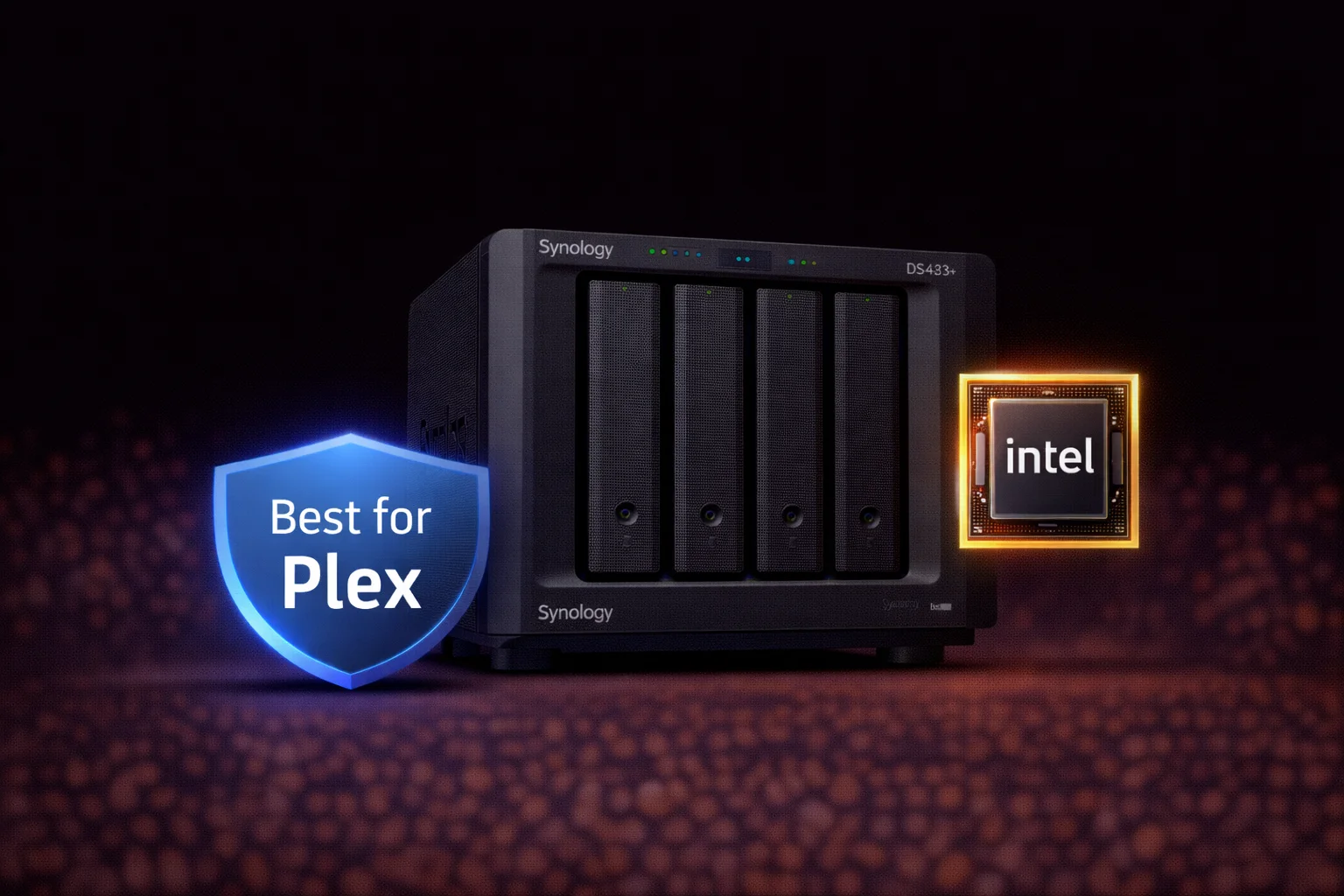
Quick Answer: The Synology DS423+ (~$470) is the best 4-bay NAS for Plex and multimedia. Its Intel Celeron J4125 with Quick Sync hardware transcoding handles multiple 4K streams effortlessly. Best for: home media servers, Plex enthusiasts, Synology Photos users, and anyone prioritizing multimedia performance over raw power. Skip if: You need 10GbE, NVMe caching, or heavy Docker/VM workloads (get DS923+ instead).
The Synology DS423+ fills a specific niche: a 4-bay NAS optimized for multimedia rather than raw power. While the DS923+ gets the headlines with its AMD Ryzen CPU and 10GbE options, the DS423+ quietly excels at what most home users actually need — Plex transcoding, photo management, and reliable file storage.
This review covers everything you need to know: specifications, Plex transcoding capabilities, how it compares to the DS923+, and who should choose this multimedia-focused NAS.
DS423+ Price & Availability
| Product | Capacity | Price | $ / TB | Price Drop | Brand | Interface |
|---|
The DS423+ has an MSRP of approximately $470-500. This makes it roughly $50-80 less than the DS923+, positioning it as the more affordable 4-bay “Plus” option.
DS423+ Specifications
| Component | Specification |
|---|---|
| CPU | Intel Celeron J4125 (4-core, 2.0 GHz base / 2.7 GHz burst) |
| GPU | Intel UHD Graphics 600 (Quick Sync) |
| RAM | 2GB DDR4 (expandable to 6GB) |
| Drive Bays | 4x 3.5″/2.5″ SATA HDD/SSD |
| M.2 Slots | ❌ None |
| 1GbE Ports | 2x Gigabit RJ-45 |
| 10GbE Option | ❌ Not supported |
| USB Ports | 2x USB 3.2 Gen 1 |
| eSATA Port | ❌ None (no expansion) |
| PCIe Slot | ❌ None |
| Max Raw Capacity | 72TB (4x 18TB) |
| Max IP Cameras | 30 (Surveillance Station) |
| File System | Btrfs, ext4 |
| RAID Support | SHR, RAID 0, 1, 5, 6, 10, JBOD |
| Hot Swappable | Yes |
| Power Consumption | 28W (access) / 10W (HDD hibernation) |
| Noise Level | 20.5 dB(A) |
| Dimensions | 166 x 199 x 223 mm |
| Weight | 2.18 kg (diskless) |
| Warranty | 3 years |
The DS423+’s Secret Weapon: Intel Quick Sync
The Intel Celeron J4125’s integrated UHD Graphics 600 includes Intel Quick Sync Video — hardware-accelerated video encoding/decoding that dramatically outperforms software transcoding:
| Transcoding Type | DS423+ (Intel QSV) | DS923+ (AMD) |
|---|---|---|
| 1080p → 1080p | 3-4 simultaneous streams | 1-2 streams |
| 4K → 1080p | 2-3 simultaneous streams | ~1 stream (struggles) |
| 4K → 4K | 1-2 streams | Not practical |
| HEVC/H.265 decode | ✅ Hardware | Limited |
| HDR tone mapping | ✅ Supported | Limited |
This makes the DS423+ significantly better for Plex, Jellyfin, and Emby media servers — even though the DS923+ has a faster CPU on paper.
Plex Performance: The DS423+ Shines
Hardware Transcoding Capabilities
With Plex Pass (required for hardware transcoding), the DS423+ delivers:
- Direct Play: Unlimited simultaneous streams
- 1080p transcodes: 3-4 simultaneous
- 4K HDR to 1080p: 2-3 simultaneous (with tone mapping)
- 4K transcodes: 1-2 simultaneous
Codec Support
- ✅ H.264 encode/decode
- ✅ HEVC/H.265 decode (8-bit and 10-bit)
- ✅ HEVC encode
- ✅ VP9 decode
- ✅ HDR10 tone mapping
Real-World Plex Usage
A typical family scenario:
- Living room TV: Direct play 4K (no transcode needed)
- Kid’s tablet: 720p transcode
- Phone on cellular: 480p transcode
- Friend streaming remotely: 1080p transcode
The DS423+ handles all four simultaneously without breaking a sweat — something the DS923+ would struggle with.
Synology Photos Performance
Beyond Plex, the DS423+ excels at Synology Photos:
- Facial recognition: Hardware-accelerated processing
- Thumbnail generation: Faster with Intel GPU
- Video preview: Quick scrubbing through video files
- Object detection: AI-powered sorting
Photo library indexing and facial recognition run noticeably faster on Intel-based units compared to AMD.
DS423+ vs DS923+: The Critical Comparison
This is the key decision for most 4-bay NAS shoppers:
| Feature | DS423+ (~$470) | DS923+ (~$550) |
|---|---|---|
| CPU | Intel Celeron J4125 | AMD Ryzen R1600 |
| Plex Transcoding | ✅ Excellent (3-4 streams) | ⚠️ Limited (1-2 streams) |
| RAM | 2GB (max 6GB) | 4GB ECC (max 32GB) |
| 10GbE Option | ❌ No | ✅ Yes |
| NVMe Slots | ❌ None | ✅ 2x M.2 |
| PCIe Slot | ❌ None | ✅ PCIe 3.0 x2 |
| Expansion | ❌ 4 bays only | ✅ Up to 9 drives |
| ECC Memory | ❌ No | ✅ Yes |
| Best For | Plex, multimedia | Docker, VMs, 10GbE |
Choose DS423+ If:
- Plex/media server is your primary use case
- You want best-in-class hardware transcoding
- Budget is a factor (~$80 savings)
- Synology Photos is important to you
- 4 bays are sufficient (no expansion needed)
- Gigabit Ethernet meets your needs
Choose DS923+ If:
- You want 10GbE networking
- Running Docker containers or VMs
- Need more than 6GB RAM
- Want NVMe caching/storage
- May need to expand beyond 4 bays
- ECC memory is important
Limitations to Consider
No Expansion Capability
Unlike the DS923+ (expandable to 9 drives), the DS423+ is fixed at 4 bays. If you outgrow 4 drives, you’ll need a new NAS. Plan your capacity needs carefully.
Limited RAM Ceiling
Maximum 6GB RAM limits heavy Docker/VM workloads. The stock 2GB is fine for Plex and file sharing, but upgrade if running multiple services.
No NVMe Caching
Without M.2 slots, you can’t add SSD caching. Random I/O performance depends entirely on your HDDs (or using 2.5″ SSDs in the main bays).
Stuck at Gigabit Ethernet
No 10GbE option means ~115 MB/s maximum network throughput. For most home users this is fine, but video editors working with large files may feel constrained.
Ideal Use Cases
Home Media Server
The DS423+ is purpose-built for media:
- Plex Media Server: Hardware transcoding for multiple users
- Jellyfin/Emby: Alternative media servers with Intel QSV support
- Video Station: Synology’s native media app
- Audio Station: Music library management
Photo Library Management
Synology Photos performance benefits:
- AI-powered facial recognition
- Fast thumbnail generation
- Google Photos migration alternative
- Mobile app backup
Family Backup Hub
Simple, reliable backup for the household:
- Synology Drive: File sync across devices
- Active Backup for Business: PC/Mac backup
- Time Machine: Mac backup support
- Cloud Sync: Backup to/from cloud services
Recommended Drives for DS423+
| Product | Capacity | Price | $ / TB | Price Drop | Brand | Interface |
|---|
| Product | Capacity | Price | $ / TB | Price Drop | Brand | Interface |
|---|---|---|---|---|---|---|
| Seagate 6TB IronWolf NAS SATA 6Gb/s NCQ 128MB Cache 3.5-Inch Internal Hard Drive (ST6000VN0041) (Renewed) | 6.00 TB | $169.99 | $28.33 | +0% | Seagate | SATA |
For media storage, capacity matters. Consider 8TB+ drives to maximize your 4-bay setup. WD Red Plus or Seagate IronWolf are ideal choices.
See our complete Synology Compatible Drives Database for verified compatibility.
RAID Configuration Recommendations
| Configuration | RAID Level | Usable Capacity | Best For |
|---|---|---|---|
| 4× 4TB | SHR | 12TB | Budget setup |
| 4× 8TB | SHR | 24TB | Typical home media |
| 4× 12TB | SHR | 36TB | Large library |
| 4× 16TB | SHR | 48TB | Power user |
| 4× 8TB | RAID 6 | 16TB | Maximum protection |
Recommendation: Use SHR for best capacity utilization with 4 drives. Consider RAID 6 for critical data where rebuild protection matters more than capacity.
Use our RAID Calculator to plan your configuration.
Frequently Asked Questions
Yes — the DS423+ is one of the best NAS options for Plex. Intel Quick Sync hardware transcoding handles 3-4 simultaneous 1080p streams or 2-3 4K-to-1080p transcodes. It significantly outperforms AMD-based models like the DS923+ for Plex use.
It depends on your use case. DS423+ is better for Plex transcoding and multimedia (Intel Quick Sync). DS923+ is better for Docker/VMs, 10GbE networking, NVMe caching, and expansion to 9 drives. Choose DS423+ for media; choose DS923+ for power user features.
No. The DS423+ does not support expansion units — it’s fixed at 4 bays. If you anticipate needing more than 4 drives, consider the DS923+ (expandable to 9 drives) or DS1522+ (expandable to 15 drives).
No. The DS423+ has no 10GbE option — it’s limited to dual Gigabit Ethernet (~115 MB/s max). If 10GbE is important, choose the DS923+ which supports the E10G22-T1-Mini upgrade module.
Stock 2GB is fine for Plex and basic file sharing. Upgrade to 4-6GB (max supported) if running multiple DSM applications simultaneously. For heavy Docker workloads, the DS423+ may not be ideal due to its 6GB RAM ceiling.
No. The DS423+ has no M.2 NVMe slots — it cannot use SSD caching. If NVMe caching is important for your workload, consider the DS923+ which has two M.2 slots.
Verdict: Who Should Buy the DS423+?
| ✅ Buy DS423+ If… | ❌ Skip DS423+ If… |
|---|---|
| Plex is your primary use case | You need 10GbE networking |
| Hardware transcoding matters | You want expansion capability |
| Synology Photos is important | Running heavy Docker/VMs |
| Budget is a priority | Need more than 6GB RAM |
| 4 bays are sufficient | Want NVMe caching |
Our recommendation: The Synology DS423+ is the best 4-bay NAS for home media servers. Its Intel Quick Sync hardware transcoding makes it ideal for Plex, Jellyfin, and Synology Photos — outperforming the more expensive DS923+ in these specific workloads. Choose it if multimedia is your priority. If you need 10GbE, expansion, NVMe caching, or heavy Docker/VM workloads, the DS923+ is the better choice despite weaker transcoding performance.
Related Resources
- Best Synology NAS 2026 — Complete buying guide
- Synology DS923+ Review — AMD-based 4-bay alternative
- Synology DS224+ Review — 2-bay Intel option
- Best Hard Drive for Plex Server
- Synology Compatible Drives Database
- RAID Calculator — Plan your storage
Last Updated: February 2026 | Prices and specifications verified