
Quick Answer+
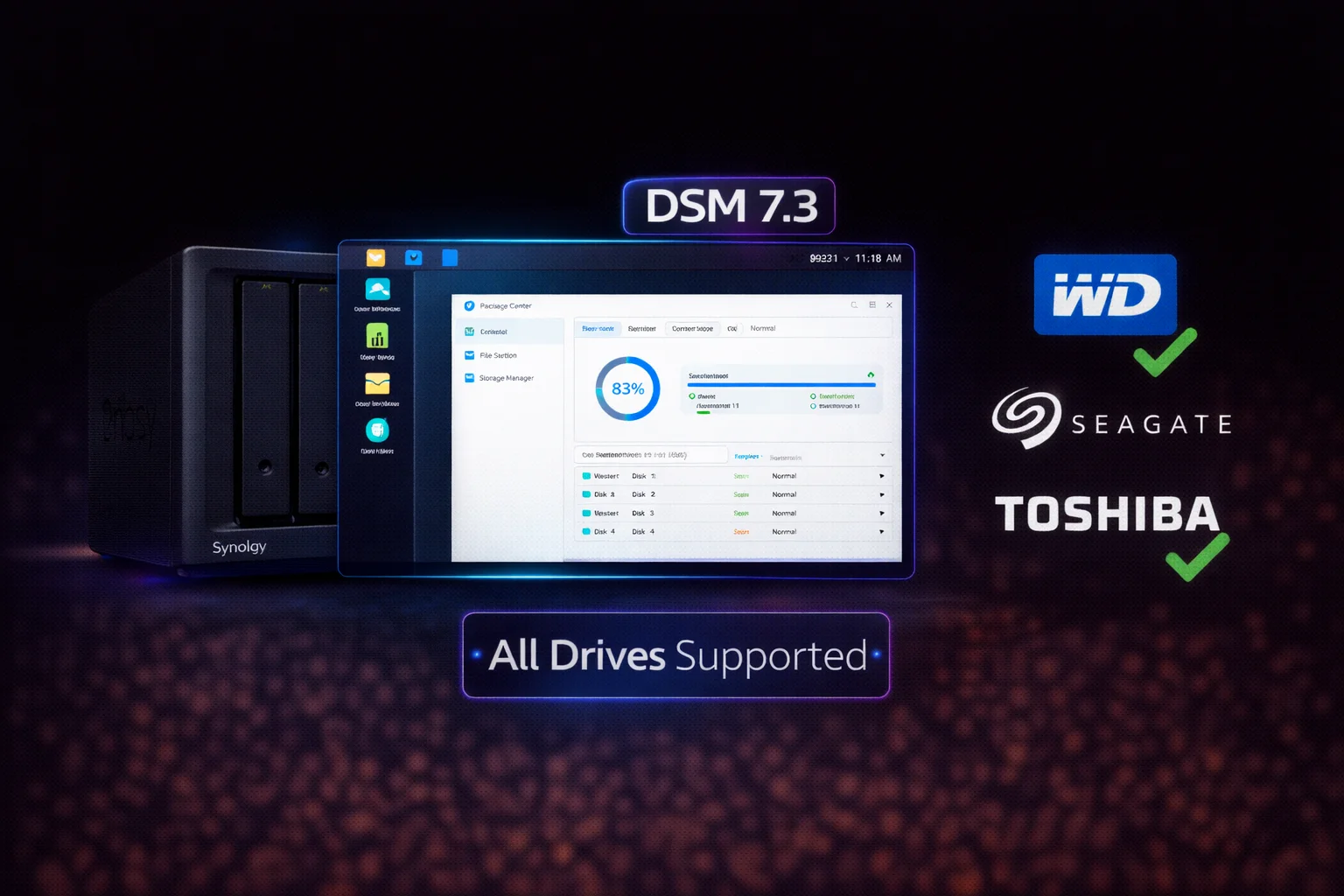
Key Update:DSM 7.3 (released October 2025) removed all third-party drive restrictions. WD Red, Seagate IronWolf, WD Purple, Seagate SkyHawk, and all other major NAS/surveillance drives now work on Synology without warnings or limitations. This is especially critical for 2025 Synology models (DS925+, DS1525+) which require DSM 7.3+ for third-party drive support.
Synology’s DSM 7.3 update was a major win for NAS users. After years of controversial drive warnings and compatibility concerns, Synology reversed course and opened support for all third-party drives. Here’s everything you need to know.
What Changed in DSM 7.3
Before DSM 7.3
| Issue | Impact |
|---|---|
| Third-party drive warnings | Persistent notifications about “unsupported” drives |
| Compatibility list restrictions | Only Synology-approved drives listed as “compatible” |
| HAT drive push | Synology promoted expensive rebranded drives |
| 2025 model lockout | New models wouldn’t initialize third-party drives |
| Health feature limitations | Some monitoring features limited to “compatible” drives |
After DSM 7.3
| Change | Benefit |
|---|---|
| ✓ All drive warnings removed | No more “unsupported drive” messages |
| ✓ Third-party drives fully supported | WD, Seagate, Toshiba work without restrictions |
| ✓ 2025 models unlocked | DS925+, DS1525+ now accept all drives |
| ✓ Full health monitoring | SMART and health features work on all drives |
| ✓ No functionality differences | Same features regardless of drive brand |
Why Synology Changed Course
- Community backlash: Users strongly opposed drive restrictions
- Competitive pressure: QNAP, Asustor, and others don’t restrict drives
- Enterprise concerns: Business customers need drive flexibility
- Legal considerations: Potential antitrust concerns in some regions
- Market reality: Third-party NAS drives are simply better value
Timeline: Synology’s Drive Policy
| Date | Event |
|---|---|
| 2019 | Synology begins displaying drive warnings for non-listed drives |
| 2021 | DSM 7.0 increases compatibility warnings |
| 2022 | HAT drives launched (rebranded Toshiba at premium prices) |
| 2023 | Community outcry intensifies over drive restrictions |
| Early 2025 | 2025 models (DS925+) ship with strict drive requirements |
| October 2025 | DSM 7.3 removes all third-party drive restrictions |
| February 2026 | Current state: All drives fully supported |
Now Fully Supported Drives
NAS Drives — Full Support
| Brand | Series | DSM 7.3 Status | Price (8TB) |
|---|---|---|---|
| Western Digital | WD Red Plus | ✓ Full Support | $149 |
| Western Digital | WD Red Pro | ✓ Full Support | $199 |
| Seagate | IronWolf | ✓ Full Support | $159 |
| Seagate | IronWolf Pro | ✓ Full Support | $219 |
| Toshiba | N300 | ✓ Full Support | $175 |
| Synology | HAT5300/HAT5310 | ✓ Full Support | $219 |
Surveillance Drives — Full Support
| Brand | Series | DSM 7.3 Status | Price (8TB) |
|---|---|---|---|
| Western Digital | WD Purple | ✓ Full Support | $145 |
| Western Digital | WD Purple Pro | ✓ Full Support | $270 |
| Seagate | SkyHawk | ✓ Full Support | $139 |
| Seagate | SkyHawk AI | ✓ Full Support | $285 |
| Toshiba | S300 | ✓ Full Support | $135 |
Related:Complete Synology Compatible Drives Database
2025 Synology Models — Critical Update Required
If you have a DS925+, DS1525+, or other 2025-series Synology, DSM 7.3 is MANDATORY for third-party drive support. Without this update, drives like WD Red Plus or Seagate IronWolf won’t initialize properly.
2025 Models Affected
| Model | Bays | DSM 7.3 Required |
|---|---|---|
| DS925+ | 4-bay | ✓ Yes — Update Required |
| DS1525+ | 5-bay | ✓ Yes — Update Required |
| DS1825+ | 8-bay | ✓ Yes — Update Required |
| RS Series 2025 | Various | ✓ Yes — Update Required |
Symptoms Before Updating
- Drive shows “Not Supported” or “Incompatible”
- Drive initialization fails
- Warning messages about drive brand
- Drive detected but can’t be added to storage pool
How to Update to DSM 7.3
Method 1: Automatic Update (Easiest)
- Log into DSM web interface
- Go to Control Panel > Update & Restore
- Click Check for Updates
- If DSM 7.3+ is available, click Download
- After download, click Update Now
- Wait for reboot (10-20 minutes)
- Verify version in Control Panel > Info Center
Method 2: Manual Update
If automatic update isn’t available:
- Visit Synology Download Center
- Select your NAS model
- Download the latest DSM .pat file
- In DSM, go to Control Panel > Update & Restore
- Click Manual DSM Update
- Upload the .pat file and follow prompts
Before updating: Back up important data, note current DSM version, ensure stable power during update, allow 20-30 minutes for complete update, and don’t interrupt the process.
What to Expect After Updating
Immediate Changes
- Drive warnings disappear: Any “unsupported drive” notifications clear
- New drives work: Previously rejected drives now initialize
- Full monitoring: SMART and health features enabled for all drives
No Changes Required
- Existing storage pools remain intact
- No need to rebuild arrays
- Data remains safe
- All packages continue working
Drive Recommendations Post-DSM 7.3
Now that all drives work, here’s what to actually buy:
Best Value NAS Drives
WD Red Plus 8TB (WD80EFPX)
8TB | 5640 RPM | CMR | 256MB Cache | 180TB/year | 3-Year Warranty
The go-to NAS drive for Synology. Fully supported in DSM 7.3+. Reliable CMR design with NASware firmware optimization. Perfect for home and SMB use.
Seagate IronWolf 8TB (ST8000VN004)
8TB | 7200 RPM | CMR | 256MB Cache | 180TB/year | 3-Year Warranty + Rescue
Fully supported in DSM 7.3+ with IronWolf Health integration. Includes 3-year Rescue Data Recovery service (worth $500+). Great choice if data recovery matters.
Best Value Surveillance Drives
Seagate SkyHawk 8TB (ST8000VX010)
8TB | 7200 RPM | CMR | 256MB Cache | 180TB/year | ImagePerfect | 3-Year Rescue
Lowest price surveillance drive with full DSM 7.3+ support. Includes Rescue service and SkyHawk Health Management integration. Ideal for Surveillance Station.
Synology HAT Drives — No Longer Required
| Comparison | Synology HAT5310-8T | WD Red Plus 8TB | Difference |
|---|---|---|---|
| Price | $219 | $149 | +$70 (47% more) |
| Performance | Standard | Standard | Same |
| DSM 7.3 Support | Full | Full | Same |
| Warranty | 5 years | 3 years | HAT longer |
Verdict: HAT drives only make sense if you specifically need the 5-year warranty or single-vendor enterprise support. For most users, third-party drives offer better value.
Technical Details
What DSM 7.3 Actually Changed
- Removed drive whitelist enforcement: DSM no longer checks drives against compatibility list
- Disabled warning system: No more “non-compatible drive” notifications
- Enabled full SMART for all drives: Health monitoring works regardless of brand
- Removed initialization blocks: Any SATA drive can now be initialized
Drive Features Still Work
- Seagate IronWolf Health Management: Integrates with DSM Storage Manager
- Seagate SkyHawk Health Management: Full monitoring in DSM
- SMART monitoring: All drives report full SMART data
- Temperature monitoring: Works on all drives
Checking Your DSM Version
- Log into DSM web interface
- Click the person icon (top right)
- Select Info Center
- DSM version shown on main page
Version numbers: DSM 7.2.x = may have warnings | DSM 7.3.0+ = all restrictions removed
Frequently Asked Questions
Yes. DSM 7.3 removed all third-party drive restrictions. WD Red, Seagate IronWolf, WD Purple, Seagate SkyHawk, Toshiba N300, and all other major NAS and surveillance drives now work without warnings or limitations.
No. After DSM 7.3, Synology HAT drives offer no compatibility advantage. Third-party drives like WD Red Plus ($149/8TB) work identically to HAT drives ($219/8TB) at significantly lower cost. HAT drives only make sense for 5-year warranty requirements.
Yes, absolutely. The DS925+ and other 2025-series Synology models require DSM 7.3 or later for third-party drive support. Without this update, drives like WD Red Plus or Seagate IronWolf won’t initialize properly.
Yes, completely safe. DSM 7.3 doesn’t affect existing storage pools or data. Your drives will continue working normally, and any previous warning messages will simply disappear. No reconfiguration needed.
For general NAS use: WD Red Plus 8TB ($149) offers the best value. For surveillance: Seagate SkyHawk 8TB ($139) includes free data recovery. If data recovery matters for NAS use: Seagate IronWolf 8TB ($159) includes Rescue service.
Synology faced significant community backlash, competitive pressure from QNAP and other NAS makers who don’t restrict drives, enterprise customer concerns about flexibility, and potential regulatory issues. DSM 7.3 reversed the controversial policy entirely.
Related Resources
- Synology Compatible Drives Database — All compatible drives
- Synology HDD Compatibility 2026 — Current compatibility info
- Fix: Drive Initialization Failed — Troubleshooting guide
- WD Purple Synology Compatibility — Surveillance drive guide
- SkyHawk Synology Compatibility — Surveillance drive guide
- Synology RAID Guide — RAID configuration help
Last Updated: February 2026 | Information verified on DSM 7.3.1