
Quick Answer+
Quick Answer: The Synology DS923+ ($550) is the best surveillance NAS for most users — it handles up to 40 cameras, includes 2 free licenses, and has enough power for AI-based motion detection. For home use (2-8 cameras), the DS423 ($400) offers excellent value. Always pair with WD Purple or Seagate SkyHawk surveillance-rated drives for 24/7 reliability.
Choosing the right Synology NAS for surveillance requires balancing camera count, storage capacity, and budget. Unlike general-purpose NAS use, surveillance systems run 24/7 with constant write operations, demanding specific hardware considerations.
This guide covers everything you need to know about using Synology NAS as a network video recorder (NVR), including camera licenses, storage calculations, recommended models, and the best drives for surveillance workloads.
Why Use Synology NAS for Surveillance?
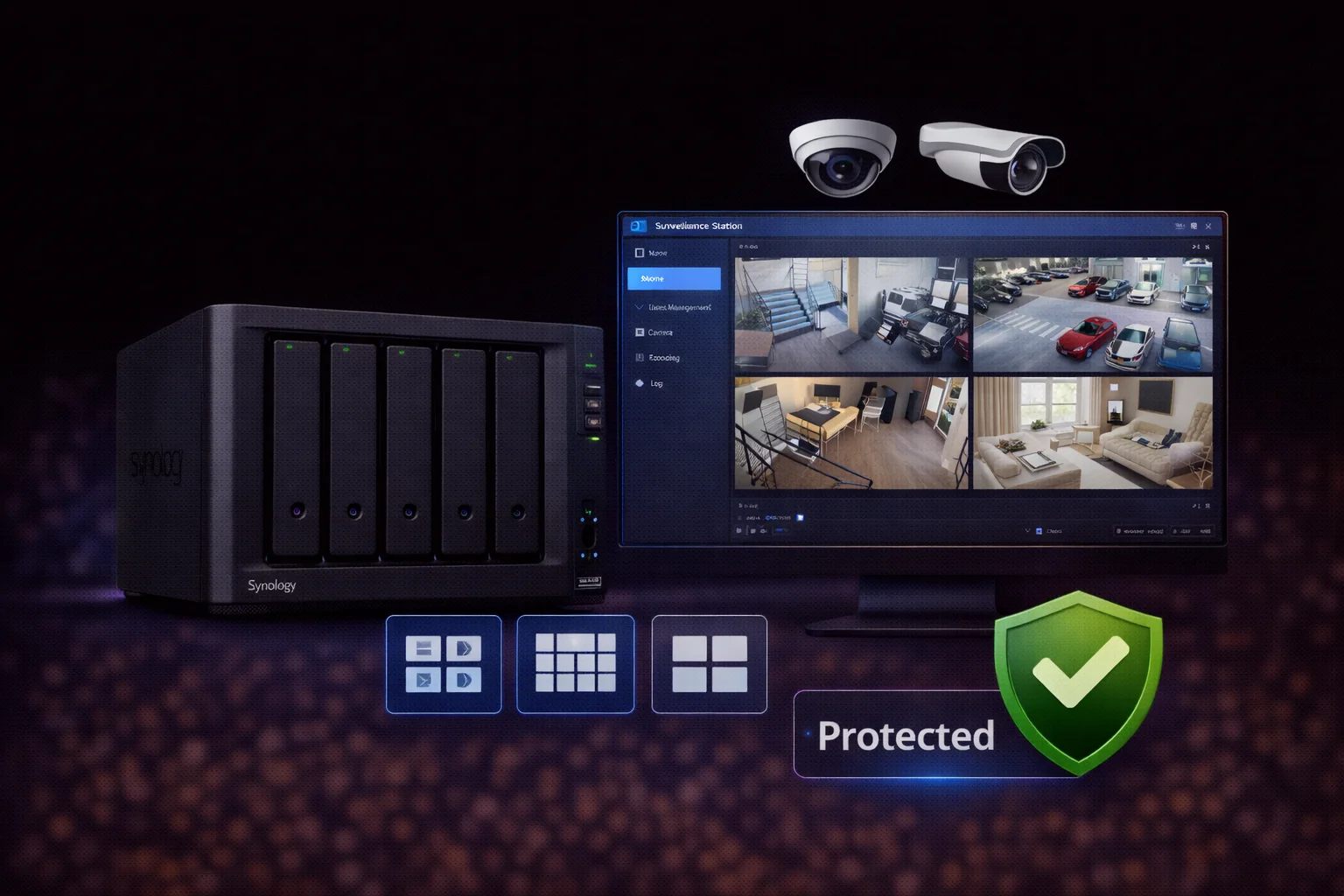
Synology’s Surveillance Station transforms any compatible NAS into a full-featured NVR system. Compared to standalone DVRs or cloud-based solutions, a Synology surveillance setup offers several advantages:
Cost efficiency: No monthly cloud fees. Once you purchase the NAS and camera licenses, there are no recurring costs beyond electricity and eventual drive replacement.
Scalability: Start with a few cameras and expand as needed. Add more drives for storage or upgrade to a larger NAS without replacing the entire system.
Local control: All footage stays on your network. No reliance on internet connectivity for recording or playback, and no concerns about cloud provider access to your security footage.
Advanced features: Motion detection, AI-powered analytics (on supported models), mobile app access, and integration with smart home systems.
Understanding Synology Camera Licenses
Every Synology NAS includes two free camera licenses for Surveillance Station. To connect additional cameras, you must purchase license packs.
License Costs (2026)
| License Pack | Price (Approx) | Cost Per Camera |
|---|---|---|
| 1 Camera | $50 | $50 |
| 4 Cameras | $200 | $50 |
| 8 Cameras | $400 | $50 |
Licenses are tied to the NAS, not individual cameras. If you replace a camera, the license transfers automatically. However, licenses do not transfer between NAS units—if you upgrade to a new NAS, you’ll need new licenses.
Camera Limits by NAS Model
| NAS Model | Max Cameras | Free Licenses | Best For |
|---|---|---|---|
| DS223 | 25 | 2 | Home (2-4 cameras) |
| DS423 | 30 | 2 | Home/Small office (4-8) |
| DS723+ | 40 | 2 | Small business (8-16) |
| DS923+ | 40 | 2 | Small business (8-20) |
| DS1522+ | 40 | 2 | Medium business (16-30) |
| DS1823xs+ | 75 | 2 | Enterprise (30-50) |
Note: Maximum camera counts assume 720p streams. 4K cameras at high frame rates reduce the supported count.
Best Synology NAS Models for Surveillance
Best for Home: DS423
| Product | Capacity | Price | $ / TB | Price Drop | Brand | Interface |
|---|
The 4-bay DS423 handles up to 30 cameras and provides excellent value for home surveillance. With four drive bays, you can run RAID 5 for redundancy while maintaining 30+ days of footage storage.
Recommended configuration:
- DS423 + 4× 4TB WD Purple = 12TB usable (RAID 5) = ~60 days at 6 cameras
- Total cost: ~$700 (NAS + drives)
Best for Small Business: DS923+
| Product | Capacity | Price | $ / TB | Price Drop | Brand | Interface |
|---|
The DS923+ features an AMD Ryzen CPU with hardware transcoding and supports up to 40 cameras. The “+” model includes expandable RAM and NVMe cache slots for improved performance under heavy surveillance loads.
Recommended configuration:
- DS923+ + 4× 8TB Seagate SkyHawk = 24TB usable (RAID 5)
- Add 16GB RAM upgrade for 15+ cameras
- Optional: NVMe cache for faster motion search
Best for Enterprise: DS1522+
| Product | Capacity | Price | $ / TB | Price Drop | Brand | Interface |
|---|
For 20-40 cameras, the 5-bay DS1522+ provides the storage density and processing power needed. Supports expansion units (DX517) to add more drives without replacing the NAS.
Storage Calculations for Surveillance
Surveillance storage requirements depend on camera resolution, frame rate, compression, and retention period.
Storage Per Camera Per Day
| Resolution | Frame Rate | GB/Day (H.264) | GB/Day (H.265) |
|---|---|---|---|
| 1080p | 15 fps | 15-20 GB | 8-12 GB |
| 1080p | 30 fps | 25-35 GB | 15-20 GB |
| 4K (8MP) | 15 fps | 40-50 GB | 25-30 GB |
| 4K (8MP) | 30 fps | 70-90 GB | 40-50 GB |
Motion-only recording reduces storage by 50-80% depending on activity levels.
Quick Storage Calculator
Formula: Cameras × GB/day × Retention days = Total storage needed
Example: 8 cameras × 20 GB/day × 30 days = 4,800 GB (4.8 TB)
Add 20% overhead for RAID and system files. Use our RAID Calculator to plan your exact configuration.
Recommended Storage by Camera Count
| Cameras | 30-Day Retention | 60-Day Retention | 90-Day Retention |
|---|---|---|---|
| 4 | 4TB usable | 8TB usable | 12TB usable |
| 8 | 8TB usable | 16TB usable | 24TB usable |
| 16 | 16TB usable | 32TB usable | 48TB usable |
| 32 | 32TB usable | 64TB usable | 96TB usable |
Based on 1080p @ 15fps with H.265 compression and continuous recording.
Best Hard Drives for Synology Surveillance
Surveillance workloads differ significantly from typical NAS use. Cameras write data 24/7 in sequential streams, requiring drives optimized for constant write operations.
Why Surveillance Drives Matter
Standard desktop drives (WD Blue, Seagate Barracuda) are designed for 8-hour duty cycles with intermittent use. Running them 24/7 under surveillance loads leads to premature failure.
NAS drives (WD Red, Seagate IronWolf) handle 24/7 operation but are optimized for mixed read/write workloads, not continuous sequential writes.
Surveillance drives (WD Purple, Seagate SkyHawk) are specifically engineered for 24/7 continuous operation with multiple simultaneous video streams.
Recommended: WD Purple
| Product | Capacity | Price | $ / TB | Price Drop | Brand | Interface |
|---|
Recommended: Seagate SkyHawk
| Product | Capacity | Price | $ / TB | Price Drop | Brand | Interface |
|---|---|---|---|---|---|---|
| Seagate Skyhawk AI 32TB Video Internal Hard Drive HDD – 3.5 Inch SATA 6Gb/s 512MB Cache for DVR NVR Security Camera System with in-House Rescue Services (ST32000VE000) | 32.00 TB | $699.99 | $21.87 | +0% | Seagate | SATA |
For most Synology surveillance setups, WD Purple or Seagate SkyHawk in 4-8TB capacities offer the best balance of price, reliability, and performance. See our detailed comparison: WD Purple vs Seagate SkyHawk.
Synology Surveillance Station Features
Surveillance Station is Synology’s professional-grade video management software, included free with every NAS.
Core Features
- Live View: Monitor all cameras in customizable layouts with multi-monitor support
- Recording Modes: Continuous, scheduled, motion-triggered, or I/O alarm-triggered
- Motion Detection: Software-based with customizable sensitivity zones
- Mobile Apps: DS cam app for iOS/Android with live view and push notifications
- Remote Access: QuickConnect enables access without port forwarding
Advanced Features (Plus Models)
- Deep Video Analytics: People detection, intrusion detection, line crossing
- Face Recognition: Identify known individuals and alert on unknown faces
- License Plate Recognition: Automatic vehicle identification
- C2 Surveillance: Cloud backup of recordings to Synology’s C2 service
Camera Compatibility
Surveillance Station supports over 8,400 IP camera models via ONVIF protocol or native integration. Check the Synology Camera Compatibility List before purchasing cameras.
Best compatibility: Hikvision, Dahua, Axis, Reolink, Amcrest
Limited support: Ring, Nest, Arlo (cloud-dependent cameras generally don’t work)
Setup Best Practices
Network Configuration
- Separate VLAN: Isolate cameras from main network for security
- PoE Switch: Use Power over Ethernet for simplified cabling
- Bandwidth Planning: Each 1080p camera uses 4-8 Mbps
Storage Configuration
- RAID Level: Use RAID 5 or SHR for surveillance (not RAID 0)
- Dedicated Volume: Create separate volume for Surveillance Station
- Auto-Archive: Configure automatic deletion of old recordings
Recording Settings
- Resolution: 1080p sufficient for most scenarios; 4K for large areas
- Frame Rate: 15 fps captures smooth motion; 30 fps doubles storage
- Compression: Use H.265 when supported (30-50% smaller files)
Frequently Asked Questions
It depends on the model. Entry-level units like the DS223 support up to 25 cameras, while high-end models like the DS1823xs+ support up to 75 cameras. Every NAS includes 2 free camera licenses; additional cameras require purchased licenses at $50 per camera.
While regular drives will work initially, they’re not designed for 24/7 operation and will fail prematurely. Surveillance-rated drives like WD Purple or Seagate SkyHawk are engineered for continuous write operations and support multiple simultaneous video streams. The price difference is minimal compared to the cost of data loss.
No, camera licenses are permanently tied to the NAS they’re activated on. If you upgrade to a new NAS, you’ll need to purchase new licenses. Licenses do transfer when replacing cameras connected to the same NAS.
A rough estimate is 15-25 GB per camera per day for 1080p continuous recording with H.264. For 8 cameras with 30-day retention, plan for approximately 8TB of usable storage. Motion-only recording can reduce this by 50-80%.
Yes, Surveillance Station is free software included with every Synology NAS. You get 2 free camera licenses. Additional cameras beyond the initial 2 require purchasing license packs at approximately $50 per camera.
Both are excellent choices designed specifically for surveillance workloads. WD Purple offers AllFrame technology for reduced frame drops, while SkyHawk includes ImagePerfect firmware and 3-year data recovery. Price and availability often determine the better choice — both work flawlessly in Synology NAS.
Summary: Choosing the Right Synology for Surveillance
| Use Case | Recommended NAS | Drives | Total Budget |
|---|---|---|---|
| Home (2-4 cameras) | DS223 | 2× 4TB WD Purple | ~$500 |
| Home (4-8 cameras) | DS423 | 4× 4TB WD Purple | ~$800 |
| Small Business (8-16) | DS923+ | 4× 8TB SkyHawk | ~$1,300 |
| Medium Business (16-30) | DS1522+ | 5× 8TB SkyHawk | ~$1,900 |
| Enterprise (30-50+) | DS1823xs+ | 8× 12TB SkyHawk AI | ~$4,500 |
Our recommendation: The Synology DS923+ with 4× 8TB WD Purple drives offers the best balance of features, capacity, and value for most surveillance deployments. It handles up to 40 cameras, supports advanced AI analytics, and provides ~24TB of usable storage in RAID 5.
Related Resources
- Best Synology NAS 2026 — Complete buying guide
- WD Purple Synology Compatibility
- Seagate SkyHawk Synology Setup
- WD Purple vs Seagate SkyHawk
- Synology Compatible Hard Drives Database
- RAID Calculator — Plan your storage configuration
Last Updated: February 2026 | Prices and specifications verified