Synology vs ASUSTOR: Complete NAS Brand Comparison 2026

Quick Answer+
Quick Answer:Synology wins for software polish, ecosystem, security, and overall user experience—ideal for beginners and businesses. ASUSTOR wins for hardware value, HDMI output, and gaming/media features—ideal for home theater enthusiasts and budget-conscious power users. Both make quality NAS devices; Synology is the safer mainstream choice while ASUSTOR offers compelling alternatives for specific use cases.
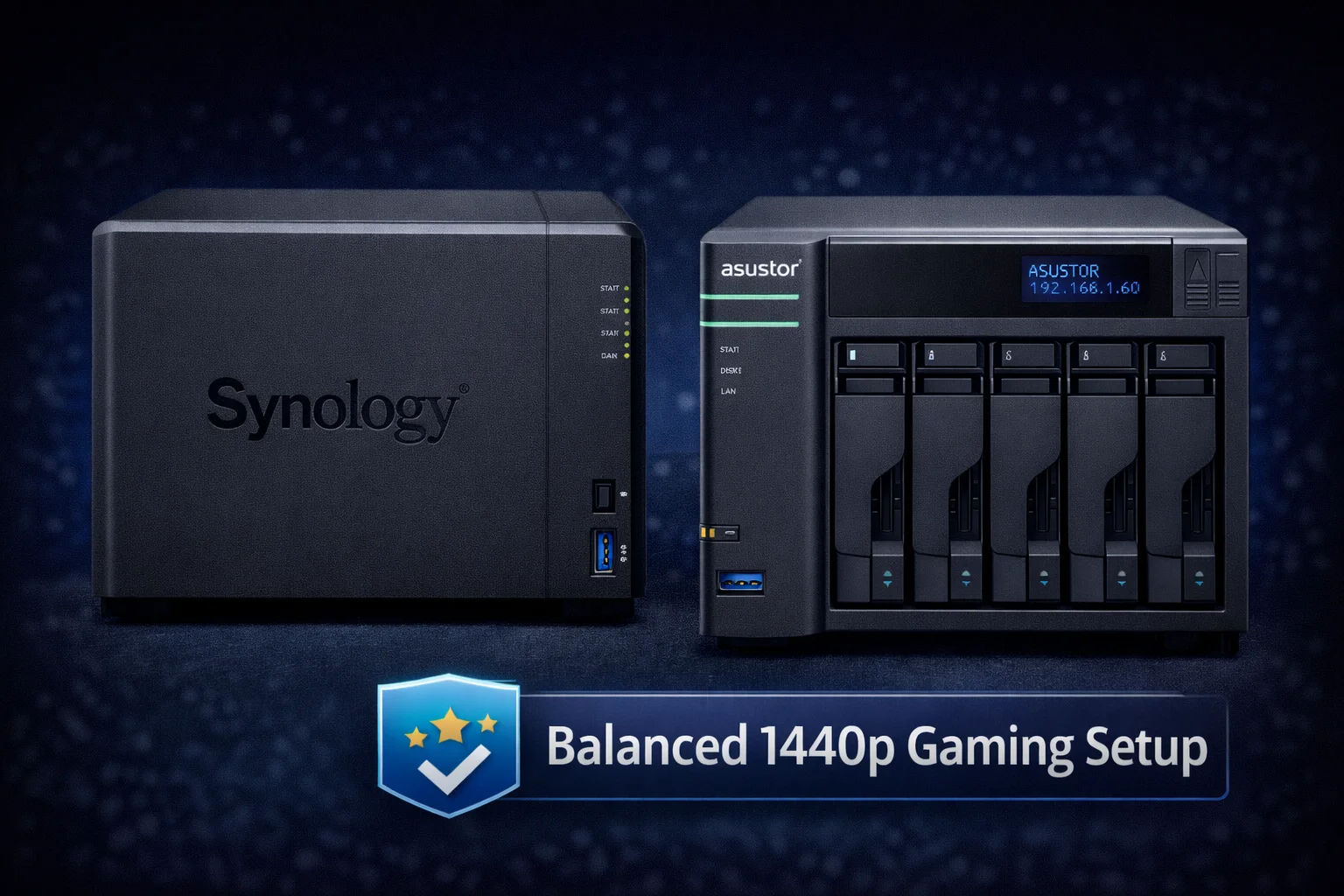
Synology dominates the NAS market, but ASUSTOR (a subsidiary of ASUS) offers intriguing alternatives with competitive hardware and unique features. This comparison helps you understand where each brand excels and which is right for your specific needs.
For our Synology vs QNAP comparison, see our dedicated QNAP comparison article. This guide focuses specifically on how ASUSTOR stacks up against the industry leader.
Quick Comparison Overview
| Category | Synology | ASUSTOR | Winner |
|---|---|---|---|
| Software/UI | Polished, intuitive DSM | Good ADM, less refined | 🏆 Synology |
| Hardware Value | Premium pricing | Better specs per dollar | 🏆 ASUSTOR |
| Security | Excellent track record | Good, improving | 🏆 Synology |
| Ecosystem | Comprehensive apps | Good but smaller | 🏆 Synology |
| HDMI/Media | Limited options | Excellent, 4K output | 🏆 ASUSTOR |
| Gaming Features | None | Game storage, streaming | 🏆 ASUSTOR |
| Community Support | Large, mature | Smaller but growing | 🏆 Synology |
| Mobile Apps | Excellent | Good | 🏆 Synology |
| Plex Performance | Good (Intel models) | Excellent | 🏆 ASUSTOR |
| Backup Software | Active Backup (free) | Basic options | 🏆 Synology |
Company Background
Synology (founded 2000) is the industry leader, pioneering user-friendly NAS with DSM. They prioritize software quality, reliability, and security. See our Best Synology NAS guide for recommendations.
ASUSTOR (founded 2011, ASUS subsidiary) leverages ASUS’s hardware expertise, focusing on media features, gaming integration, and value pricing.
Software Comparison
Synology DSM: Clean, intuitive interface with gentle learning curve. Extremely stable with conservative updates. Excellent documentation and massive community support.
ASUSTOR ADM: Functional with Android-inspired design. More features visible at once but steeper learning curve. Portal feature for HDMI apps is unique.
| Feature | Synology DSM | ASUSTOR ADM |
|---|---|---|
| File System | Btrfs, ext4 | Btrfs, ext4 |
| RAID Options | SHR (flexible), standard | Standard RAID only |
| Docker Support | Container Manager | Portainer |
| VM Support | Virtual Machine Manager | VirtualBox |
| HDMI Apps | Limited | Portal (Kodi, Chrome) |
Hardware Comparison
Synology DS224+
2-Bay | Intel Celeron J4125 | 2GB RAM | 1GbE | 2x M.2
Excellent DSM software, Synology Photos, Active Backup, strong mobile apps. The safe, reliable choice for most users. Intel hardware transcoding for Plex.
ASUSTOR Drivestor 2 Pro
2-Bay | Realtek RTD1296 | 2GB RAM | 2.5GbE
Budget-friendly with 2.5GbE included. ARM processor limits transcoding—best for direct play media or file storage.
Synology DS923+
4-Bay | AMD Ryzen R1600 | 4GB RAM | 1GbE | 2x M.2
Powerful 4-bay expandable to 9 bays. Excellent for business with free Active Backup. The professional choice.
ASUSTOR Lockerstor 4
4-Bay | Intel J4125 | 4GB RAM | 2x 2.5GbE | HDMI 2.0
Better hardware value with dual 2.5GbE and HDMI 2.0 included. Superior Plex transcoding. Great for home theater.
Hardware Specification Comparison
| Spec | DS923+ ($599) | Lockerstor 4 ($549) | Winner |
|---|---|---|---|
| CPU | AMD Ryzen R1600 | Intel J4125 | 🏆 ASUSTOR (transcoding) |
| Network | 2x 1GbE | 2x 2.5GbE | 🏆 ASUSTOR |
| HDMI | No | Yes (4K) | 🏆 ASUSTOR |
| Max RAM | 32GB | 8GB | 🏆 Synology |
| Expansion | DX517 (5 bays) | Limited | 🏆 Synology |
ASUSTOR’s Unique Products
ASUSTOR Flashstor 6 FS6706T
6x M.2 NVMe | Intel N5105 | 4GB RAM | 2x 2.5GbE
Compact all-flash NAS with 6 M.2 slots. Excellent for video editing requiring high IOPS. No direct Synology competitor exists.
Nimbustor Series: Gaming-focused NAS with RGB lighting, game library storage, and aggressive styling. Synology has no gaming products.
Performance Comparison
| Test | DS923+ (1GbE) | Lockerstor 4 (2.5GbE) |
|---|---|---|
| Sequential Read | 112 MB/s | 280 MB/s |
| Sequential Write | 110 MB/s | 265 MB/s |
| 4K Plex Transcode | 1-2 streams | 2-3 streams |
ASUSTOR’s 2.5GbE and Intel Quick Sync provide performance advantages out of the box. Synology requires add-in cards for comparable speeds.
Security Comparison
Synology: Few security incidents over 20+ years. Rapid patches, Security Advisor tool, bug bounty program.
ASUSTOR: Affected by Deadbolt ransomware in 2022. Improved since, but less proven track record.
See our Synology Security Guide for hardening best practices. Verdict: Synology has significantly better security reputation.
Ecosystem and Apps
| Category | Synology | ASUSTOR | Winner |
|---|---|---|---|
| Photo Management | Synology Photos | Photo Gallery 3 | 🏆 Synology |
| PC Backup | Active Backup (free) | DataSync Center | 🏆 Synology |
| File Sync | Synology Drive | EZ Sync | 🏆 Synology |
| HDMI Apps | Limited | Portal (Kodi) | 🏆 ASUSTOR |
Synology’s standouts: Active Backup for Business (free PC/server backup), Synology Photos (Google Photos alternative), Synology Drive (Dropbox alternative).
ASUSTOR’s standout: Portal for HDMI output with Kodi, Chrome, Plex directly on TV.
Use Case Recommendations
Choose Synology if: You’re a beginner, need business backup (Active Backup), prioritize security, want best mobile apps, or need expansion capability. Models: DS224+, DS923+, DS1621+.
Choose ASUSTOR if: You want HDMI output, maximum Plex transcoding, gaming NAS, all-flash storage (Flashstor), or best hardware value. Models: Lockerstor 4, Flashstor 6, Nimbustor 4.
Compatible Drives
| Product | Capacity | Price | $ / TB | Price Drop | Brand | Interface |
|---|---|---|---|---|---|---|
| Seagate 6TB IronWolf NAS SATA 6Gb/s NCQ 128MB Cache 3.5-Inch Internal Hard Drive (ST6000VN0041) (Renewed) | 6.00 TB | $169.99 | $28.33 | +0% | Seagate | SATA |
Frequently Asked Questions
Synology is better for beginners. DSM is more intuitive, documentation is more comprehensive, and the larger community means easier troubleshooting.
Yes, ASUSTOR with Intel processors (Lockerstor, Flashstor) excels at Plex transcoding thanks to Intel Quick Sync. ARM models (Drivestor) are limited to direct play.
Yes, many ASUSTOR models include HDMI output. Using Portal, you can run Kodi, Plex, Chrome directly on your TV—ASUSTOR’s biggest advantage over Synology.
ASUSTOR was affected by Deadbolt ransomware in 2022 but has improved since. They’re not as battle-tested as Synology. Follow security best practices—never expose NAS directly to internet.
No, ASUSTOR lacks an equivalent to Active Backup for Business. This is a significant Synology advantage for business environments.
Not directly—drives cannot be moved between brands. Migration requires backing up data, setting up new NAS, and restoring.
Conclusion
Synology remains the industry leader for good reason—superior software, security track record, and comprehensive ecosystem. For most users, especially beginners and businesses, Synology is the safer choice.
However, ASUSTOR offers compelling alternatives for specific use cases. HDMI output for home theater, maximum Plex transcoding, or all-flash NAS (Flashstor) are areas where ASUSTOR delivers features Synology doesn’t match.
Our recommendation: Choose Synology (DS224+ or DS923+) for best overall experience. Consider ASUSTOR if HDMI output or specific hardware features are priorities.
Related Resources
- Synology vs QNAP Comparison
- Best Synology NAS 2026
- Synology DS224+ Review
- Synology DS923+ Review
- Synology Active Backup Guide
- Synology Photos Setup Guide
- Synology Security Guide
Last Updated: February 2026