
Quick Answer+
Quick Answer:WD Red Plus, Seagate IronWolf, and Toshiba N300 all work great in WD My Cloud devices. Avoid SMR drives (standard WD Red without “Plus”) as they can cause performance issues. Any CMR NAS drive works — WD’s official list is artificially short.
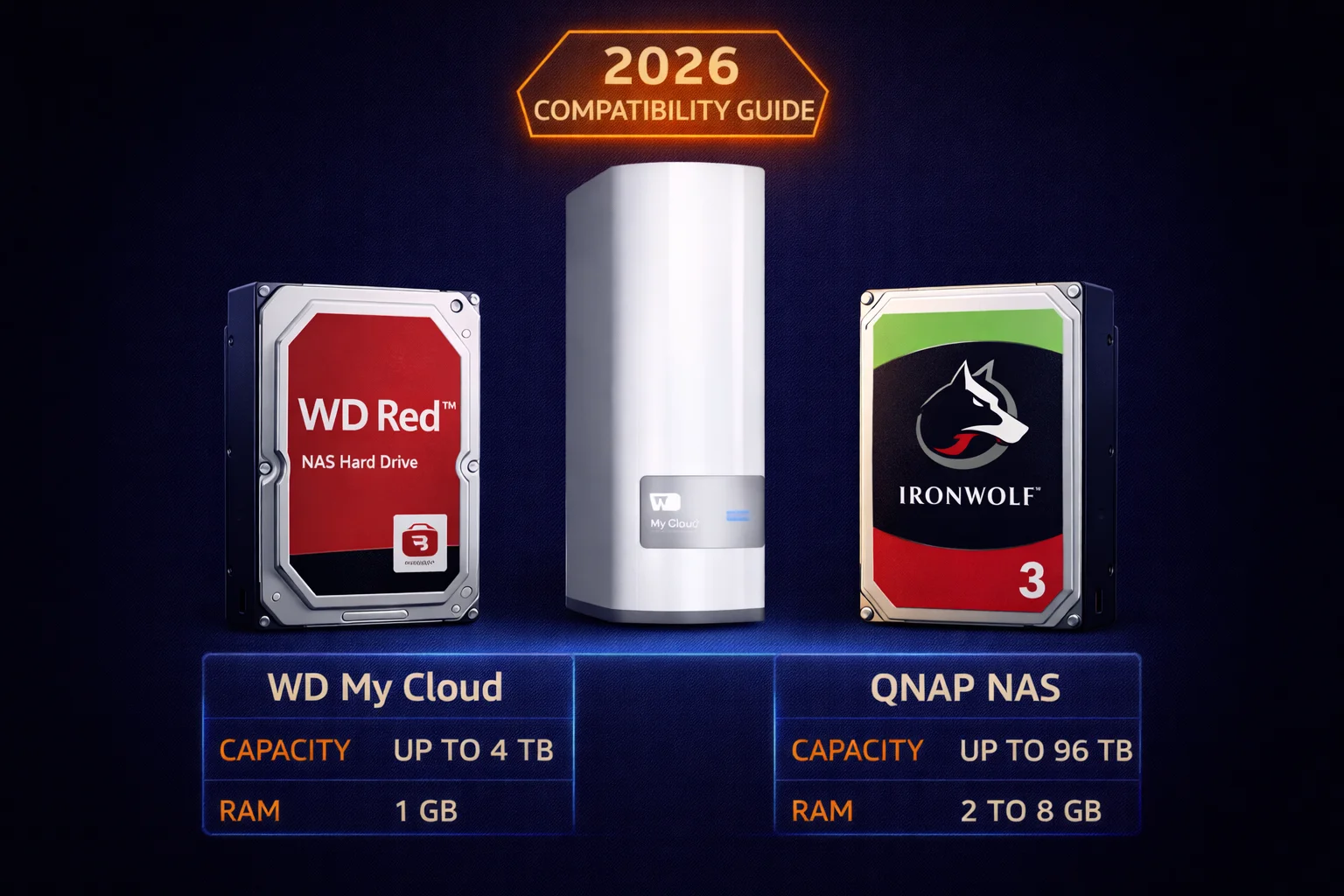
Looking for compatible hard drives for your WD My Cloud NAS? While WD’s official compatibility list is short (they want you to buy WD Red), most CMR NAS drives work perfectly. This guide covers which drives work, which to avoid, and current pricing.
Official vs Real-World Compatibility
WD’s Official Compatibility List
WD publishes a deliberately short compatibility list featuring mainly their own drives. In practice, any quality SATA hard drive works in WD My Cloud. The device doesn’t check drive models or restrict functionality.
What Actually Works
- Seagate IronWolf — most popular alternative
- Seagate IronWolf Pro — enterprise-grade option
- Seagate Exos — datacenter drives
- Toshiba N300 — budget-friendly NAS drives
- WD Ultrastar — enterprise drives (often shucked)
- HGST drives — enterprise (WD-owned brand)
The key requirement: use CMR (Conventional Magnetic Recording) drives, not SMR (Shingled Magnetic Recording).
CMR vs SMR: Why It Matters
The SMR Problem
SMR drives write data in overlapping tracks to increase density. This causes:
- Severe slowdowns during RAID rebuilds
- Poor write performance when drives are >50% full
- Potential RAID failures during reconstruction
WD’s SMR Controversy
In 2020, WD was caught selling SMR drives labeled simply “WD Red” without disclosure. After backlash, WD clarified:
| Drive | Recording Type | NAS Suitable? |
|---|---|---|
| WD Red (1-6TB) | SMR | ❌ Avoid |
| WD Red Plus | CMR | ✅ Recommended |
| WD Red Pro | CMR | ✅ Yes (premium) |
Always buy WD Red Plus, not standard WD Red for NAS use.
Recommended Drives for WD My Cloud
Best Overall: WD Red Plus
WD’s own CMR NAS drives — guaranteed compatible and optimized for 24/7 operation.
| Product | Capacity | Price | $ / TB | Price Drop | Brand | Interface |
|---|
Key specs: 5400 RPM (quiet, cool running), CMR recording, NASware 3.0 firmware, 3-year warranty, 180TB/year workload rating.
Best for: Most WD My Cloud users wanting guaranteed compatibility.
Best Alternative: Seagate IronWolf
Seagate’s NAS drives are equally reliable and often cheaper per TB.
| Product | Capacity | Price | $ / TB | Price Drop | Brand | Interface |
|---|---|---|---|---|---|---|
| Seagate 6TB IronWolf NAS SATA 6Gb/s NCQ 128MB Cache 3.5-Inch Internal Hard Drive (ST6000VN0041) (Renewed) | 6.00 TB | $169.99 | $28.33 | +0% | Seagate | SATA |
| Seagate IronWolf 2TB NAS Internal Hard Drive HDD – 3.5 Inch SATA 6Gb/s 7200 RPM 256MB Cache for RAID Network Attached Storage (ST2000VN004) (Renewed) | 2.00 TB | $129.00 | $64.50 | +0% | Seagate | SATA |
Key specs: 7200 RPM (most models — faster than Red Plus), CMR recording, IronWolf Health Management (IHM), AgileArray for multi-bay optimization, 3-year warranty, 180TB/year workload rating.
Best for: Users wanting maximum performance and great value.
Budget Option: Toshiba N300
Solid NAS drives at lower prices, widely used in home NAS setups.
| Product | Capacity | Price | $ / TB | Price Drop | Brand | Interface |
|---|
Key specs: 7200 RPM, CMR recording, RV sensors for multi-bay vibration handling, 3-year warranty, 180TB/year workload rating.
Best for: Budget-conscious users who want reliable NAS drives.
Premium Option: WD Red Pro
For demanding workloads, more bays, or longer warranty needs.
| Product | Capacity | Price | $ / TB | Price Drop | Brand | Interface |
|---|
Key specs: 7200 RPM (faster than Red Plus), CMR recording, 300TB/year workload rating, 5-year warranty, built for 8-24 bay systems.
Best for: Heavy workloads, business use, or users wanting longer warranty.
Complete Drive Compatibility Table
| Drive Series | Recording | RPM | Warranty | Works in My Cloud? | Best For |
|---|---|---|---|---|---|
| WD Red Plus | CMR | 5400 | 3yr | ✅ Yes (official) | Most users |
| WD Red Pro | CMR | 7200 | 5yr | ✅ Yes | Heavy workloads |
| WD Red (non-Plus) | SMR | 5400 | 3yr | ⚠️ Avoid | Don’t buy |
| Seagate IronWolf | CMR | 7200 | 3yr | ✅ Yes | Best value |
| Seagate IronWolf Pro | CMR | 7200 | 5yr | ✅ Yes | Business/heavy use |
| Seagate Exos | CMR | 7200 | 5yr | ✅ Yes | Enterprise |
| Toshiba N300 | CMR | 7200 | 3yr | ✅ Yes | Budget option |
| Toshiba N300 Pro | CMR | 7200 | 5yr | ✅ Yes | Budget + warranty |
| WD Ultrastar | CMR | 7200 | 5yr | ✅ Yes | Shucking/enterprise |
| WD Blue | CMR/SMR | Varies | 2yr | ⚠️ Not recommended | Desktop, not NAS |
| Seagate Barracuda | SMR | Varies | 2yr | ⚠️ Not recommended | Desktop, not NAS |
Capacity Recommendations by Model
WD My Cloud EX2 Ultra / PR2100 (2-Bay)
| Configuration | Total Capacity | Usable with RAID 1 |
|---|---|---|
| 2× 4TB | 8TB | 4TB |
| 2× 8TB | 16TB | 8TB |
| 2× 12TB | 24TB | 12TB |
| 2× 16TB | 32TB | 16TB |
| 2× 22TB | 44TB | 22TB |
Recommendation: Use RAID 1 (mirroring) for data protection. Buy two identical drives.
WD My Cloud EX4100 / PR4100 (4-Bay)
| Configuration | Total Capacity | Usable with RAID 5 |
|---|---|---|
| 4× 8TB | 32TB | 24TB |
| 4× 12TB | 48TB | 36TB |
| 4× 16TB | 64TB | 48TB |
| 4× 22TB | 88TB | 66TB |
Recommendation: RAID 5 provides good balance of capacity and protection. Buy four identical drives.
Frequently Asked Questions
No. Despite WD’s marketing, any CMR SATA drive works. Seagate IronWolf and Toshiba N300 are popular alternatives that work perfectly in My Cloud devices.
No. The My Cloud warranty covers the enclosure and software. Drive compatibility is not a warranty condition. If a third-party drive fails, that’s covered by the drive manufacturer’s warranty.
Yes, but it’s not recommended for RAID arrays. Mixing brands can work, but identical drives ensure consistent performance and easier capacity matching. Many experts recommend buying drives from different batches even of the same model.
Technically yes, but not recommended. Desktop drives lack 24/7 operation rating, vibration compensation, NAS-optimized firmware, and error recovery tuned for RAID. Stick with NAS-rated drives for reliability.
WD My Cloud supports drives up to 22TB or larger depending on model and firmware version. Current 24TB drives work in most models with updated firmware. Check your specific model’s specs.
Check the model number against manufacturer’s specifications. Or search “[drive model] CMR or SMR” — this has been well documented since the 2020 controversy. WD Red Plus = CMR. WD Red (non-Plus) 1-6TB = SMR. All IronWolf = CMR.
Buy diskless + add your own drives. Pre-populated units often cost more than buying separately, and you can choose your preferred drive brand. Plus, you’ll have more control over drive selection and can take advantage of sales.
Bottom Line: Best Drives for WD My Cloud
For most users:WD Red Plus or Seagate IronWolf in 8TB-16TB capacities offer the best balance of price, capacity, and reliability.
For budget builds:Toshiba N300 provides NAS-grade reliability at lower prices.
Avoid: Standard WD Red (SMR), desktop drives, and any drive not rated for 24/7 NAS operation.
Match your drives (same brand, same capacity) for best RAID performance. Check the live pricing tables above to find the best deals right now.
Related Resources
- Best NAS Drives 2026 — Complete NAS drive buying guide
- IronWolf vs WD Red — Detailed comparison
- WD Red vs Red Plus vs Red Pro — Which WD drive?
- WD My Cloud Setup Guide — Installation walkthrough
- Best WD My Cloud 2026 — Which My Cloud to buy
- CMR vs SMR — Recording technology explained
Last Updated: February 2026 | Prices updated hourly from Amazon