
Quick Answer+
Quick Verdict: The WD My Cloud EX2 Ultra is the best budget 2-bay NAS for users wanting real NAS features without Synology/QNAP complexity. At ~$170 diskless, you get RAID support, network shares, hot-swap bays, and decent performance. No transcoding, but Plex direct play works fine. Excellent value for home backup and media serving.
The WD My Cloud EX2 Ultra is Western Digital’s entry-level “true NAS” — a step up from the consumer-focused My Cloud Home series. This review covers the hardware, software, performance, and whether the EX2 Ultra holds up against competitors in 2026.
WD My Cloud EX2 Ultra (Diskless)
2-bay | Marvell Armada 385 1.3GHz | 1GB RAM | 1GbE | Hot-swap
Budget-friendly 2-bay NAS with RAID support, network shares, and hot-swap bays. Add your own drives for the best value. Perfect entry point for home NAS users.
WD My Cloud EX2 Ultra Specifications
| Specification | WD My Cloud EX2 Ultra |
|---|---|
| Drive Bays | 2× 3.5″ SATA (hot-swap) |
| CPU | Marvell Armada 385 Dual-Core 1.3GHz |
| RAM | 1GB DDR3 (not upgradable) |
| Max Capacity | 44TB (2×22TB) |
| Network | 1× Gigabit Ethernet |
| USB Ports | 2× USB 3.0 |
| RAID Support | JBOD, RAID 0, RAID 1, Spanning |
| File System | EXT4 |
| Max Users | 512 (Samba), 800 (ADS) |
| Max Shares | 128 |
| Encryption | 256-bit AES volume encryption |
| Power Consumption | ~18W (with drives) |
| Dimensions | 6.5 × 3.9 × 6.3 inches |
| Warranty | 2 years (diskless), 3 years (with drives) |
Current Prices
| Product | Capacity | Price | $ / TB | Price Drop | Brand | Interface |
|---|
Design & Build Quality
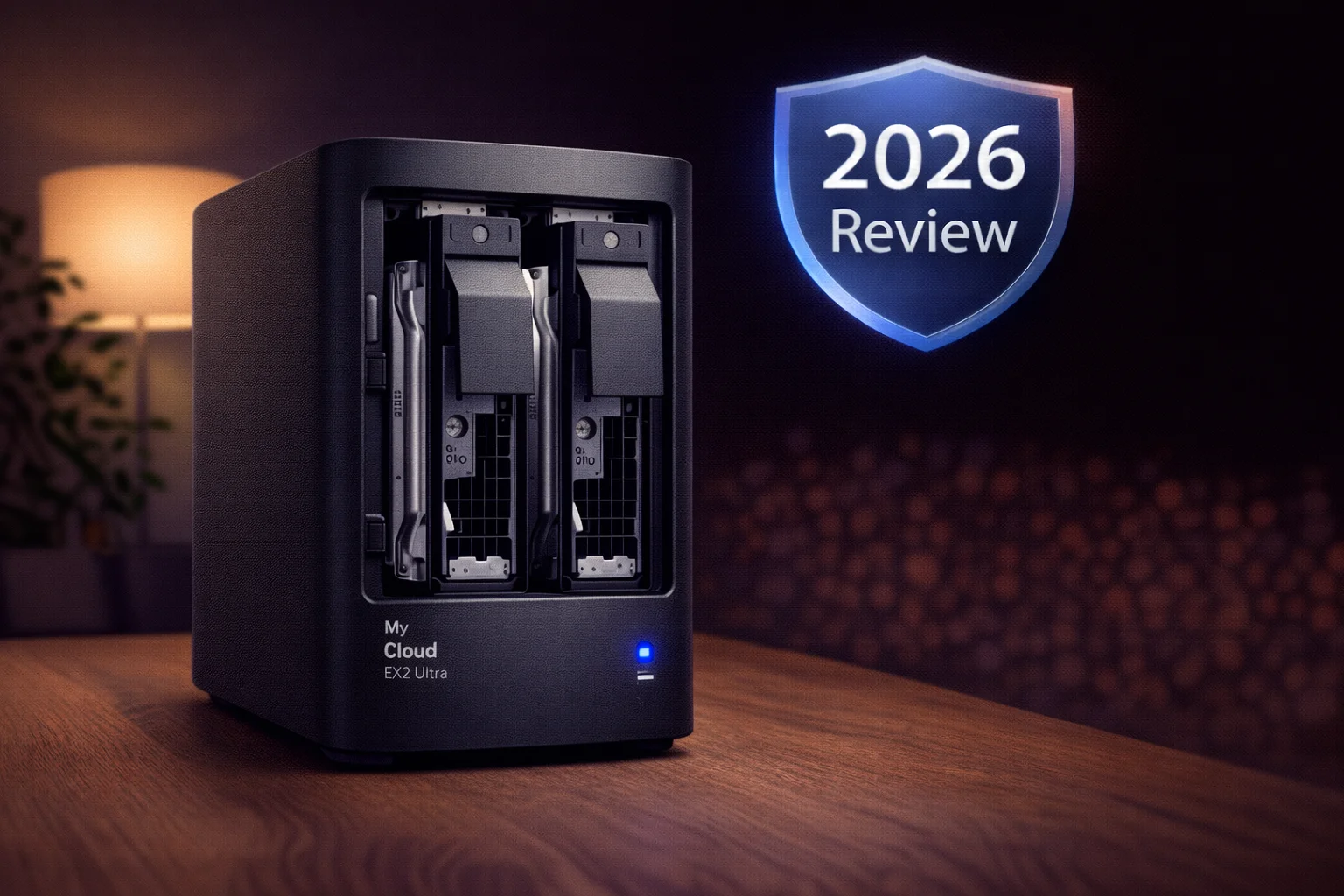
The EX2 Ultra has a compact, no-nonsense design. The charcoal enclosure is professional-looking without being flashy. A matte inlay wraps around the front and side, giving visual interest while maintaining a business-appropriate appearance.
Hot-Swap Drive Bays
Unlike the My Cloud Home series, the EX2 Ultra has proper hot-swap drive bays. Pop open the top lid, unscrew the drive retainer, and slide drives in or out. No tools required for 3.5″ drives. This makes drive replacement or upgrades simple.
Cooling
A small internal fan provides active cooling. It’s quiet during normal operation but can spin up during heavy workloads. Ventilation slots on the top, back, and bottom help dissipate heat. In testing, the unit stayed comfortably cool.
Connectivity
Rear panel includes single Gigabit Ethernet, two USB 3.0 ports for expansion storage, and DC power input. No HDMI output or front USB port. The single Gigabit Ethernet is a limitation — competitors like QNAP TS-264 offer 2.5GbE.
Setup & Interface
Setting up the EX2 Ultra is straightforward:
- Install drives (if diskless model)
- Connect Ethernet and power
- Navigate to the device’s IP address in a web browser
- Follow the setup wizard to configure RAID, users, and shares
- Optionally create a My Cloud account for remote access
The web-based dashboard is clean and intuitive — tabs across the top for different sections. It’s not as polished as Synology DSM or QNAP QTS, but it’s easy to navigate. Settings are clearly labeled without overwhelming technical jargon.
The home screen shows capacity usage, system status, and network activity at a glance. Creating shares, users, and backup jobs is straightforward.
Features
RAID Support
Full RAID options for a 2-bay:
- RAID 1 (Mirror): Data duplicated — if one drive fails, data survives
- RAID 0 (Striping): Maximum speed and capacity, no protection
- JBOD: Drives appear separately
- Spanning: Drives combined as one volume
Recommendation: Use RAID 1 for most users. The protection is worth halving your usable capacity.
Network Shares
Unlike My Cloud Home, the EX2 Ultra supports standard SMB/CIFS network shares. Map it as a network drive on Windows, Mac, or Linux. This is a huge advantage for power users who want drag-and-drop file access.
Backup Options
- PC backup: WD SmartWare Pro included (10 licenses)
- Mac backup: Time Machine support
- USB backup: One-button copy from attached USB drives
- Remote backup: Backup to another My Cloud or cloud services
- HTTP/FTP backup: Pull files from remote servers
Media Streaming
- DLNA server: Built-in Twonky media server works with smart TVs
- iTunes server: Stream music to iTunes/Music app
- Plex: Available as downloadable app — direct play only (no transcoding)
Third-Party Apps
The EX2 Ultra supports a limited app ecosystem:
- Plex Media Server
- Transmission (BitTorrent)
- WordPress
- Joomla
- phpBB
- SqueezeCenter (Logitech media)
- Milestone Arcus (surveillance)
This is far fewer apps than Synology or QNAP offer. No Docker support is the biggest limitation for power users.
Remote Access
Access files remotely via the My Cloud web portal or mobile apps. WD handles connection routing, so no port forwarding needed. Works reliably but requires a WD account.
Performance
The EX2 Ultra delivers solid performance for a budget NAS:
| Test | Result |
|---|---|
| Sequential Read | ~116 MB/s |
| Sequential Write | ~112 MB/s |
| Small File Read (4K) | ~15 MB/s |
| Small File Write (4K) | ~12 MB/s |
| 4K UHD Streaming | Smooth (direct play) |
Sequential performance saturates Gigabit Ethernet — the bottleneck is the network, not the NAS. Random I/O is slower, as expected from a dual-core ARM processor with 1GB RAM.
For home backup, media serving, and light file sharing, performance is more than adequate.
Limitations
- No Plex transcoding: ARM processor can’t transcode — direct play only
- No Docker: Can’t run containers
- Limited apps: ~16 apps vs 100+ on Synology/QNAP
- 1GB RAM: Not upgradable, limits multitasking
- Single Gigabit port: No link aggregation or 2.5GbE
- No NVMe cache: No M.2 slots
- Aging hardware: Marvell Armada 385 is from 2016
EX2 Ultra vs Competitors
| Feature | EX2 Ultra | Synology DS224+ | QNAP TS-233 |
|---|---|---|---|
| Price (Diskless) | ~$170 | ~$300 | ~$180 |
| CPU | Marvell ARM 1.3GHz | Intel Celeron 2.0GHz | ARM Cortex-A55 2.0GHz |
| RAM | 1GB | 2GB (exp. 6GB) | 2GB |
| Plex Transcoding | ❌ No | ✅ Yes (4K) | ❌ No |
| Docker | ❌ No | ✅ Yes | ❌ No |
| Network | 1× 1GbE | 2× 1GbE | 1× 1GbE |
| App Ecosystem | Limited | Extensive | Moderate |
Value winner: EX2 Ultra costs $130 less than DS224+. If you don’t need transcoding or Docker, it’s excellent value.
Feature winner: Synology DS224+ is significantly more capable and worth the premium for power users.
Who Should Buy the WD My Cloud EX2 Ultra?
✅ Good For:
- Budget-conscious users wanting true NAS features
- Home backup with RAID protection
- Media serving via DLNA or Plex direct play
- Small offices needing basic file sharing
- Users who want network drive access
❌ Not Good For:
- Plex users needing transcoding
- Docker/container enthusiasts
- Users wanting extensive app ecosystem
- High-performance/multi-user environments
Frequently Asked Questions
No. The Marvell ARM processor cannot hardware transcode. Plex works for direct play only — your streaming device must natively support the video format. For transcoding, you need the PR2100/PR4100 or a Synology with Intel CPU.
WD Red Plus or Seagate IronWolf are recommended. Both are CMR NAS drives optimized for 24/7 operation. Avoid SMR drives (standard WD Red without ‘Plus’). The EX2 Ultra accepts any compatible 3.5″ SATA drive despite WD’s short official list.
No. The EX2 Ultra doesn’t support Docker or containers. If you need Docker, consider the Synology DS224+ or QNAP TS-264 instead.
Buy diskless and add your own drives. Pre-populated models cost about the same as buying separately, but you lose the flexibility to choose your drives. Plus, buying drives separately often lets you catch sales.
Yes, for the right user. At ~$170 diskless, it’s hard to beat for basic NAS needs. The hardware is aging, but for home backup and media serving, it still performs well. If you need more power, step up to the PR2100 or Synology.
EX2 Ultra for power users wanting NAS features (network shares, more apps, user-replaceable drives). Home Duo for non-technical users wanting pure simplicity. The EX2 Ultra is the better long-term investment.
Final Verdict
| Category | Rating | Notes |
|---|---|---|
| Value | ★★★★★ | Hard to beat at $170 |
| Setup | ★★★★☆ | Easy, clear interface |
| Performance | ★★★★☆ | Saturates Gigabit |
| Features | ★★★☆☆ | Basic NAS, limited apps |
| Build Quality | ★★★★☆ | Solid, hot-swap bays |
| Overall | ★★★★☆ | Best budget 2-bay NAS |
The WD My Cloud EX2 Ultra remains the best budget 2-bay NAS in 2026. For ~$170 diskless, you get real NAS functionality: RAID support, network shares, hot-swap bays, and remote access. Performance saturates Gigabit Ethernet for file transfers.
The limitations are real — no transcoding, no Docker, limited apps. If you need those features, spend more on a Synology DS224+ or WD PR2100. But for home backup, basic media serving, and file sharing, the EX2 Ultra delivers excellent value.
Our recommendation: Buy the EX2 Ultra diskless and add two WD Red Plus or Seagate IronWolf drives. Configure RAID 1 for protection. You’ll have a reliable home NAS for under $500 total.
Related Resources
- WD My Cloud PR2100 Review — Intel upgrade with transcoding
- WD My Cloud Home Duo Review — Simpler alternative
- Best WD My Cloud 2026 — Complete buying guide
- WD My Cloud Compatible Drives — Drive recommendations
- WD My Cloud vs Synology — Platform comparison
Last Updated: February 2026 | Prices and specifications verified