WD My Cloud vs Dropbox: Which Is Better for Your Files?

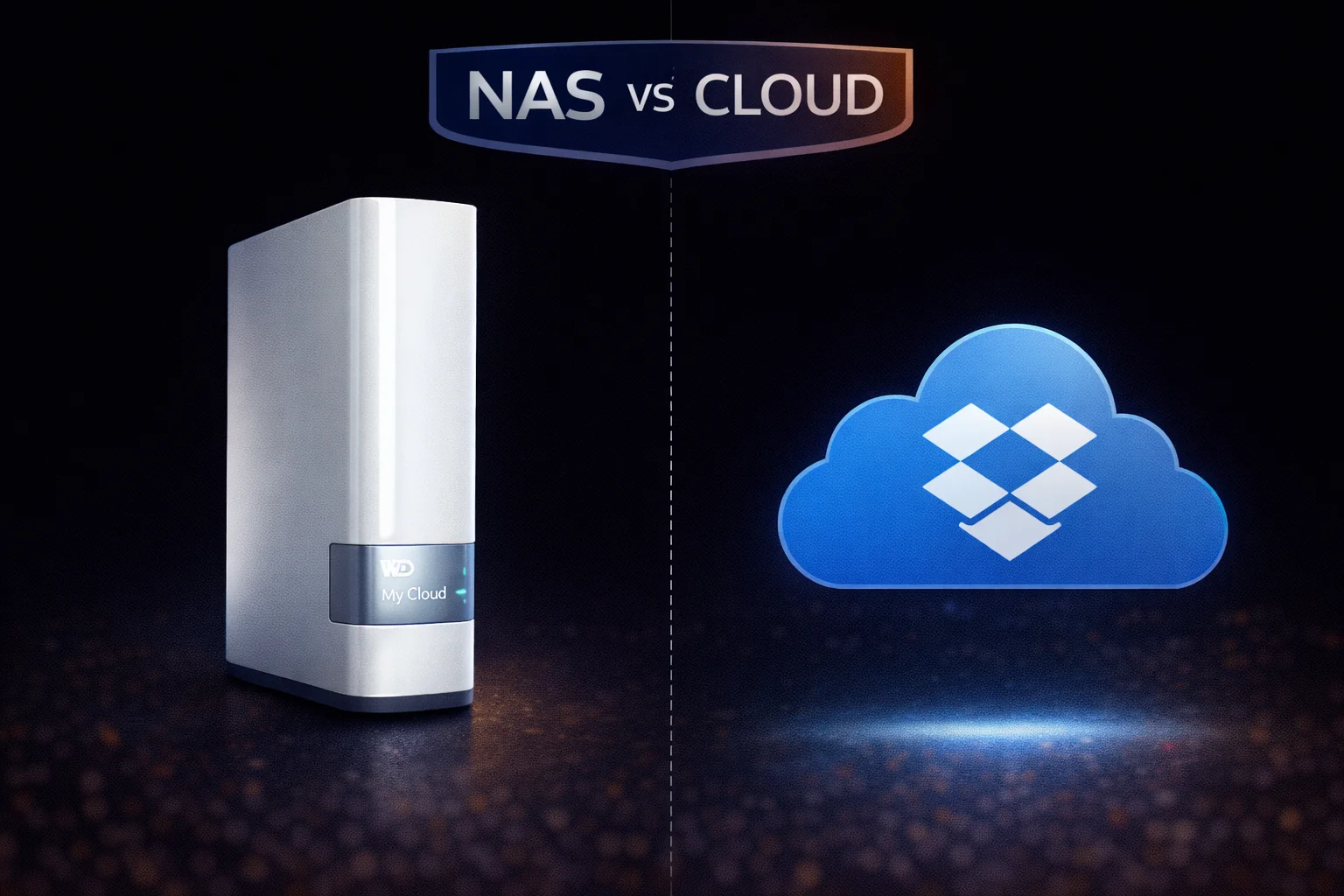
Should you store your files locally on a WD My Cloud NAS or in the cloud with Dropbox? This is one of the most common questions people ask when setting up file storage and backup. The answer depends on how much storage you need, how you access files, your privacy concerns, and your budget. Let’s compare both solutions in detail.
Quick Comparison Overview
| Factor | WD My Cloud | Dropbox | Winner |
|---|---|---|---|
| Upfront Cost | $150-$500+ | $0 | Dropbox |
| Long-term Cost (5TB) | ~$350 one-time | $1,500+ over 5 years | WD My Cloud |
| Storage Capacity | Up to 44TB+ | 2TB-unlimited | WD My Cloud |
| Data Privacy | 100% local control | Stored on Dropbox servers | WD My Cloud |
| Remote Access | Requires setup | Built-in, seamless | Dropbox |
| Sync Speed (local) | Gigabit LAN (1000 Mbps) | Limited by internet | WD My Cloud |
| Ease of Use | Moderate learning curve | Very easy | Dropbox |
| File Sharing | Basic | Excellent | Dropbox |
| Collaboration | Limited | Excellent | Dropbox |
| Offline Access | Always available locally | Requires sync | WD My Cloud |
Cost Comparison: The Real Math
This is where the decision often becomes clear. Let’s look at the true cost of each option.
Dropbox Pricing
| Plan | Storage | Monthly | Annual | 5-Year Cost |
|---|---|---|---|---|
| Basic (Free) | 2GB | $0 | $0 | $0 |
| Plus | 2TB | $11.99 | $119.88 | $599 |
| Essentials | 3TB | $19.99 | $198 | $990 |
| Business | 9TB+ | $18/user | $216/user | $1,080+ |
WD My Cloud Pricing (One-Time Purchase)
| Model | Storage | Price | Cost per TB |
|---|---|---|---|
| My Cloud Home | 2TB | ~$150 | $75/TB |
| My Cloud Home | 4TB | ~$180 | $45/TB |
| My Cloud EX2 Ultra | 8TB (2x4TB) | ~$350 | $44/TB |
| My Cloud PR2100 | 16TB (2x8TB) | ~$700 | $44/TB |
5-Year Total Cost of Ownership
For 4TB of storage over 5 years:
- Dropbox Plus (2TB): $599 + need larger plan
- Dropbox Essentials (3TB): $990
- WD My Cloud Home 4TB: $180 (one-time) + ~$25 electricity = ~$205 total
For 8TB of storage over 5 years:
- Dropbox Business: $1,080+ (and still limited)
- WD My Cloud EX2 Ultra 8TB: $350 + ~$40 electricity = ~$390 total
Bottom line: If you need more than 2TB, a NAS pays for itself within 1-2 years compared to cloud storage subscriptions.
Storage Capacity
WD My Cloud: Massive Local Storage
WD My Cloud devices offer substantial storage:
- My Cloud Home: 2TB – 8TB
- My Cloud Home Duo: 4TB – 20TB
- My Cloud EX2 Ultra: Up to 28TB (2x14TB drives)
- My Cloud PR4100: Up to 72TB (4x18TB drives)
You can also expand storage by adding USB drives to most models.
Dropbox: Tiered Cloud Storage
- Free: 2GB (barely usable)
- Plus: 2TB
- Essentials: 3TB
- Business+: “Unlimited” (with fair use limits)
For large media libraries (10TB+), Dropbox becomes impractical and expensive. A NAS is the only realistic option.
Data Privacy and Security
WD My Cloud: Your Data, Your Control
Advantages:
- Data stays physically in your home/office
- No third-party access to your files
- Not subject to cloud provider terms of service changes
- No government data requests to service providers
- You control encryption and access
Considerations:
- Physical security is your responsibility
- Need to configure security settings properly
- Firmware updates required for security patches
- WD’s cloud relay (for remote access) does route through WD servers
Dropbox: Convenience vs Privacy Trade-off
Security features:
- 256-bit AES encryption for stored files
- SSL/TLS for transfers
- Two-factor authentication
- SOC 2 compliant data centers
Privacy concerns:
- Dropbox can access your files (they hold encryption keys)
- Subject to government data requests and subpoenas
- Terms of service grant Dropbox certain rights to your content
- Data stored on servers you don’t control
- Past security breaches (2012 hack affected 68 million accounts)
For sensitive data — legal documents, financial records, personal photos — many users prefer the control of local storage.
Speed and Performance
Local Network Speed
| Scenario | WD My Cloud | Dropbox |
|---|---|---|
| Transfer 10GB file (home network) | ~80 seconds (1 Gbps) | 15-60 minutes (depends on internet) |
| Stream 4K video | Instant, no buffering | May buffer depending on internet |
| Access large photo library | Instant thumbnails | Requires sync or streaming |
For local use, a NAS is dramatically faster. Gigabit Ethernet (1000 Mbps) vs typical home internet (100-300 Mbps) means 3-10x faster transfers.
Remote Access Speed
When accessing files remotely, both are limited by your internet connection:
- WD My Cloud: Limited by your home’s upload speed (typically 10-50 Mbps)
- Dropbox: Downloads from Dropbox’s fast servers (often faster for remote access)
For remote access, Dropbox often provides faster downloads since their servers have better bandwidth than home internet upload speeds.
Ease of Use
Dropbox: Plug-and-Play Simplicity
- Create account, install app, done
- Files sync automatically across devices
- Web access from any browser
- Intuitive sharing with links
- No hardware to manage
- No maintenance required
WD My Cloud: Moderate Learning Curve
- Physical setup required (connecting, configuring)
- Dashboard learning curve
- Network troubleshooting sometimes needed
- Remote access requires configuration
- Firmware updates to manage
- Potential hardware failures to handle
For non-technical users, Dropbox is significantly easier. For users comfortable with basic technology, My Cloud’s learning curve is manageable.
File Sharing and Collaboration
Dropbox: Excellent for Teams
- Share files/folders via link instantly
- Set permissions (view, edit, comment)
- Real-time collaboration on documents
- Dropbox Paper for team documents
- Integration with Office 365, Google Docs, Slack
- Activity tracking and version history
- Transfer large files to non-Dropbox users
WD My Cloud: Basic Sharing
- Share via WD’s cloud links (requires WD account)
- User accounts for family/team members
- Share permissions by folder
- No real-time collaboration features
- Limited integration with other services
For team collaboration, Dropbox wins decisively. For family photo sharing or personal use, My Cloud is adequate.
Backup and Data Protection
Dropbox: Sync ≠ Backup
Important distinction: Dropbox is sync, not backup.
- If you delete a file locally, it deletes from Dropbox
- Ransomware can encrypt synced files
- 30-day version history helps but isn’t foolproof
- Accidental deletions propagate everywhere
Dropbox is great for file access, but shouldn’t be your only backup.
WD My Cloud: True Backup Destination
- Works as Time Machine destination (Mac)
- Windows File History target
- Backup jobs preserve file history
- Can backup NAS to USB or cloud
- RAID options protect against drive failure
A NAS serves as a proper backup destination, not just a sync service.
Use Case Recommendations
Choose WD My Cloud If:
- You need more than 2TB of storage
- You want to save money long-term
- Data privacy is a priority
- You have a large media library (photos, videos)
- You want a Plex media server
- You need Time Machine backup (Mac)
- You work primarily from one location
- You’re comfortable with basic network setup
- You want to avoid monthly subscriptions
Choose Dropbox If:
- You need less than 2TB of storage
- You work from multiple locations frequently
- You collaborate with others on documents
- Easy sharing is a priority
- You don’t want to manage hardware
- Simplicity is more important than cost
- You need Office/Google Docs integration
- Your files need to be accessible on any device instantly
Best of Both Worlds: Use Both
Many users benefit from combining both:
- WD My Cloud: Store large media library, full backups, sensitive files
- Dropbox: Sync working documents, share with collaborators, mobile access to key files
This gives you local storage benefits plus cloud convenience where it matters.
WD My Cloud vs Other Cloud Services
The same comparison applies to other cloud storage providers:
| Service | 2TB Cost/Year | 5-Year Cost | vs WD My Cloud 4TB ($180) |
|---|---|---|---|
| Dropbox Plus | $120 | $600 | NAS saves $420+ |
| Google One | $100 | $500 | NAS saves $320+ |
| iCloud+ | $120 | $600 | NAS saves $420+ |
| OneDrive | $100 | $500 | NAS saves $320+ |
Frequently Asked Questions
It depends on your needs. WD My Cloud is better for large storage (4TB+), privacy, long-term cost savings, and media libraries. Dropbox is better for collaboration, ease of use, and frequent remote access. Many users benefit from using both.
Partially. WD My Cloud offers remote access via the My Cloud app and mycloud.com, similar to Dropbox. However, it lacks Dropbox’s seamless sync across devices and collaboration features. For basic remote file access, My Cloud works well.
Yes, for storage over 2TB. A WD My Cloud with 4TB costs ~$180 one-time. Dropbox’s 2TB plan costs $120/year ($600 over 5 years). For large storage needs, a NAS pays for itself within 1-2 years.
Different risks. WD My Cloud keeps data local (privacy) but you’re responsible for security and backups. Dropbox has professional security but your data is on their servers. For sensitive data, local storage gives more control. For convenience, Dropbox’s redundancy is valuable.
Yes, even better. WD My Cloud works with Time Machine (Mac) and Windows File History for true backups. Unlike Dropbox sync, these create proper backup copies with version history that aren’t affected if you accidentally delete the original.
Hardware can fail, which is why RAID and backups are essential. Use a multi-bay NAS with RAID 1 for drive redundancy, plus backup to USB or cloud. With proper backup, a NAS is as reliable as cloud storage. Dropbox’s servers can also have outages.
Summary: Making Your Decision
| Choose WD My Cloud | Choose Dropbox |
|---|---|
| Need 4TB+ storage | Need under 2TB |
| Budget-conscious long-term | Prefer no upfront cost |
| Privacy priority | Convenience priority |
| Large media library | Document collaboration |
| Local network speed matters | Remote access speed matters |
| Want Time Machine backup | Want seamless sync |
| Comfortable with technology | Want zero maintenance |
For most families with large photo libraries or media collections, a WD My Cloud offers better value and privacy. For professionals who collaborate frequently and need seamless access from anywhere, Dropbox’s convenience is worth the subscription cost. And for many users, the best solution is using both strategically.
Related Resources
- Best WD My Cloud 2026 — Buying guide
- WD My Cloud Setup Guide — Get started
- WD My Cloud Remote Access Guide — Access from anywhere
- WD My Cloud Backup Guide — Protect your data
- WD My Cloud vs Synology — NAS comparison
- WD My Cloud vs QNAP — NAS comparison
- WD My Cloud Home Review — Entry-level NAS
- WD My Cloud EX2 Ultra Review — Best value NAS
Last Updated: February 2026