
Quick Answer+
Quick Answer: The Synology DS224+ (~$300) is the best Synology NAS for most home users. It offers Intel hardware transcoding for Plex, 2 drive bays for up to 44TB storage, and all the features you need: file sharing, photo backup, cloud sync, and remote access. For larger families or growing storage needs, the DS423+ (~$470) adds 2 more bays. Budget pick: DS223 (~$200) for basic backup.
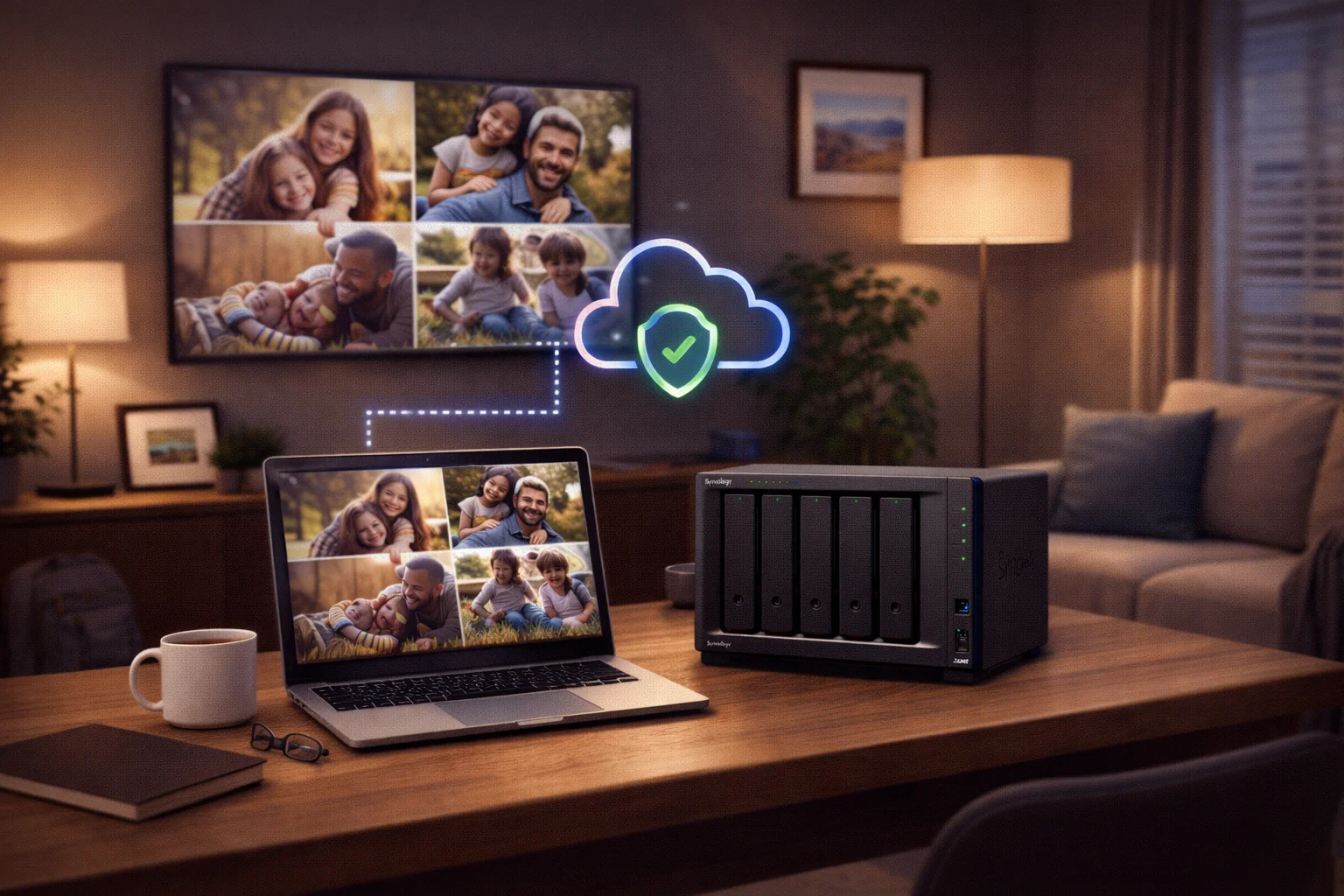
A home NAS (Network Attached Storage) centralizes your family’s files, photos, videos, and backups in one secure location. Unlike cloud storage, you own the hardware and your data never leaves your home — no monthly fees, no privacy concerns, no storage limits.
Best Synology NAS for Home: Quick Comparison
| Model | Price | Bays | Best For | Plex |
|---|---|---|---|---|
| DS224+ | ~$300 | 2 | Most home users | ✅ Yes |
| DS423+ | ~$470 | 4 | Growing families | ✅ Yes |
| DS223 | ~$200 | 2 | Budget/basics | ❌ No |
| DS923+ | ~$550 | 4 | Power users | ❌ Limited |
Best Overall: Synology DS224+
| Product | Capacity | Price | $ / TB | Price Drop | Brand | Interface |
|---|
Synology DS224+
Intel Celeron J4125 | 2GB RAM (6GB max) | 2 Bays | Hardware Transcoding | 2× 1GbE
The ideal Synology NAS for most home users. Intel processor enables Plex hardware transcoding, two bays provide up to 44TB of storage, and DSM software makes setup easy. Perfect for file sharing, photo backup, cloud sync, and media streaming.
Why DS224+ is Best for Home
- Intel processor: Enables Plex/Jellyfin hardware transcoding (requires Plex Pass)
- 2 drive bays: Up to 44TB raw storage (2× 22TB drives)
- Compact size: Fits on a shelf, quiet enough for living spaces
- Full DSM features: Synology Photos, Drive, surveillance, Docker
- Easy setup: 15-minute setup with web-based wizard
- Excellent price: ~$300 delivers premium features
DS224+ Specifications
| Component | Specification |
|---|---|
| CPU | Intel Celeron J4125 (4-core, 2.0-2.7 GHz) |
| RAM | 2GB DDR4 (expandable to 6GB) |
| Drive Bays | 2× 3.5″/2.5″ SATA |
| Network | 2× Gigabit Ethernet |
| USB | 2× USB 3.2 Gen 1 |
| Max Capacity | 44TB (2× 22TB) |
| Power | ~15W typical |
| Noise | 19.3 dB(A) |
Best for Growing Families: Synology DS423+
Synology DS423+
Intel Celeron J4125 | 2GB RAM (6GB max) | 4 Bays | Hardware Transcoding | 2× 1GbE
Same Intel processor as DS224+ with double the storage capacity. Four bays allow RAID 5/SHR for data protection while maximizing usable space. Ideal for large photo collections, 4K video libraries, or families with heavy storage needs.
Why choose DS423+ over DS224+:
- 4 drive bays: Up to 88TB raw storage
- Better RAID options: RAID 5/SHR uses only 1 drive for redundancy (vs 50% with 2 drives)
- Room to grow: Start with 2 drives, add more later
- Same transcoding: Identical Intel J4125 for Plex
Best Budget: Synology DS223
Synology DS223
Realtek RTD1619B | 2GB RAM | 2 Bays | No Transcoding | 1× 1GbE
Entry-level NAS for basic home needs. Perfect for file backup, photo storage, and cloud sync — but lacks Intel processor for Plex transcoding.
Choose DS223 if: You only need file backup, photo storage, and don’t care about Plex or Docker. The $100 savings can go toward drives.
What Can You Do with a Home NAS?
1. Family Photo & Video Backup
Synology Photos is like Google Photos, but on your own hardware:
- Auto-upload from phones (iOS and Android)
- AI-powered face recognition
- Shared family albums
- No monthly fees, no storage limits
2. Personal Cloud (Replace Dropbox)
Synology Drive syncs files across all your devices with desktop and mobile apps, version history, and external sharing links.
3. Plex Media Server
Stream movies and TV to any device. Intel models (DS224+, DS423+) support hardware transcoding for smooth playback.
4. Computer Backup
- Mac: Works as Time Machine destination
- Windows: Active Backup for Business (free) creates image backups
- Phone: Auto-backup photos and files
Complete Home NAS Setup Costs
Recommended Build (~$650)
| Component | Product | Price |
|---|---|---|
| NAS | Synology DS224+ | $300 |
| Drives | 2× WD Red Plus 8TB | $340 |
| Total | $640 | |
| Usable Storage | 8TB (SHR) |
High Capacity Build (~$1,150)
| Component | Product | Price |
|---|---|---|
| NAS | Synology DS423+ | $470 |
| Drives | 4× WD Red Plus 8TB | $680 |
| Total | $1,150 | |
| Usable Storage | 24TB (SHR) |
Recommended Drives
WD Red Plus 8TB (WD80EFPX)
8TB | 5640 RPM | CMR | 256MB Cache | 3-Year Warranty
Our top recommendation for home NAS. Quiet 5640 RPM operation, reliable CMR technology, and excellent value. Works perfectly with all Synology models.
Home NAS vs Cloud Storage
| Factor | Home NAS | Google One 2TB |
|---|---|---|
| Upfront Cost | ~$640 | $0 |
| Monthly Cost | ~$3 electricity | $10/month |
| Storage | 8TB+ expandable | 2TB fixed |
| Privacy | 100% local | Google scans files |
| 5-Year Cost | ~$820 | $600 |
NAS pays for itself in 5-6 years while providing 4× more storage and complete privacy.
Frequently Asked Questions
The Synology DS224+ is best for beginners. It offers a perfect balance of features, performance, and ease of use at $300. The web-based DSM interface is intuitive, setup takes about 15 minutes, and the Intel processor supports Plex transcoding.
2-bay is sufficient for most homes with under 20TB of storage needs. Choose 4-bay if you expect to exceed 20TB, want better storage efficiency with RAID 5/SHR, or want room to grow without replacing drives.
Yes. Intel-based models (DS224+, DS423+) support hardware transcoding with Plex Pass, handling 2-4 simultaneous 1080p transcodes. AMD models (DS923+) only support software transcoding. For Plex, choose DS224+ or DS423+.
Very easy. Physical setup takes 10 minutes. Software setup takes another 10-15 minutes via web browser. DSM guides you through creating storage pools and installing apps. No technical expertise required.
For most families, yes. A NAS costs more upfront but saves money long-term. You get 4-8× more storage, faster local transfers, complete privacy, and no monthly fees. It pays for itself in 5-6 years vs Google One.
WD Red Plus or Seagate IronWolf in 8TB capacity offer the best value (~$20/TB). Both are designed for 24/7 NAS use with CMR technology. Avoid desktop drives and basic WD Red (SMR). Budget $340 for two 8TB drives.
Conclusion
The Synology DS224+ (~$300) is the best choice for most home users. For larger families, the DS423+ (~$470) offers more capacity. For tight budgets, the DS223 (~$200) handles basics. Pair with 8TB WD Red Plus drives for the best value.
Related Resources
Last Updated: February 2026