Quick Answer+
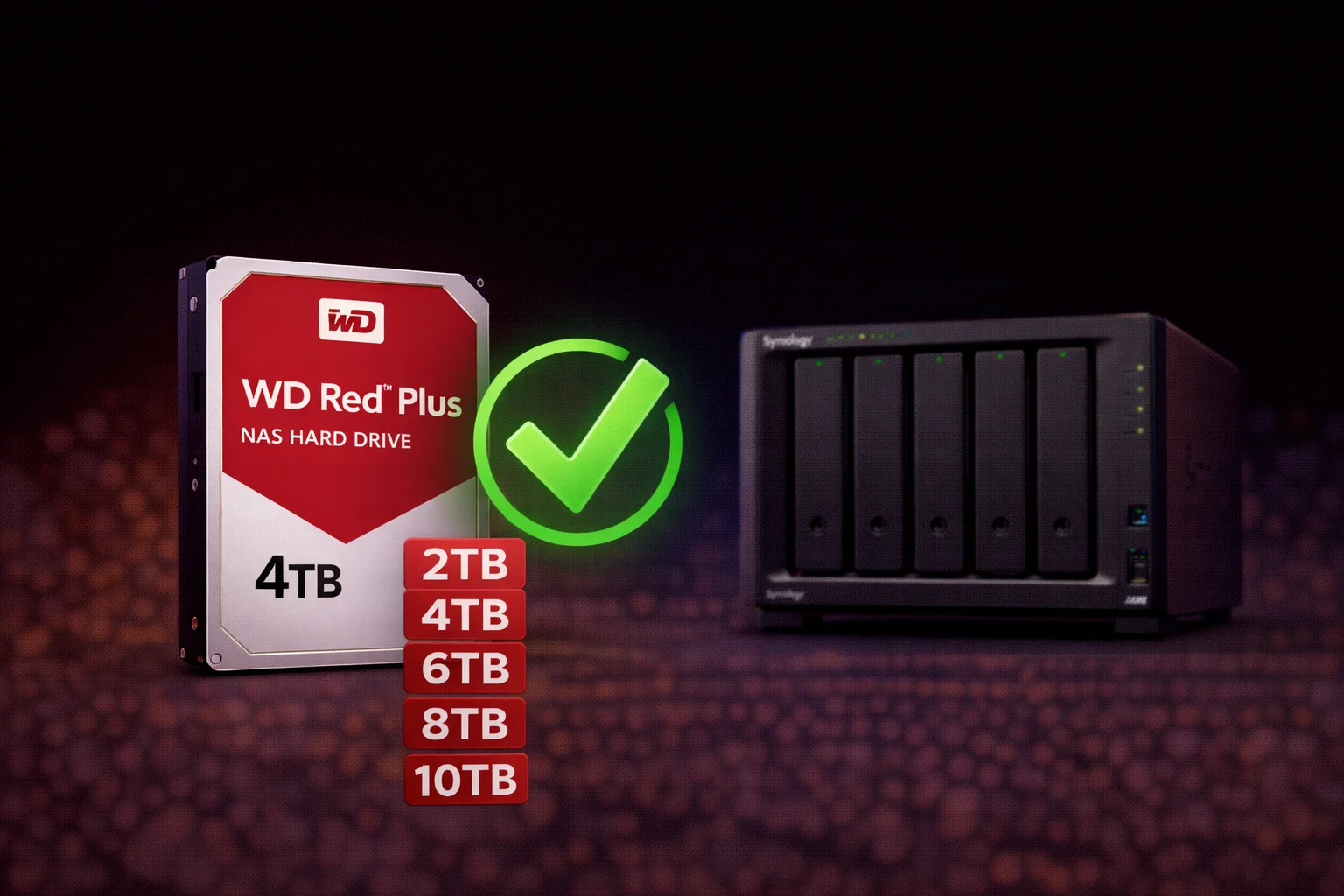
Quick Answer: WD Red Plus drives are fully compatible with all Synology NAS models and are our top recommendation for most users. Despite DSM 7.0+ compatibility warnings, Red Plus drives work perfectly - DSM 7.3 allows dismissing these warnings. The 8TB WD80EFPX (~$170) offers the best value per TB, while the 4TB WD40EFPX (~$100) is ideal for 2-bay setups. CMR technology ensures reliable 24/7 NAS operation.
The WD Red Plus is the most popular hard drive for Synology NAS systems - and for good reason. It hits the perfect balance of reliability, performance, and price for home and small business users. This comprehensive guide covers compatibility, all available capacities, performance specifications, and how WD Red Plus compares to alternatives.
WD Red Plus Synology Compatibility
Short answer: Yes, WD Red Plus drives work perfectly with all Synology NAS models.
DSM 7.0+ Compatibility Warnings
Since DSM 7.0, Synology displays warnings for drives not on their official compatibility list. You may see messages like "Drive not on compatibility list" or "Unverified drive." These warnings are about official support, not functionality. WD Red Plus drives have been used in Synology NAS systems for over a decade with excellent results.
DSM 7.3+ Changes
With DSM 7.3 (released October 2025), Synology relaxed third-party drive restrictions:
- ✅ Warnings can be dismissed permanently
- ✅ All RAID features work with WD Red Plus
- ✅ S.M.A.R.T. monitoring fully supported
- ✅ Hot-swap replacement works correctly
WD Red Plus Product Lineup
WD Red Plus Specifications by Capacity
| Model | Capacity | RPM | Cache | Price | $/TB |
|---|---|---|---|---|---|
| WD20EFPX | 2TB | 5400 | 64MB | ~$70 | $35.00 |
| WD30EFPX | 3TB | 5400 | 128MB | ~$85 | $28.33 |
| WD40EFPX | 4TB | 5400 | 128MB | ~$100 | $25.00 |
| WD60EFPX | 6TB | 5400 | 128MB | ~$130 | $21.67 |
| WD80EFPX | 8TB | 5640 | 256MB | ~$170 | $21.25 |
| WD101EFBX | 10TB | 7200 | 256MB | ~$200 | $20.00 |
| WD120EFBX | 12TB | 7200 | 256MB | ~$220 | $18.33 |
| WD140EFGX | 14TB | 7200 | 512MB | ~$250 | $17.86 |
Prices as of February 2026. All models use CMR (Conventional Magnetic Recording) technology.
Best WD Red Plus by Use Case
Best Value: WD Red Plus 8TB (WD80EFPX)
Why 8TB is the sweet spot:
- Best $/TB ratio: $21.25/TB balances cost and capacity
- 5640 RPM: Quiet operation, lower heat, longer lifespan
- 256MB cache: Large cache improves random I/O performance
- Perfect for 2-4 bay NAS: 16-32TB raw capacity
Best for 2-Bay NAS: WD Red Plus 4TB (WD40EFPX)
Best for Large Libraries: WD Red Plus 12TB (WD120EFBX)
WD Red Plus Technical Specifications
| Specification | WD Red Plus |
|---|---|
| Recording Technology | CMR (Conventional Magnetic Recording) |
| Interface | SATA 6 Gb/s |
| Workload Rating | 180 TB/year |
| MTBF | 1,000,000 hours |
| Warranty | 3 years |
| NASware Technology | Yes (3.0) |
| Error Recovery | TLER (Time-Limited Error Recovery) |
| Vibration Protection | 3D Active Balance Plus |
Why CMR Matters
All WD Red Plus drives use CMR (Conventional Magnetic Recording), not SMR. This is critical for NAS use:
- CMR: Tracks don't overlap. Consistent write performance. Ideal for RAID and NAS.
- SMR: Tracks overlap like shingles. Slower writes, especially during RAID rebuilds. Avoid for NAS.
WD's basic "Red" (non-Plus) drives use SMR and should be avoided for Synology NAS. Always choose Red Plus or Red Pro.
WD Red Plus vs Alternatives
WD Red Plus vs WD Red Pro
| Feature | WD Red Plus | WD Red Pro |
|---|---|---|
| Target Use | Home/SOHO NAS (1-8 bays) | Business NAS (8-24 bays) |
| Workload Rating | 180 TB/year | 300 TB/year |
| RPM (8TB) | 5640 | 7200 |
| Warranty | 3 years | 5 years |
| Price (8TB) | ~$170 | ~$230 |
| Recommendation | Most home users | Heavy 24/7 workloads |
WD Red Plus vs Seagate IronWolf
| Feature | WD Red Plus 8TB | Seagate IronWolf 8TB |
|---|---|---|
| Price | ~$170 | ~$160 |
| RPM | 5640 | 7200 |
| Workload | 180 TB/year | 180 TB/year |
| Warranty | 3 years | 3 years |
| Noise | Quieter | Louder |
| Performance | Slightly slower | Slightly faster |
Both are excellent choices. WD Red Plus tends to be quieter; IronWolf tends to be slightly faster. Choose based on price, availability, and noise preference.
WD Red Plus Synology Configurations
2-Bay NAS (DS224+, DS223)
| Configuration | Raw | Usable (SHR) | Cost |
|---|---|---|---|
| 2× WD40EFPX (4TB) | 8TB | 4TB | ~$200 |
| 2× WD80EFPX (8TB) | 16TB | 8TB | ~$340 |
| 2× WD120EFBX (12TB) | 24TB | 12TB | ~$440 |
4-Bay NAS (DS423+, DS923+)
| Configuration | Raw | Usable (SHR) | Cost |
|---|---|---|---|
| 4× WD40EFPX (4TB) | 16TB | 12TB | ~$400 |
| 4× WD80EFPX (8TB) | 32TB | 24TB | ~$680 |
| 4× WD120EFBX (12TB) | 48TB | 36TB | ~$880 |
| 4× WD140EFGX (14TB) | 56TB | 42TB | ~$1,000 |
Installing WD Red Plus in Synology
Step 1: Physical Installation
- Power off NAS and disconnect power cable
- Remove drive trays (push release latch)
- Secure WD Red Plus drives to trays using included screws
- Insert trays into NAS until they click
- Reconnect power and boot NAS
Step 2: Initialize in DSM
- Log into DSM and open Storage Manager
- If you see compatibility warnings, click Dismiss (DSM 7.3+)
- Go to Storage Pool → Create
- Select SHR for most users
- Select your WD Red Plus drives
- Create a volume and format with Btrfs
WD Red Plus Performance
| Model | Sequential Read | Sequential Write |
|---|---|---|
| WD40EFPX (4TB) | ~175 MB/s | ~175 MB/s |
| WD80EFPX (8TB) | ~185 MB/s | ~185 MB/s |
| WD120EFBX (12TB) | ~215 MB/s | ~215 MB/s |
| WD140EFGX (14TB) | ~255 MB/s | ~255 MB/s |
Note: 1GbE network caps at ~115 MB/s regardless of drive speed.
Reliability & Warranty
WD Red Plus comes with a 3-year limited warranty. Based on the 1,000,000 hour MTBF:
- Typical home use: 5-7+ years expected lifespan
- Heavy NAS use: 3-5 years expected lifespan
- 24/7 business use: Consider WD Red Pro with 5-year warranty
Best practices: Proper ventilation, UPS protection, S.M.A.R.T. monitoring, monthly data scrubbing.
Frequently Asked Questions
Are WD Red Plus drives compatible with Synology NAS?
Yes, fully compatible. WD Red Plus works with all Synology NAS models despite DSM 7.0+ compatibility warnings. DSM 7.3 allows dismissing these warnings permanently. All RAID features, S.M.A.R.T. monitoring, and hot-swap work correctly.
What's the difference between WD Red and WD Red Plus?
WD Red (non-Plus) uses SMR recording technology which is slower for NAS workloads, especially during RAID rebuilds. WD Red Plus uses CMR technology for consistent performance. Always choose Red Plus or Red Pro for NAS use - avoid basic Red drives.
Which WD Red Plus capacity should I buy?
8TB (WD80EFPX) offers the best value at ~$21/TB. Choose 4TB for budget 2-bay builds, 8TB for most users, or 12-14TB for large media libraries. Consider your RAID configuration - SHR loses one drive worth of capacity to redundancy.
Is WD Red Plus or Seagate IronWolf better for Synology?
Both are excellent choices with similar specs, reliability, and pricing. IronWolf runs at 7200 RPM (faster but louder), while Red Plus runs at 5640 RPM (quieter). IronWolf Health Management integrates better with DSM. Choose based on price, availability, and noise preference.
Should I buy WD Red Plus or Red Pro for home use?
WD Red Plus is sufficient for most home users. The 180TB/year workload rating far exceeds typical home NAS usage. Choose Red Pro only for 24/7 business workloads, 8+ bay systems, or if you want the 5-year warranty (vs 3 years for Plus).
How many WD Red Plus drives do I need for Synology NAS?
Minimum 2 drives for mirrored protection (RAID 1/SHR). For capacity-efficient redundancy, use 3+ drives (RAID 5/SHR gives N-1 usable capacity). Consider SHR-2/RAID 6 with 4+ drives for critical data. Always leave room to add drives later.
Conclusion
The WD Red Plus is our top recommendation for Synology NAS drives. It offers excellent reliability with CMR technology, full DSM compatibility, and the best price-per-TB at the 8TB capacity. Start with the WD80EFPX (8TB) for most builds, or choose 4TB for budget setups and 12-14TB for maximum capacity.
Related Resources
- Synology Compatible Drives Database
- Seagate IronWolf Synology Guide
- Best Synology NAS 2026
- Synology RAID Guide
- IronWolf vs WD Red Plus Comparison
Last Updated: February 2026