Quick Answer+
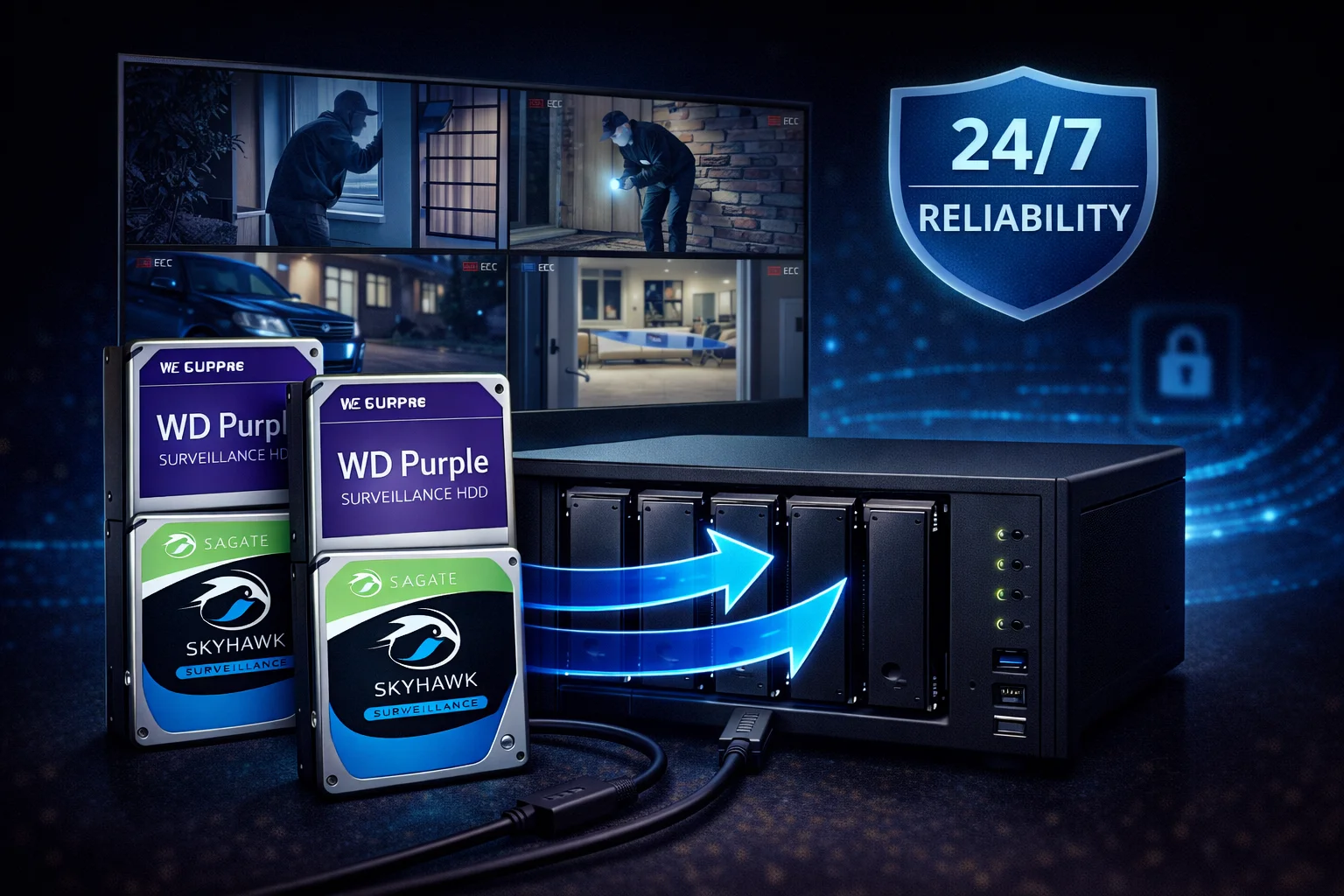
Quick Answer: The best NVR hard drive for most users is the WD Purple 8TB (WD85PURZ) at ~$239. With 360TB/year workload, AllFrame technology, and support for 64 cameras, it handles demanding 24/7 surveillance reliably. For budget systems, Seagate SkyHawk 8TB (~$139) is excellent with included Rescue Data Recovery. For AI-enabled NVRs, upgrade to WD Purple Pro or SkyHawk AI.
Choosing the right hard drive for your NVR (Network Video Recorder) or DVR (Digital Video Recorder) is critical for reliable security footage. Unlike desktop drives, NVR hard drives must handle continuous 24/7 recording, multiple simultaneous camera streams, and demanding write operations - all while maintaining the reliability you need when footage matters most.
This guide covers everything you need to know about selecting, installing, and maintaining NVR hard drives for home and business security systems.
Why NVR-Specific Drives Matter
Standard desktop drives (WD Blue, Seagate Barracuda) are not designed for surveillance workloads:
| Feature | Surveillance Drives | Desktop Drives |
|---|---|---|
| 24/7 Operation | ✓ Designed for continuous use | ✗ 8-12 hours/day typical |
| Workload Rating | 180-550TB/year | 55TB/year |
| Video Firmware | AllFrame/ImagePerfect (no dropped frames) | General purpose (frame drops) |
| Camera Support | Up to 64 HD streams | Not optimized |
| Recording Technology | CMR (consistent writes) | Often SMR (write slowdowns) |
| Multi-Bay Support | RV sensors, tarnish-resistant | Standard components |
| Expected Life | 3-5 years in 24/7 use | 6-18 months in 24/7 use |
Bottom line: Using desktop drives in NVRs causes premature failures, dropped frames, and lost footage. The 10-20% savings isn't worth the risk.
Best NVR Hard Drives
Browse all surveillance drives with current pricing:
Top Recommendations by Use Case
Best Overall: WD Purple 8TB
Why WD Purple 8TB:
- 360TB/year workload - double SkyHawk's 180TB
- AllFrame technology - optimized for video streaming
- CMR recording - no SMR write penalties
- Broad compatibility - works with all major NVR brands
- Proven reliability - millions installed worldwide
Best Budget: Seagate SkyHawk 8TB
Why SkyHawk 8TB:
- Lower price - typically $5-10 cheaper than Purple
- Rescue Data Recovery included - valuable for business footage
- SkyHawk Health Management - integrates with Hikvision/Dahua
- ImagePerfect firmware - zero dropped frames
Best for AI NVRs: WD Purple Pro 18TB
Why Purple Pro for AI:
- 550TB/year workload - handles constant AI read/write
- 7200 RPM - faster random access for AI queries
- 2.5M hour MTBF - highest reliability in class
- 32 AI streams - dedicated capacity for analytics
Best Budget Entry: Toshiba S300 4TB
Why Toshiba S300:
- Lowest price - 10-20% below WD/Seagate
- Proper surveillance specs - CMR, 24/7 rated
- Adequate for small systems - 4-8 cameras
NVR Compatibility Guide
Surveillance drives work with all major NVR and DVR brands:
Fully Compatible Brands
| Brand | WD Purple | SkyHawk | Toshiba S300 | Notes |
|---|---|---|---|---|
| Hikvision | ✓ | ✓ (SHM) | ✓ | SkyHawk Health Management integration |
| Dahua | ✓ | ✓ (SHM) | ✓ | SkyHawk Health Management integration |
| Lorex | ✓ | ✓ | ✓ | All drives compatible |
| Reolink | ✓ | ✓ | ✓ | All drives compatible |
| Amcrest | ✓ | ✓ | ✓ | All drives compatible |
| Swann | ✓ | ✓ | ✓ | All drives compatible |
| Synology | ✓ | ✓ | ✓ | On compatibility list |
| QNAP | ✓ | ✓ | ✓ | On compatibility list |
| Ubiquiti UniFi | ✓ | ✓ | ✓ | All drives compatible |
Note: All surveillance drives use standard SATA interfaces. Any NVR/DVR accepting 3.5″ SATA drives will work with these recommendations.
Capacity Planning Guide
Storage Requirements by System Size
| System | Cameras | Resolution | 30-Day Storage | Recommended |
|---|---|---|---|---|
| Home Basic | 2-4 | 1080p | ~1TB | 2-4TB |
| Home Standard | 4-8 | 1080p | ~2-4TB | 4-8TB |
| Home Advanced | 8-16 | 1080p | ~4-8TB | 8-12TB |
| Small Business | 8-16 | 4K | ~8-16TB | 12-14TB |
| Medium Business | 16-32 | 4K | ~16-32TB | Multiple drives |
| Enterprise | 32-64 | 4K + AI | 32TB+ | RAID array |
Estimates based on H.265 compression, 15fps, continuous recording. Motion-only recording reduces needs by 50-70%.
Quick Calculation
Per camera, per day (continuous, 1080p, H.265): ~15-20GB
Per camera, per day (continuous, 4K, H.265): ~40-60GB
Example: 8 cameras × 20GB × 30 days = 4.8TB for 30-day retention
Installation Guide
Before You Start
- Power off your NVR completely
- Ground yourself to prevent static discharge
- Check compatibility - verify max drive capacity supported
- Gather tools - Phillips screwdriver typically needed
Installation Steps
- Remove NVR cover - usually 2-4 screws on back/sides
- Locate drive bay - typically bottom of unit
- Connect SATA data cable to drive
- Connect SATA power cable to drive
- Secure drive with mounting screws (use all 4)
- Replace cover and reconnect NVR
- Power on and initialize drive in NVR menu
Post-Installation
- Format drive through NVR interface (not PC)
- Configure recording - continuous vs motion-triggered
- Set overwrite policy - enable automatic cycling
- Verify recording - check each camera is saving footage
- Monitor temperature - ensure adequate ventilation
Optimizing NVR Performance
Recording Settings
- Use H.265 - saves ~40% storage vs H.264
- 15fps is sufficient - 30fps doubles storage needs
- Motion-triggered - reduces storage 50-70%
- Sub-streams for live view - reduces bandwidth
Drive Longevity Tips
- Adequate ventilation - keep temps below 45°C
- Stable power - use UPS if possible
- Don't overfill - keep 10-15% free space
- Monitor SMART data - catch issues early
When to Upgrade Your NVR Drive
Signs You Need More Storage
- Footage retention is too short
- Drive is constantly near capacity
- Adding more cameras
- Upgrading to higher resolution cameras
Signs Your Drive May Be Failing
- Missing or corrupted footage
- Slow playback or stuttering
- SMART warnings in NVR interface
- Unusual clicking or grinding sounds
- Drive older than 4-5 years
NVR Hard Drive Comparison
| Drive | Capacity | Workload | Price | Best For |
|---|---|---|---|---|
| WD Purple | 2-14TB | 180-360TB/yr | $59-249 | Most NVR systems |
| SkyHawk | 2-12TB | 180TB/yr | $59-199 | Budget + Data Recovery |
| Toshiba S300 | 2-10TB | 110-180TB/yr | $55-199 | Budget home systems |
| WD Purple Pro | 8-26TB | 550TB/yr | $199-570 | AI NVRs, Enterprise |
| SkyHawk AI | 8-24TB | 550TB/yr | $189-449 | AI NVRs + Rescue |
Frequently Asked Questions
What size hard drive do I need for my NVR?
For 8 cameras at 1080p with 30-day retention, plan for 4-8TB. Use H.265 compression and motion-triggered recording to maximize storage. The WD Purple 8TB is the sweet spot for most home and small business systems.
Can I use a regular hard drive in my NVR?
Not recommended. Desktop drives (WD Blue, Barracuda) aren't designed for 24/7 operation and typically fail within 6-18 months in NVR use. They also cause dropped frames due to general-purpose firmware. Spend the extra 10-20% for a proper surveillance drive.
Is WD Purple or Seagate SkyHawk better?
Both are excellent. WD Purple 8TB+ has a higher workload rating (360TB vs 180TB/year). SkyHawk includes Rescue Data Recovery and integrates with Hikvision/Dahua health monitoring. Choose based on features you value most.
How long do NVR hard drives last?
With proper cooling and within workload ratings, surveillance drives typically last 3-5 years in 24/7 NVR use. Monitor SMART data for early warning signs. Plan proactive replacement after 3-4 years for critical systems.
Do I need a special hard drive for 4K cameras?
Standard surveillance drives handle 4K fine, but you need more capacity (4K uses 2-3x more storage than 1080p). For systems with many 4K cameras or AI analytics, consider higher-capacity drives or WD Purple Pro for the increased workload.
Can I add a second hard drive to my NVR?
If your NVR has multiple drive bays, yes - simply install additional drives and configure them in the NVR menu. Some NVRs support RAID; others just span storage. Check your NVR's specifications for maximum supported drives and capacities.
Related Guides
Drive Reviews:
- WD Purple Complete Guide
- Seagate SkyHawk Complete Guide
- Toshiba S300 Budget Guide
- WD Purple Pro (AI Systems)
Comparisons:
Use-Case Guides:
Last updated: February 2026. Prices and compatibility verified with current NVR systems.