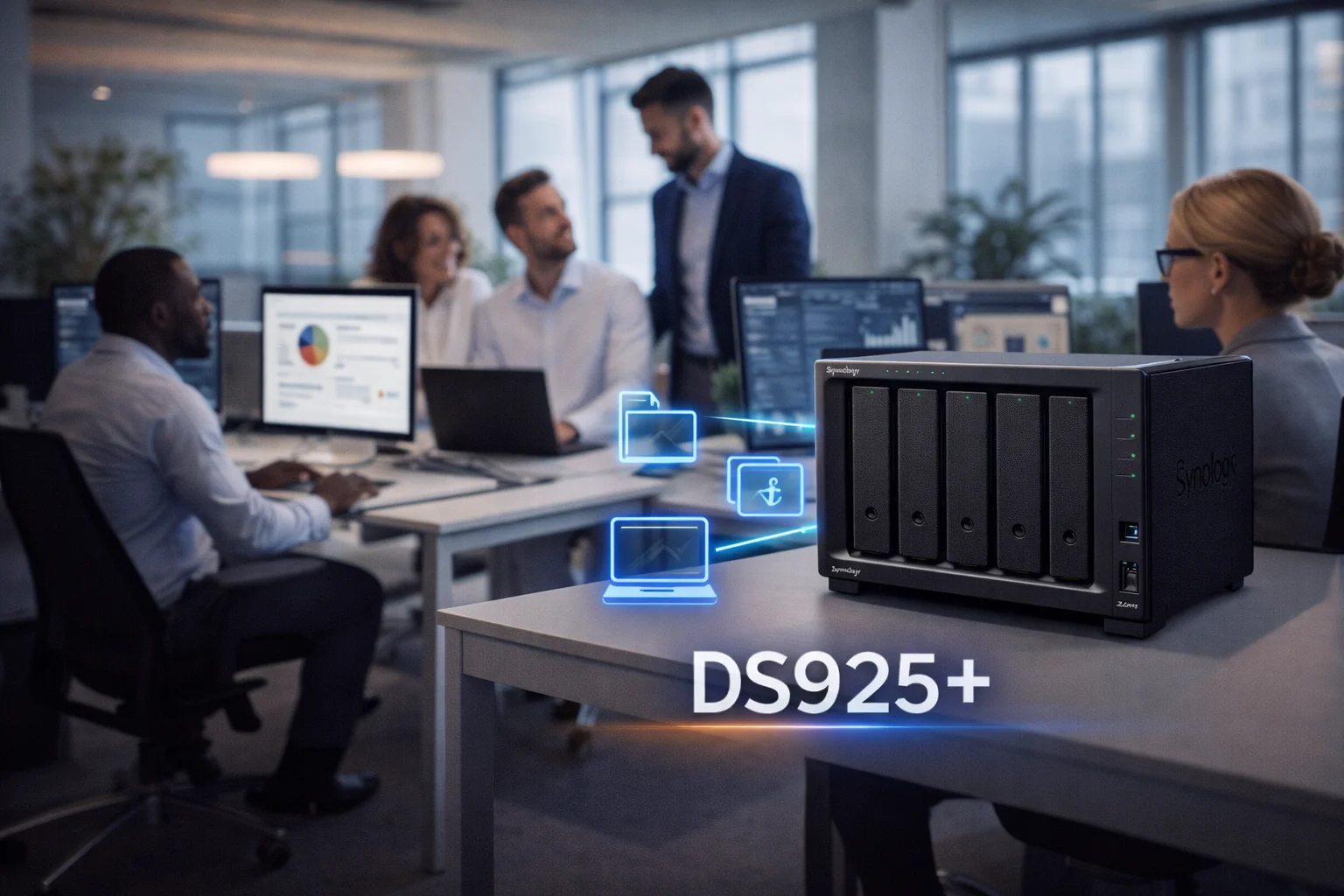
Quick Answer+
Quick Answer: The Synology DS923+ (~$550) is the best Synology NAS for most small businesses. It offers AMD Ryzen power, optional 10GbE, NVMe cache, and expandability to 9 drives. For growing teams needing more capacity, the DS1522+ (~$700) provides 5 bays. Budget pick: DS423+ (~$470) for offices under 10 users. All support Active Backup for Business (free), Synology Drive, and centralized user management.
A business NAS centralizes file storage, automates backups, enables remote access, and provides collaboration tools - all without monthly cloud fees. For small businesses with 5-50 employees, Synology offers the best combination of features, reliability, and value.
This guide covers the best Synology NAS models for small business, recommended configurations, essential software, and total cost of ownership.
Best Synology NAS for Small Business: Quick Comparison
| Model | Price | Bays | Best For | 10GbE | Max Users |
|---|---|---|---|---|---|
| DS423+ | ~$470 | 4 | Small offices (5-10) | ❌ | ~15 |
| DS923+ | ~$550 | 4 | Growing SMB (10-25) | ✅ Option | ~30 |
| DS1522+ | ~$700 | 5 | Medium business (15-35) | ✅ Option | ~40 |
| DS1823xs+ | ~$2,000 | 8 | Larger SMB (30-50+) | ✅ Built-in | ~100 |
| RS1221+ | ~$1,400 | 8 (rack) | Server room deployment | ✅ Option | ~50 |
Best Overall: Synology DS923+
Why DS923+ is Best for Small Business
- AMD Ryzen R1600: Handles 20-30 simultaneous users with ease
- 10GbE upgrade: E10G22-T1-Mini slot for ~$110 - essential for multi-user environments
- NVMe cache: 2× M.2 slots dramatically improve random I/O for office workloads
- Expandable: Add DX517 expansion unit for up to 9 total drives
- 32GB RAM support: Room for Docker, VMs, and heavy workloads
- ECC memory: Data integrity for business-critical files
DS923+ Business Specifications
| Component | Specification |
|---|---|
| CPU | AMD Ryzen R1600 (2-core/4-thread, 2.6-3.1 GHz) |
| RAM | 4GB DDR4 ECC (expandable to 32GB) |
| Drive Bays | 4× 3.5″/2.5″ SATA (expandable to 9) |
| M.2 Slots | 2× NVMe (cache or storage pools) |
| Network | 2× 1GbE + 10GbE option |
| Max Capacity | 72TB (4-bay) / 162TB (with expansion) |
| Max IP Cameras | 40 |
| Warranty | 3 years (extendable to 5) |
Best for Growing Teams: Synology DS1522+
DS1522+ vs DS923+
| Feature | DS923+ | DS1522+ |
|---|---|---|
| Price | ~$550 | ~$700 |
| Drive Bays | 4 | 5 |
| Included RAM | 4GB | 8GB |
| Max Expansion | 9 drives (1× DX517) | 15 drives (2× DX517) |
| Max Raw Capacity | 162TB | 270TB |
| Recommendation | 10-25 users | 20-40 users |
Choose DS1522+ if: You need 40TB+ storage immediately, expect to add expansion units, or want 8GB RAM out of the box.
Budget Business Option: Synology DS423+
DS423+ limitations for business:
- No 10GbE option - limited to 1GbE
- No expansion capability - 4 bays maximum
- 6GB RAM max - less headroom for growth
- Best for: Small offices, branch locations, budget-conscious SMBs
Enterprise Option: Synology DS1823xs+
Essential Business Software (All Free)
Active Backup for Business
Synology's free backup solution protects all your endpoints:
- PC/Mac backup: Full image or file-level backup
- Server backup: Windows Server, Linux, VMware, Hyper-V
- Microsoft 365: Exchange, OneDrive, SharePoint, Teams
- Google Workspace: Gmail, Drive, Calendar
- Deduplication: Saves 50-70% storage space
- Instant restore: Boot failed PCs as VMs on the NAS
Synology Drive
Replace Dropbox/OneDrive with your own file sync:
- Desktop sync: Windows, Mac, Linux clients
- Mobile access: iOS and Android apps
- Web portal: Access files from any browser
- Version history: 32 versions by default (configurable)
- Team folders: Shared workspaces with permissions
- External sharing: Secure links with passwords and expiration
Synology Office
Collaborative document editing (Google Docs alternative):
- Documents, spreadsheets, presentations
- Real-time collaboration
- Comments and revision history
- Microsoft Office import/export
Surveillance Station
Professional video surveillance for office security:
- 2 camera licenses included (additional ~$50/camera)
- 24/7 recording with motion detection
- Mobile app for remote viewing
- Supports 8,000+ IP camera models
Business NAS Configurations & Pricing
Small Office (5-10 Users) - ~$1,150
| Component | Product | Price |
|---|---|---|
| NAS | Synology DS423+ | $470 |
| Drives | 4× WD Red Plus 8TB | $680 |
| Total | $1,150 | |
| Usable Storage | 24TB (SHR) |
Growing SMB (10-25 Users) - ~$1,560
| Component | Product | Price |
|---|---|---|
| NAS | Synology DS923+ | $550 |
| 10GbE Adapter | E10G22-T1-Mini | $110 |
| NVMe Cache | 2× 500GB NVMe SSD | $80 |
| Drives | 4× WD Red Pro 12TB | $820 |
| Total | $1,560 | |
| Usable Storage | 36TB (SHR) |
Medium Business (20-40 Users) - ~$2,200
| Component | Product | Price |
|---|---|---|
| NAS | Synology DS1522+ | $700 |
| 10GbE Adapter | E10G22-T1-Mini | $110 |
| NVMe Cache | 2× 1TB NVMe SSD | $140 |
| RAM Upgrade | 16GB DDR4 ECC | $150 |
| Drives | 5× WD Red Pro 12TB | $1,100 |
| Total | $2,200 | |
| Usable Storage | 48TB (SHR) |
Recommended Business Drives
Business Drive Recommendations
| Business Size | Recommended Drive | Why |
|---|---|---|
| Small office (5-10) | WD Red Plus 8TB | Best value, 3-year warranty sufficient |
| Growing SMB (10-25) | WD Red Pro 12TB | 5-year warranty, higher workload rating |
| Medium business (20-40) | IronWolf Pro 12TB | Included data recovery, enterprise features |
| Enterprise (40+) | IronWolf Pro 16TB+ | Maximum capacity, full enterprise support |
10GbE Networking for Business
For businesses with 10+ users, 10GbE networking is strongly recommended. Standard gigabit (1GbE) becomes a bottleneck when multiple users access large files simultaneously.
10GbE Benefits
- 10× faster: ~1,000 MB/s vs ~115 MB/s
- Multiple users: No slowdown with 20+ concurrent connections
- Large files: Essential for video, CAD, design files
- VMs: Required for running VMs from NAS storage
Business NAS vs Cloud Storage ROI
| Factor | Synology NAS (24TB) | Microsoft 365 + OneDrive |
|---|---|---|
| Year 1 Cost | $1,560 (hardware) | $3,600 (15 users × $20/mo) |
| Year 2+ Cost | ~$100 (electricity) | $3,600/year |
| 5-Year Total | ~$2,000 | ~$18,000 |
| Storage | 24TB+ expandable | 1TB/user (15TB total) |
| Backup | Included (Active Backup) | Extra cost |
| Data Location | On-premises (you control) | Microsoft data centers |
A Synology NAS pays for itself in ~6 months compared to cloud-only solutions.
Frequently Asked Questions
Which Synology NAS is best for a small business?
The Synology DS923+ (~$550) is best for most small businesses with 10-25 users. It offers AMD Ryzen power, optional 10GbE networking, NVMe cache support, and expandability to 9 drives. For smaller offices under 10 users, the DS423+ ($470) is a budget-friendly alternative.
How many users can a Synology NAS support?
It depends on the model and workload. DS423+ handles ~15 concurrent users, DS923+ handles ~30 users, DS1522+ handles ~40 users. With 10GbE networking and NVMe cache, these numbers improve significantly. For 50+ users, consider the DS1823xs+ or rackmount models.
Is Synology NAS better than cloud storage for business?
For most small businesses, yes. A NAS costs less over 5 years ($2,000 vs $18,000 for cloud), provides more storage, keeps data on-premises, and includes backup software free. The main trade-off is you're responsible for maintenance. Many businesses use both - NAS for primary storage, cloud for offsite backup.
Do I need 10GbE for business NAS?
For 10+ users accessing large files, yes. Standard gigabit (1GbE) maxes out at 115 MB/s - a bottleneck when multiple users access files simultaneously. 10GbE provides 1,000 MB/s, eliminating slowdowns. The Synology E10G22-T1-Mini ($110) is an easy upgrade for DS923+ and DS1522+.
What drives should I use for business NAS?
Use enterprise-grade NAS drives: WD Red Pro or Seagate IronWolf Pro. These offer 5-year warranties, 300TB/year workload ratings, and 24/7 operation certification. The IronWolf Pro includes data recovery services. Avoid consumer drives (WD Blue, Barracuda) for business use.
Can Synology NAS backup Microsoft 365 and Google Workspace?
Yes. Active Backup for Microsoft 365 and Active Backup for Google Workspace are free Synology applications. They back up Exchange, OneDrive, SharePoint, Teams, Gmail, and Google Drive to your NAS. This protects against accidental deletion, ransomware, and provides a local copy of cloud data.
Conclusion
The Synology DS923+ is the best NAS for most small businesses, offering the right balance of performance, expandability, and value. Add 10GbE networking and NVMe cache for optimal multi-user performance. For larger teams, the DS1522+ provides more capacity and expansion options.
Related Resources
- Best Synology NAS 2026
- Synology DS923+ Review
- Synology DS1522+ Review
- Synology Backup Guide
- Synology SSD Cache Guide
Last Updated: February 2026