Quick Answer+
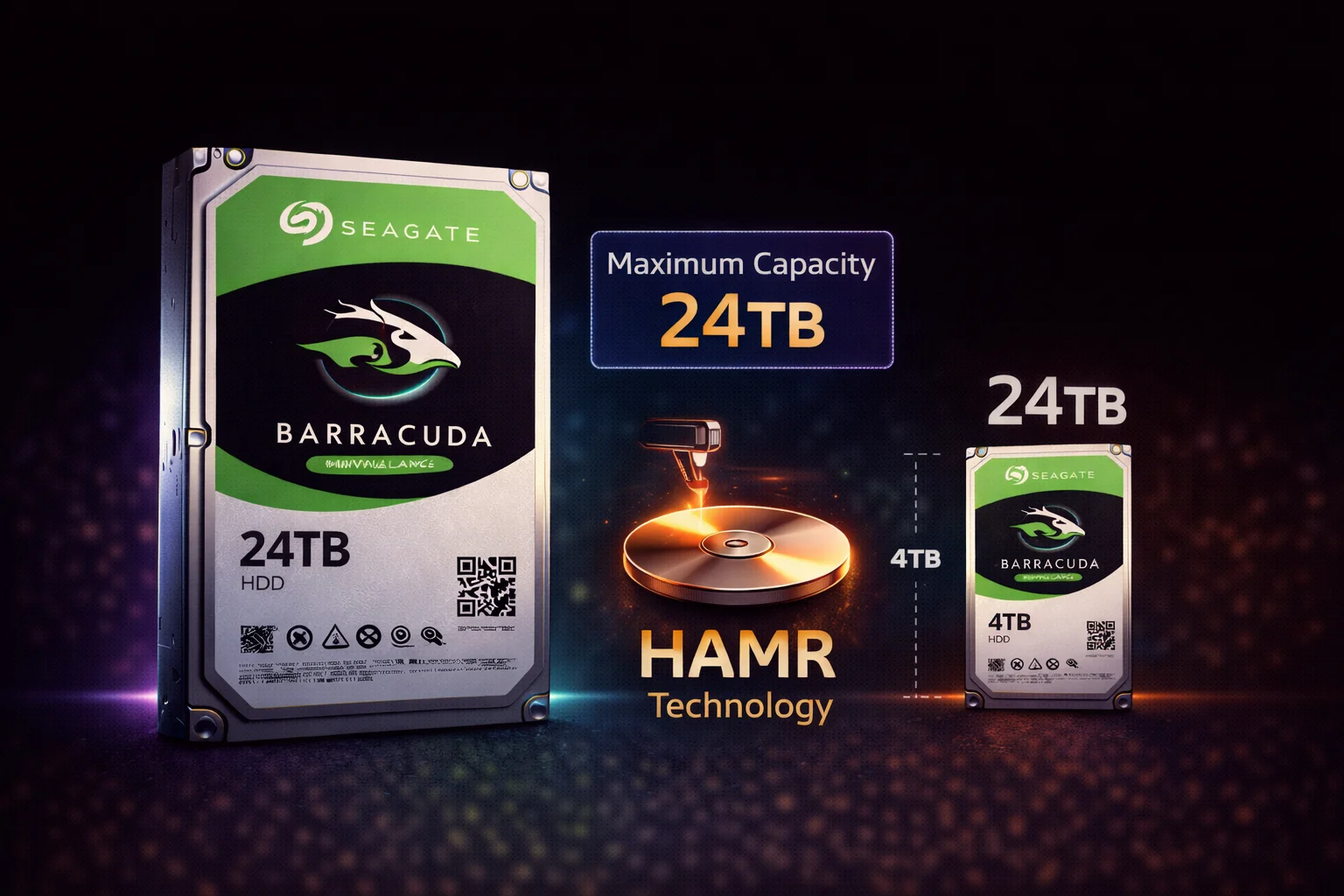
Quick Answer: The Seagate Barracuda 24TB (ST24000DM001) is the largest consumer desktop hard drive available in 2026. Using HAMR technology with CMR recording, it delivers 7200 RPM performance without SMR slowdowns. At $479 (~$22.92/TB), it's ideal for content creators, massive game libraries, and anyone who needs maximum single-drive storage. For most users, the 20TB or 16TB offer better value - the 24TB is for those who truly need maximum capacity.
The Barracuda 24TB represents the pinnacle of consumer desktop storage. When you need the most storage possible in a single drive without stepping up to enterprise pricing, this is it.
Seagate Barracuda 24TB Specifications
| Specification | Barracuda 24TB |
|---|---|
| Model Number | ST24000DM001 |
| Capacity | 24TB (21.83 TiB formatted) |
| Recording Technology | CMR (HAMR) |
| Spindle Speed | 7200 RPM |
| Cache | 512MB |
| Interface | SATA 6Gb/s |
| Form Factor | 3.5-inch |
| Max Sustained Transfer | ~270 MB/s |
| Workload Rating | 55 TB/year |
| Power (Active) | ~9W |
| Power (Idle) | ~5W |
| Acoustics (Idle) | 28 dBA |
| Acoustics (Seek) | 32 dBA |
| Warranty | 2 years |
| MSRP | $549.99 |
24TB in Perspective: What Can You Store?
| Content Type | Approximate Capacity |
|---|---|
| 4K Movies (50GB each) | ~480 movies |
| 1080p Movies (8GB each) | ~3,000 movies |
| Modern AAA Games (100GB each) | ~240 games |
| RAW Photos (50MB each) | ~480,000 photos |
| 4K Video Footage (400MB/min) | ~1,000 hours |
| Music (FLAC, 30MB/song) | ~800,000 songs |
| iPhone Backups (128GB each) | ~187 full backups |
For most users, 24TB is genuinely massive overkill. But for content creators, data hoarders, and media collectors, it's a game-changer.
Performance Benchmarks
Sequential Performance
| Test | Barracuda 24TB | Barracuda 20TB | Barracuda 8TB (SMR) |
|---|---|---|---|
| Sequential Read | 270 MB/s | 265 MB/s | 190 MB/s |
| Sequential Write | 265 MB/s | 260 MB/s | 180 MB/s |
| Sustained Write (1TB) | 260 MB/s | 255 MB/s | 40 MB/s (SMR) |
The 24TB delivers the fastest sequential performance in the Barracuda lineup, thanks to higher areal density and 7200 RPM.
Real-World Transfer Times
| Transfer Size | Barracuda 24TB | Barracuda 8TB (SMR) |
|---|---|---|
| 100GB folder | ~7 minutes | ~45+ minutes |
| 500GB backup | ~35 minutes | ~4+ hours |
| 1TB dataset | ~70 minutes | ~8+ hours |
| Fill entire drive | ~25 hours | N/A (8TB max) |
HAMR Barracuda Lineup Comparison
| Model | Capacity | Price | $/TB | Best For |
|---|---|---|---|---|
| ST16000DM001 | 16TB | $299 | $18.69 | Best value |
| ST20000DM001 | 20TB | $399 | $19.95 | Balance of capacity/value |
| ST24000DM001 | 24TB | $479 | $19.96 | Maximum capacity |
Value Analysis:
- 16TB: Best $/TB - buy this unless you specifically need more
- 20TB: Good middle ground, 25% more capacity than 16TB
- 24TB: Maximum capacity, slight premium over 20TB
When 24TB Makes Sense
Professional Content Creation
- Video editors: 4K/8K footage eats storage fast - one project can be 1TB+
- Photographers: Years of RAW files from high-megapixel cameras
- Music producers: Large sample libraries and project archives
- 3D artists: Render archives, texture libraries, project files
Media Collections
- Plex/Jellyfin servers: Massive 4K movie libraries
- Linux ISOs: Comprehensive archives
- Digital preservation: Archiving important content
Practical Scenarios
- Consolidating multiple drives: Replace 3× 8TB with 1× 24TB
- Reducing drive count: Fewer drives = less heat, noise, failure points
- Single-drive simplicity: No RAID complexity, just one massive drive
24TB vs Multiple Smaller Drives
| Configuration | Total Capacity | Cost | Pros | Cons |
|---|---|---|---|---|
| 1× 24TB | 24TB | $479 | Simple, quiet, one failure point | All eggs in one basket |
| 3× 8TB | 24TB | $525 | Redundancy possible (RAID) | SMR slowdowns, more power/noise |
| 2× 16TB | 32TB | $598 | More total capacity, RAID option | Higher cost, needs 2 bays |
| 1× 20TB + 1× 4TB | 24TB | $491 | Flexibility, one fast + one SMR | Mixed performance, 2 drives |
Single 24TB advantage: Simplicity, less noise/heat, and CMR performance throughout. No managing multiple drives.
Multiple drives advantage: RAID redundancy, not losing everything if one drive fails.
Barracuda 24TB vs IronWolf 24TB
| Feature | Barracuda 24TB | IronWolf Pro 24TB |
|---|---|---|
| Target Use | Desktop | NAS/Enterprise |
| Recording | CMR (HAMR) | CMR |
| RPM | 7200 | 7200 |
| Cache | 512MB | 512MB |
| Workload Rating | 55 TB/year | 550 TB/year |
| MTBF | Not specified | 2.5M hours |
| Vibration Sensors | No | Yes |
| Data Recovery | Not included | 3 years included |
| Warranty | 2 years | 5 years |
| Price | $479 | $599 |
Recommendation:
- Desktop single-drive: Barracuda 24TB saves $120
- NAS/RAID: IronWolf Pro is worth the premium
- Mission-critical data: IronWolf Pro + proper backups
Installation and Setup
Power Considerations
- 12V requirement: ~2.5A during spin-up
- Active power: ~9W
- PSU recommendation: Quality 450W+ with stable 12V rail
- Multiple drives: Enable staggered spin-up in BIOS
BIOS/System Requirements
- UEFI recommended: For GPT partition support
- 48-bit LBA: Required (standard on all modern systems)
- SATA III: For full speed (SATA II will bottleneck)
Partitioning
- Must use GPT - MBR maximum is 2TB
- Formatted capacity: ~21.83 TiB (normal decimal/binary difference)
- Single partition recommended: Unless you have specific organizational needs
Backup Strategy for 24TB
With 24TB of data, backup becomes critical:
The 3-2-1 Rule
- 3 copies of important data
- 2 different media types
- 1 offsite backup
Practical Options
| Backup Method | Cost for 24TB | Pros/Cons |
|---|---|---|
| Second 24TB drive | $479 | Fast local backup, same failure risk |
| Cloud (Backblaze B2) | ~$144/year | Offsite, but slow upload for 24TB |
| LTO-9 tape | $600+ (drive + tapes) | Archival, offline, enterprise |
| NAS with redundancy | $1000+ | Best protection, highest cost |
Reality check: If you have 24TB of data, you should budget for backup. Drives fail eventually.
Current Pricing
Long-Term Reliability
HAMR Longevity
- Enterprise track record: HAMR has been in enterprise drives since 2023
- Laser durability: Designed for drive's full service life
- No unusual failure patterns: Real-world data shows normal reliability
High-Capacity Considerations
- More data at risk: If the drive fails, you lose more
- Longer rebuild times: If used in RAID, rebuilds take longer
- Backup essential: Never rely on a single drive for irreplaceable data
Frequently Asked Questions
Is the Barracuda 24TB the largest consumer HDD?
Yes, as of February 2026. The Barracuda 24TB is the highest-capacity consumer desktop hard drive available. Enterprise drives go higher (Exos reaches 32TB), but they're priced for businesses, not consumers.
Is the 24TB worth it over the 20TB?
The 24TB costs $80 more than the 20TB for 4TB additional capacity - that's $20/TB for the extra space. If you specifically need more than 20TB, it's reasonable. Otherwise, the 20TB or 16TB offer better value per TB.
Can I use the Barracuda 24TB as my only drive?
For storage, yes - but use an SSD for your operating system. The 24TB is perfect as a secondary storage drive. Don't use any HDD as your boot drive in 2026 when SSDs are so affordable.
How long does it take to fill a 24TB drive?
At maximum sustained write speed (~260 MB/s), filling 24TB takes approximately 25-27 hours. In practice, with mixed operations and source drive limitations, expect 30-40+ hours to completely fill the drive.
Is the Barracuda 24TB good for Plex?
Yes, excellent for Plex media storage. The CMR technology means no slowdowns when adding new content, and 24TB holds hundreds of 4K movies. For a single-drive Plex server, it's ideal. For NAS with multiple drives, consider IronWolf.
What happens if my 24TB drive fails?
You lose up to 24TB of data - which is why backup is essential. The 2-year warranty covers replacement but not data recovery. For irreplaceable data, maintain backups. For truly critical data, consider IronWolf Pro with included data recovery services.
The Bottom Line
The Seagate Barracuda 24TB is a remarkable achievement - the most storage you can get in a single consumer drive. HAMR technology delivers CMR performance without SMR compromises, and 7200 RPM ensures fast transfers.
Buy the 24TB if:
- You genuinely need maximum single-drive capacity
- You're consolidating multiple drives into one
- You're a content creator with massive storage needs
- You prefer simplicity over multi-drive complexity
Consider alternatives if:
- The 16TB or 20TB would actually be enough (most users)
- You need redundancy (get a NAS with IronWolf)
- Budget is a concern (16TB is best $/TB)
Related Guides
- Seagate Barracuda Overview
- Seagate Barracuda 16TB Review
- Seagate Barracuda 20TB Review
- Best Seagate Barracuda Buying Guide
- Is Barracuda SMR? (HAMR Models Are CMR)
Who Actually Needs 24TB?
Let's be honest - most people don't need 24TB. Here's who does:
You Need 24TB If:
- Professional video editor: 4K/8K projects can be 500GB-2TB each
- Media collector: Full Blu-ray rips are 30-50GB per movie
- Data hoarder: You archive everything and delete nothing
- Multi-purpose server: Combining Plex, backups, and file storage
- Consolidating storage: Replacing 3+ smaller drives with one
You Don't Need 24TB If:
- Casual gaming: 8TB holds 50+ modern games
- Music collection: Even massive FLAC libraries rarely exceed 2TB
- Document storage: Text files are tiny - 4TB is overkill
- Average media library: Compressed movies at 2-4GB each don't fill drives fast
Future-Proofing: Is 24TB Overkill?
Content is Growing
- Games: AAA titles now commonly exceed 100GB
- Video: 4K is standard, 8K is emerging
- Photos: Phones now shoot 50MP+ RAW
- Storage needs: Typically grow 20-30% annually
5-Year Projection
If you have 8TB of data today growing at 25% per year:
- Year 1: 10TB
- Year 2: 12.5TB
- Year 3: 15.6TB
- Year 4: 19.5TB
- Year 5: 24.4TB
For users already near 8-10TB, the 24TB provides genuine future-proofing.
Cost Per Year of Ownership
Amortized Cost Analysis
| Ownership Period | 24TB Cost/Year | Cost Per TB/Year |
|---|---|---|
| 2 years (warranty) | $239.50 | $9.98 |
| 3 years | $159.67 | $6.65 |
| 5 years | $95.80 | $3.99 |
If the drive lasts 5 years (typical for quality HDDs), you're paying under $4/TB per year - excellent value for CMR performance at this capacity.
Comparisons: 24TB Barracuda vs Alternatives
vs External Drive Solutions
- 24TB External HDD: ~$550-600, USB bottleneck, less reliable long-term
- 24TB Internal Barracuda: $479, full SATA speed, better cooling
vs Enterprise Drives
- Exos 24TB: ~$400-450, but designed for enterprise (loud, 5-year warranty)
- Barracuda 24TB: Consumer-friendly noise levels, 2-year warranty
The Barracuda 24TB hits the sweet spot between consumer usability and maximum capacity.
Last updated: February 2026. Maximum consumer capacity with HAMR performance.