
Quick Answer+
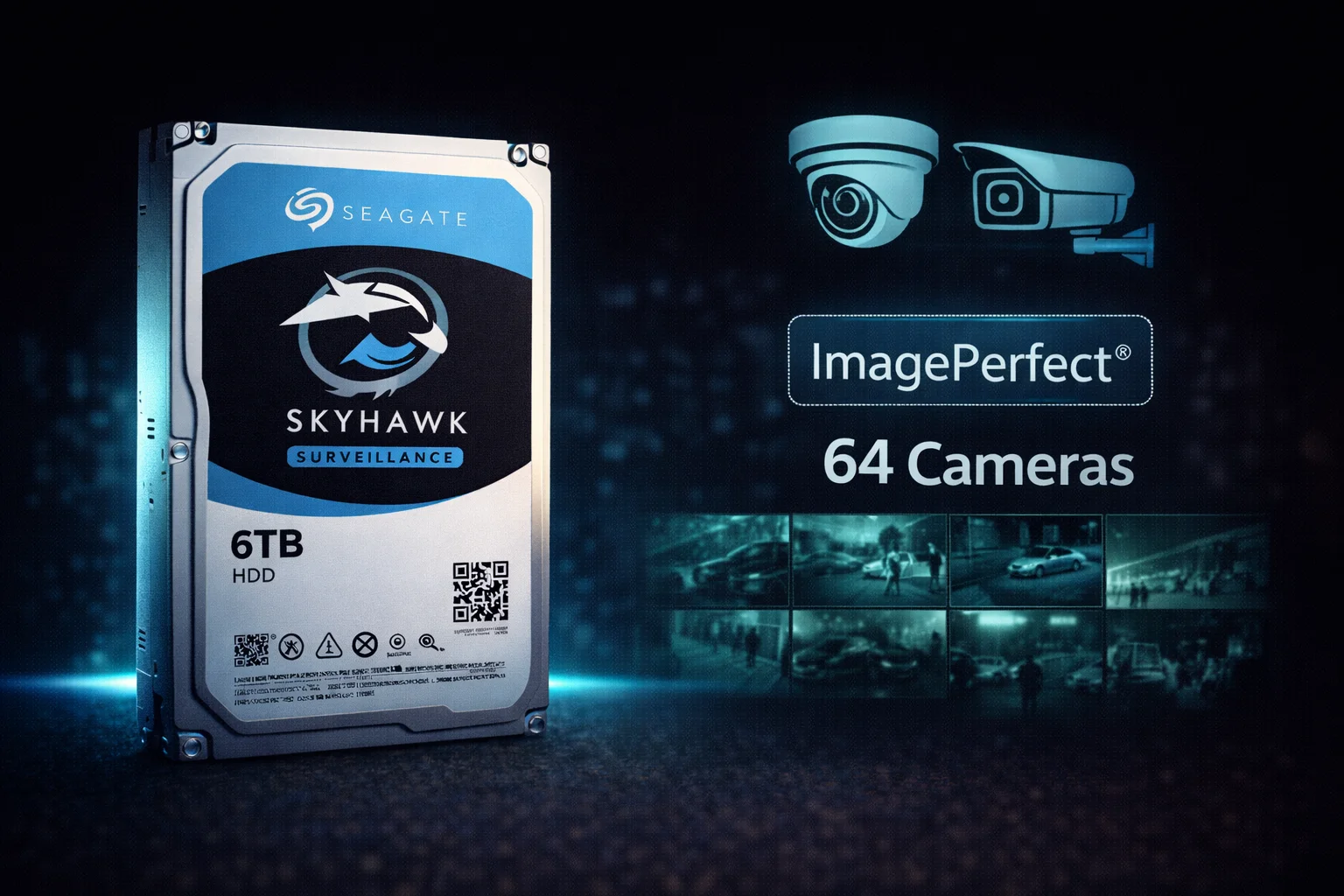
Quick Answer: The Seagate SkyHawk is Seagate’s mainstream surveillance hard drive line, designed for DVR and NVR systems with up to 64 HD cameras. With ImagePerfect firmware that prevents frame drops, 180TB/year workload rating, and included Rescue Data Recovery service, SkyHawk is a reliable choice for home and small business security systems. Best value: The SkyHawk 8TB at ~$139 ($17.38/TB) offers excellent capacity and the lowest cost per terabyte. Best for: Traditional DVR/NVR systems without AI analytics. For AI-enabled systems, see SkyHawk AI.
The Seagate SkyHawk series is purpose-built for the unique demands of surveillance recording. Unlike desktop drives that struggle with continuous 24/7 video writing, SkyHawk drives feature specialized firmware optimized for multiple simultaneous video streams while maintaining consistent performance.
What sets SkyHawk apart is the combination of ImagePerfect firmware (which prioritizes video recording over error correction to prevent frame drops), SkyHawk Health Management for proactive monitoring, and Seagate’s included Rescue Data Recovery service — a significant value-add that competitors charge extra for.
Seagate SkyHawk 8TB (ST8000VX010)
8TB Capacity | 5400 RPM | 256MB Cache | CMR | 180TB/year Workload | Up to 64 Cameras | 3-Year Warranty + Rescue
Purpose-built for 24/7 surveillance recording with ImagePerfect firmware for zero dropped frames. CMR technology ensures consistent write performance. Includes 3-year Rescue Data Recovery Services.
SkyHawk vs Desktop Drives: Why It Matters
Using regular desktop drives (Barracuda, WD Blue) for surveillance is one of the most common mistakes in security system setup. Here’s why SkyHawk exists:
| Feature | Seagate SkyHawk | Desktop Drives |
|---|---|---|
| 24/7 Operation | ✓ Designed for continuous use | ✗ 8-12 hours/day typical |
| Workload Rating | 180TB/year | 55TB/year typical |
| Firmware | ImagePerfect (video-optimized) | General purpose |
| Camera Support | Up to 64 HD streams | Not optimized |
| Error Handling | Skips retries (prevents frame drops) | Multiple retries (causes stuttering) |
| Recording Tech | CMR | Often SMR |
| Warranty | 3 years + Rescue service | 2 years, no rescue |
Bottom line: Desktop drives in DVR systems typically fail within 6-18 months and cause dropped frames. The 10-20% premium for SkyHawk is essential insurance.
Seagate SkyHawk Current Prices
Browse all Seagate SkyHawk surveillance drives with current pricing:
| Product | Capacity | Price | $ / TB | Price Drop | Brand | Interface |
|---|---|---|---|---|---|---|
| Seagate Skyhawk AI 32TB Video Internal Hard Drive HDD – 3.5 Inch SATA 6Gb/s 512MB Cache for DVR NVR Security Camera System with in-House Rescue Services (ST32000VE000) | 32.00 TB | $699.99 | $21.87 | +0% | Seagate | SATA |
SkyHawk Key Features
ImagePerfect Firmware
The heart of SkyHawk’s surveillance optimization is ImagePerfect firmware:
- Prioritizes writes over error correction: Prevents frame drops by not pausing for extensive read retries
- Optimized for streaming video: Handles the unique sequential write patterns of surveillance
- Multi-stream support: Manages up to 64 simultaneous HD camera streams
- Reduced pixelation: Smoother video playback even under heavy load
SkyHawk Health Management (SHM)
SkyHawk Health Management provides proactive drive monitoring on compatible NVR systems:
- Real-time monitoring: Tracks drive health metrics continuously
- Early warning: Alerts before potential failures
- Workload analysis: Shows actual vs rated workload
- Compatible systems: Hikvision, Dahua, and other major NVR brands
Rescue Data Recovery Services
Every SkyHawk drive includes a 3-year Rescue Data Recovery plan — a significant value that competitors don’t include:
- Coverage: Mechanical failure, accidental damage, natural disasters
- Success rate: Seagate claims 90%+ recovery rate
- Value: Data recovery services typically cost $500-1,500+
- Process: Ship drive to Seagate, receive recovered data
Rotational Vibration (RV) Sensors
SkyHawk drives include RV sensors for reliable multi-drive operation:
- Vibration compensation: Maintains accuracy when adjacent drives spin
- Multi-bay support: Works reliably in DVRs with multiple drive bays
- Consistent performance: Prevents seek errors in vibration-prone environments
Seagate SkyHawk Full Specifications
| Capacity | Model | RPM | Cache | Workload | Price | $/TB |
|---|---|---|---|---|---|---|
| 1TB | ST1000VX013 | 5400 | 64MB | 180TB/yr | $49 | $49.00 |
| 2TB | ST2000VX017 | 5400 | 64MB | 180TB/yr | $59 | $29.50 |
| 4TB | ST4000VX016 | 5400 | 256MB | 180TB/yr | $79 | $19.75 |
| 6TB | ST6000VX009 | 5400 | 256MB | 180TB/yr | $109 | $18.17 |
| 8TB ★ | ST8000VX010 | 5400 | 256MB | 180TB/yr | $139 | $17.38 |
| 10TB | ST10000VX010 | 5400 | 256MB | 180TB/yr | $189 | $18.90 |
| 12TB | ST12000VE001 | 7200 | 256MB | 180TB/yr | $219 | $18.25 |
★ Best value — SkyHawk 8TB offers the lowest $/TB with optimal capacity for most home and small business systems.
Common Specifications (All Models)
| Specification | Value |
|---|---|
| Form Factor | 3.5-inch |
| Interface | SATA 6Gb/s |
| Recording Technology | CMR |
| Camera Support | Up to 64 HD cameras |
| Workload Rating | 180TB/year |
| MTBF | 1 million hours |
| Operating Temp | 0°C to 70°C |
| Power (Operating) | 5-7W typical |
| Warranty | 3 years |
| Rescue Service | 3-year plan included |
SkyHawk vs WD Purple: Which Should You Choose?
The two dominant surveillance drive brands are Seagate SkyHawk and WD Purple. Here’s how they compare:
| Feature | Seagate SkyHawk | WD Purple |
|---|---|---|
| Workload (8TB) | 180TB/year | 360TB/year ✓ |
| Firmware | ImagePerfect | AllFrame |
| Data Recovery | Included ✓ | Not included |
| Health Monitoring | SkyHawk Health Mgmt | WDDA (limited) |
| Price (8TB) | ~$139 ✓ | ~$145 |
| $/TB (8TB) | $17.38 ✓ | $18.13 |
| Warranty | 3 years | 3 years |
Choose SkyHawk if:
- You value the included Rescue Data Recovery service
- Price is the primary concern (SkyHawk is often cheaper)
- Your workload is under 180TB/year (most home systems)
- Using a SkyHawk Health Management compatible NVR
Choose WD Purple if:
- You need higher workload rating (360TB/year on 8TB+)
- Running more cameras or 4K recording
- Already using WD ecosystem
For a detailed comparison, see our WD Purple vs Seagate SkyHawk guide.
SkyHawk vs SkyHawk AI: When to Upgrade
Seagate offers two surveillance lines: standard SkyHawk and SkyHawk AI. Here’s when each makes sense:
| Feature | SkyHawk (Standard) | SkyHawk AI |
|---|---|---|
| Workload | 180TB/year | 550TB/year |
| Camera Support | 64 HD cameras | 64 HD + 32 AI streams |
| RPM | 5400 | 7200 |
| AI Analytics | Limited | Full support |
| MTBF | 1M hours | 2M hours |
| Warranty | 3 years | 5 years |
| Price (8TB) | $139 | $189 |
| Best For | Traditional DVR/NVR | AI-enabled systems |
Stick with standard SkyHawk if:
- Using traditional motion-triggered recording
- No AI analytics beyond basic motion detection
- Operating fewer than 32 cameras
- Budget is a primary concern
Upgrade to SkyHawk AI if:
- Your NVR runs real-time AI analytics (facial recognition, object detection)
- Processing video for license plate recognition
- Using behavioral analytics or people counting
- Operating 32+ cameras with heavy recording loads
- Need maximum reliability (5-year warranty, 2M hour MTBF)
Capacity Planning: Which Size Do You Need?
| System Size | Cameras | 30-Day Storage | Recommended |
|---|---|---|---|
| Home Basic | 2-4 | ~1TB | SkyHawk 2-4TB |
| Home Advanced | 4-8 | ~2TB | SkyHawk 4-6TB |
| Small Business | 8-16 | ~4TB | SkyHawk 8TB |
| Medium Business | 16-32 | ~8TB | SkyHawk 10-12TB |
| Large/4K | 32-64 | 12TB+ | SkyHawk AI |
Estimates based on 1080p, 15fps, H.265 compression, continuous recording. Motion-only recording reduces needs by 50-70%.
DVR/NVR Compatibility
SkyHawk drives are compatible with all major DVR and NVR systems:
Verified Compatible Brands
- Hikvision — Full SkyHawk Health Management support
- Dahua — Full SkyHawk Health Management support
- Lorex — Compatible
- Reolink — Compatible
- Amcrest — Compatible
- Swann — Compatible
- Synology Surveillance Station — On compatibility list
- QNAP Surveillance Station — Compatible
- Blue Iris — Community-verified
- Milestone — Compatible
- Ubiquiti UniFi Protect — Compatible
Note: Any NVR/DVR using standard SATA drives will work with SkyHawk. SkyHawk Health Management requires compatible firmware.
Installation Tips
Physical Installation
- Mount securely: Use all four mounting screws to reduce vibration
- Ventilation: Ensure adequate airflow around the drive
- Cable management: Use quality SATA cables, avoid strain
- Temperature: Keep ambient temps below 35°C for optimal lifespan
System Configuration
- Format: Let your DVR/NVR format the drive (usually automatic)
- Overwrite settings: Enable automatic overwrite when full
- Recording mode: Configure continuous vs motion-triggered based on needs
- Health monitoring: Enable SkyHawk Health Management if available
Troubleshooting Common Issues
Drive Not Detected
- Check SATA and power connections
- Try different SATA port on DVR/NVR
- Verify power supply can handle drive startup current
- Check if DVR firmware needs update
Dropped Frames or Recording Gaps
- Verify you’re using SkyHawk (not desktop drive)
- Check if drive health is good via SkyHawk Health Management
- Reduce camera count or resolution if overloaded
- Ensure adequate ventilation (overheating causes issues)
Clicking or Unusual Sounds
- Periodic clicks: Normal head parking behavior
- Continuous clicking: Check SMART data immediately
- Grinding: Potential mechanical failure — backup and replace
Model Number Reference
| Model Number | Capacity | Notes |
|---|---|---|
| ST1000VX013 | 1TB | Entry-level, 64MB cache |
| ST2000VX017 | 2TB | 64MB cache |
| ST4000VX016 | 4TB | 256MB cache |
| ST6000VX009 | 6TB | 256MB cache |
| ST8000VX010 | 8TB | Best value |
| ST10000VX010 | 10TB | Highest 5400 RPM capacity |
| ST12000VE001 | 12TB | 7200 RPM upgrade |
Final Verdict: Should You Buy Seagate SkyHawk?
The Seagate SkyHawk is an excellent choice for traditional surveillance systems that don’t require AI analytics.
Buy SkyHawk if:
- You need reliable 24/7 surveillance recording
- Your system has up to 64 cameras without AI
- You value the included Rescue Data Recovery service
- Price is a consideration (often cheaper than WD Purple)
- Using a compatible NVR with SkyHawk Health Management
Consider alternatives if:
- You need AI analytics support — get SkyHawk AI
- You need higher workload rating — WD Purple 8TB+ offers 360TB/year
- Budget is extremely tight — Toshiba S300 is cheaper but with fewer features
Frequently Asked Questions
All Seagate SkyHawk drives use CMR (Conventional Magnetic Recording). This is essential for surveillance workloads — SMR drives cause severe performance problems under constant video writing. You never have to worry about SMR limitations with SkyHawk.
Yes, SkyHawk works in NAS systems, but IronWolf is better optimized for general NAS use. SkyHawk’s ImagePerfect firmware prioritizes video recording over data integrity retries. For NAS running Surveillance Station alongside other tasks, IronWolf is recommended. For dedicated surveillance NAS, SkyHawk is ideal.
SkyHawk: 180TB/year workload, 64 cameras, 3-year warranty — for traditional DVR/NVR. SkyHawk AI: 550TB/year workload, 64 cameras + 32 AI streams, 7200 RPM, 5-year warranty — for AI-enabled NVRs running facial recognition, object detection, etc. Choose based on whether your system uses AI analytics.
SkyHawk drives typically last 3-5 years under 24/7 surveillance operation. The 1 million hour MTBF rating and 180TB/year workload suggest reliable operation within spec. Factors affecting lifespan include temperature, workload intensity, and power quality. Monitor drive health and replace proactively after 3-4 years for critical systems.
Both are excellent surveillance drives. SkyHawk advantages: Lower price, included Rescue Data Recovery, SkyHawk Health Management. WD Purple advantages: Higher workload rating (360TB/year on 8TB+), slightly faster RPM. For most home systems under 16 cameras, either works well — choose based on current price. See our detailed comparison.
Related Guides
Seagate Surveillance Lineup:
- Seagate SkyHawk AI — For AI-enabled systems
- All Surveillance Drives — Complete buying guide
Comparisons:
Alternatives:
- WD Purple — Main competitor
- Toshiba S300 — Budget option
- Seagate IronWolf — For NAS use
Capacity Guides:
Last updated: February 2026. Prices subject to change. Check current deals on our Surveillance Drives page.