
Quick Answer+
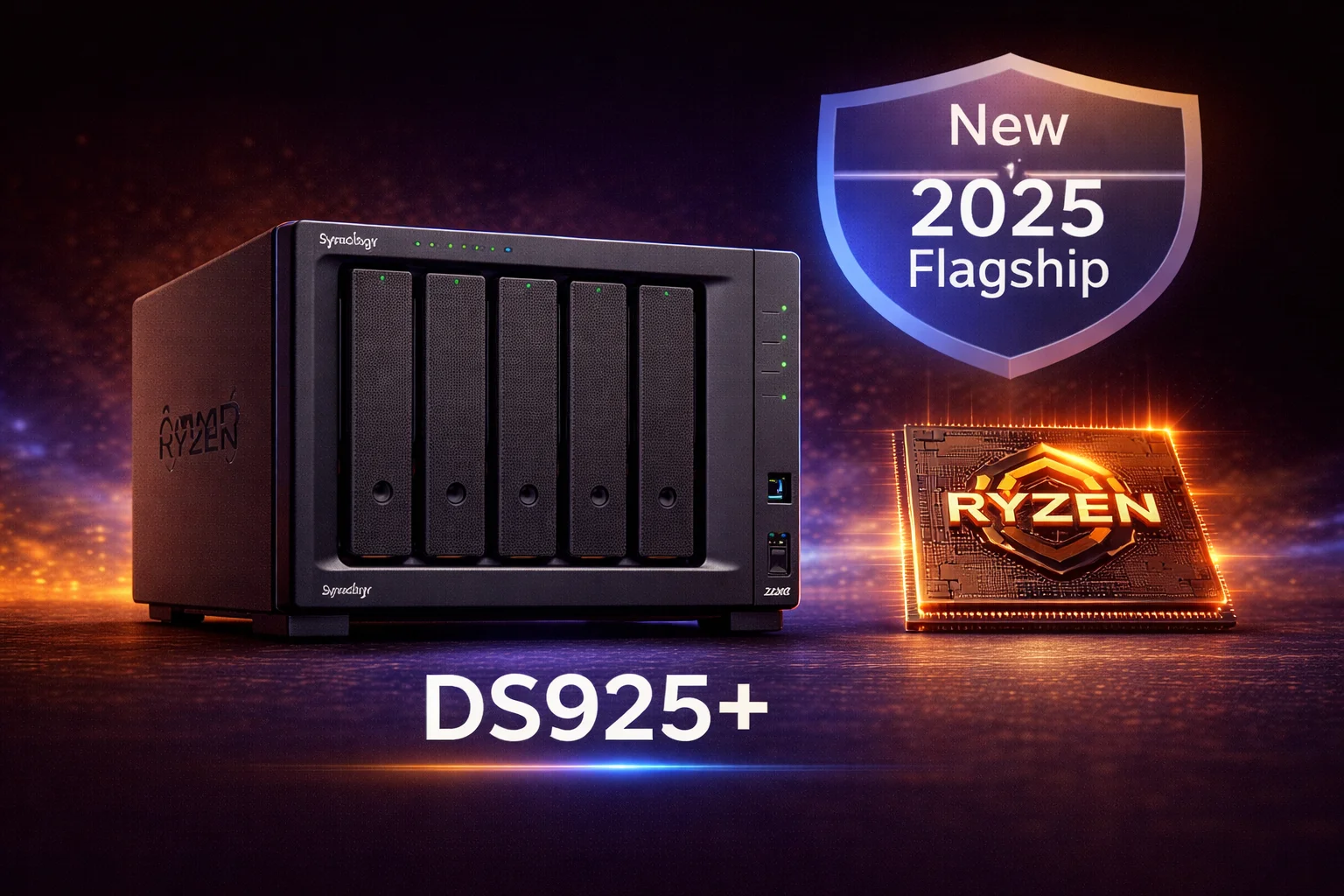
Quick Answer: The Synology DS925+ (~$640) is Synology’s newest 4-bay flagship NAS, released in April 2025. It features an upgraded AMD Ryzen R1700 processor, native 2.5GbE networking, NVMe storage pools, and improved RAM expandability. After the DSM 7.3 update, third-party drives (WD Red Plus, IronWolf) work fully. Best for power users, Docker, VMs, and 10GbE upgrades — but NOT recommended for Plex transcoding (choose DS224+/DS423+ instead).
The Synology DS925+ arrived in April 2025 as the successor to the popular DS923+. It brings notable upgrades including a faster AMD Ryzen R1700 processor, native 2.5GbE networking, and improved expandability — but also sparked controversy with initial drive restrictions that were later reversed in DSM 7.3.
This comprehensive review covers everything you need to know: specifications, drive compatibility, performance, comparison with DS923+, and who should buy this new flagship NAS.
DS925+ Price & Availability
| Product | Capacity | Price | $ / TB | Price Drop | Brand | Interface |
|---|
The DS925+ has an MSRP of $680 but typically sells for $600-640 at major retailers. This is a ~$50 premium over the DS923+ at launch, justified by the upgraded processor and networking.
Synology DS925+
AMD Ryzen R1700 | 4GB DDR5 ECC (32GB max) | 4 Bays | 2× 2.5GbE | NVMe Slots | 10GbE Option
Synology’s new 4-bay flagship with upgraded AMD Ryzen processor, native 2.5GbE networking, and DDR5 memory. Excellent for Docker, VMs, and home lab use. DSM 7.3 fully supports third-party drives.
DS925+ Full Specifications
| Component | DS925+ (2025) | DS923+ (2022) |
|---|---|---|
| CPU | AMD Ryzen R1700 (2-core/4-thread, 2.8-3.5 GHz) | AMD Ryzen R1600 (2-core/4-thread, 2.6-3.1 GHz) |
| RAM | 4GB DDR5 ECC (expandable to 32GB) | 4GB DDR4 ECC (expandable to 32GB) |
| Drive Bays | 4× 3.5″/2.5″ SATA HDD/SSD | 4× 3.5″/2.5″ SATA HDD/SSD |
| M.2 Slots | 2× M.2 2280 NVMe (cache or storage) | 2× M.2 2280 NVMe (cache or storage) |
| Network | 2× 2.5GbE RJ-45 | 2× 1GbE RJ-45 |
| 10GbE Option | E10G22-T1-Mini slot | E10G22-T1-Mini slot |
| USB Ports | 2× USB 3.2 Gen 2 | 2× USB 3.2 Gen 1 |
| eSATA | 1× (for DX517) | 1× (for DX517) |
| PCIe Slot | PCIe 3.0 x2 | PCIe 3.0 x2 |
| Max Raw Capacity | 72TB (4× 18TB) / 162TB with expansion | 72TB (4× 18TB) / 162TB with expansion |
| Power (Access/Idle) | 35W / 12W | 32W / 13W |
| Noise Level | 19.8 dB(A) | 20.7 dB(A) |
| Warranty | 3 years (extendable to 5) | 3 years (extendable to 5) |
Key Upgrades Over DS923+
1. AMD Ryzen R1700 Processor
The DS925+ features a newer AMD Ryzen R1700 with:
- Higher clock speeds: 2.8 GHz base / 3.5 GHz turbo (vs 2.6/3.1 GHz)
- ~15% better single-threaded performance
- Improved power efficiency
- Same core count: 2-core/4-thread (still no Quick Sync)
Important: Like the DS923+, the DS925+ uses AMD Ryzen without Intel Quick Sync. This means limited hardware transcoding for Plex. If Plex is a priority, choose the Intel-based DS224+ or DS423+ instead.
2. Native 2.5GbE Networking
The DS925+ includes 2× 2.5GbE ports built-in (vs 1GbE on DS923+):
- 2.5× faster transfers: ~280-300 MB/s vs ~115 MB/s
- Link aggregation: Up to 5 Gbps with both ports
- Backward compatible: Works with 1GbE networks
- No adapter needed: Most modern motherboards have 2.5GbE
This is a significant upgrade for users who don’t want to add a 10GbE adapter but need faster-than-gigabit speeds.
3. DDR5 Memory
The DS925+ uses DDR5 ECC RAM:
- 4GB included (expandable to 32GB)
- Faster memory bandwidth: Benefits Docker, VMs, and caching
- ECC support: Error-correcting for data integrity
4. USB 3.2 Gen 2
Upgraded USB ports offer 10 Gbps transfer speeds (vs 5 Gbps on DS923+), improving external drive backup performance.
Drive Compatibility: The 2025 Controversy (Resolved)
What Happened
When the DS925+ launched in April 2025, Synology initially restricted drive support:
- Only Synology-branded drives (HAT3300, HAT5300) could initialize DSM
- Third-party NAS drives (WD Red, IronWolf) were blocked
- Community backlash was immediate and significant
DSM 7.3 Resolution (October 2025)
Synology reversed course with DSM 7.3:
- ✅ Third-party HDD drives work fully — WD Red Plus, IronWolf, Toshiba N300
- ✅ Compatibility warnings can be dismissed
- ✅ All RAID features work with non-Synology drives
- ⚠️ NVMe storage pools still require Synology SSDs (caching works with any NVMe)
Bottom line: If you’re buying a DS925+ today, third-party drives work fine. Just ensure DSM 7.3+ is installed.
Recommended Drives for DS925+
| Product | Capacity | Price | $ / TB | Price Drop | Brand | Interface |
|---|
WD Red Plus 8TB (WD80EFPX)
8TB | 5640 RPM | CMR | 256MB Cache | 180TB/year
Our top recommendation for DS925+. CMR technology ensures reliable 24/7 NAS operation. Works perfectly despite any DSM warnings — just dismiss the notification.
Seagate IronWolf 8TB (ST8000VN004)
8TB | 7200 RPM | CMR | 256MB Cache | 180TB/year
Slightly faster than WD Red Plus. Includes IronWolf Health Management integration with DSM. Excellent alternative at a competitive price.
DS925+ Storage Configurations
| Configuration | Raw | Usable (SHR) | Drive Cost |
|---|---|---|---|
| 4× WD Red Plus 8TB | 32TB | 24TB | ~$680 |
| 4× WD Red Plus 12TB | 48TB | 36TB | ~$880 |
| 4× IronWolf 16TB | 64TB | 48TB | ~$1,120 |
DS925+ Performance
Network Transfer Speeds
| Connection | Sequential Read | Sequential Write |
|---|---|---|
| 1GbE | ~115 MB/s | ~115 MB/s |
| 2.5GbE | ~280 MB/s | ~260 MB/s |
| Link Aggregation (2× 2.5GbE) | ~450 MB/s* | ~400 MB/s* |
| 10GbE (with adapter) | ~800 MB/s | ~700 MB/s |
*Link aggregation requires multiple simultaneous connections to achieve full speed.
Plex/Transcoding Performance
Important limitation: The AMD Ryzen R1700 lacks Intel Quick Sync, limiting Plex performance:
- Direct Play: Excellent — unlimited streams (network limited)
- Software Transcoding: 1-2 simultaneous 1080p streams
- 4K Transcoding: Not practical
If Plex transcoding is important, choose the Intel-based DS224+ or DS423+ instead.
DS925+ vs DS923+: Should You Upgrade?
| Feature | DS925+ (2025) | DS923+ (2022) | Verdict |
|---|---|---|---|
| Price | ~$640 | ~$550 | DS923+ better value |
| CPU | R1700 (faster) | R1600 | DS925+ ~15% faster |
| Network | 2× 2.5GbE | 2× 1GbE | DS925+ wins big |
| RAM | DDR5 | DDR4 | DS925+ slightly better |
| USB | USB 3.2 Gen 2 | USB 3.2 Gen 1 | DS925+ 2× faster |
| Plex | Limited (AMD) | Limited (AMD) | Tie (both limited) |
| 10GbE Option | Yes | Yes | Tie |
Upgrade Recommendation
Buy DS925+ if:
- You need 2.5GbE networking without adding an adapter
- You’re buying new (not upgrading from DS923+)
- You want the latest hardware for longevity
Keep DS923+ if:
- You already own one — upgrade isn’t worth it
- You use 1GbE only and don’t plan to upgrade
- Budget is the priority (DS923+ is $90 cheaper)
Choose DS224+/DS423+ instead if:
- Plex transcoding is important
- You want Intel Quick Sync for media tasks
DS925+ Use Cases
Best For
- ✅ Docker and containers: AMD Ryzen handles multiple containers well
- ✅ Virtual machines: 32GB RAM support, decent CPU
- ✅ Home lab: Expandability, 10GbE option, NVMe pools
- ✅ Small business file server: 2.5GbE built-in, strong multi-user performance
- ✅ Surveillance: Up to 40 cameras in Surveillance Station
- ✅ Synology Drive/Photos: Excellent performance
Not Ideal For
- ❌ Plex with transcoding: AMD lacks Quick Sync — choose DS224+/DS423+
- ❌ Budget builds: DS923+ is $90 cheaper with similar features
- ❌ Simple home backup: DS224+ does this for half the price
Frequently Asked Questions
Yes. After the DSM 7.3 update (October 2025), third-party drives including WD Red Plus, Seagate IronWolf, and Toshiba N300 work fully. You may see a compatibility warning, but it can be dismissed. All RAID features work correctly.
Not for transcoding. The AMD Ryzen R1700 lacks Intel Quick Sync, limiting it to 1-2 software transcodes. For Direct Play only, it’s fine. For Plex transcoding, choose the Intel-based DS224+ or DS423+ instead.
Probably not. The main upgrade is 2.5GbE networking. If you’re happy with your DS923+ and use 1GbE, keep it. Only upgrade if you specifically need faster built-in networking or want to buy new for longevity.
DS925+ has AMD Ryzen (faster CPU, better for Docker/VMs), 2.5GbE built-in, 10GbE option, and NVMe expansion slots. DS423+ has Intel Celeron with Quick Sync (better for Plex transcoding), 1GbE only. Choose DS925+ for power users, DS423+ for Plex.
Yes. The DS925+ has a dedicated slot for the Synology E10G22-T1-Mini 10GbE adapter (~$110). This provides 10GBASE-T connectivity without using the PCIe slot. You can also use the PCIe slot for other 10GbE cards.
The DS925+ supports up to 32GB of DDR5 ECC RAM. It ships with 4GB. For Docker, VMs, or heavy workloads, upgrading to 8GB or 16GB is recommended. Use Synology-branded RAM for guaranteed compatibility.
Conclusion: DS925+ Verdict
The Synology DS925+ is an excellent 4-bay NAS for power users, home labs, and small businesses. The native 2.5GbE networking is a significant upgrade over the DS923+, and the AMD Ryzen R1700 handles Docker, VMs, and multi-user workloads with ease.
Buy the DS925+ if: You need 2.5GbE, run Docker/VMs, want 10GbE upgrade capability, or are buying new and want the latest hardware.
Skip it if: Plex transcoding is important (choose DS224+/DS423+), budget is tight (DS923+ is cheaper), or you already own a DS923+.
After the DSM 7.3 update resolved drive compatibility issues, the DS925+ is a solid choice for users who prioritize performance and expandability over media transcoding.
Related Resources
- DS925+ vs DS923+ Comparison
- Best Synology NAS 2026
- Synology DS923+ Review
- WD Red Plus Synology Guide
- DSM 7.3 Drive Support Guide
- Synology Compatible Drives Database