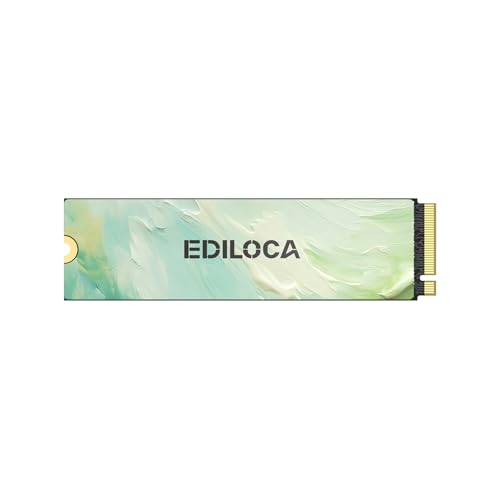
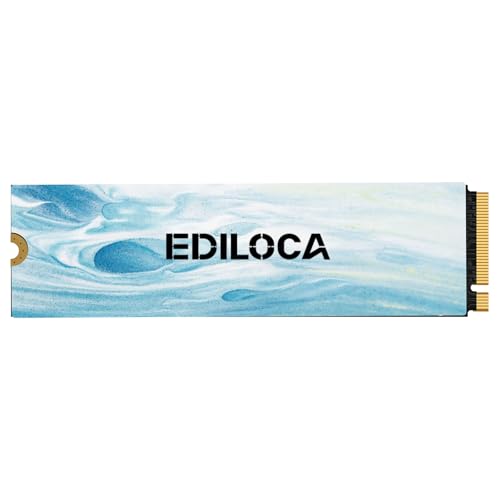
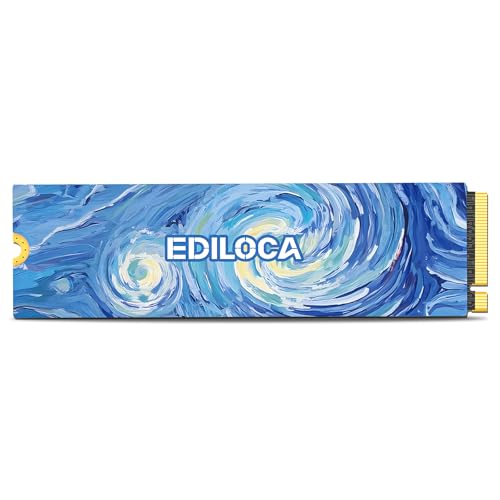
Ediloca SSDs Cyber Monday Deals 2026

Amazon.com · USDCyber Monday · November 30, 2026United KingdomDeutschlandFranceBlack Friday

Amazon Cyber Monday deals

As an Amazon Associate we earn from qualifying purchases. Prices and availability are accurate as of the time indicated and may change. The price and availability displayed on Amazon at the time of purchase apply.

Product and offerAmazon price
$59.99Typical price $75.99$117.17/TBChecked
Buy on Amazon
$123.99Typical price $154.99$123.99/TBChecked
Buy on Amazon
$107.19Typical price $133.99$107.19/TBChecked
Buy on Amazon
$58.39Typical price $72.99$114.04/TBChecked
Buy on Amazon
$45.59Typical price $56.99$178.09/TBChecked
Buy on Amazon
$29.59Typical price $36.99$231.17/TBChecked
Buy on Amazon
$28.79Typical price $35.99$224.92/TBChecked
Buy on Amazon
$59.49Typical price $69.99$118.98/TBChecked
Buy on Amazon
$46.74Typical price $54.99$182.58/TBChecked
Buy on Amazon
$33.99Typical price $39.99$135.96/TBChecked
Buy on Amazon

Regular listings

Product and offerAmazon price
$139.99$139.99/TBChecked
Buy on Amazon
$299.99$150.00/TBChecked
Buy on Amazon
$154.99$154.99/TBChecked
Buy on Amazon
$309.99$155.00/TBChecked
Buy on Amazon
$309.99$155.00/TBChecked
Buy on Amazon
$79.99$156.23/TBChecked
Buy on Amazon
$89.99$179.98/TBChecked
Buy on Amazon
$95.99$191.98/TBChecked
Buy on Amazon

Buying guide

Ediloca SSDs offer budget-friendly storage for desktops and laptops. Shopping for Ediloca on Amazon.com during Cyber Monday 2026 requires specific checks to ensure correct fit, performance, and long-term value. This guide helps compare actual model listings, interface compatibility, endurance specifications, and post-sale support to make an informed purchasing decision.

Check the Slot and Interface

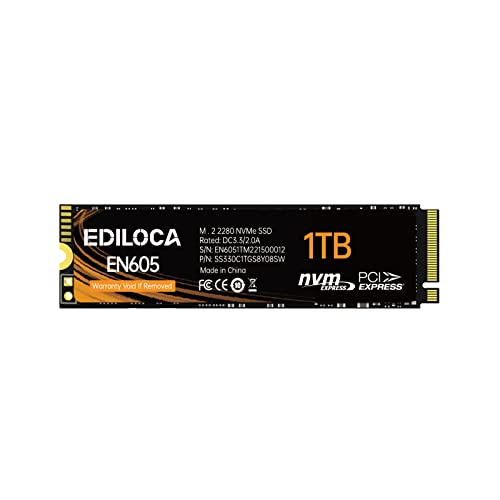
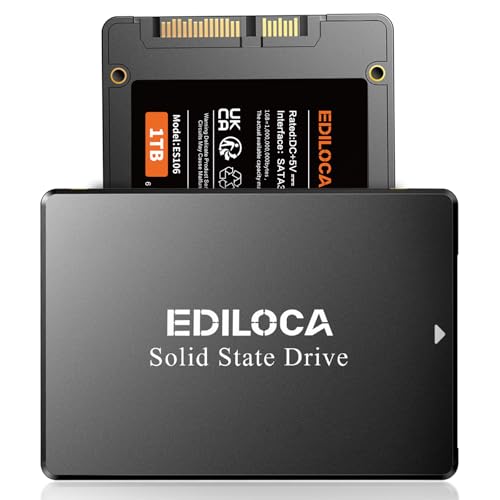
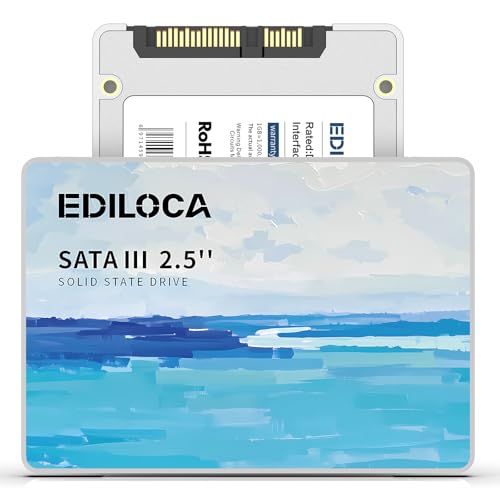
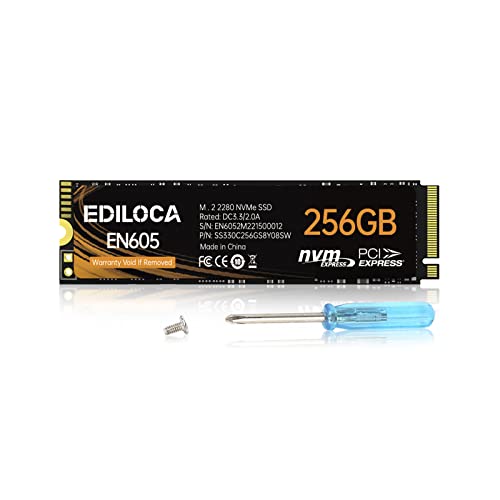
Begin by confirming which slot your device requires. Ediloca SSDs are available in SATA 2.5-inch and M.2 NVMe or SATA formats. For example, upgrading a laptop may demand a 2280 M.2 NVMe Ediloca SSD, which will not fit a system supporting only SATA drives. Always match the exact physical slot, keying, and protocol specified in your system’s technical documentation.

Before adding to cart, inspect the Amazon listing’s technical specifications for the model code. Cross-reference this with your motherboard’s manual to verify electrical and physical compatibility. Mismatches in interface—such as choosing NVMe for a SATA-only system—lead to unusable drives. For desktops, ensure the slot supports required speeds to avoid bottlenecking SSD performance.

Compare Endurance and Warranty

Endurance, measured as TBW (terabytes written), is essential for reliability. Ediloca models typically state a rated TBW in the listing or datasheet. For instance, a 1TB Ediloca SSD with 600 TBW offers a longer usable life for write-intensive tasks than one rated for 200 TBW. Reading the warranty details helps clarify coverage in case of early failure.

Inspect for product warranty terms both in the Amazon listing and on Ediloca’s website. Cyber Monday deals may sometimes feature the same model code with different coverage periods or sellers. If endurance numbers are not clear, use search or contact the vendor. Prefer offers with explicit model documentation and official US support to ensure recourse after purchase.

Evaluate Cooling and Workload Suitability

Some Ediloca NVMe SSDs operate with minimal cooling. High sustained workloads may drive temperatures up, leading to throttling if your laptop or desktop lacks airflow. For heavier use—like gaming or video editing—check if the model includes a heatsink or can safely operate at your system’s thermal envelope. User manuals should indicate required cooling measures if any.

Cyber Monday shoppers should compare whether different Ediloca offers specify gaming or data-heavy use. While a SATA SSD suffices for basic upgrades, NVMe options deliver superior speeds if your system supports them. Review both listing details and thermal specifications for workloads to ensure consistent performance for your intended use case, particularly if you plan for continuous or high-speed writing.

Compare Listing, Price, and Delivery Total

Always check the full Amazon delivered cost, including tax, at checkout—Cyber Monday offers sometimes list separately from weekend deals. Copy the model number and compare it against earlier listings to confirm you are getting the exact SKU you want. Past shoppers sometimes find that different bundles, accessories, or warranty options show up under similar headings.

If a desired Ediloca SSD deal expires, evaluate whether to wait for renewed listings or shop alternative sellers—not all price reductions will return immediately after the event. Record the delivered price and configuration so you can compare later. Use the Amazon order summary to avoid confusion between single units and multi-packs, and always review the return and support windows for every new purchase.

Frequently asked questions

How can I check real compatibility for an Ediloca SSD?

Match the Ediloca model’s form factor and interface (SATA, NVMe) with your device manual or motherboard documentation. Confirm the maximum supported length and protocol before buying.

What should I do if the Cyber Monday Ediloca SSD offer I want sells out?

Save the exact listing or model code. Compare any reappeared post-event offers for total price and warranty, and consider setting Amazon alerts for price changes or restocks.

Related category guides

Browse all Cyber Monday categories