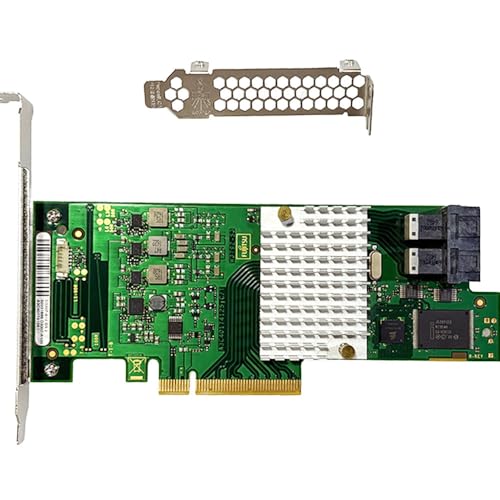
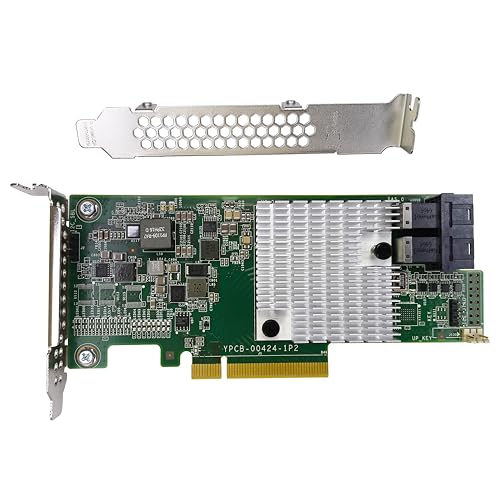
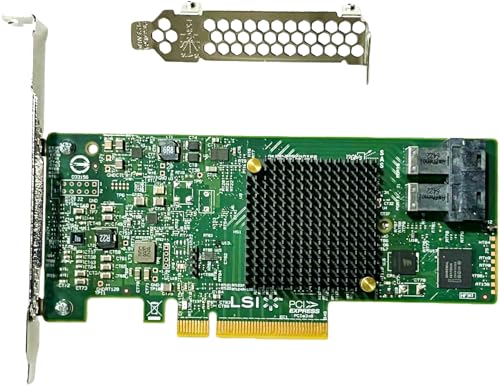
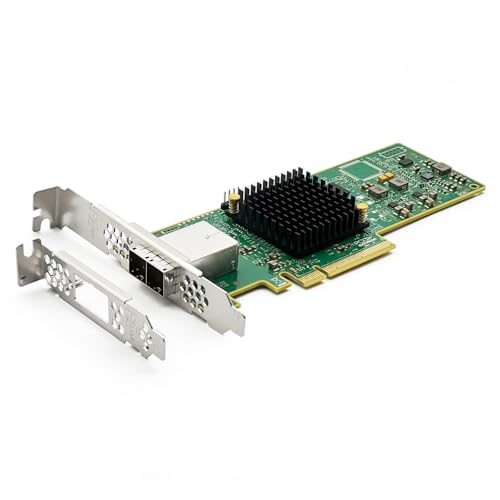
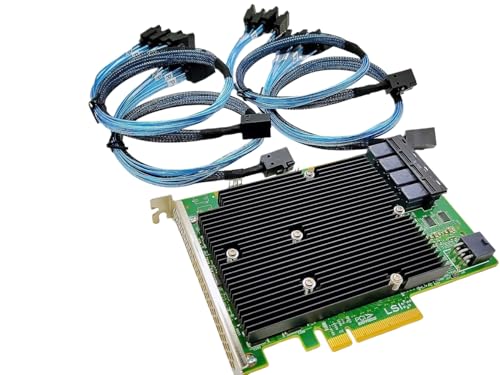
Choosing a SAS host bus adapter (HBA) is essential for expanding storage with reliability and speed. Amazon.com’s Cyber Monday range includes new, used, and OEM HBAs—each with distinct connections, firmware, and supported drive types. Careful comparison of port counts, compatibility, and delivered costs ensures you pick a model that fits your server’s needs and storage architecture.
Compare Interface and Port Count By Model
When evaluating SAS HBAs, start by matching the interface—PCIe generations differ in bandwidth and slot compatibility. A Broadcom 9300-8i, for example, uses PCIe 3.0 x8 and offers eight internal Mini-SAS HD ports suitable for fast storage arrays. Confirm the physical connector matches your server’s slot and cabling by referencing photos and pinout diagrams.
Amazon Cyber Monday listings often distinguish between internal and external ports (noted as -8i, -16e, etc.). Check what your storage server or chassis supports. Single cards can control multiple SAS expanders, but only up to their rated ports. When comparing listings, scan for the correct connector type and cable support between weekend and Cyber Monday options.
Check Firmware and Feature Set
Firmware revision significantly affects compatibility and stability. Many SAS HBAs ship in either IR (integrated RAID) or IT (initiator target) mode. For example, home NAS builds often prefer IT mode for direct drive passthrough. Always verify from the listing and vendor documentation whether the card is pre-flashed with the desired firmware or if re-flashing is required.
Examine Amazon offers for included firmware support statements and user-update instructions. Some cards, particularly used enterprise models, may require manual updates or specific utilities available only from the manufacturer. If buying refurbished or renewed HBAs, confirm in-system testing and warranty coverage for updates.
Assess Supported Drive Types and Performance
HBAs vary in SAS generation support (such as SAS-2 at 6Gbps or SAS-3 at 12Gbps) and can also manage SATA drives. Review datasheets for compatibility with the specific drives you plan to attach. For example, older HBAs may not run modern SAS-3 SSDs at full throughput, and mixing SAS and SATA can introduce performance quirks.
Read Amazon listings for notes about drive maximums and supported features, such as hot swapping and enclosure management. Carefully compare alternative models on total port count, sustained bandwidth, and the ability to manage enterprise SSDs or large-capacity spinning drives. Always check both endpoints: the HBA and attached storage hardware.
Review Warranty, Support, and Delivery Details
Enterprise SAS HBAs may be listed new, used, or as OEM pulls. Each condition comes with tradeoffs on support, warranty, and included accessories. For mission-critical use, reliable new cards with full manufacturer warranty may offer better value despite higher cost. For homelab projects, tested used cards from reputable sellers could suffice at lower budgets.
Check Cyber Monday deals for what is included: brackets, cables, and documentation may be sold separately. Confirm Amazon or seller-specific return policies and support options. After the event, compare any missed offers to your system’s requirements before buying elsewhere or waiting. Retain part numbers and warranty records for future support needs.