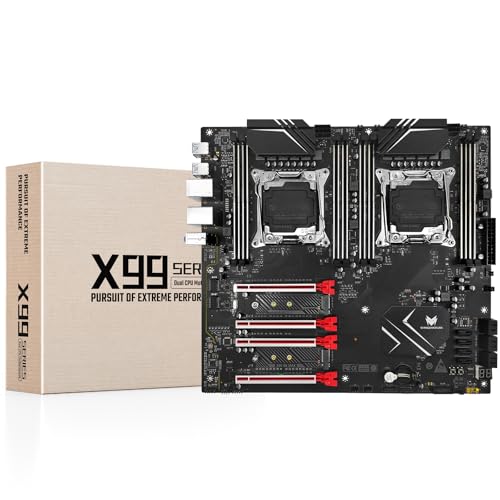
Server CPUs are central to homelab and enterprise server performance. Making an informed buying decision means reviewing exact model details, platform compatibility, and Amazon's delivered price breakdown. On Cyber Monday, cross-check weekend prices, coupon or rebate eligibility, and ensure the CPU SKU matches your motherboard and intended workload. Always confirm listings reflect the precise product before purchasing.
Verify Exact Server CPU Model and Platform Fit
Look up the exact CPU model, including suffixes like -F or -E, since small changes can impact socket compatibility and onboard features. For example, an Intel Xeon Gold 6348 and 6348N differ in supported memory speeds, while AMD EPYC naming can signal generational leap. Use your server’s motherboard documentation to confirm compatibility before moving beyond price checks.
Closely read Amazon listings for model numbers, such as “Xeon Silver 4314 SRKKS.” Cross-reference these codes with Intel’s or AMD’s product documentation to check features like socket type and required firmware version. Never rely only on photos or descriptions—differences like the same family but different steppings could impact BIOS support and future upgrades.
Compare Configurations and Evaluate Total Delivered Cost
Compare boxed CPUs versus tray or OEM versions. Boxed CPUs normally include longer warranties, but may cost more or be unavailable on Cyber Monday. Some listings bundle heatsinks; others require a separate purchase. Always calculate the full delivered price, including taxes and shipping—Amazon often shows promotional pricing before checkout.
Write down weekend prices with item codes, then compare them to Cyber Monday offers. If a sale ends before you decide, set a price tracker or revisit the weekend configuration, as discounts or bundles may change. Consider returns policy, delivery dates, and restocking fees when choosing from multiple sellers on Amazon's platform.
Assess Current Server Needs and Future Upgrade Plans
Quantify your server’s workload before shopping. For multi-VM homelabs, prioritize core count and memory channel support. For transactional databases, base clock and single-core speed may matter more. Check your motherboard documentation for the highest officially supported CPU and power delivery limits; some CPUs will be capped by VRM or thermal design.
Compare generational tradeoffs. A lower-tier newer server CPU such as Xeon Scalable Gen 4 may outperform an older high-end model, and could introduce PCIe Gen 5. For a current system, check official BIOS and firmware compatibility with the exact CPU revision. Factor future upgrades into your purchasing decision to avoid buying an end-of-life platform.
Read Listings for Warranty, Support, and Supply Details
Check Amazon listings for details about warranty coverage. Retail boxed CPUs purchased from authorized US sellers often qualify for manufacturer warranty, but OEM units may only carry a short reseller warranty. Backup any serial numbers from the listing to assist with later support requests.
Scrutinize seller ratings and review supply chain details if the seller is not Amazon itself. Third-party sellers may import CPUs not intended for the US market, possibly impacting warranty and firmware support. For urgent projects, check delivery dates carefully and note any restock warnings before confirming your order.