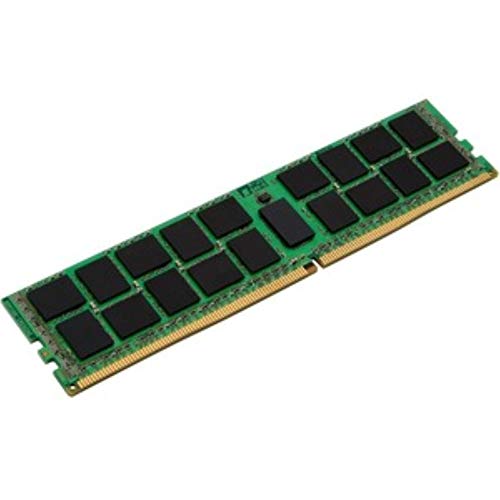
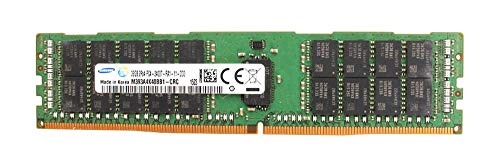
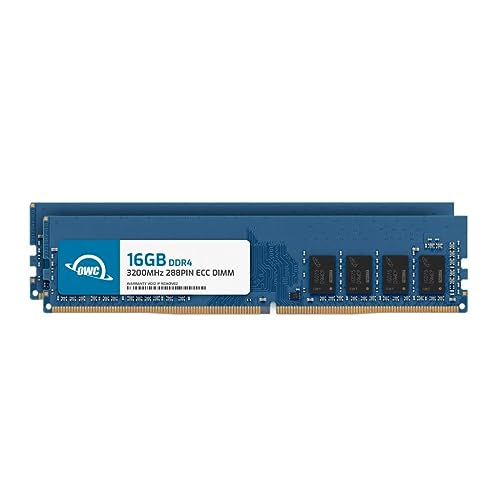
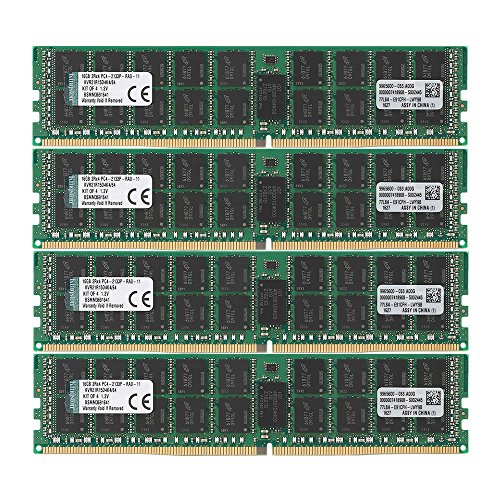
Selecting DDR4 ECC server RAM requires careful attention to memory specifications, compatibility with your motherboard, and actual server requirements. During Cyber Monday 2026, shoppers should review current and previous listings on Amazon.com, check for compatible models, and compare total costs. Making a wise choice can help ensure reliability and performance in homelab or data center applications.
Verify ECC Support and Compatibility
Check that your target server or motherboard explicitly lists DDR4 ECC UDIMM or RDIMM support. For example, an Intel Xeon E-2288G may require ECC UDIMMs, while a Xeon Scalable platform typically uses ECC RDIMMs. Consult both your motherboard’s qualified vendor list and the processor’s documentation. Mismatching module types could result in startup failures or missing functionality. Always match the memory type recommended for your exact model.
If you see similar RAM listings with slightly different part numbers, carefully compare the detailed specs such as registered vs unbuffered, voltage, and timing. Some Amazon.com listings separate packs of two from bulk kits or singles. Scrutinize the model code (for example, M391A2K43BB1-CTD for Samsung) and verify it against vendor documentation to confirm ECC support and physical fit.
Determine Capacity and Module Organization
When comparing Amazon offers, note the total capacity, number of modules per pack, and how these will populate your server’s slots. For example, eight 16GB sticks in a Dell R740 might enable full channel usage, whereas mismatched module counts can leave memory bandwidth untapped. ECC RAM generally comes in specific capacities, so ensure the module size matches your upgrade goal.
Before purchasing, confirm how many DIMM slots are available on your motherboard. Some systems support both single-rank and dual-rank modules, but performance can differ. Check the documentation for maximum supported capacities and configurations. Cross-check Cyber Monday listings for kit numbers or bundled SKUs versus weekend offers to ensure you’re seeing like-for-like comparisons and delivered totals.
Compare Prices per GB and Seller Details
With several DDR4 ECC RAM listings available on Amazon.com, always calculate the cost per GB for each condition (new, used, or renewed) before purchasing. Understand that bulk or multi-pack deals often lower the overall unit price. Use the exact SKU to verify that you are purchasing genuine ECC server-grade memory rather than consumer variants without error correction.
Some sellers list VAT or shipping separately, which can affect the final delivered total. Carefully review shipping options and return policies, which may vary even within Amazon. If an offer expires, review transaction history and price tracking tools to compare against future listings. Avoid third-party sellers that cannot provide verifiable product authenticity or warranty documentation.
Assess Timing, Warranty, and Upgrade Potential
Examine each Amazon product listing for precise memory speed (like DDR4-2666 or DDR4-3200), timings, and voltage. Faster ECC RAM may only run at lower speeds if your CPU or platform does not support the full rate. Double-check compatibility tables and system support to avoid unexpected downclocking, which impacts performance.
Evaluate manufacturer and seller warranties, especially for critical server deployments. Most major brands such as Kingston, Samsung, or Crucial provide limited lifetime warranties; however, Amazon or marketplace sellers may differ. Consider whether you need matching modules for future upgrades or if it’s preferable to buy larger, higher-capacity modules now. Pre-purchase research minimizes post-Cyber Monday regret.