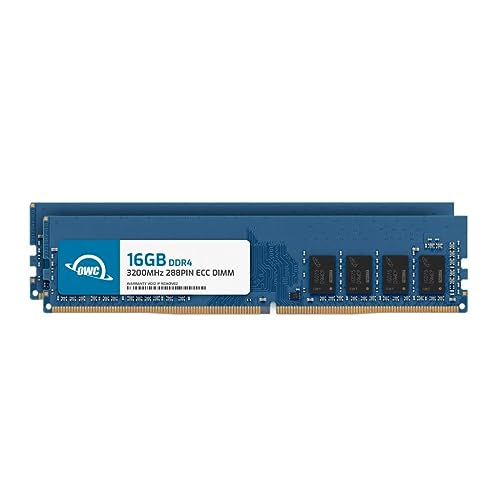
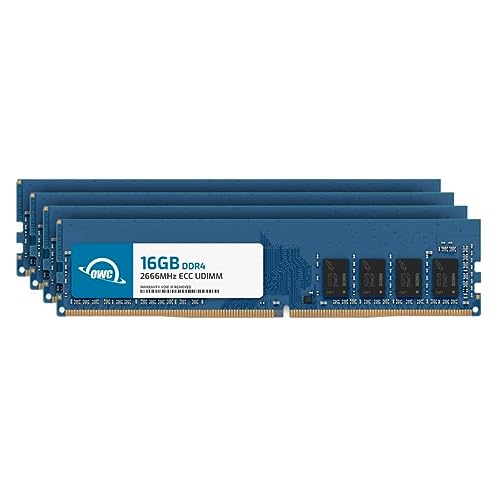
DDR4 ECC server RAM is essential for systems where data integrity matters, such as servers, workstations, or homelabs. Prices and configurations vary widely among modules. This guide demystifies ECC choices, compatibility, buying signals, and what to inspect in listings when comparing or upgrading DDR4 ECC RAM for maximum system stability and value.
Evaluating DDR4 ECC RAM Types and Compatibility
When selecting DDR4 ECC RAM, verify your server or motherboard supports both DDR4 and ECC functionality. Not all consumer motherboards accept ECC RAM, even if the CPU technically supports it. Refer to your system's official documentation for compatible module types and maximum capacities. Check whether Unbuffered ECC (UDIMM) or Registered ECC (RDIMM) is required for your specific system.
ECC RAM comes in several form factors and ranks, such as single-rank or dual-rank modules. ECC UDIMMs are common in entry-level servers and workstations, while RDIMMs and LRDIMM offer higher capacities for enterprise use. Never mix UDIMM and RDIMM in a single system. Always confirm the required voltage and memory speed, as system limitations may reduce operating frequency regardless of listed module speed.
How to Compare Prices and Module Specifications
DDR4 ECC RAM pricing varies by capacity (GB), speed (MHz), and module count. When comparing listings, divide the price by total capacity to determine the cost per GB for similar RAM types and conditions. Packs of multiple modules sometimes offer better value, but only if all purchased RAM matches your install slots and system needs.
Always read listing details carefully for each model code, ensuring the correct type (ECC, registered vs unbuffered), speed, and rank. Documentation from memory vendors or your system manufacturer can confirm compatibility lists. Genuine ECC RAM is often clearly labeled with "ECC" and an exact JEDEC standard. Beware of listings that simply mention "server RAM" without these details.
Checklist for Buying and Upgrading
Before purchasing DDR4 ECC RAM, list your server's supported RAM types, maximum module size, and required memory speed. Note any existing sticks and their configurations to avoid mismatches. Review the number of installable slots and determine whether to buy single modules or matching kits. Always match rank, type, and voltage when adding modules to an existing set.
During upgrades, check module heights, especially with aftermarket CPU coolers or tight rackmount servers. If unsure, consult your system or board documentation for recommended part numbers and compatibility notes. Verify warranty and support coverage whenever possible, particularly for critical workloads. Save packaging and receipts to simplify warranty claims if needed.
Deciding to Buy or Wait: Key Signals
If current DDR4 ECC RAM pricing is close to its historical average per GB or matches inventory clearance at authorized sellers, it's often a good opportunity to buy, especially if capacity shortages have constrained your system. Stock outages on common modules may signal waiting unless you have an urgent requirement.
Watch for technology cycles like the industry moving to DDR5, which can sometimes lower DDR4 ECC prices. However, only buy DDR4 if it's explicitly supported by your CPU and motherboard. Newly released CPUs may not support DDR4 RAM, so always confirm platform documentation before investing further in DDR4 ECC.