Buying a rack or tower server requires checking configuration, expandability, warranty coverage, and performance relative to your needs. Servers differ widely in CPU, memory, drive bays, and network options. This guide covers how to price, verify, and select a rackmount or tower server for homelab, business, or cloud applications.
Defining Use Case and Server Type
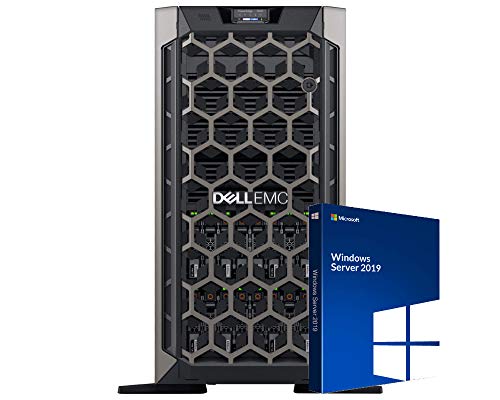
Start by mapping your primary workloads. Heavy virtualization, storage, or database tasks may demand high core counts, lots of memory, and robust network capability. For remote offices or small labs, a tower format might offer lower noise and simpler setup than rack units.
Distinguish tower from rack servers. Towers usually allow easier physical access and quieter cooling, ideal for small business. Rackmount models suit dense environments, easier stacking, and sometimes provide superior expandability—if you have the rack infrastructure.
Evaluating Configuration and Pricing
Scrutinize not just the server chassis but every key included part: exact CPUs (model and generation), total and type of RAM, drive bays, power supplies, and network ports. Servers marketed as “barebones” may lack CPUs, memory, or trays. Always compare like-for-like configurations when looking at price-per-feature.
For a concrete approach, list must-have ports, drive bays, expansion slots, and management features. Compare prices among identical or nearly identical specs from vetted sellers. Focus on clear warranty and support terms rather than extrapolated “peak” benchmarks or unsubstantiated performance claims.
Reading Listings and Documentation
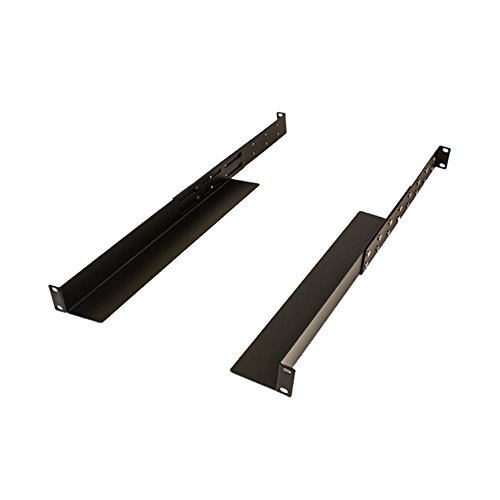
Always reference the manufacturer’s original spec sheet for the model or submodel code listed by the seller. Match exactly the CPU family, RAM speed/type, RAID support, backplane, and expansion slots described. Check for documentation of included rails, power cords, license keys, or any proprietary parts.
Scan for up-to-date firmware and support, as some older servers may lack updates. Take time to verify memory and drive compatibility, especially around RAM type (ECC Registered vs. Unbuffered) and disk connector (SATA, SAS, NVMe). If not specified in the listing, request a full configuration printout before buying.
Buy or Wait: Practical Signals
Act if you need new server functions, have critical workloads waiting for resources, or find a configuration matching your specs at a reputable source with clear warranty and support. Factor lead time for delivery and setup before a critical project.
Hold off if market listings are vague, if firmware update support is unclear, or if soon-to-be-released models may offer better expandability or power efficiency. Re-examine the official documentation to confirm your chosen add-ons and upgrades remain viable with the chassis and board revision offered.