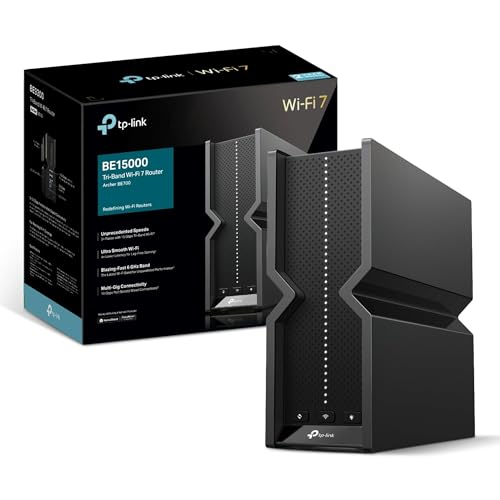
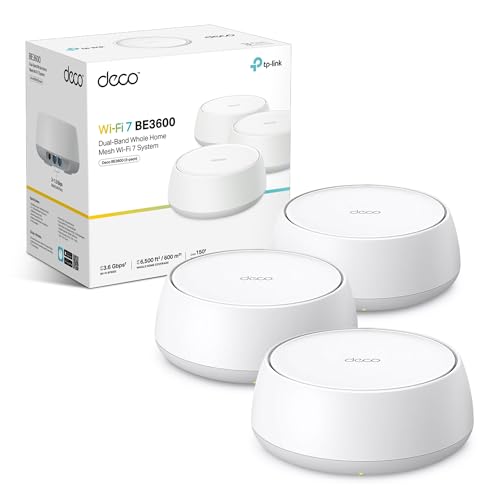
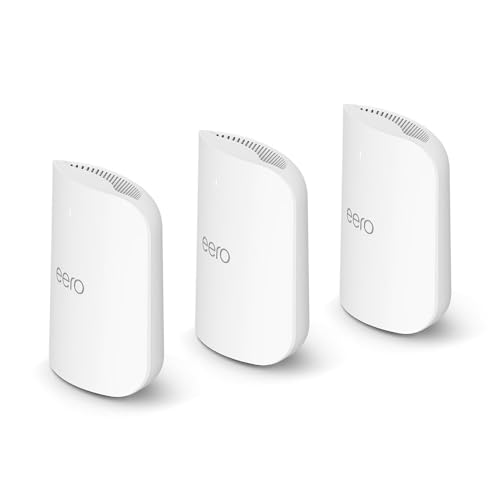
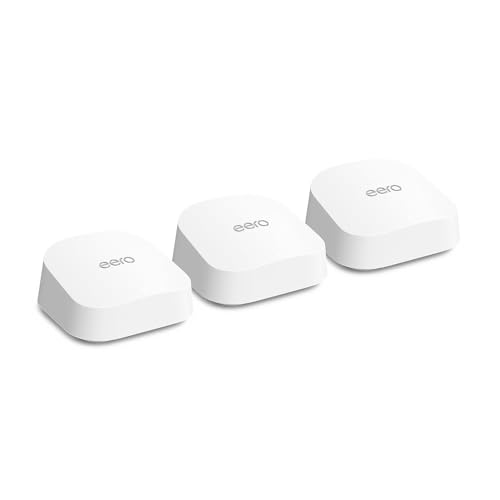
Wi-Fi 7 routers and mesh systems offer the latest leap in wireless speed, efficiency and low latency. UK buyers must ensure true Wi-Fi 7 support, choose models with UK-compliant power supplies and consider whole-home coverage needs. This buying guide explains how to evaluate Wi-Fi 7 hardware for best price, compatibility and real-world performance on Amazon.co.uk.
Checking Genuine Wi-Fi 7 Hardware
Not all models labelled as ‘Wi-Fi 7’ deliver the full standard. Review product specifications and documentation for ‘IEEE 802.11be’ and check supported speed bands—true Wi-Fi 7 supports at least 2.4GHz, 5GHz and 6GHz with Multi-Link Operation. Some listings reuse older router chassis with partial upgrades, so check chipset details in the manufacturer’s datasheet before purchase.
Ensure the delivered model explicitly states UK or EU plug support and that the supply accommodates UK mains voltage. Amazon listings can ship international versions, so confirm that your selection is UK-stock for warranty ease. Calculate total price including VAT and UK delivery, especially if sold by a third-party merchant.
Balancing Speed and Network Coverage
Choosing between a single powerful router and a mesh system depends on your space and construction. Larger and multi-storey UK homes often benefit from mesh Wi-Fi 7 kits, which use several identical satellites for seamless coverage. Read coverage area figures with a pinch of salt—they’re best-case estimates that do not account for brick or concrete walls.
Compare each kit’s node and port count, checking for the presence of 2.5Gbps or multi-gig Ethernet WAN and LAN support for fast backhaul. A single router may offer higher raw throughput, but mesh appeals for roaming. Listings should state backhaul options—wired, wireless or both. Check genuine model numbers rather than generic names for full feature disclosure.
Assessing Features and Compatibility
Wi-Fi 7 routers and mesh kits often advertise speed and device support. Prioritise WPA3 security, multiple Ethernet ports for wired gear, and app or web management. For mesh sets, examine how many units are in the pack and exactly what’s in the box—sometimes power adapters are region-specific.
Consider your client device support: laptops, phones and tablets need Wi-Fi 7 (802.11be) radios to benefit fully. Routers are backward compatible, but a Wi-Fi 7 router alone won’t speed up Wi-Fi 5 or 6 clients. Check vendor documentation for software updates, known issues and long-term support policies.
Should You Buy or Wait?
Wi-Fi 7 remains premium—evaluate whether your main devices support the new standard or if current Wi-Fi 6/6E is still sufficient. Transition points, such as adding more gigabit internet bandwidth or multiple Wi-Fi 7 devices, make upgrading more worthwhile.
If you decide to buy, compare pounds per feature—look for the best port, band and node configuration for the money. Avoid overpaying for unneeded extras. Hold off if your broadband or home devices cannot exploit Wi-Fi 7 yet, or if frequent discounts appear imminent.