10GbE network cards bring ultra-fast networking to mainstream desktops and workstations in the UK. Selecting the right NIC means checking physical slot fit, cable or module compatibility and driver support, as well as judging whether single or dual ports suit your requirements. Here is a step-by-step guide to making an effective, future-proofed choice.
PCIe Slot and System Fitment
10GbE cards mostly require PCIe Gen3 x8 or x4 slots for full performance. Review your motherboard’s documentation to confirm available slots and avoid GPU or NVMe drive conflicts. Some cards may physically fit in x8 or x16 slots but only operate at lower speeds if mis-matched. Avoid USB-based models; they are rare and too slow for true 10GbE usage.
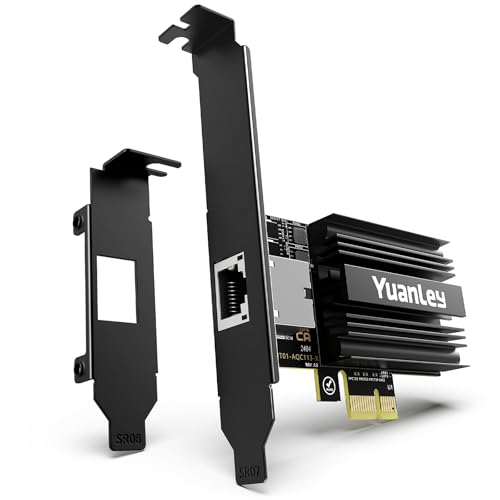
Be sure your PC case has clearance for the card. Low-profile versus full-height brackets differ, so read the listing for bracket type or ask UK sellers for bracket kits if needed. For servers, verify hot-swap or tool-less compatibility, especially if you’re standardising fleet-wide installs. Save yourself hassle by listing available slots before searching for cards.
Selecting Between SFP+ and RJ45 Cards
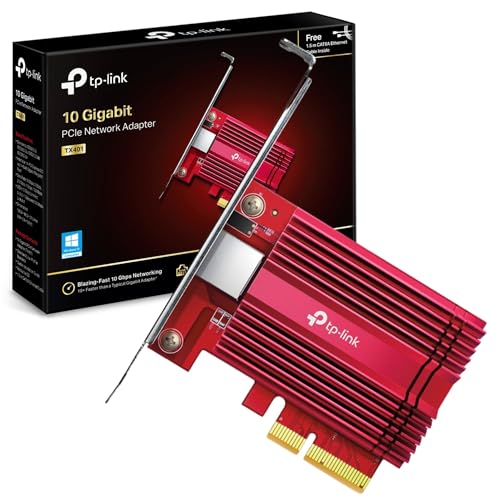
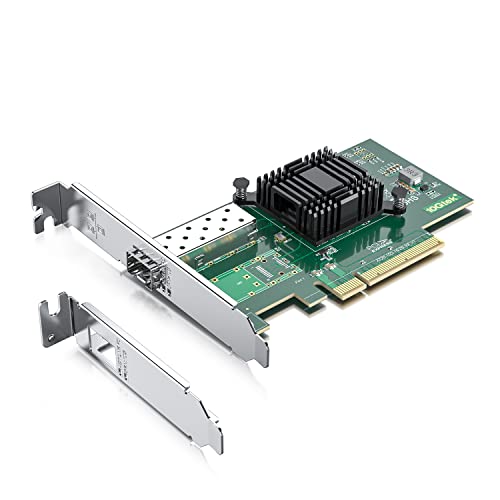
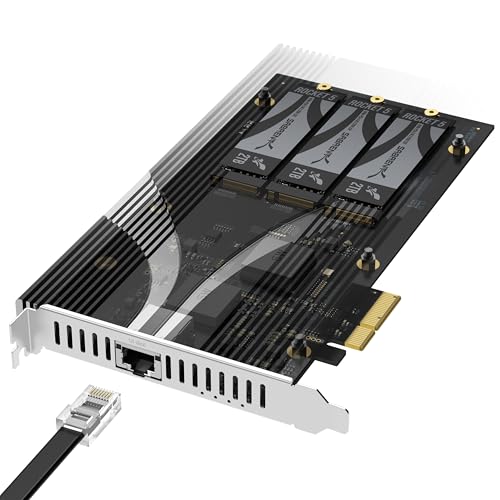
Two types dominate: SFP+ for modules or DAC cables, and RJ45 for Cat6a or higher copper. SFP+ cards can feel complicated—some come bare, needing you to add modules or DAC cables, so check bundle details on Amazon listings. RJ45 cards cost more but are plug-and-play on existing Cat6a runs and are ideal for standard office wiring.
For short, local runs (under 30m), RJ45 is a strong choice. For longer or inter-rack links, or where lower heat is critical, SFP+ excels. Buying SFP+? Check compatibility for third-party transceivers—a locked card may require pricier branded modules. If a listing is unclear, ask about module compatibility before buying.
Power Consumption, Cooling and Reliability
10GbE cards, especially multiport and RJ45 models, can draw significant power and produce heat. Ensure your case cooling is sufficient—consult user reviews and specifications for maximum power draw and suggested airflow. Server chassis often include directed cooling, while desktop cases may require repositioning fans or removing slot covers.
Reliable cards from brands like Intel, Broadcom and Mellanox generally offer better driver and long-term OS update support. Check UK-based seller reviews for warranty handling and replacement turnaround times, especially for OEM or third-party-distributed cards. Look for listings indicating UK stock and support for reduced hassle if issues occur.
Checklist and UK Buying Signal
Before committing, double-check: PCIe slot type and bandwidth, case bracket style, cabling and switch compatibility, and operating system support. Compare per-port pricing among single and dual-port listings, factoring in required modules or cables. Remember that multi-packs may be aimed at system builders, not typical desktop buyers, so buy what you actually need.
If you encounter a price drop on a reputable brand and all your requirements match, it could be a good opportunity. Read the returns policy and warranty coverage carefully on Amazon or third-party sellers. To verify compatibility, consult card documentation with your system specs and make a shortlist before searching for the best delivered price.