Kingston KC3000 Black Friday Deals 2026
Amazon US · USDAmazon sale dates · Nov 19–30, 2026
Amazon Black Friday deals
As an Amazon Associate we earn from qualifying purchases. Prices and availability are accurate as of the time indicated and may change. The price and availability displayed on Amazon at the time of purchase apply.
Amazon hasn’t reported a Black Friday deal for these listings. Check Amazon
Regular listings
Amazon hasn’t returned regular prices for these listings. Browse Amazon
Related alternatives
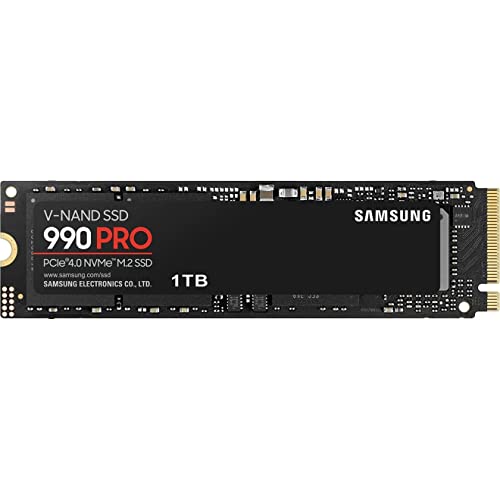
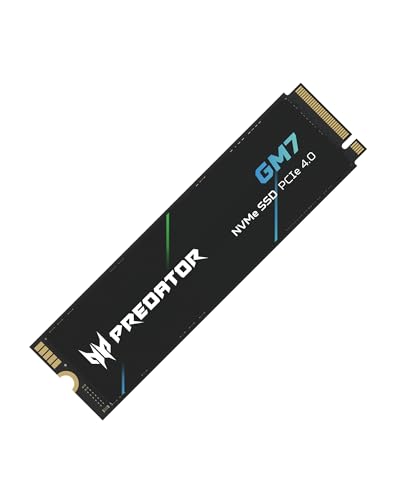
Compare related models or capacities and check the exact specifications and fit before buying.
| Product and offer | Amazon price |
|---|---|
 Amazon Black Friday Deal 35% off Kingston NV3 1TB M.2 2280 NVMe SSD | PCIe 4.0 Gen 4x4 | Up to 6000 MB/s | SNV3S/1000G | $139.99List Price Buy on Amazon |
$387.95List Price Buy on Amazon | |
$349.99List Price Buy on Amazon | |
$209.99List Price Buy on Amazon | |
$179.99List Price Buy on Amazon | |
$159.99Typical price Buy on Amazon | |
$699.99List Price Buy on Amazon | |
$109.99$219.98/TBChecked Buy on Amazon | |
$245.99Typical price Buy on Amazon | |
$148.74List Price Buy on Amazon | |
$69.69Typical price Buy on Amazon | |
$249.00List Price Buy on Amazon | |
$83.69$167.38/TBChecked Buy on Amazon | |
$189.99$189.99/TBChecked Buy on Amazon | |
$45.64Typical price Buy on Amazon |



Frequently asked questions
Can the KC3000 be used as a PS5 internal storage upgrade?
Yes, the KC3000 is compatible with PS5 as long as a proper heatsink is installed and the physical size fits Sony’s M.2 SSD slot requirements. Verify cooling and space constraints before purchase.
How do I check the endurance (TBW) for my specific KC3000 drive?
Locate the exact model code from the product label or listing, then reference Kingston’s official datasheet for that code to find the TBW and warranty terms. Model variations may have different ratings.
Related Black Friday guides
SSDs and flash
- SSDs
- NVMe SSDs
- SATA SSDs
- Portable and external SSDs
- Magnetic phone SSDs
- PS5 SSDs
- M.2 2230 SSDs
- PCIe 4.0 SSDs
- PCIe 5.0 SSDs
- Enterprise NVMe SSDs
- Enterprise SATA SSDs
- U.2 SSDs
- High-endurance microSD cards
- 1 TB SSDs
- 1.92 TB SSDs
- 2 TB SSDs
- 3.84 TB SSDs
- 4 TB SSDs
- 7.68 TB SSDs
- 8 TB SSDs
- 15.36 TB SSDs
- Crucial SSDs
- Ediloca SSDs
- Fanxiang SSDs
- Fikwot SSDs
- KingSpec SSDs
- Kingston SSDs
- Kingston FURY Renegade G5
- Kingston XS2000
- Lexar NM1090 PRO
- Lexar NM790
- Micron enterprise SSDs
- ORICO SSDs
- OWC Envoy Ultra
- Samsung SSDs
- Samsung 870 EVO
- Samsung 870 QVO
- Samsung 9100 PRO
- Samsung 980 PRO
- Samsung 990 EVO Plus
- Samsung 990 PRO
- Samsung T5 EVO
- Samsung T7 Shield
- SanDisk Extreme Portable V2
- Solidigm enterprise SSDs
- SSK SSDs
- WD_BLACK SSDs
- WD_BLACK SN7100
- WD_BLACK SN8100
- WD_BLACK SN850X
- WD Red SN700