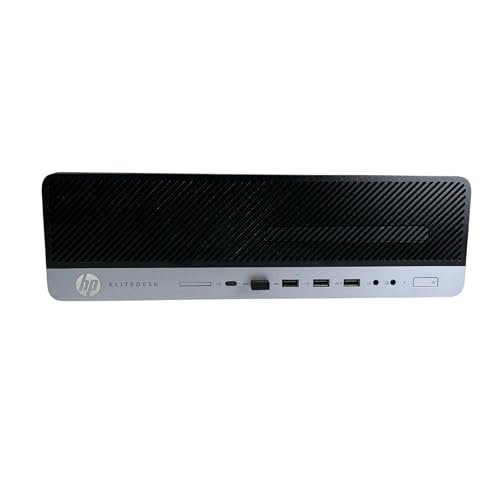
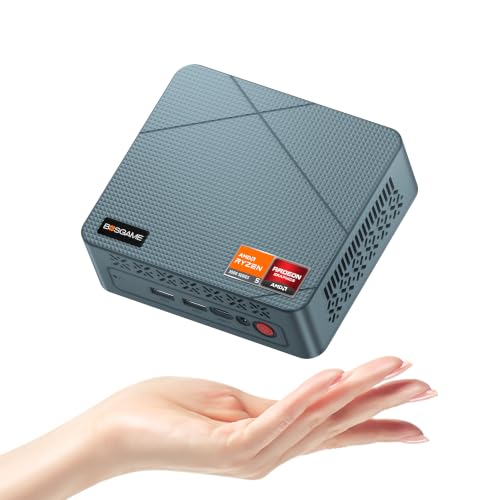
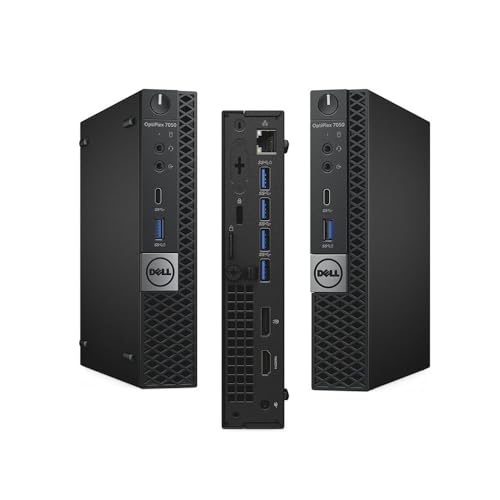
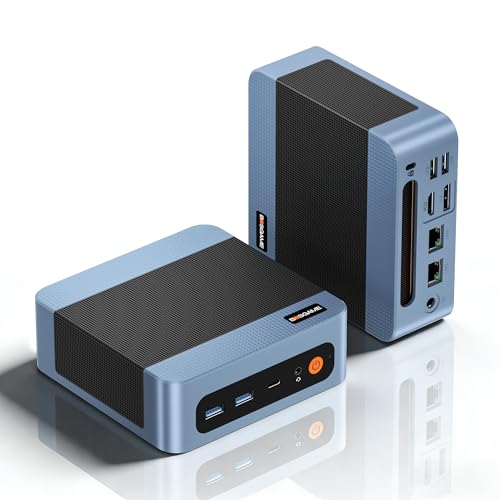
Compact desktops offer full computing power in a much smaller footprint than traditional towers, making them ideal for limited spaces or minimalist workspaces. Choosing the right mini PC involves understanding size, upgradability, connectivity, and performance requirements. This guide helps UK shoppers carefully compare models, check the right listing details, and make an informed purchase for their needs.
Understanding Form Factor and Space Requirements
In the compact desktop market, form factor directly influences placement options and upgrade paths. Models like Intel NUC or ASUS PN series are widely available in the UK, often measuring under 2 litres in volume. Before purchasing, measure your workspace precisely and compare it to each device’s dimensions, which should be listed in millimetres on the Amazon.co.uk product page or vendor datasheet.
Some compact systems are 'barebones', meaning the processor or memory must be added by the buyer, while others ship with all key components pre-installed. For UK buyers, verify the configuration by reading the full listing and checking what is included. Factor in the UK plug type and voltage compatibility if a power supply is included, or budget separately for required parts if absent.
Performance and Component Selection
Performance can vary widely. Check the processor generation and model: for office work, an Intel Core i3 or AMD Ryzen 3 usually suffices, while heavier workloads may need a Core i5, i7, or Ryzen 5, 7. Review the full model code and cross-reference on the manufacturer’s site for core count, base clocks and supported features.
For memory and storage, compact desktops may use SODIMM DDR4/DDR5 RAM and M.2 or 2.5-inch SSDs. Verify what is pre-installed and what slots remain free. For example, a listing stating '8GB DDR4 installed, 2 slots, 64GB max' allows future upgrades. Double-check that the storage type fits your speed and capacity needs before buying.
Connectivity and Expansion
Modern compact desktops tend to prioritise USB-C, USB-A, HDMI, and sometimes Ethernet or DisplayPort outputs. The fastest options will support USB 3.2 Gen 2 or Thunderbolt 4, essential for rapid external storage or displays. Read the model’s connectivity chart and picture to confirm port types and locations.
Some models integrate Wi-Fi and Bluetooth while others require additional modules. Upgrades may only be possible on models with spare M.2 or mini PCIe slots. When comparing offers, take into account if wireless modules or antennas are included and if drivers/support are compatible with your chosen operating system.
Evaluating Warranty, Support and Return Policies
UK shoppers should prioritise reputable sellers who clearly list the manufacturer's warranty length and level of support. Look for details within the Amazon.co.uk listing under 'Technical Details' or the manufacturer's support website, to see if on-site repair, collect-and-return or carry-in service is standard.
Return policies can differ between Amazon and third-party sellers, especially for opened or registry-activated PCs. Always confirm the seller’s stated returns period and whether a restocking fee applies. Document any serial numbers upon delivery to safeguard against warranty disputes and register the product online for smoother support handling.