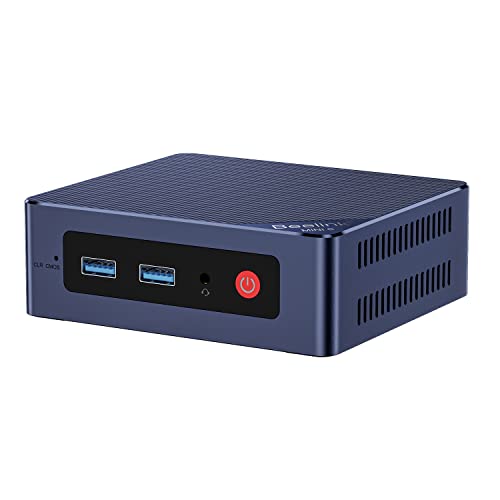
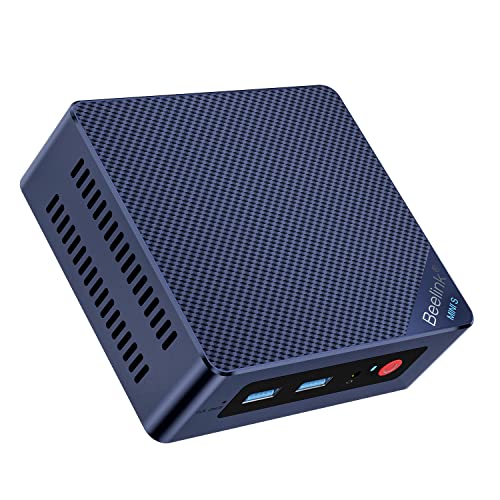
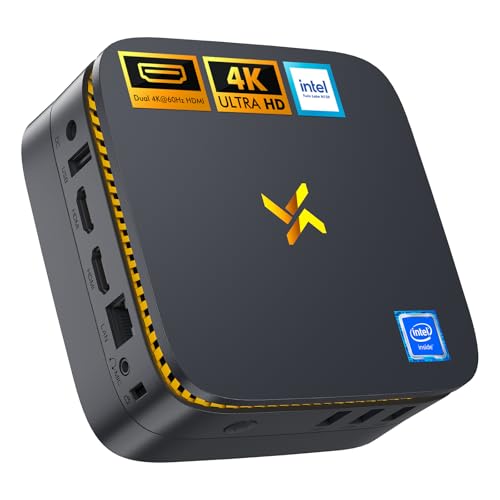
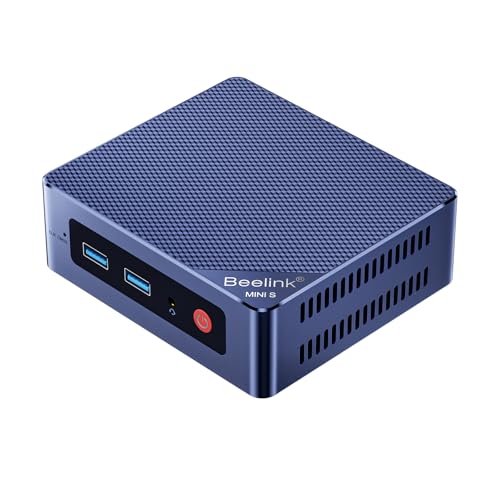
Intel N150 mini PCs bring incremental improvements to compact computing, with greater efficiency and a slight boost in multitasking headroom. UK buyers must consider performance, expansion, connectors and warranty. Follow this guide for practical tips and decision points that matter when shopping for a N150 mini PC, from technical detail to value assessment and configuration.
Processor Performance and Practical Usage
The Intel N150 processor is a modest advance on the N100, delivering better burst speeds for multitasking and slightly heavier tasks like photo editing or multi-tab browsing. When comparing models, make sure the listing or documentation clearly states that it uses the N150 chip and not the older N100 or an unrelated part, as physical designs may look identical.
Evaluate RAM and SSD: a minimum of 8GB RAM is preferred, 16GB is better for heavy browser users. SSD capacity of 256GB suffices for basic needs; more is ideal for media or office data. Some mini PCs allow one or two storage drives—review expansion opportunities in manuals and check if a blank slot is easily accessible or requires disassembly.
Port Selection and External Compatibility
Mini PCs in this class often come with a richer selection of ports. Scrutinise the product listing for specifics: USB4 or Thunderbolt is rare but valuable if present. Check HDMI versions (for 4K60 support), USB-C details and audio outputs, especially if you plan to use multiple displays, legacy kit or fast external SSDs.
For users needing multiple screens, confirm the maximum number of supported displays at their highest resolutions. If the system will be the heart of your workspace, scrutinise reviews and photos for supported monitor arrangements. Cable and adaptor requirements vary, so plan the cabling before committing. For network needs, standard gigabit Ethernet and Wi-Fi 6 are generally present, but always check.
Form Factor, Noise and Build Quality
N150 mini PCs maintain a compact footprint. If you work in tight spaces or want a tidy setup, verify if the model supports VESA mounting and check the kit is included. Standard weights are under 1kg. Physical build affects cooling and durability: higher-end SKUs may offer metal cases, improving passive cooling over low-cost plastic shells used in economy versions.
Fan and noise level should be considered, especially for bedrooms or studios. Read reviews about operational noise and temperature management. Manufacturers occasionally state decibel levels under load. Continuous, fanless cooling designs are better for quiet spaces but may cost more. For reliability, assess if the design is rated for extended operation, as lower-tier builds might not withstand constant use.
Price Comparison and Purchase Advice
As UK pricing often fluctuates, always check final total at checkout—including VAT and all delivery charges. Verify the source: for Amazon, note whether fulfilment is by Amazon or a third-party seller, as this changes returns and consumer service options. Seek models with UK plugs, especially when buying from imported EU or CN stock, by reading listing details or asking the seller directly.
Create a checklist for price versus lifespan: Example—A £215 mini PC offers 8GB RAM/256GB SSD, 2x HDMI, UK plug; another at £240 provides 16GB RAM, 512GB SSD and three video outputs. The second option may cost more upfront but avoids future upgrades, so factor total ownership costs and support length. Always read user feedback for real-world reliability and support experiences.