Intel N100 mini PCs provide efficient, entry-level computing in a compact form, well-suited for home offices and basic media duties. UK shoppers must scrutinise each model’s configuration, connectivity and genuine value. This guide distils critical aspects, from hardware selection to warranty and practical purchasing advice, supporting you to select the best N100 mini PC for your needs.
Evaluating Hardware Specifications
The Intel N100 processor excels in low-power computing tasks like web browsing, office suites and media playback. For smooth experience, choose a model with at least 8GB RAM and a 256GB SSD. Read the precise RAM and SSD type in listings—some use LPDDR5 soldered memory (not upgradeable), while others support SO-DIMM slots or 2.5-inch/PCIe M.2 SSD upgrades.
If you might later require higher performance, review models for SSD expansion or memory upgrade options. Some N100 mini PCs offer two storage slots (one SATA, one NVMe), letting you increase storage affordably. Reference the official model documentation for upgrade instructions, as design complexity and warranty implications may differ between brands and product lines.
Connectivity and Networking
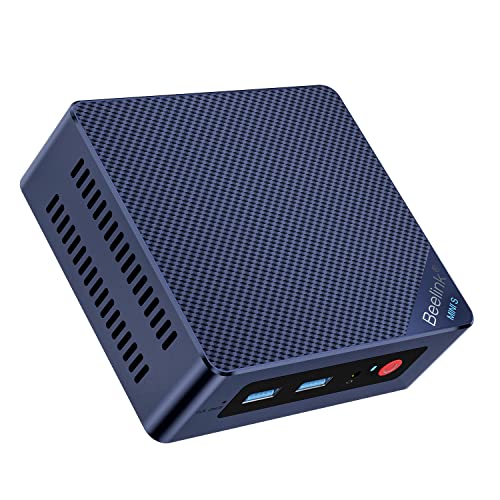
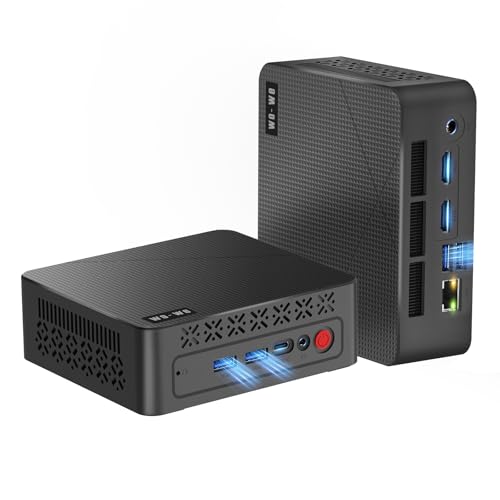
Connectivity matters for everyday usability. Standard N100 mini PCs should feature a mix of USB-A, USB-C, HDMI and possibly DisplayPort outputs. Confirm whether your target model supports dual or triple monitors and matches your display’s ports and cable types. If you use older displays, ensure at least one output matches or budget for adaptors.
Networking options are crucial in many environments. Look for built-in dual-band AC or Wi-Fi 6 plus gigabit Ethernet for fast local connections. If you require remote access or IP-based management, check if the model supports Wake-on-LAN or BIOS-level controls. UK listings should clearly state included adaptors and whether the mains plug is the correct three-pin UK standard.
Operating Environment and Form Factor Considerations
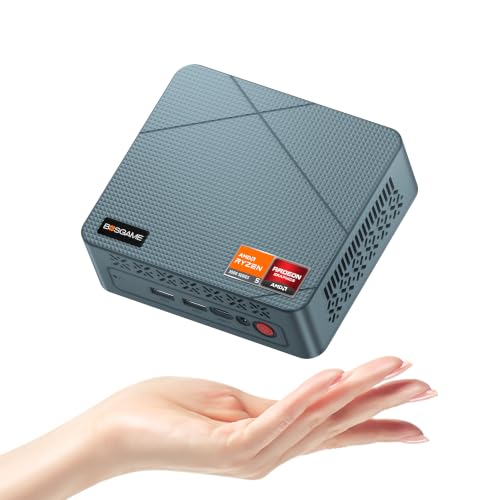
N100 mini PCs run very quietly and generate minimal heat. For compact workspaces, verify the unit’s precise dimensions—some are tiny enough to VESA-mount behind a monitor. Check weight if portability is a requirement. Read user reviews on build materials and cooling performance; budget models often use plastic shells, while higher-end units may have metal cases for better heat dissipation.
If long-term use is envisioned, prioritise models with passive or very quiet fans to avoid distraction. For always-on environments (media servers or digital signage), confirm that the casing design supports 24/7 operation, as continuous loads could stress weaker models. Manufacturers’ documentation usually discloses rated usage scenarios and cooling limits—take note before committing.
Assessing Value and Purchase Conditions
For UK buyers, assess price including VAT and shipping at checkout. On Amazon.co.uk, analyse whether the seller is direct Amazon or a third party; this may affect returns policy and support levels. Seek out bundled offers with extended warranty, pre-fitted Windows licences or keyboard/mouse accessories when they suit your needs, as these sometimes offset modestly higher headline prices.
Before you buy, compare at least three N100 mini PCs with your preferred configuration. List models, RAM, SSD, port count and support terms. Factor in intended lifespan and upgrade needs. For example: Model 1, 8GB/256GB, UK support, £175; Model 2, 12GB/512GB, EU warranty only, £170; Model 3, 16GB/512GB, UK support, £200. Choose based on the feature checklist, upgrade path and your support preference.