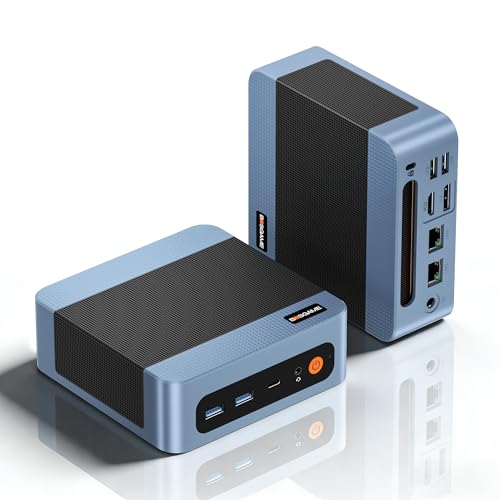
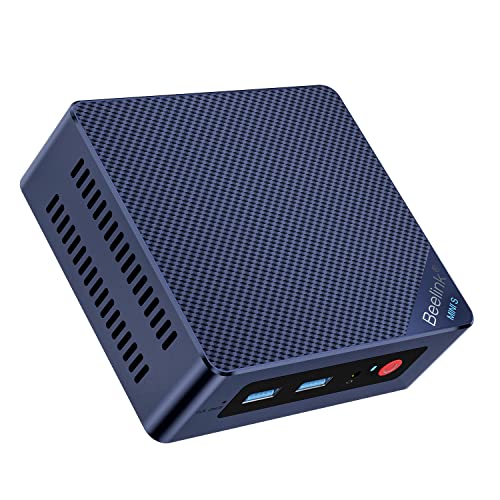
Mini PCs offer a compact alternative to traditional desktops for UK buyers, with significant space and energy savings. Selection involves comparing performance, connectivity and value for money. This guide outlines key considerations from processor choice and memory to storage, ports and after-sales support, helping you confidently choose a mini PC that meets your specific requirements and expectations.
Assessing Performance & Use Case
Start by matching the mini PC’s performance to your intended workload. Entry-level models with Celeron or Pentium chips suit browsing and office work, while Core i5, Ryzen 5 or higher are better for media editing, multitasking or light gaming. Always confirm the processor model in the product page and check independent benchmarks to estimate real-world results for your software and usage habits.
Look into the memory and storage fitted. For Windows 11 and general productivity, 8GB of RAM is a sensible minimum; 16GB allows for heavier multitasking. SSDs deliver much faster boot and load times than hard drives. If upgradability is needed, inspect whether the model allows for RAM or storage expansion and verify what slots and form factors are provided.
Connectivity & Expansion Options
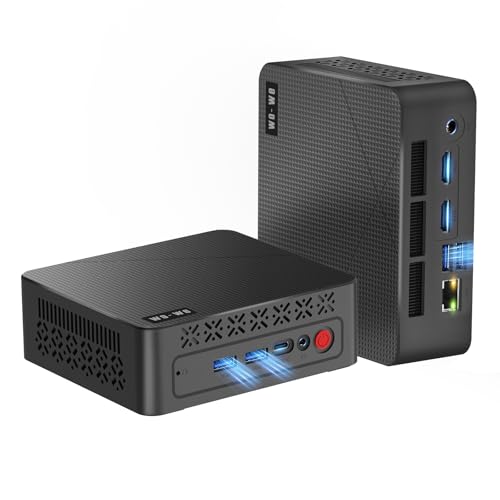
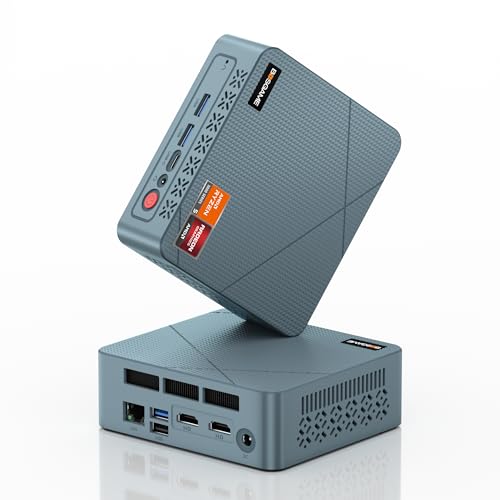
Mini PCs offer a variety of ports. Check the listing for the number and type of USB, HDMI or DisplayPort outputs to ensure compatibility with your devices. For dual or triple monitor setups, verify graphical outputs. If networking is crucial, look for gigabit Ethernet, Wi-Fi 6, or even a 2.5GbE LAN on newer models, ensuring each matches your router and network requirements.
Some mini PCs support internal expansions, such as adding a second SSD or upgrading Wi-Fi modules. Check the model documentation for detailed manuals showing internal layouts and expansion limits. Note the power adapter requirements: UK-sold mini PCs should ship with the correct 3-pin UK plug. Always read reviews or product Q&As to confirm the adapter and power supply’s specifications for peace of mind.
Operating System, Warranty & Support
Pay attention to whether the mini PC includes a pre-installed operating system. Some units come with Windows or Linux, others ship bare. If you need Windows, check if the licence is full or trial, as this affects ongoing costs. Review the vendor’s returns policy, both from Amazon and the manufacturer, including warranty duration and support arrangements in the UK.
Warranties on mini PCs commonly range from one to three years. For easier future servicing, favour models with UK-based support or partner service centres. Consider after-sales support rating and online resources, especially if you plan on upgrading components later. Registration and documentation can make warranty claims smoother, so save all purchase evidence and register promptly if the vendor requests.
Budgeting & Evaluating Value
To assess value, compare models by performance, features and included accessories. Total price is base cost plus VAT and shipping. Some Amazon listings show third-party sellers, so check their ratings and whether the item fulfils from the UK, as that influences returns and customer service options. When offers are available, weigh if short-term discounts apply only to selected configurations or older stock.
Weighing price versus future requirements is crucial. For example, for a small office, a £250 model with 8GB RAM and a 256GB SSD may seem appealing, but if likely to need 16GB RAM and 1TB storage soon, a £320 version with those specs and a robust support policy may prove more cost-effective over time. Create a checklist of essential and desired features before comparing offers and reading user feedback.