Firewall appliances provide dedicated network protection for businesses and demanding home users, offering security and routing features beyond consumer routers. Selecting the right model involves considering throughput needs, software options, port count and power consumption. This guide covers critical buying criteria, alternative options and documentation details to check before finalizing a firewall appliance purchase.
Hardware Architecture and Performance Tiering
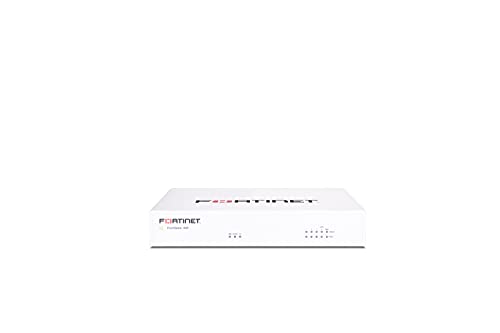
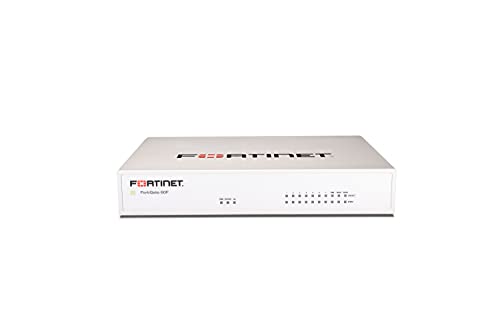
Firewall hardware ranges from compact fanless boxes for SOHO use to rackmount appliances for large networks. Hardware specs directly affect security throughput and simultaneous connection capacity. Entry-level models may suffice for gigabit home connections, while multi-gigabit lines target business or data center deployment. Check the product’s CPU, RAM, and whether it’s x86- or ARM-based.
Vendor documentation should specify rated throughput for basic stateful firewalling versus performance when features such as deep packet inspection or VPN are enabled. Some appliances offer hardware acceleration for cryptography or packet filtering. Compare official figures for firewall throughput, VPN throughput and maximum simultaneous sessions, and validate these against your network’s current and projected requirements.
Software Compatibility and Preinstallation
Some firewall appliances ship with preinstalled open-source systems such as pfSense, OPNsense, or Untangle, while others come bare for user installation. If you need built-in software, review which version is installed and what features it includes at no extra charge. For bare appliances, prepare installation media and confirm device driver compatibility beforehand.
Check the hardware compatibility list for your chosen firewall operating system. Verify that the appliance’s network adapters, storage and peripherals are fully supported and that regular updates are available. Consult the vendor’s documentation and forums for user experiences regarding firmware updates, driver issues or special configuration requirements.
Port Count, Interfaces and Networking
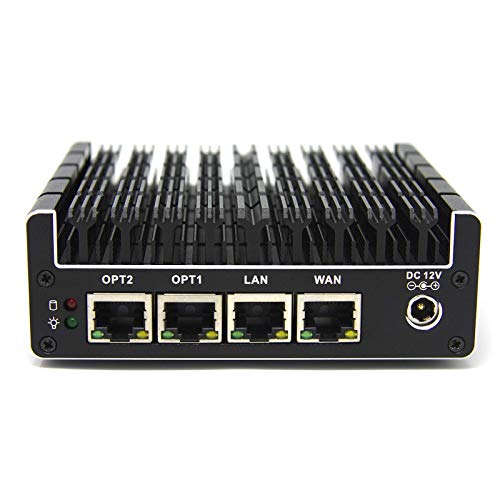
Firewall functionality depends on physical port layout. Review the number and types of Ethernet ports—some compact models offer two to four gigabit ports, while enterprise appliances may feature multi-gig or SFP+ fiber. Port speeds must match your internet connection and internal wiring—don’t bottleneck multi-gig links with gigabit-only hardware.
Check each port’s labeling and mapping in documentation—assignments like LAN, WAN or OPT interfaces matter for firewall rules. Also consider expandability: higher-end models allow modular network cards for additional connections. Product listings and user manuals should provide a port diagram. Verify inclusion and length of any cables or accessories needed for deployment.
Expansion, Power and Noise Considerations
Some firewall appliances support memory upgrades or SSD swaps for higher logging throughput or VPN storage. However, many compact systems are closed-box with non-upgradeable RAM or eMMC. Check the product’s service manual or teardown resources for upgrade instructions and supported parts.
Noise and power needs vary widely. Silent, fanless units are desirable in home environments, but rackmount units with active cooling are standard for enterprise. Power supply requirements—barrel connector, Power over Ethernet or redundant PSU—should be validated in the product’s official datasheet to avoid surprises during installation.