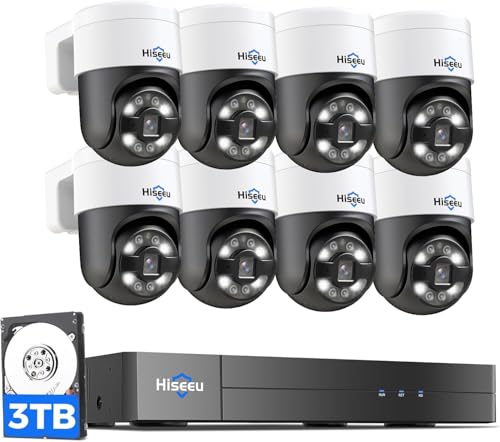
PoE cameras Black Friday Deals 2026

Amazon US · USDAmazon sale dates · Nov 19–30, 2026

Amazon Black Friday deals

As an Amazon Associate we earn from qualifying purchases. Prices and availability are accurate as of the time indicated and may change. The price and availability displayed on Amazon at the time of purchase apply.

Product and offerAmazon price
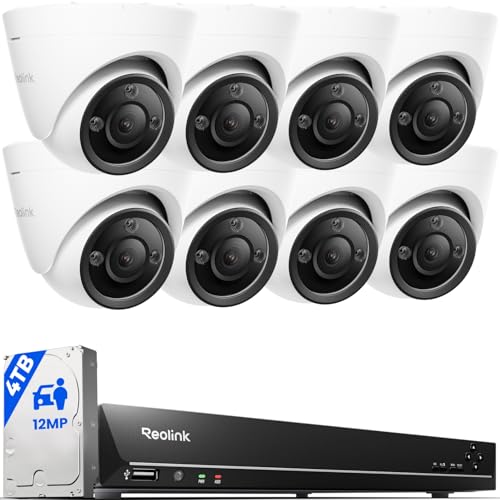
$959.99List Price $1,599.99Checked
Buy on Amazon
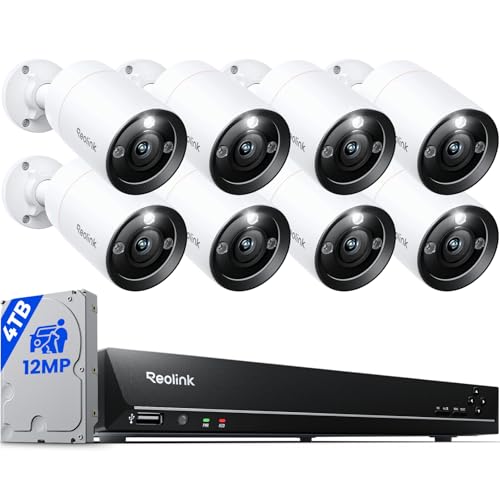
$137.99List Price $229.99Checked
Buy on Amazon
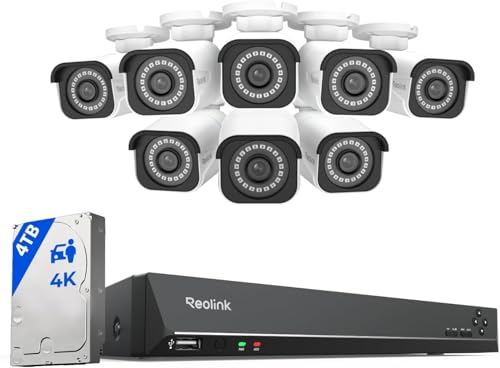
$999.99List Price $1,599.99Checked
Buy on Amazon
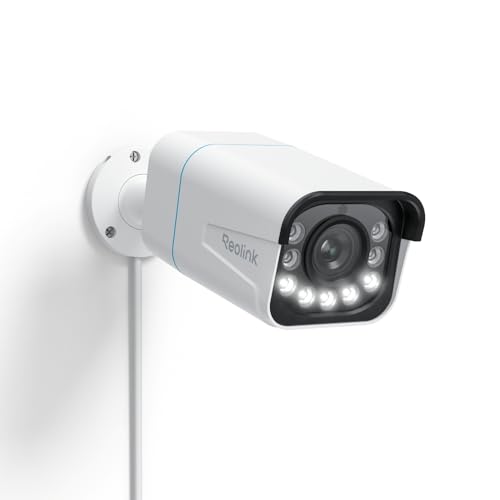
$131.99List Price $199.99Checked
Buy on Amazon
$509.99List Price $749.99Checked
Buy on Amazon
$879.99List Price $1,259.99Checked
Buy on Amazon
$879.99List Price $1,259.99Checked
Buy on Amazon
$97.99List Price $139.99Checked
Buy on Amazon
$419.99List Price $542.99Checked
Buy on Amazon
$419.99List Price $542.99Checked
Buy on Amazon
$293.99List Price $379.99Checked
Buy on Amazon
$59.49List Price $74.99Checked
Buy on Amazon
$59.49List Price $74.99Checked
Buy on Amazon
$367.99Typical price $459.99Checked
Buy on Amazon
$107.99List Price $134.99Checked
Buy on Amazon
$31.99List Price $39.99Checked
Buy on Amazon
$549.99List Price $659.99Checked
Buy on Amazon

Regular listings

Buying guide

Power-over-Ethernet (PoE) cameras streamline setup by combining power and data through a single network cable. Ideal for robust and reliable installations, PoE cameras avoid reliance on Wi-Fi or separate power sources. Effective buying means verifying network capabilities, ensuring standards compliance, and understanding installation requirements. This guide offers a complete checklist and comparison points to select the right PoE camera system.

Understanding PoE Standards and Compatibility

PoE cameras use IEEE 802.3af (PoE), 802.3at (PoE+), or 802.3bt standards, each providing different power levels. Always confirm your switch or injector supports at least the standard required by your chosen camera. For instance, PTZ (pan-tilt-zoom) models or cameras with heaters might require PoE+ or PoE bt.

Use the product’s model code and vendor documentation to confirm the needed standard. Check both your network hardware—switches and injectors—and camera to ensure full compatibility. Mixing non-matching standards can lead to underpowered devices and reliability issues, so always double-check cable length and power draw figures.

Network Planning and Cabling Decisions

Plan cable runs carefully: standard Cat5e or better cables support up to 100 meters for PoE. Ensure your switch has enough spare ports and adequate total power budget for the camera count. For outdoor runs or locations with electrical interference, shielded cabling may be required for signal integrity and durability.

A clear connection map helps. Both endpoints—camera and switch—must use compatible connectors and standards, and longer, complex runs may need patch panels or intermediate junctions. Reference both the camera and infrastructure documentation for certified cable types and detailed installation guides. Buying shorter cables or pre-terminated outdoor-rated cable can simplify installation.

Key Camera Feature Considerations

Compare cameras by sensor resolution, night vision technology (IR LEDs or lowlight sensors), weather rating, and supported ONVIF profile. Cameras advertising ONVIF Profile S or Profile T typically offer better NVR interoperability. Look for features like H.265 video compression, which lowers network and storage usage without sacrificing image quality.

In addition to single cameras, multi-packs may offer a better per-camera cost for larger deployments. Always calculate the cost per channel, and check if the cameras are individually boxed and include mounts or required accessories. Can the model accept a memory card for backup? Check physical documentation or listing details to confirm.

Checklist: Before Buying a PoE Camera

Before ordering, verify the following: PoE standard compatibility, cable distance from switch to camera, weatherproof rating for outdoor models, night vision performance, field of view, and mounting options. Use the exact product code to find downloadable installation manuals and compatibility lists on the manufacturer’s site.

Also, explore vendor support and warranty terms in case of early hardware failure or compatibility problems. Consider if NVR support is needed now or in the future. Work through an example: for four outdoor PoE cameras, ensure your PoE switch can simultaneously power all, each cable run is within length limits, and NVR firmware officially lists these camera models or ONVIF version.

Frequently asked questions

Can I connect a PoE camera directly to my router?

Only if your router has built-in PoE ports, which is rare. Otherwise, use a PoE switch or injector. Always confirm the camera’s PoE voltage and power needs against your network gear.

Do all PoE cameras work with all NVRs?

Not always. Look for ONVIF compliance or verified model support in both device manuals. Proprietary protocols or passwords may restrict full feature interoperability with third-party NVRs.

Related Black Friday guides

Browse all Black Friday categories