Security cameras Black Friday Deals 2026

Amazon US · USDAmazon sale dates · Nov 19–30, 2026

Amazon Black Friday deals

As an Amazon Associate we earn from qualifying purchases. Prices and availability are accurate as of the time indicated and may change. The price and availability displayed on Amazon at the time of purchase apply.

Product and offerAmazon price
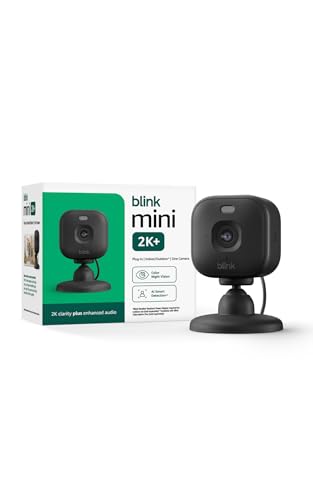
$104.99Bundle Was Price $349.98Checked
Buy on Amazon
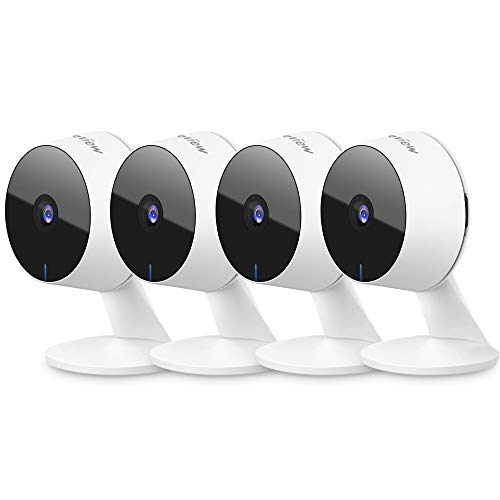
$65.99List Price $189.99Checked
Buy on Amazon
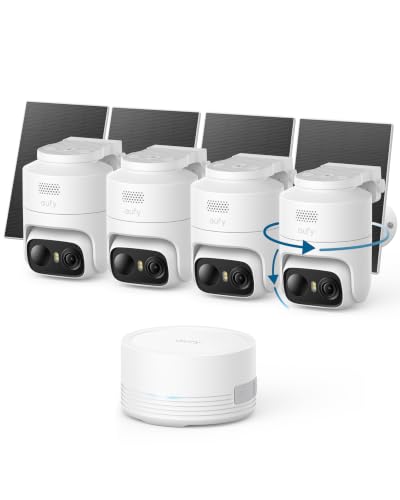
$44.99Typical price $129.99Checked
Buy on Amazon
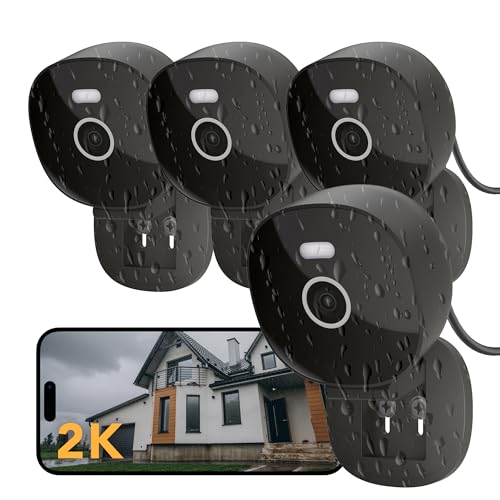
$15.99Typical price $39.99Checked
Buy on Amazon
$47.49List Price $99.99Checked
Buy on Amazon
$259.99List Price $449.99Checked
Buy on Amazon
$52.98List Price $87.98Checked
Buy on Amazon
$227.99List Price $339.99Checked
Buy on Amazon
$16.99List Price $24.99Checked
Buy on Amazon
$176.99List Price $255.99Checked
Buy on Amazon
$879.99List Price $1,259.99Checked
Buy on Amazon
$18.97Typical price $24.99Checked
Buy on Amazon
$18.98Typical price $24.99Checked
Buy on Amazon
$48.73Typical price $59.99Checked
Buy on Amazon

Regular listings

Buying guide

Choosing the right security camera involves balancing image quality, connectivity, and feature set. Today’s models range from basic entry-level units to advanced, AI-powered systems. Buyers need to evaluate camera compatibility, power requirements, recording options, storage support, and environmental durability to make an informed purchase. This guide outlines the practical comparison points and key decisions for selecting a security camera system.

Understanding Security Camera Features

The two main camera types are indoor and outdoor, with outdoor needing weather resistance (commonly IP65 or better) and possibly night vision. Higher resolution, such as 4MP or 4K, provides clearer images but requires more network and storage capacity. Motion detection, two-way audio, and low-light performance are also vital features and should be clearly listed in the official product documentation.

Wireless versus wired options affect installation and reliability. Power-over-Ethernet (PoE) cameras simplify cabling by combining power and data. Wireless alternatives often need stronger Wi-Fi and may require more regular maintenance due to battery reliance. Always verify which connectivity is supported and compatible with both your home’s layout and your recording infrastructure.

Recording and Storage Considerations

Security cameras typically use either cloud storage, microSD cards, or network video recorders (NVRs). Cameras that support NVR or ONVIF standards are preferable for expandability, as they allow you to add cameras or swap brands without being locked into a single ecosystem. Account for monthly cloud fees and local storage overwrite policies when comparing long-term costs.

If considering onboard storage, check the maximum supported card size, which can range from 32 GB to 256 GB or more for higher-end cameras. Recording modes (continuous versus motion-triggered) drastically affect how much storage is needed. Always read the technical specifications to verify compatibility and coverage before purchasing extra storage or accessories.

Integration and Monitoring Differences

Many modern cameras support integration with smart home platforms like Alexa, Google Assistant, or Apple HomeKit. Compatibility depends on both brand and model, so confirm in listings or the documentation which integrations actually work. Some features, such as person detection or package alerts, may require specific software versions or paid plans.

Remote monitoring is often available through iOS and Android apps, allowing real-time notifications and playback. Make sure to check which apps are available and the exact app required, as third-party or rebranded options may lack some features. Look for supported streaming resolutions and browser compatibility if you plan to monitor from a desktop setup.

Checklist: Making Your Security Camera Decision

Start by making a checklist of placement locations, indoor/outdoor needs, and any physical constraints. Verify the needed power and connectivity type for each location, ensuring your home’s infrastructure is compatible. Next, decide if you prefer stand-alone devices or expandable setups using NVRs. Analyze your storage preferences: whether cloud, onboard, or hybrid models fit your budget and privacy expectations.

Finally, review each model’s warranty and support policy. For example, check if the vendor provides firmware updates, as this can affect both security and longevity. Reading reviews from verified users and confirming compatibility using the precise model code in the official documentation can help avoid compatibility surprises and support headaches in the future.

Frequently asked questions

How do I check if a security camera will work with my existing NVR?

Locate the NVR’s supported protocols, usually ONVIF or brand-specific. Then, confirm the camera explicitly lists support for the same standard and version in its specification sheet or documentation before purchase.

Are higher-resolution security cameras always better?

Higher resolutions offer finer detail, but also demand more bandwidth and storage. If network speed or available storage is limited, a lower-resolution model with good optics and night vision may give better real-world results.

Related Black Friday guides

Browse all Black Friday categories