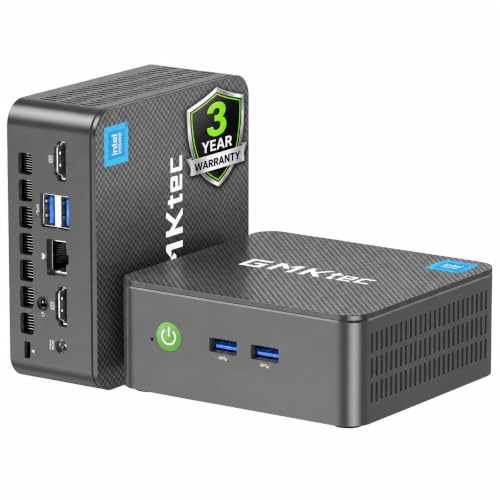
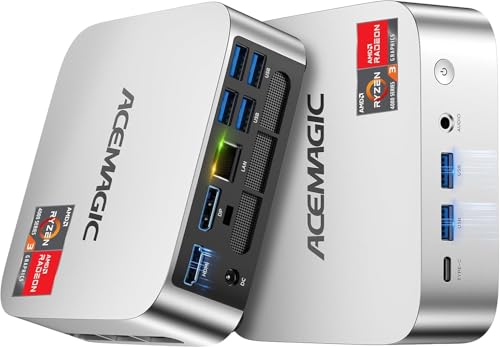
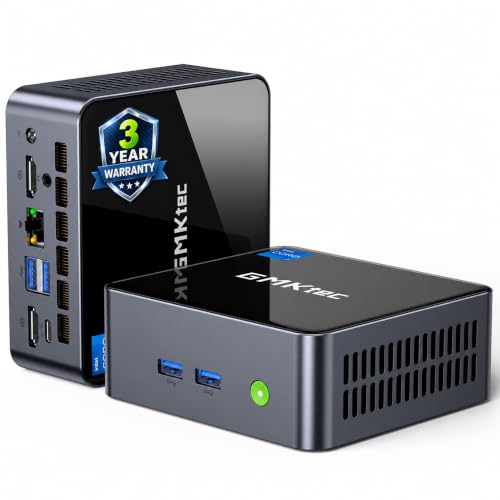
Compact desktops allow for efficient computing in tight spaces, combining performance with a small footprint. On Cyber Monday 2026, buyers in the US can find appealing offers on mini PCs, but should carefully evaluate hardware, expansion, and the exact Amazon listing details to ensure the PC suits their performance needs and physical space.
Model Identification and Compatibility
Always begin by confirming the exact model number in the Amazon title and detail sections. For instance, a Beelink SER5 (SER5) may differ in CPU or storage from similar SKUs. Cross-reference these identifiers with the manufacturer's product page for hardware specifics. Compare the processor, RAM, and storage across weekend and Cyber Monday offers, noting if included accessories or operating systems change between listings.
Check connectivity by reviewing all listed ports and wireless features. Modern compact desktops may offer USB-C, HDMI, or Thunderbolt ports for displays and peripherals, but not all ports are equal in speed or support. Confirm monitor compatibility and needed adapters. Pay attention to whether Wi-Fi 6, Bluetooth 5, or Ethernet is included, especially if the unit will be a media hub or part of a compact home office.
Evaluating Expandability and Cooling
Compact desktops often trade internal expandability for size, so verify available drive bays or M.2 slots for future upgrades. For example, an Intel NUC may have an accessible RAM slot while a fanless model could have soldered memory. Check the manufacturer’s documentation for maximum RAM and supported SSD formats, and compare these with stock offers to anticipate upgrade paths and potential costs.
Thermal design impacts both performance and noise. Examine Amazon’s listing photos and technical specs for cooling features: some mini PCs use active cooling (fans) while others rely on passive heatsinks. Fanless models are quieter but may throttle under sustained load. Consider your environment—silent operation may matter in a bedroom or studio, but active cooling can better sustain workloads in home offices.
Comparing Price and Delivered Cost
Before checking out, check if the Amazon offer is a single PC or a multi-pack—some promotions bundle two similar units. Note the subtotal including tax and delivery before hitting buy. Compare this all-in amount to Sunday or prior-weekend pricing for the same SKU. Watch especially for minor changes in included accessories, as a lower price may drop preinstalled memory or Wi-Fi.
Examine the Amazon return window and seller information, especially with third-party merchants offering flash deals. If you see a better price on Cyber Monday, verify that it covers the identical SKU by checking both the model code and technical configuration. Take screenshots of delivered totals for record-keeping, as price adjustments are not automatically applied if prices drop again after you buy.
After the Deal: Setup and Support Steps
After your purchase, read the quick-start and full manuals from the PC brand’s support site using the confirmed model number. Plan your setup steps: update BIOS and drivers, and keep the Amazon order number handy for warranty support. Document the installed OS version, RAM, and SSD to confirm you received the configuration you paid for.
If the deal expires or you missed a preferred configuration, add the SKU to a tracking list or wish list for potential post-event restocks. Sometimes Amazon brings back similar offers in the following days. Be prepared to decide efficiently by keeping your compatibility notes and previous prices handy for rapid comparisons should the offer return.