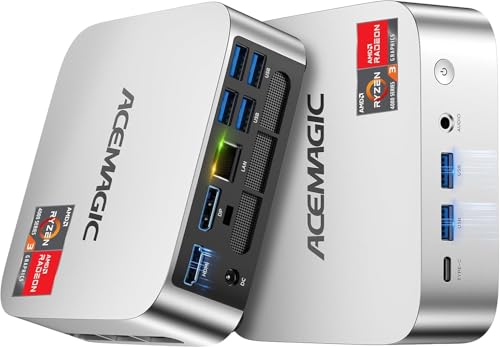
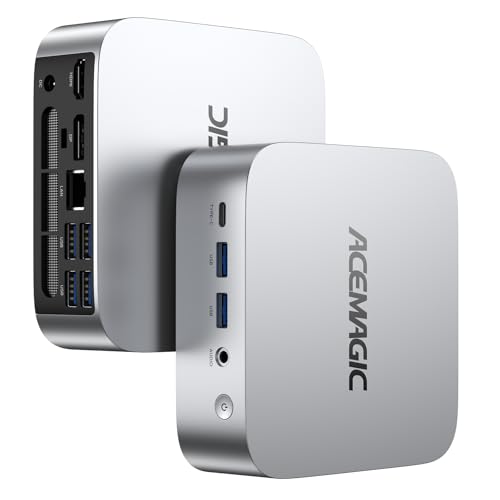
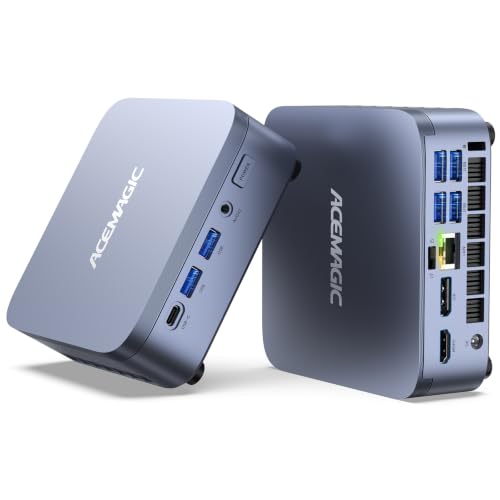
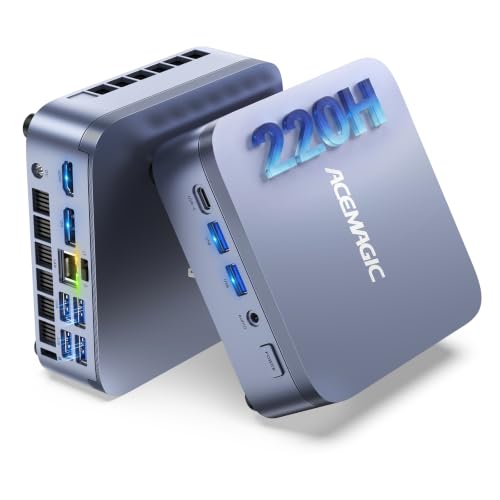
Shopping for an ACEMAGIC mini PC this Cyber Monday? With numerous configurations, it's vital to match the right CPU, memory, and storage to your needs. This guide explains how to verify the best value and compatibility using Amazon.com's listing details and documentation, ensuring you make a smart choice for work or play.
Confirming the Exact ACEMAGIC Model
Each ACEMAGIC mini PC bears a precise model code like AK1 Plus or S1. On Amazon.com, compare the main offer with the product description to verify the chipset, memory configuration, and ports exactly. On high-traffic sales days, listings can change or include multiple options. Check for dropdown selection errors before checkout to ensure you receive the configuration you expect.
If you spotted a model such as the ACEMAGIC S1 with 16GB RAM and a 512GB SSD on Saturday, use your browser history or Amazon’s recent views to compare the specifications, included accessories, and shipping totals on Cyber Monday. Sometimes, different sellers post similar SKUs with small changes in RAM, bundled mouse or OS, which can affect the delivered price and suitability for your setup.
Processor Type and Intended Use
ACEMAGIC mini PCs may feature Intel or AMD CPUs, even within the same chassis series. Verify the product title and technical details for the exact chip, such as N5095, i5-12450H, or Ryzen 5 5500U. For basic office tasks, lower-core chips suffice, but content creation, virtualization, and multitasking benefit from higher thread counts and newer architectures.
If gaming or creative work is a goal, check the system’s integrated GPU capabilities. Some Intel Celeron and Pentium models are only suited for light browsing, while models with Ryzen 5 or Intel Core i5/7 support basic photo editing and moderate games. Consult the model’s documentation for supported resolutions and monitor compatibility, since HDMI or DisplayPort options may differ.
RAM, Storage, and Upgrade Options
Listings often highlight memory and storage, but upgradeability varies between models. Confirm in the Amazon description and user manual whether the ACEMAGIC mini PC allows RAM upgrades or SSD swaps. Many entry-level systems have soldered RAM, restricting future expansion, while higher-end models offer SODIMM or NVMe slots. This impacts long-term value and usability.
Compare total delivered prices for different listed configurations. For example, one ACEMAGIC S1 may include 8GB RAM and a 256GB SSD, while another offers 16GB/512GB for slightly more. Calculate the real cost per gigabyte when considering upgrades, including the possibility of adding your own SSD if the model permits. Avoid misleading bundle listings lacking clarity on RAM slot access or included drives.
Connectivity, Power, and After-Sale Considerations
Check the physical port selection and supported Wi-Fi standards. Confirm whether the ACEMAGIC mini PC supports Wi-Fi 6, Bluetooth, and displays via HDMI, DisplayPort, or USB-C. Some models offer only legacy USB or VGA, which may not fit modern monitors. Review user manual PDFs or the manufacturer site to confirm your existing cables and peripherals will work smoothly.
After-sale support and warranty coverage can vary with different sellers on Amazon.com. Inspect the listing for explicit warranty terms, such as one-year coverage, and note the returns window. If the listing has changed on Cyber Monday or your preferred option expires, assess whether to wait for future events or buy an alternate configuration with similar specifications. Exact model documentation helps avoid mismatched accessories or unsupported RAM modules.