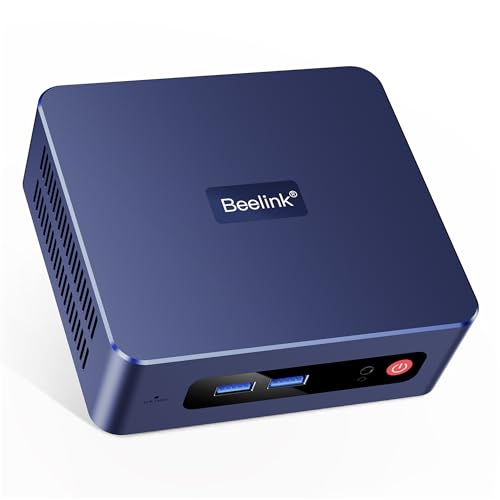
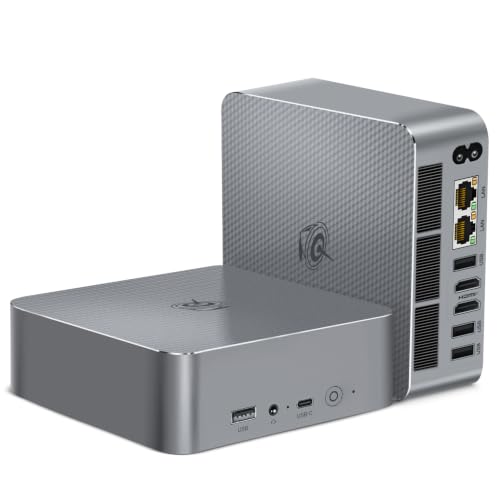
Beelink mini PCs come in many variants suited to home and office tasks, but comparing Cyber Monday listings on Amazon.com requires care. This guide highlights how to match the right CPU, memory, and expandability for your needs, and details key steps for verifying listings, calculating delivered prices, and making smart upgrade decisions.
Model Variants and Listing Accuracy
Beelink offers popular models like SER5, GTR7, and U59 with varying CPUs and specs. Search for the precise model name and confirm the processor generation in both the Amazon listing title and technical specs. Variants sometimes share case designs, so verify you are looking at the intended configuration, not a lower or higher tier sold with similar photos.
If you saw a SER5 with Ryzen 5 5500U, 16GB RAM, and 512GB SSD over the weekend, check if the exact same SKU and price appears on Cyber Monday. Review possible changes in bundled software, accessories, or seller eligibility. Always compare the delivered total, since taxes or fulfillment methods can differ between sellers and affect your final cost.
Processor, Graphics, and Use Case
Beelink mini PCs use both AMD and Intel CPUs. Check the listed model for exact processor type, like Intel i3-1215U or Ryzen 7 7840HS, noting core count and cache for your workload. Integrated Radeon graphics in Ryzen chips outperform entry-level Intel UHD graphics, making them preferable for light gaming or basic content creation.
If your workflow includes video playback or light editing, confirm HEVC or hardware video decode from the chip’s official documentation. Amazon listings can be variable about graphics output, so check the actual number and type of HDMI or DisplayPort outputs. Ensure your desired monitor and cable type are supported by the exact model you plan to purchase.
Memory, Storage, and Upgradeability
Many Beelink mini PCs offer dual SODIMM RAM slots, but some lower-end models have RAM soldered. Always check the full tech specs and linked Beelink documentation before expecting to upgrade memory. For SSD storage, verify the supported format (NVMe or SATA), maximum capacity, and whether an extra slot is present for a second drive.
When weighing two similar listings, one with 8GB RAM and 256GB SSD versus another with 16GB/512GB, compare the dollar-per-gigabyte and expected future upgrade costs. Sometimes, paying a little more upfront saves time and effort later. Confirm the listing’s details about included accessories and OS, as some budget models ship without preloaded Windows.
Ports, Networking, and Power Supply Checks
USB, Ethernet, and display options vary significantly on Beelink systems. Check the product description for USB-C, USB 3.2, and LAN port speeds to ensure suitable external drive and network performance. Higher-end models may include 2.5Gbps Ethernet or Thunderbolt-compatible USB-C, while budget systems may only offer Gigabit LAN and standard USB-A ports.
For Wi-Fi, confirm whether the mini PC supports Wi-Fi 6 or only Wi-Fi 5 based on model documentation, as wireless speed may limit your setup. Double-check that the included power supply matches US voltage and plug type. If a sale listing expires or a configuration changes, review warranty and service support, and compare close alternatives before committing, especially if peripherals are involved.