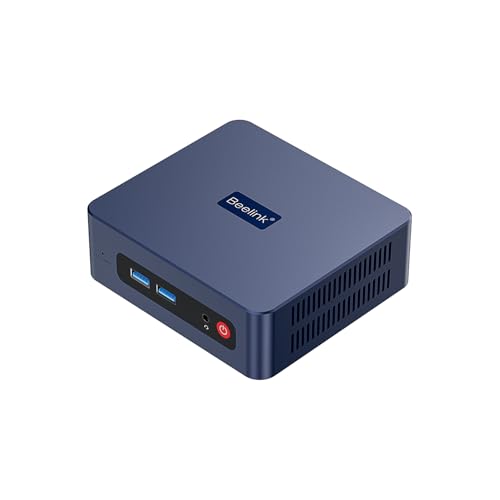
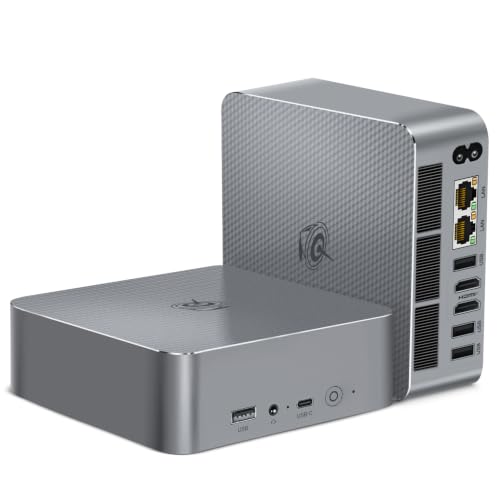
Beelink mini PCs Black Friday Deals 2026

Amazon US · USDAmazon sale dates · Nov 19–30, 2026

Amazon Black Friday deals

As an Amazon Associate we earn from qualifying purchases. Prices and availability are accurate as of the time indicated and may change. The price and availability displayed on Amazon at the time of purchase apply.

Amazon hasn’t reported a Black Friday deal for these listings. Check Amazon

Regular listings

Product and offerAmazon price
$189.00Checked
Buy on Amazon
$194.00Checked
Buy on Amazon
$199.00Checked
Buy on Amazon
$239.00Checked
Buy on Amazon
$279.00Checked
Buy on Amazon
$299.00Checked
Buy on Amazon
$299.00Checked
Buy on Amazon
$299.00Checked
Buy on Amazon
$333.93Checked
Buy on Amazon
$349.00Checked
Buy on Amazon
$349.00Checked
Buy on Amazon
$399.00Checked
Buy on Amazon
$404.00Checked
Buy on Amazon
$414.00Checked
Buy on Amazon
$439.00Checked
Buy on Amazon
$489.00Checked
Buy on Amazon

Other Amazon promotions

Product and offerAmazon price
$239.00Typical price $259.00Checked
Buy on Amazon

Buying guide

Beelink mini PCs deliver flexible computing in compact designs ideal for small workspaces, entertainment centers, and home labs. The variety of processor options and configurations means buyers should weigh performance, expandability, and connectivity. Careful comparison of model codes, specs, and builder documentation is essential to choose the right Beelink mini PC for your needs and environment.

Core Hardware and Model Selection

Beelink mini PCs feature a broad range of CPUs, from Atom-class chips to recent Intel Core or AMD Ryzen processors. Always identify the exact processor code, such as N5095 or Ryzen 7 5800H, and review benchmark results to gauge real-world capability for your workload. Higher core-count units suit multitasking or light virtualization better than entry-level CPUs.

Memory and storage configurations can vary dramatically. Check the system RAM slot count, whether it is DDR4 or DDR5, and the factory capacity—typically 8GB or 16GB. Determine if the RAM or SSD storage can be expanded. Refer to the specific model’s documentation or teardown guides for upgradability, as some Beelink mini PCs have soldered components while others permit upgrades.

Ports, Networking, and Expansion

For compact desktops like Beelink, connectivity can be limiting or a major advantage depending on the model. Scrutinize product listings for the number of USB, HDMI, DisplayPort, and Ethernet ports. Some models support Wi-Fi 6 or 6E, which is valuable for high-speed wireless usage.

Check video outputs and network compatibility with your gear. Multi-monitor users should verify dual HDMI or other display outputs. Many Beelink units include one or more M.2 slots for SSD upgrades, but always check product documentation for slot type and compatibility before expecting expansion options—particularly if planning to add high-speed NVMe SSDs.

Physical Characteristics and Acoustics

Form factor and noise output matter in office or multimedia settings. Beelink mini PCs are generally designed for minimal desk footprint, but precise case sizes differ. Verify actual dimensions from the technical sheet, especially if placing the PC on a shelf or mounting it behind a monitor.

Thermal designs range from ultra-quiet passively cooled models to standard active solutions with compact fans. Check specifications or trusted reviews for noise ratings at idle and load, typically measured in decibels. Decide on passively cooled models for silent operation, but note such systems may have lower sustained performance under heavy continuous loads.

Checklist for Value and Upgrade Planning

When shopping, build a checklist: desired CPU, minimum RAM, storage type and size, essential ports, wireless or Ethernet needs, and whether upgrades will be needed. Compare like-for-like offers, especially when sellers list both barebones and pre-configured models.

Read listing details for warranty coverage and bundled accessories. Prioritize models with upgradable RAM and storage if you foresee future needs. Significant discounts may justify immediate purchase, but if your desired model is between cycles or lacks required features (e.g., Wi-Fi 6E, Thunderbolt), it may be wise to wait or consider alternatives with clearly documented specs.

Frequently asked questions

How can I verify if my displays are compatible with a Beelink mini PC?

Match the output ports (HDMI, DisplayPort, USB-C) on the Beelink model to your display inputs. Consult the official specs for maximum supported resolution and refresh rate for each output.

Is it possible to use a Beelink mini PC for home servers or NAS?

Many Beelink mini PCs can support basic server or NAS roles if they offer sufficient storage options, RAM, and gigabit Ethernet. Confirm model-specific compatibility with server OS and available expansion before purchase.

Related Black Friday guides

Browse all Black Friday categories