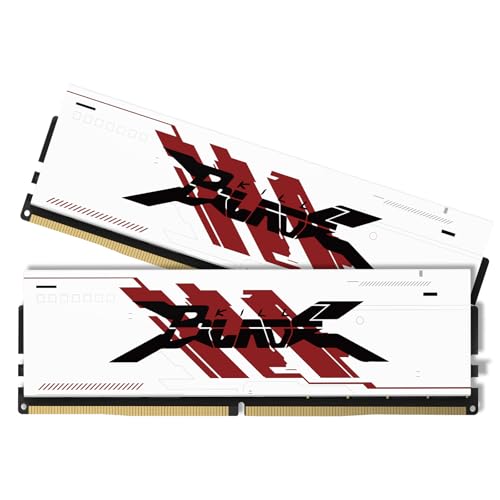
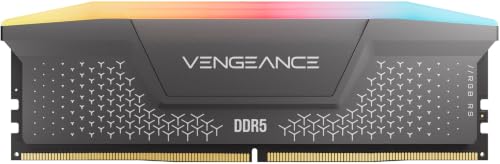
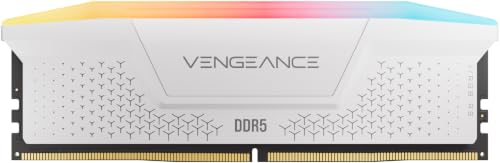
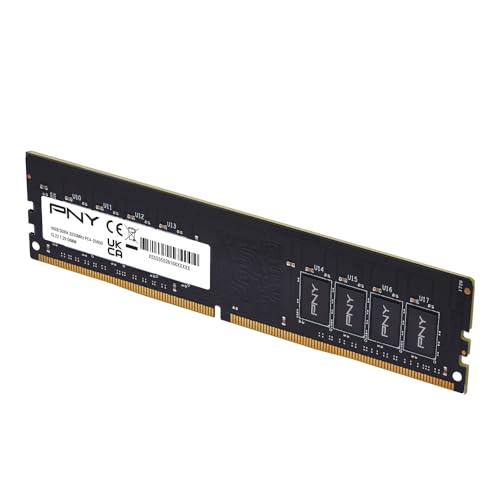
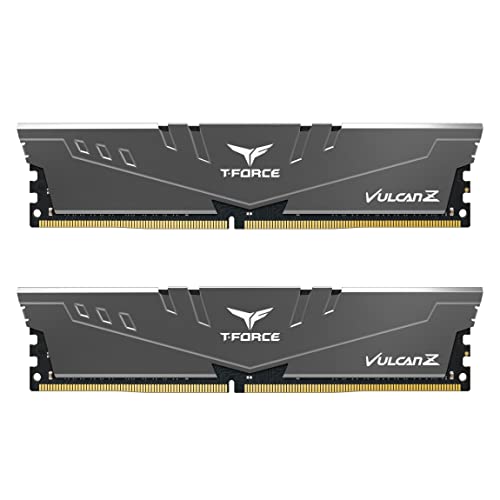
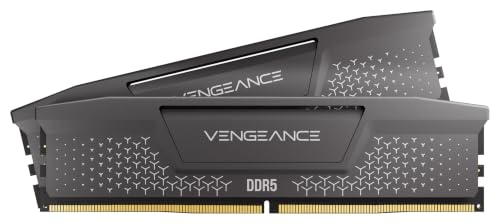
Choosing desktop RAM impacts system responsiveness and stability. Whether upgrading or replacing memory, understanding RAM type, speed, size, and system compatibility is crucial. This guide covers how to interpret RAM listings and documentation, the tradeoffs between different memory kits, and step-by-step advice to confidently select and verify RAM for desktop PCs.
Choosing the Right RAM Type and Speed
Desktop RAM currently comes mostly in DDR4 and DDR5 formats. Always check your motherboard manual or current system documentation for supported RAM type and speeds. Listings will specify DDR version and rated MHz—select RAM that matches your system’s requirements, as faster or newer RAM may not work in older motherboards. Never rely solely on visual inspection; motherboard QVLs confirm compatibility.
Within the correct RAM generation, module speeds—such as DDR4-3200 or DDR5-5600—affect theoretical bandwidth. Faster RAM often improves performance in specific tasks, but practical gains vary by platform and workload. Check if your CPU and motherboard jointly support the RAM's rated speed, otherwise modules may run at default SPD speeds. Detailed specifications in the listing or datasheet reveal actual maximum and tested timings.
Module Capacity, Number, and Channel Configurations
RAM kits often come as single, dual, or quad modules. Dual-channel operation, using matched pairs, offers significant performance benefits in most applications. Check whether your system supports and will utilize multiple channels. Listings will note the number of modules in the kit and per-module capacity—verify that it matches your physical DIMM slots and does not exceed the platform’s maximum.
For total capacity, ensure each stick aligns with your needs and budget. Upgrading from 8GB (2x4GB) to 16GB (2x8GB) is common for modern general-purpose desktops, while creative or professional users may want 32GB or more. Always confirm supported memory configurations and maximum total capacity in the motherboard’s official documentation or QVL before buying high-density or multi-stick kits.
Reading Listings and Avoiding Compatibility Pitfalls
A good listing includes the full module part number, speed, voltage, and timings. Cross-check the model code with the manufacturer's datasheet for detailed specifications, including physical height (for large CPU coolers), specific ICs, and tested platforms. Listings without complete model codes make it difficult to verify compatibility—avoid uncertain offers, especially with premium or exotic memory kits.
When mixing new RAM with existing, ensure all installed modules are the same voltage and ideally identical in model, capacity, and speed to maximize stability. Some motherboards support only certain RAM layouts or may require BIOS updates for the latest memory sticks. Read the product QVL and RAM support list for your exact CPU and mainboard combination to confirm error-free operation.
Worked Example and Pre-Purchase RAM Checklist
Suppose your desktop uses an Intel 12th gen Core i5 and a Z690 motherboard. Check the manual: both DDR4 and DDR5 support possible, but your board is DDR4-only. If buying Corsair Vengeance LPX DDR4-3200 2x8GB (CMK16GX4M2B3200C16), cross-reference the exact kit code in Corsair’s datasheet, confirm supported voltage (1.35V), and test timings, and ensure slot clearance under your CPU cooler.
A checklist for RAM upgrades: Identify motherboard model and supported RAM type; check for maximum supported capacity and per-slot limit; confirm DIMM count; review listings for full part numbers, speed, and timings; and verify heatsink height or RGB fit in your chassis. Buy when RAM types match, clear slots are available, and your platform will utilize the rated speed; otherwise, wait or research further.