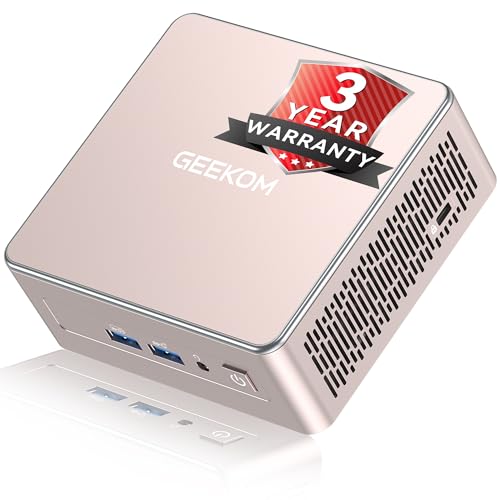
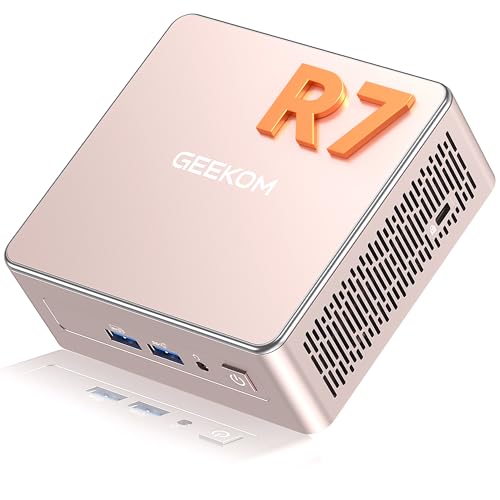
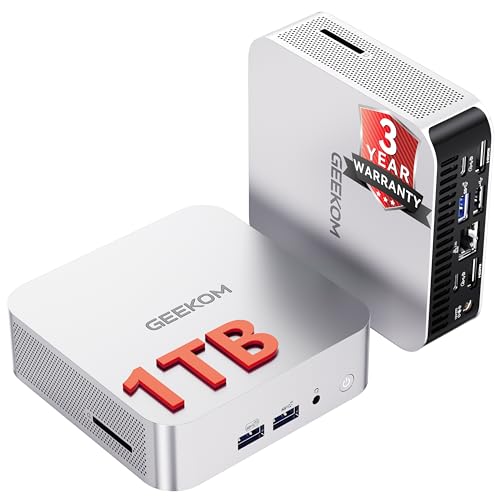
GEEKOM mini PCs Black Friday Deals 2026

Amazon US · USDAmazon sale dates · Nov 19–30, 2026

Amazon Black Friday deals

As an Amazon Associate we earn from qualifying purchases. Prices and availability are accurate as of the time indicated and may change. The price and availability displayed on Amazon at the time of purchase apply.

Product and offerAmazon price
$1,139.00List Price $1,399.00Checked
Buy on Amazon
$699.00Typical price $849.00Checked
Buy on Amazon
$551.65List Price $649.00Checked
Buy on Amazon
$424.15List Price $499.00Checked
Buy on Amazon
$699.00Typical price $799.00Checked
Buy on Amazon
$749.00List Price $849.00Checked
Buy on Amazon
$499.00Typical price $569.00Checked
Buy on Amazon
$499.00Typical price $569.00Checked
Buy on Amazon
$429.00Typical price $479.00Checked
Buy on Amazon
$429.00Typical price $479.00Checked
Buy on Amazon
$499.00Typical price $549.00Checked
Buy on Amazon
$499.00Typical price $549.00Checked
Buy on Amazon
$499.00Typical price $549.00Checked
Buy on Amazon
$649.00List Price $699.00Checked
Buy on Amazon
$1,499.00Typical price $1,599.00Checked
Buy on Amazon

Regular listings

Other Amazon promotions

Buying guide

GEEKOM mini PCs are popular among users seeking reliable desktop performance in a small, quiet package. They serve a range of needs from office tasks and content streaming to software development. Choosing the right GEEKOM mini PC involves verifying CPU, expandability, connectivity, and form factor details in listings and documentation before you buy.

Reviewing Processor and Memory Options

GEEKOM mini PCs are typically offered in several configurations centered on Intel or AMD CPUs. Identify the precise processor model, such as Intel Core i7-1195G7 or AMD Ryzen 7 5800H, and check if integrated graphics (usually Iris Xe or Vega) match your display or lightweight creative needs.

Memory is usually 16GB DDR4 in current models but can sometimes be 8GB or up to 32GB for higher-end units. Confirm from the listing or manual whether RAM is soldered or in SO-DIMM slots, which affects your ability to upgrade in the future. Look for the maximum RAM supported in official documentation.

Verifying Storage and Expansion

GEEKOM models typically ship with fast PCIe NVMe SSDs, which improve system responsiveness. Check the capacity (e.g., 512GB or 1TB) and whether the unit includes additional M.2 or 2.5-inch SATA bays for expansion. Documentation or teardown videos can confirm if you can add drives yourself.

Note the storage interface, especially if you plan to upgrade. NVMe M.2 slots deliver faster speeds than SATA options. When models support tool-free access or don’t void the warranty for storage changes, this can add long-term value. Read the listing and documentation for specific compatibility to avoid surprises.

Ports, Networking, and Display Support

Assess the external connectivity for your peripherals and displays. Common GEEKOM mini PCs offer multiple USB-A, USB-C with display output, HDMI, and Ethernet ports. Confirm the number of each, especially if you need to connect several devices simultaneously.

Verify Wi-Fi standards (AX/Wi-Fi 6 is preferable) and Bluetooth version in the specs section. Check for dual or triple display support, especially if using ultrawide or 4K monitors. The manufacturer’s technical specification page should specify resolutions and refresh rates per output port.

Comparing Models and Deciding When to Buy

For purchase decisions, use a checklist: desired CPU performance, memory (and upgradeability), NVMe or SATA storage, necessary ports, network needs, and dimensions to fit your desk or enclosure. Compare cost per configuration, factoring in included features and expandability.

Review the warranty terms in listings, and check for direct manufacturer support if needed. Wait if a model lacks key features or if newer CPUs are imminent, but do not delay if your needs are clear and the model matches requirements. Review actual model code in the listing, then reference the vendor’s documentation for confirmation.

Frequently asked questions

Can GEEKOM mini PCs be mounted behind a monitor?

Most GEEKOM mini PCs include VESA-compatible mounting hardware or have mounting options listed. Always confirm VESA support and included accessories in the listing or model manual before purchase.

Do GEEKOM mini PCs come with Windows pre-installed?

Many GEEKOM mini PCs ship with Windows 11 pre-installed, but always check the listing details or consult the manufacturer’s site to verify the included operating system and license type.

Related Black Friday guides

Browse all Black Friday categories